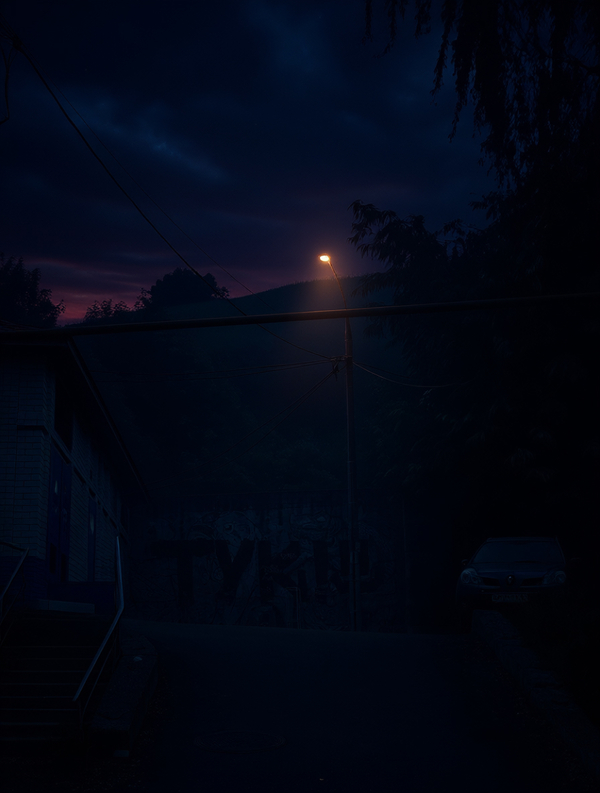
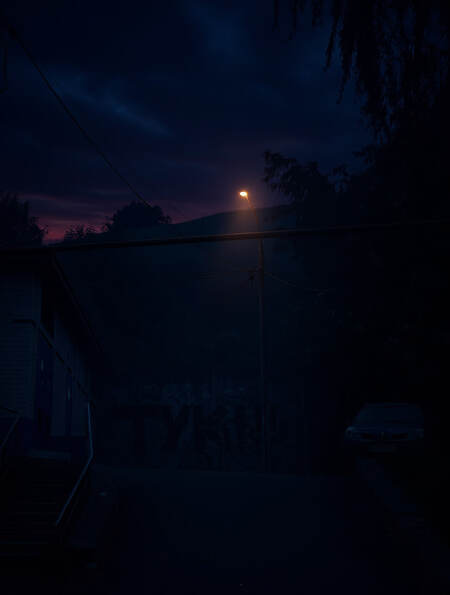
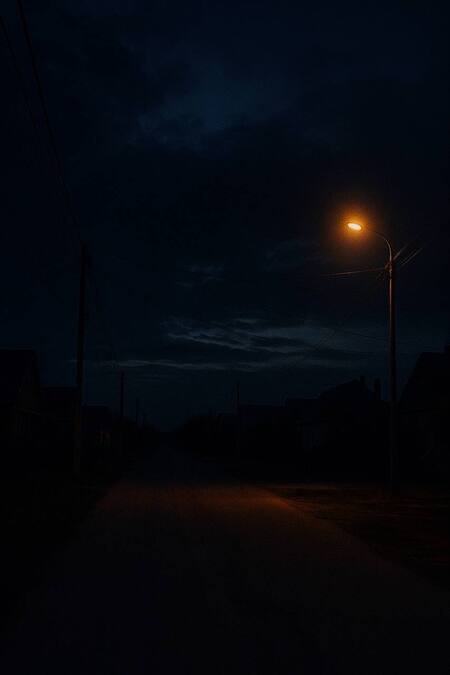
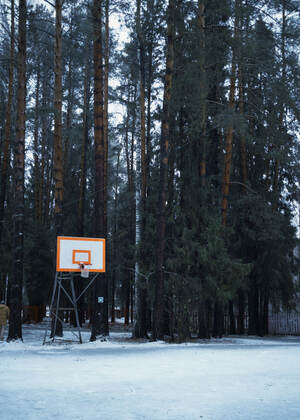
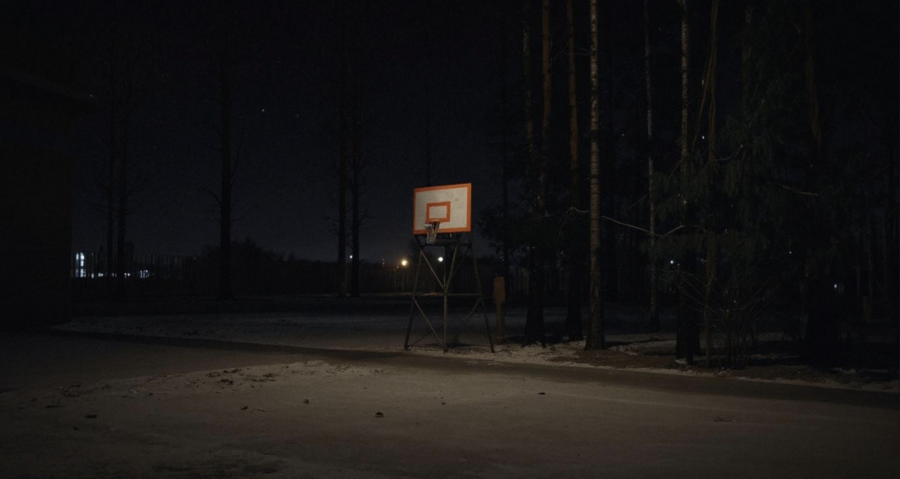
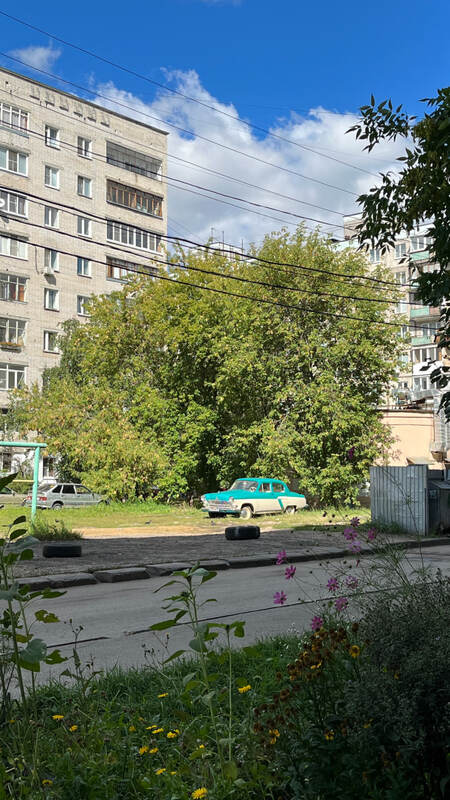
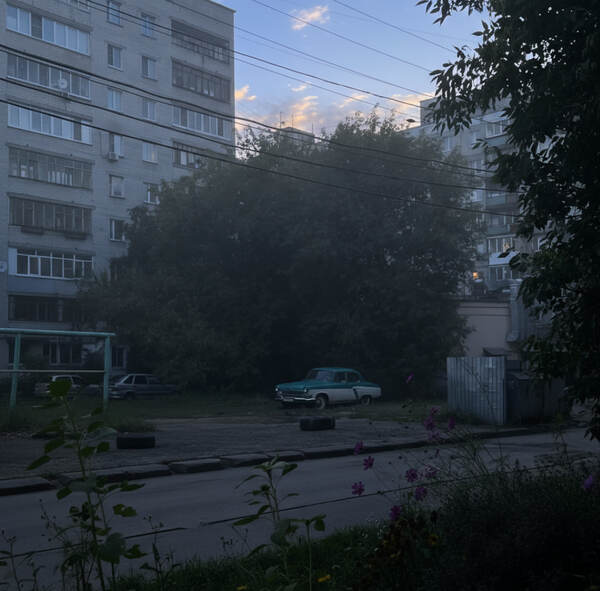
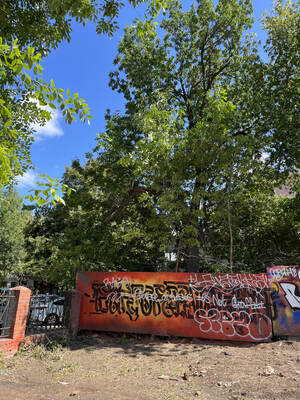
Лиминальные пространства — переходные места или состояния, которые вызывают чувство неопределённости, жути и сюрреализма, потому
что они находятся между двумя известными состояниями или локациями и лишены своего обычного наполнения.
Идея: Совместить что-то близкое, приятное и комфортное с чувством чужого, неприятного, неестественного.
Ход работы:
1) Определение, по какому принципу создаются жуткие и лиминальные пространства
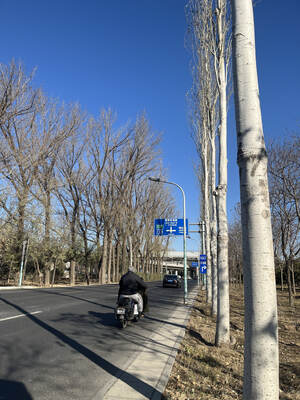
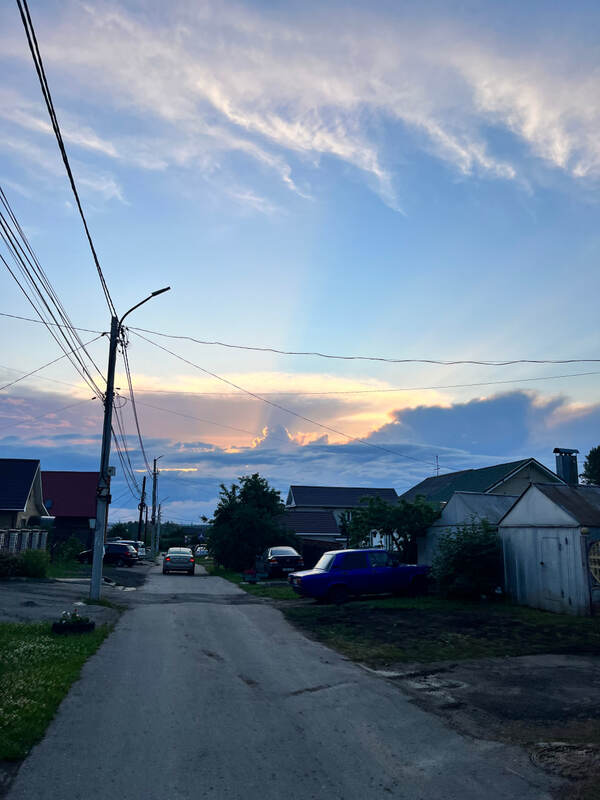
2) Создание и поиск фото источников
3) Генерация изображений
4) Отбор материала
Промт:
Creating a feeling of liminal space, generate new pictures
What creates the feeling of liminality:
Emptiness and lack of people
Transitional nature of space
Function uncertainty
Artificial lighting
Nostalgia and recognition
Ксения Лемудкина создала проект в формате текста, исследующий лиминальные пространства и их эмоциональное воздействие на человека. Проект включает анализ переходных мест, вызывающих неопределённость и сюрреализм, с использованием нейросетей для генерации визуального материала.
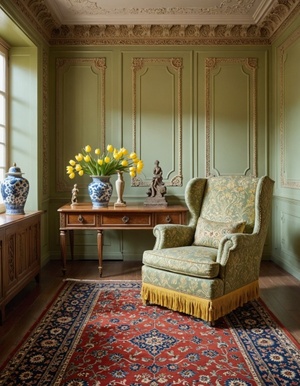
Автор Nataly P подготовила текст в формате книги с описанием интерьера кабинета Дориана Грея в романе «Дориан». В тексте детально описаны элементы декора, включая синие фарфоровые вазы с тюльпанами и персидские коврики с бахромой.
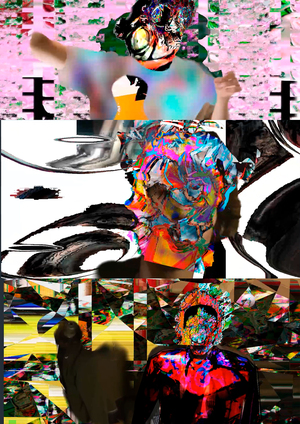
Василий Замятин создал проект, исследующий хаотичность постцифрового компилятивного образа в виде цифровой живописи, AR-линз и инсталляции. Проект демонстрирует полную нераспознаваемость источников образов и невозможность разделения медиумов из-за перегрузки эффектами и бриколажного подхода.
Мы используем файлы cookies для улучшения работы сайта и большего удобства его использования. Более подробную информац...
Показать больше
Press space bar to start a drag.
When dragging you can use the arrow keys to move the item around and escape to cancel.
Some screen readers may require you to be in focus mode or to use your pass through key
Press space bar to start a drag.
When dragging you can use the arrow keys to move the item around and escape to cancel.
Some screen readers may require you to be in focus mode or to use your pass through key
Press space bar to start a drag.
When dragging you can use the arrow keys to move the item around and escape to cancel.
Some screen readers may require you to be in focus mode or to use your pass through key
Press space bar to start a drag.
When dragging you can use the arrow keys to move the item around and escape to cancel.
Some screen readers may require you to be in focus mode or to use your pass through key
Press space bar to start a drag.
When dragging you can use the arrow keys to move the item around and escape to cancel.
Some screen readers may require you to be in focus mode or to use your pass through key
Press space bar to start a drag.
When dragging you can use the arrow keys to move the item around and escape to cancel.
Some screen readers may require you to be in focus mode or to use your pass through key
Press space bar to start a drag.
When dragging you can use the arrow keys to move the item around and escape to cancel.
Some screen readers may require you to be in focus mode or to use your pass through key
Press space bar to start a drag.
When dragging you can use the arrow keys to move the item around and escape to cancel.
Some screen readers may require you to be in focus mode or to use your pass through key