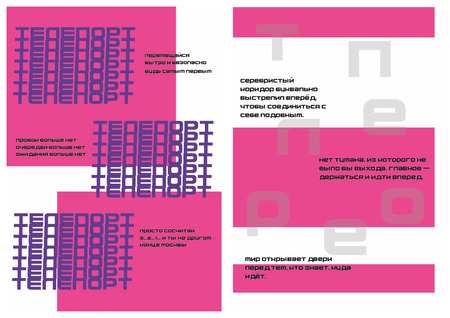
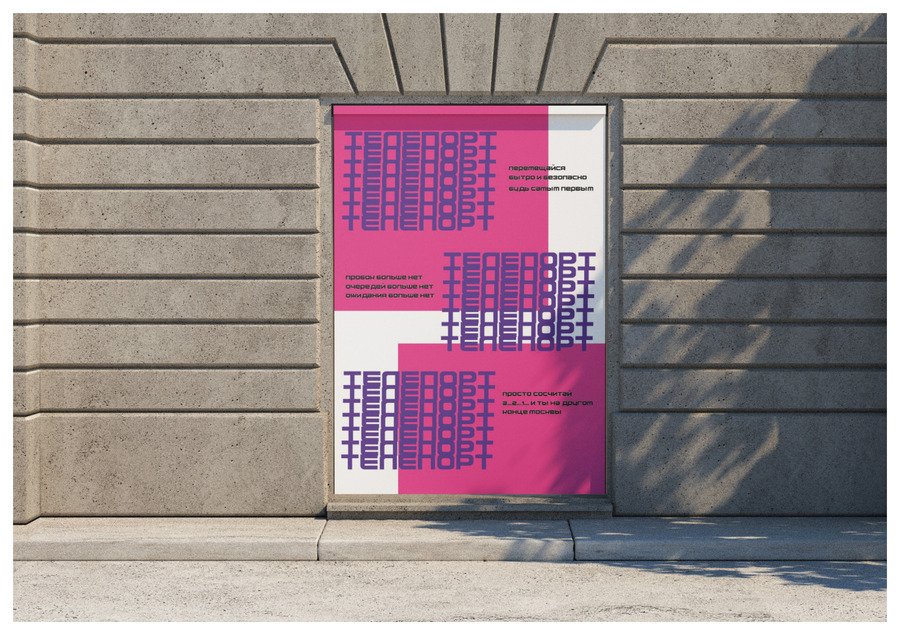
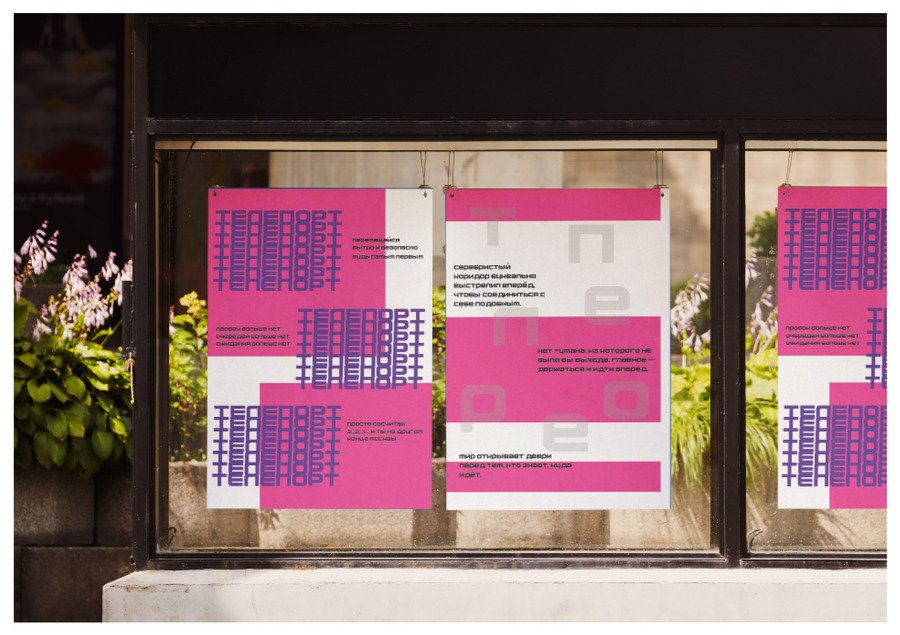
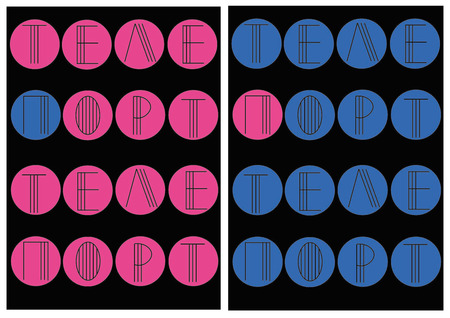
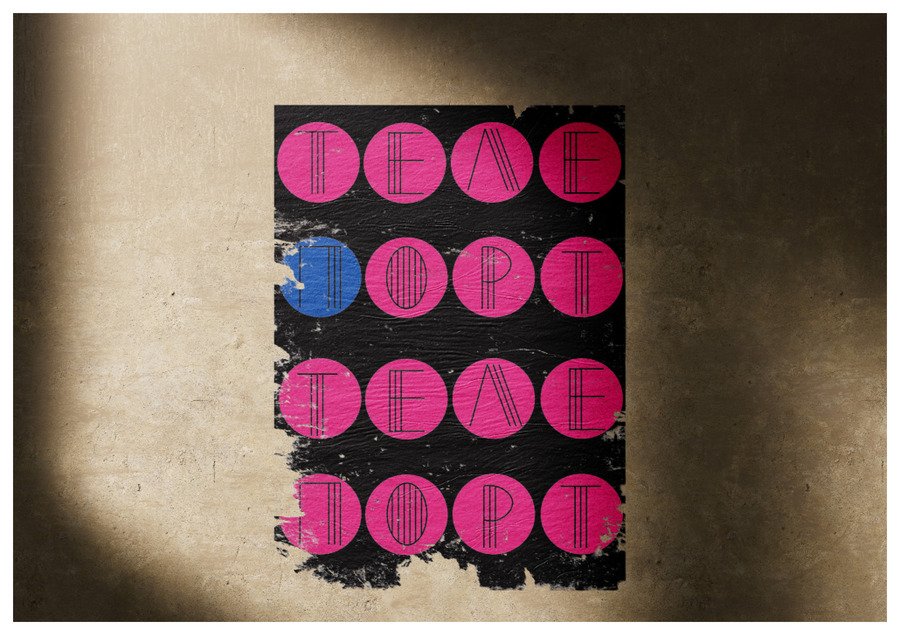
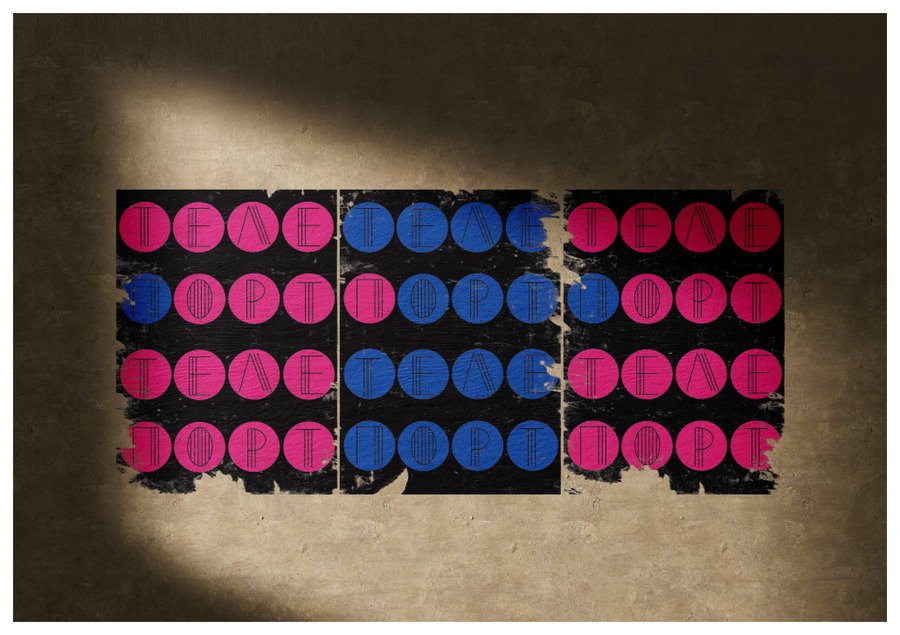
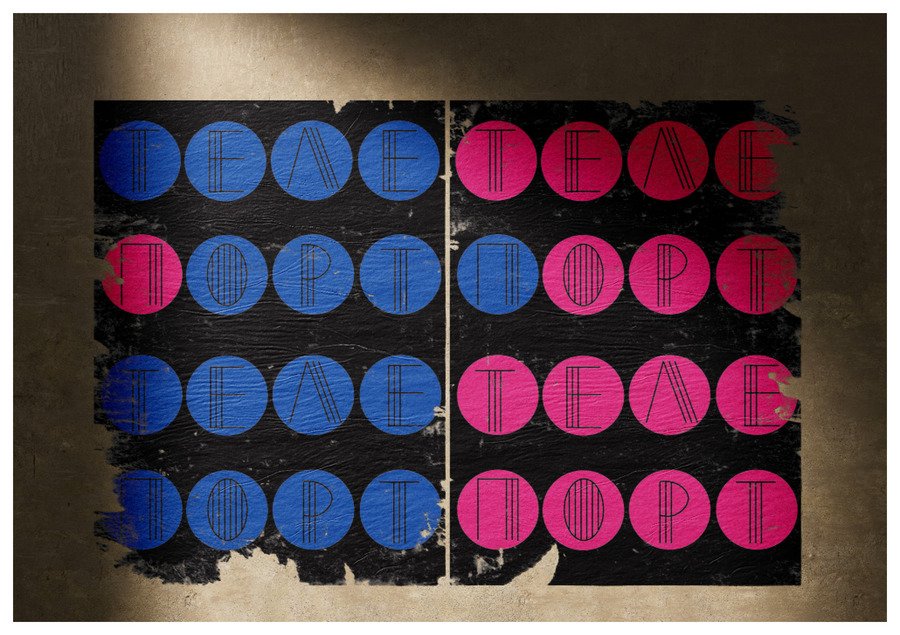
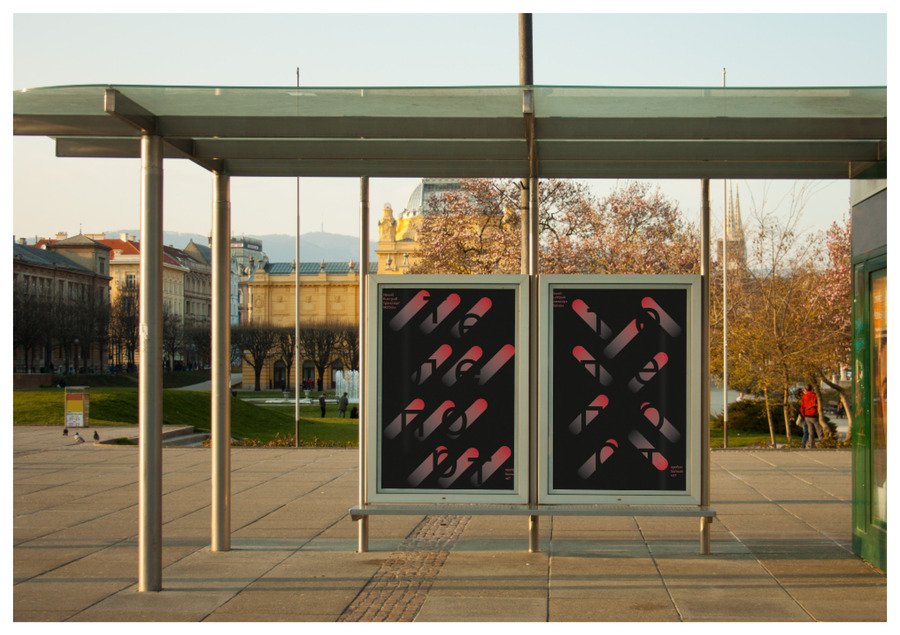
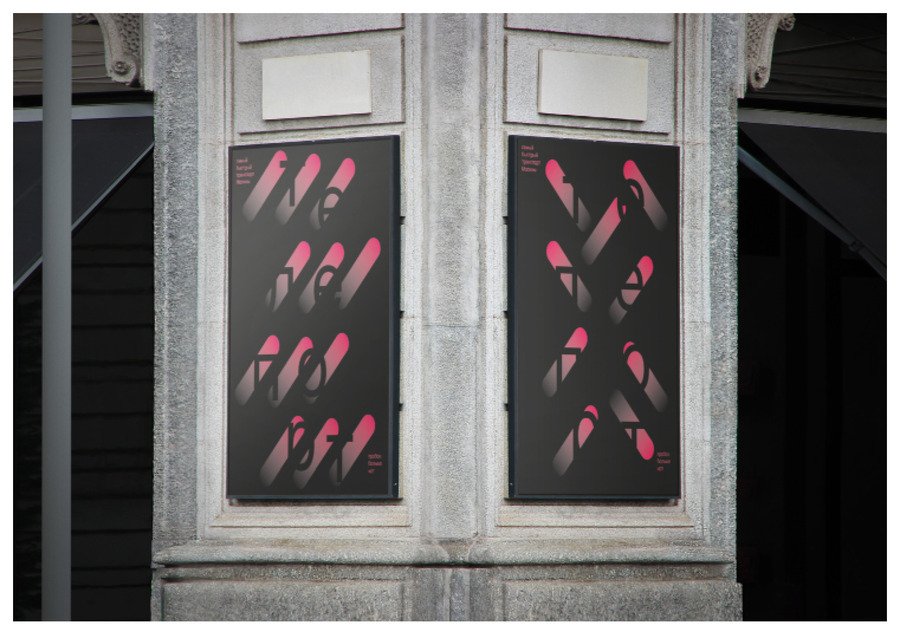
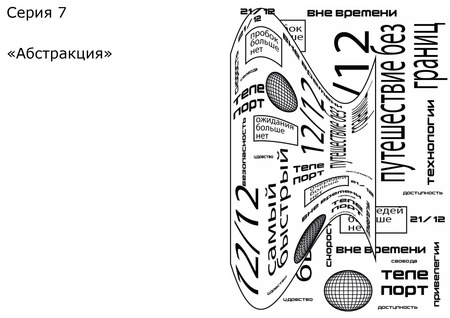
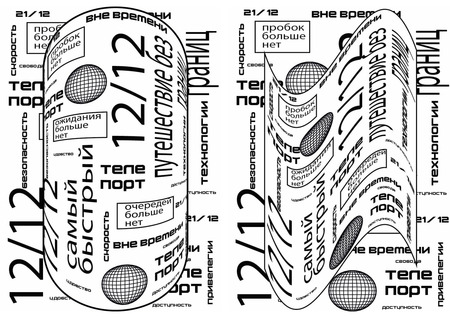
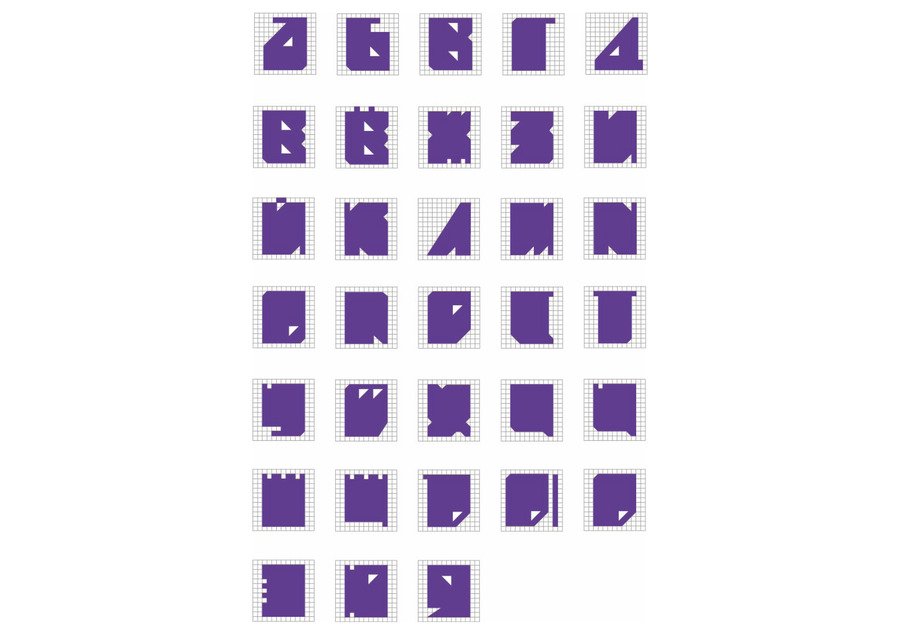
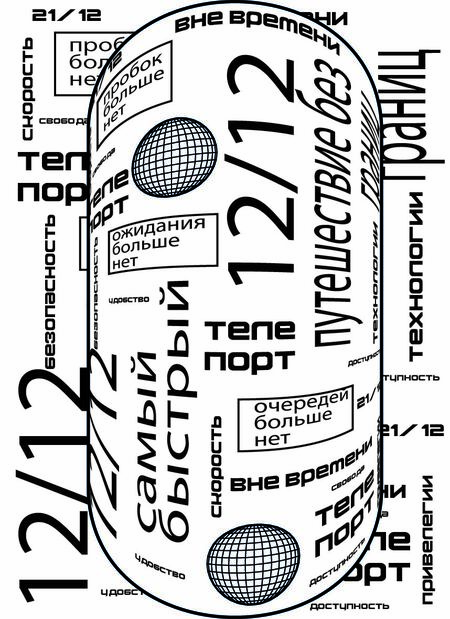
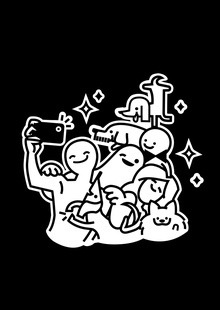
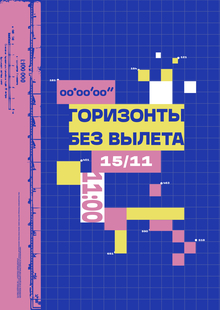
Евгения Воробьева создала плакаты для звериного медиа «СТАЯ», объединяя выразительную типографику и линейные иллюстрации в концепции, отражающей взаимодействие персонажей. Проект включает девять героев, среди которых центральный персонаж — Шарик, символизирующий алгоритм подбора пар по характеру и привычкам.
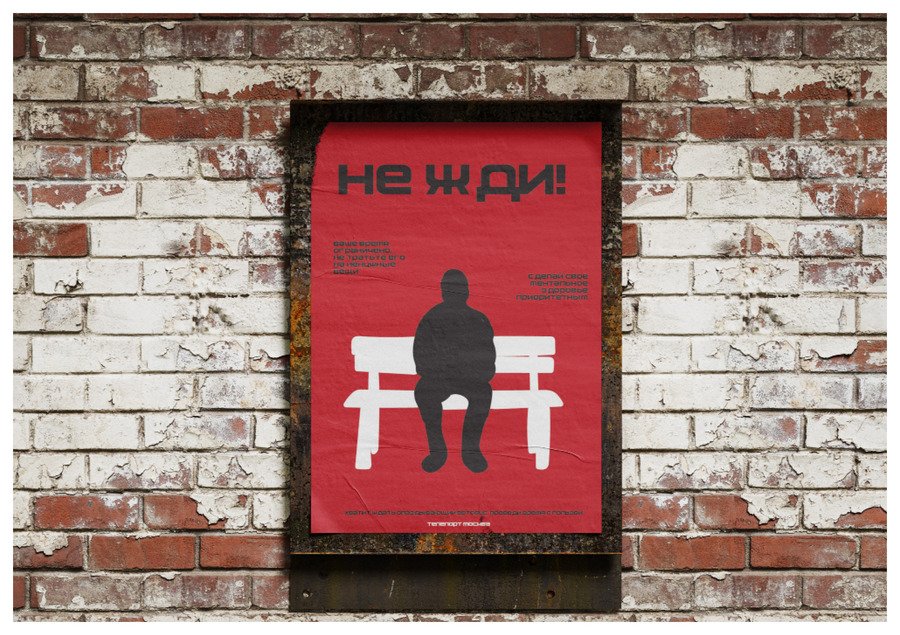
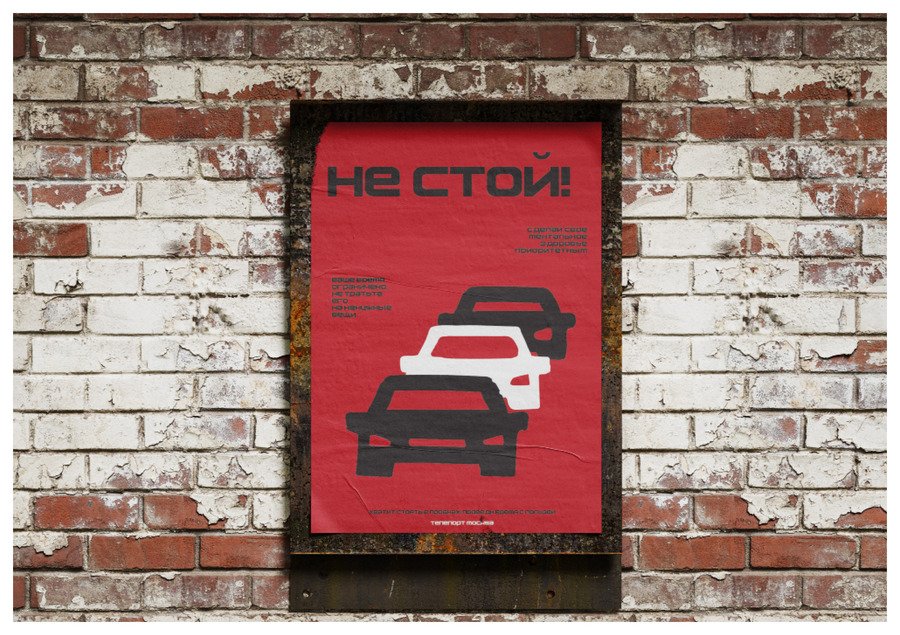
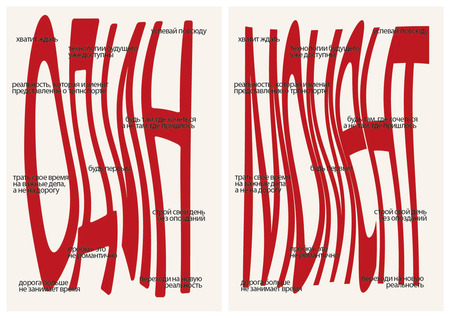
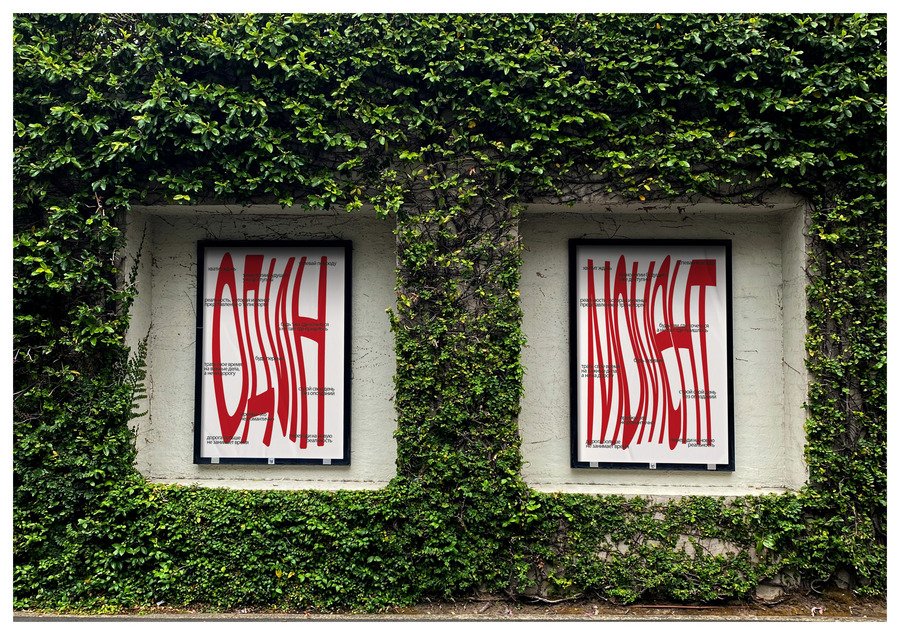
Диана Семенова создала плакаты для агентства «Профилактика путешествий». Проект включает серию плакатов, посвящённых внутренним путешествиям и эмоциональной перезагрузке без физического перемещения.
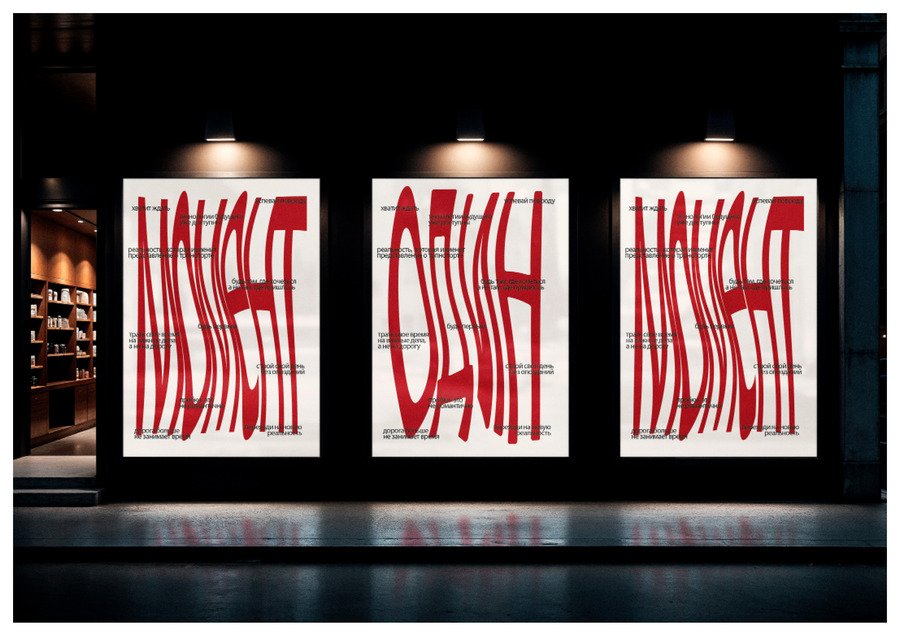
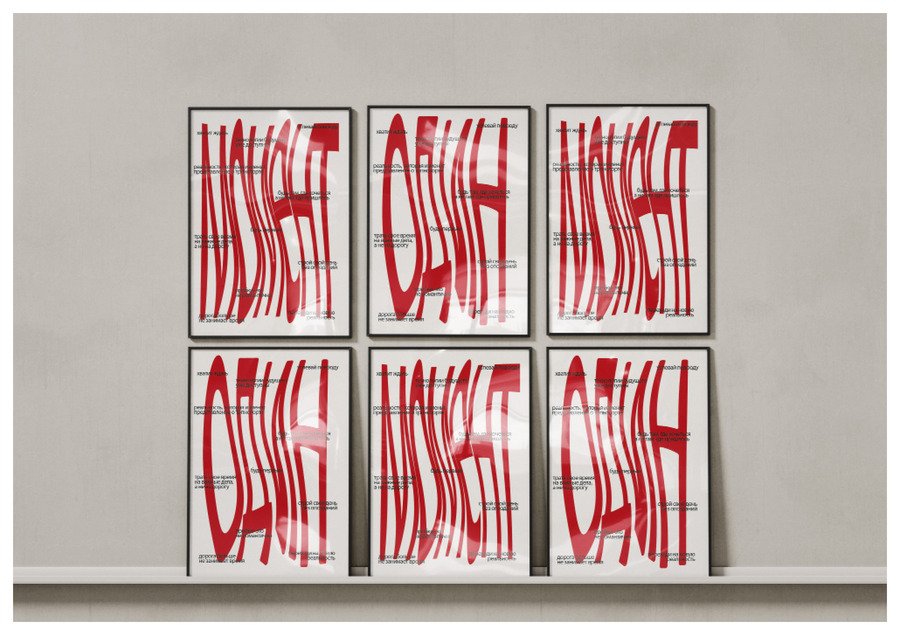
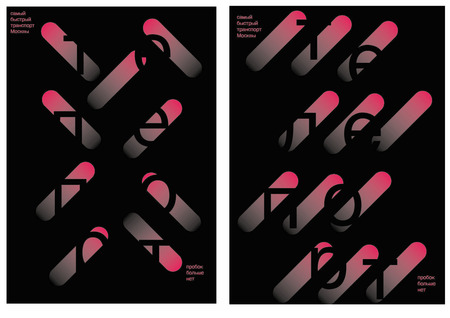
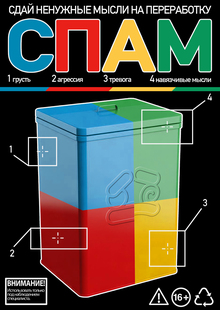
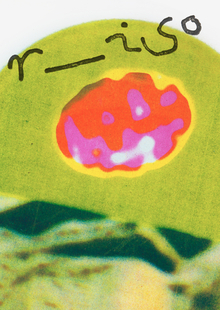
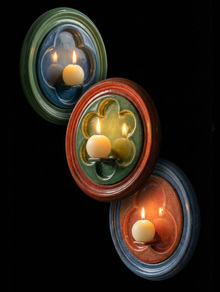
Алина Птухина создала плакаты для клининг-сервиса «СПАМ», который предлагает услуги по очистке мыслей и пространств. Проект включает в себя шесть графических и типографических серий, каждая из которых отражает концепцию минимализма и отказа от перепотребления.
Цифровая платформа, где талантливые креаторы находят клиентов, а бренды — свежие идеи. Загружайте проекты, получайте фидбек, участвуйте в конкурсах, получайте образование — или запускайте собственные опен-коллы и находите исполнителей для своих задач.
Мы используем файлы cookies для улучшения работы сайта и большего удобства его использования. Более подробную информац...
Показать больше
Press space bar to start a drag.
When dragging you can use the arrow keys to move the item around and escape to cancel.
Some screen readers may require you to be in focus mode or to use your pass through key
Press space bar to start a drag.
When dragging you can use the arrow keys to move the item around and escape to cancel.
Some screen readers may require you to be in focus mode or to use your pass through key
Press space bar to start a drag.
When dragging you can use the arrow keys to move the item around and escape to cancel.
Some screen readers may require you to be in focus mode or to use your pass through key
Press space bar to start a drag.
When dragging you can use the arrow keys to move the item around and escape to cancel.
Some screen readers may require you to be in focus mode or to use your pass through key
Press space bar to start a drag.
When dragging you can use the arrow keys to move the item around and escape to cancel.
Some screen readers may require you to be in focus mode or to use your pass through key
Press space bar to start a drag.
When dragging you can use the arrow keys to move the item around and escape to cancel.
Some screen readers may require you to be in focus mode or to use your pass through key
Press space bar to start a drag.
When dragging you can use the arrow keys to move the item around and escape to cancel.
Some screen readers may require you to be in focus mode or to use your pass through key
Press space bar to start a drag.
When dragging you can use the arrow keys to move the item around and escape to cancel.
Some screen readers may require you to be in focus mode or to use your pass through key