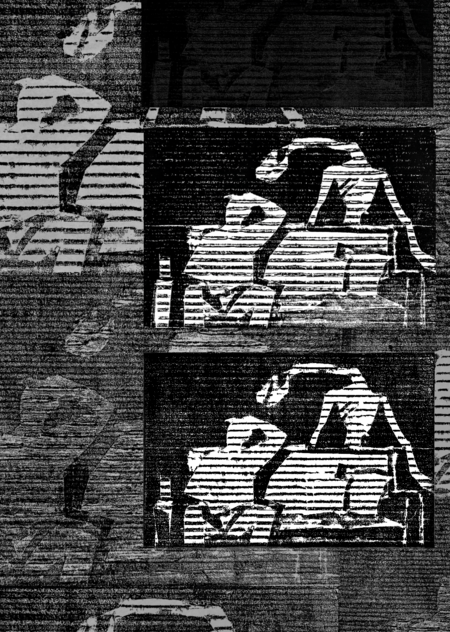
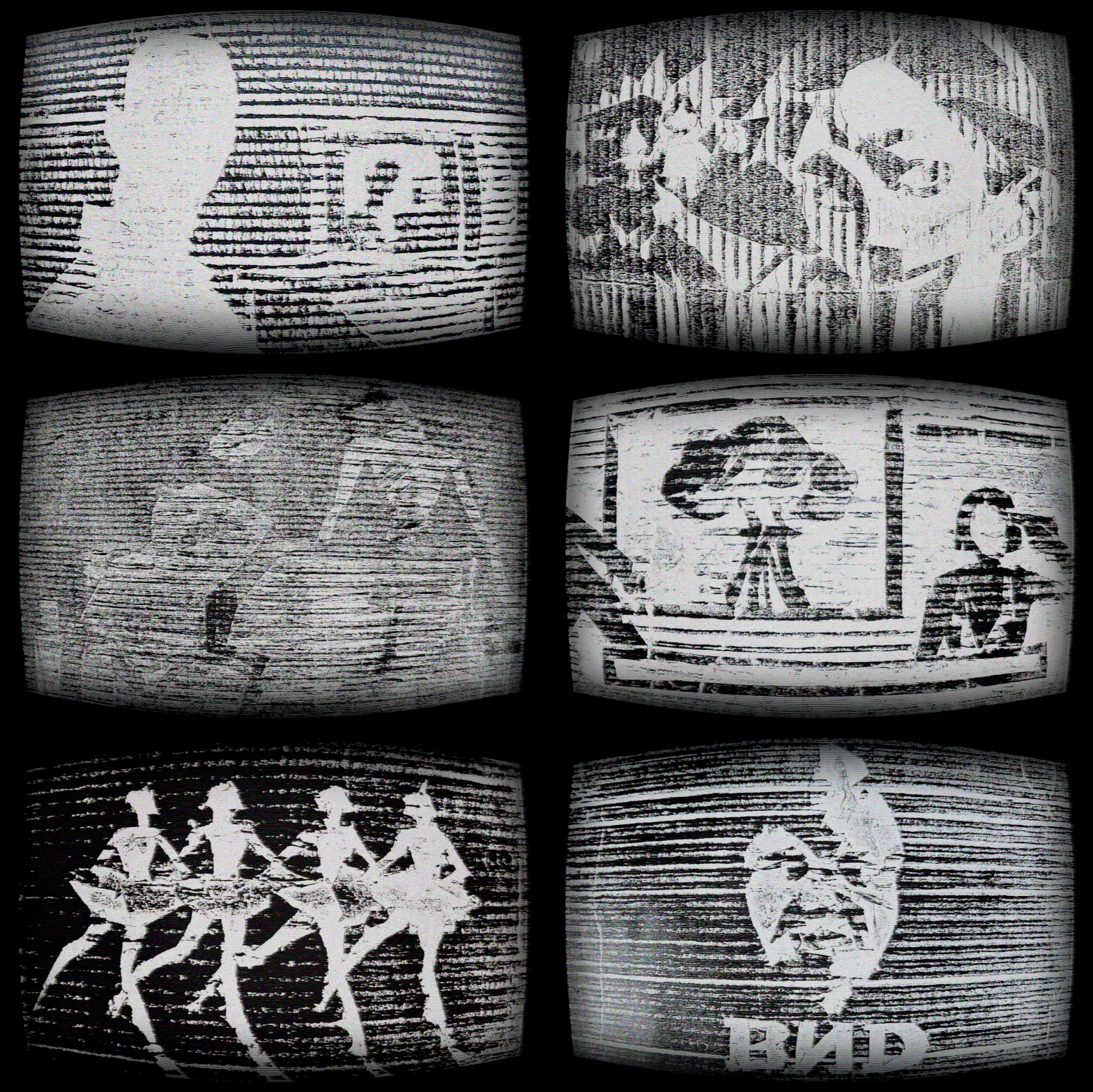
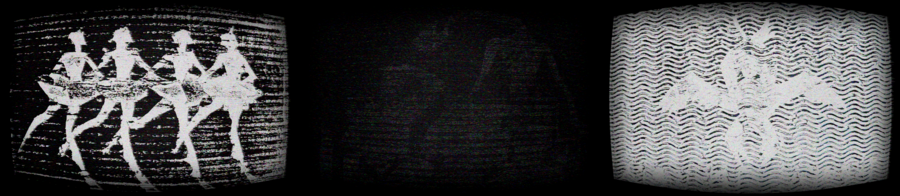
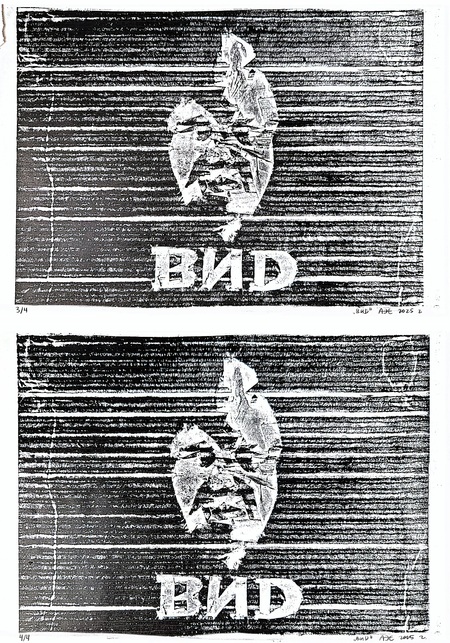
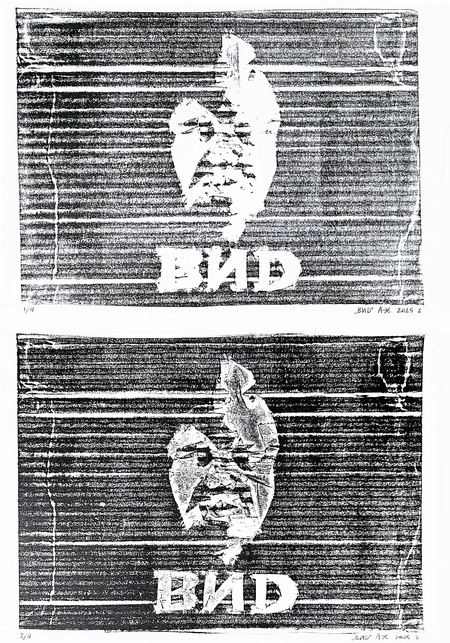
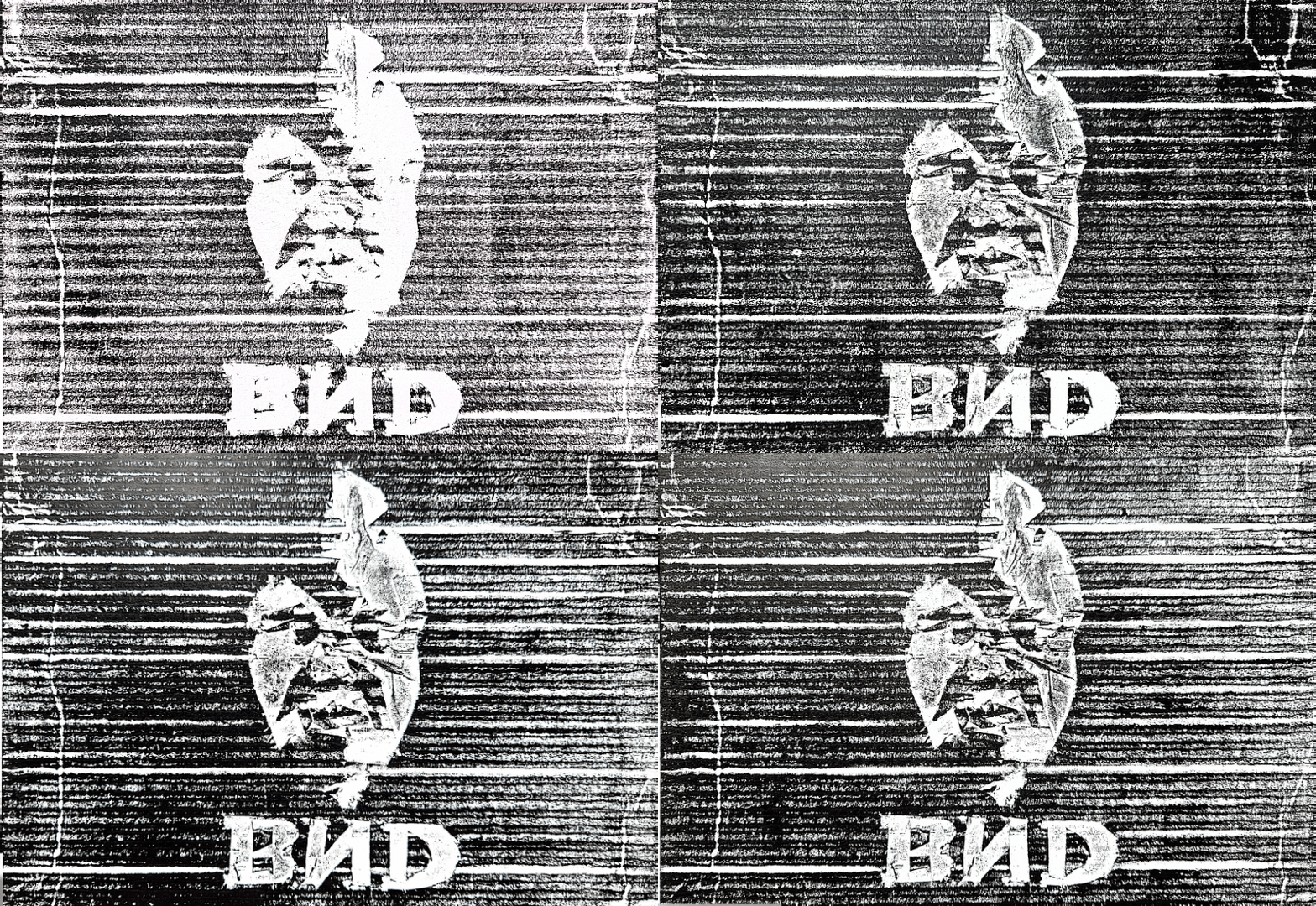
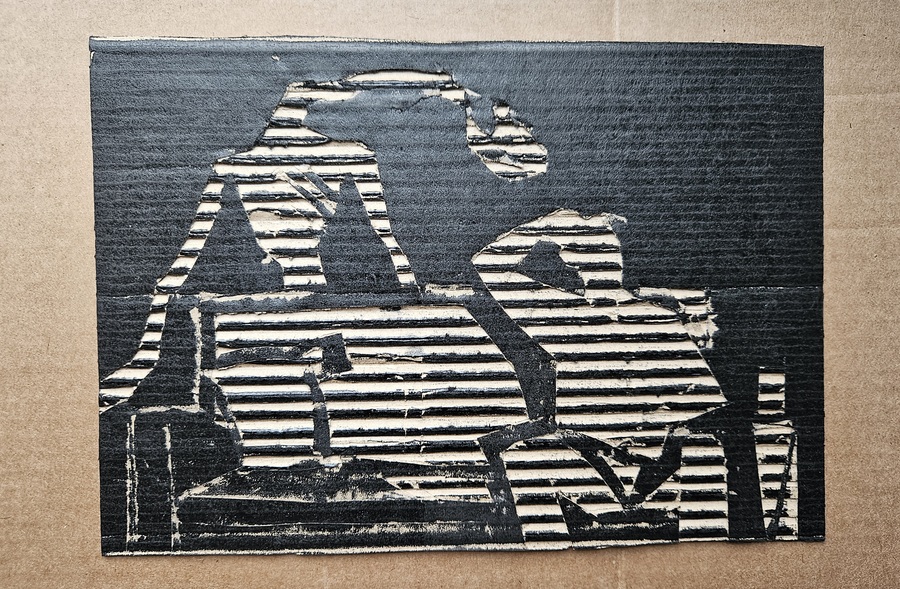
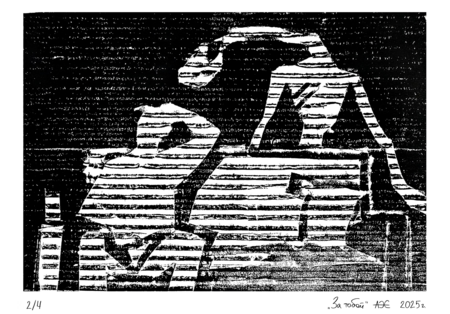
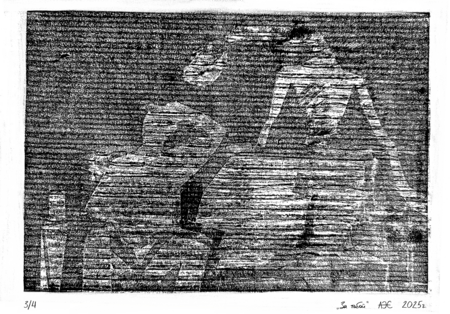
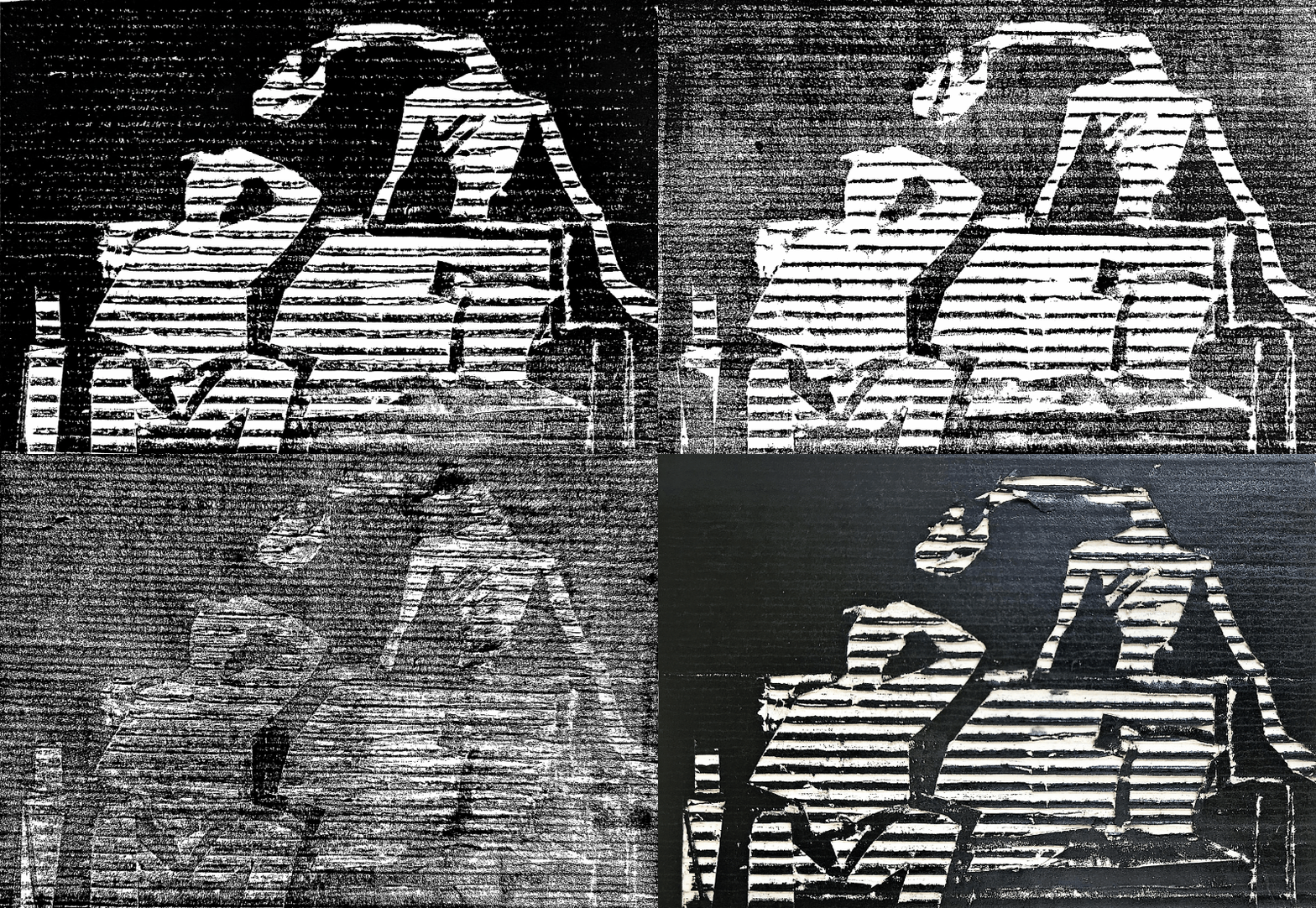
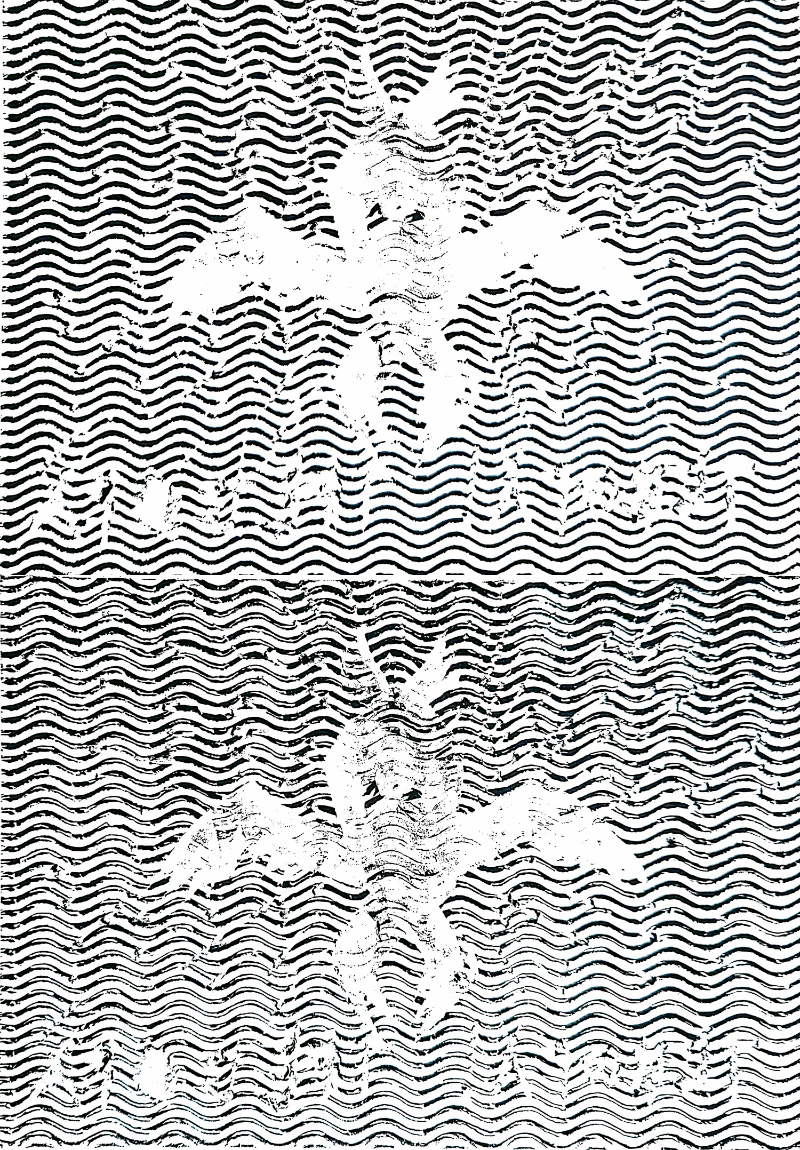
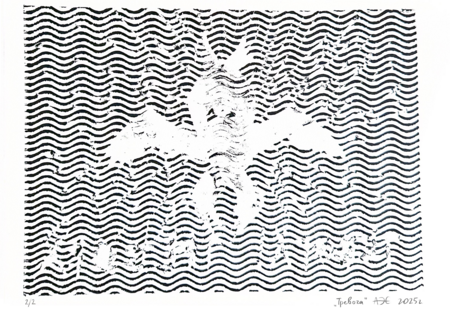
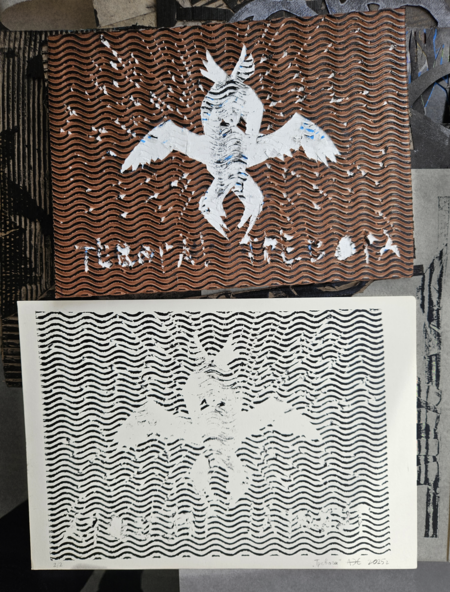
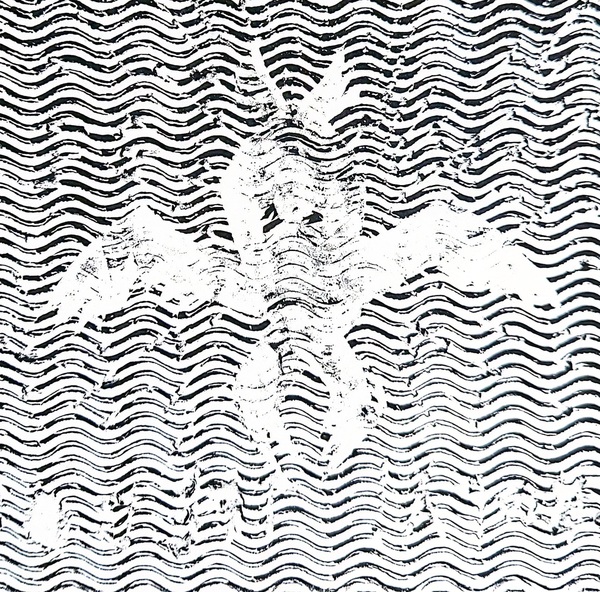
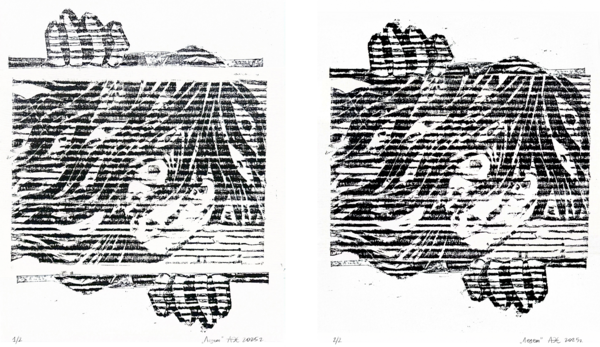
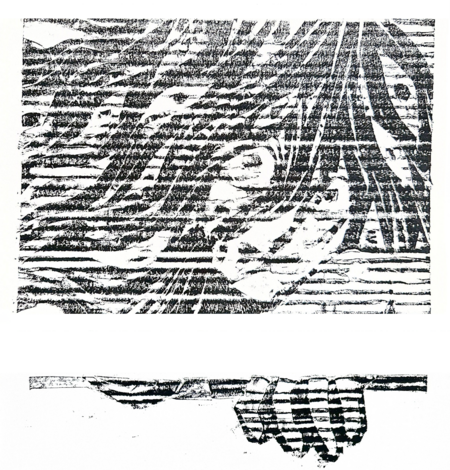
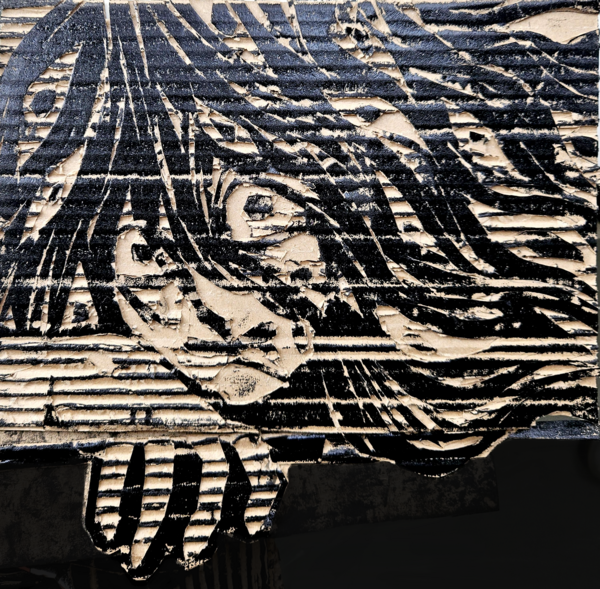
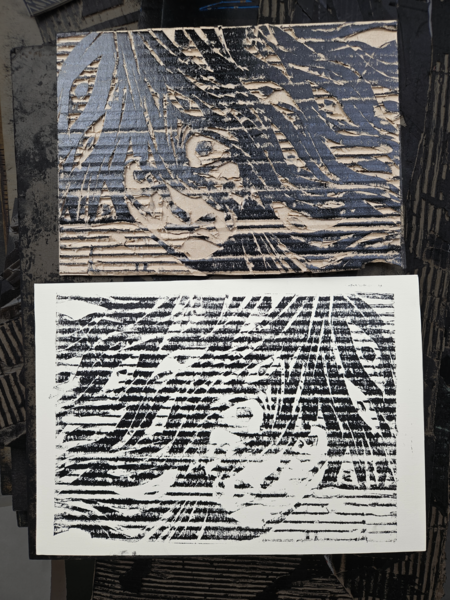
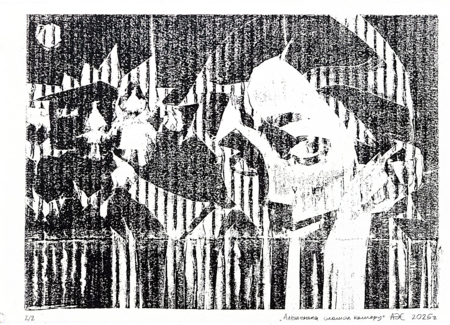
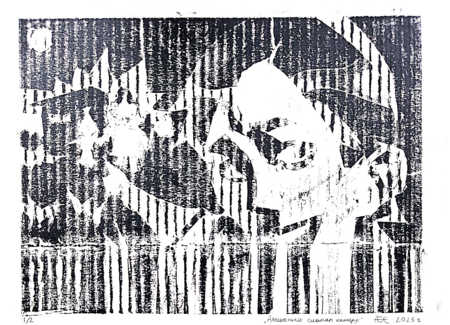
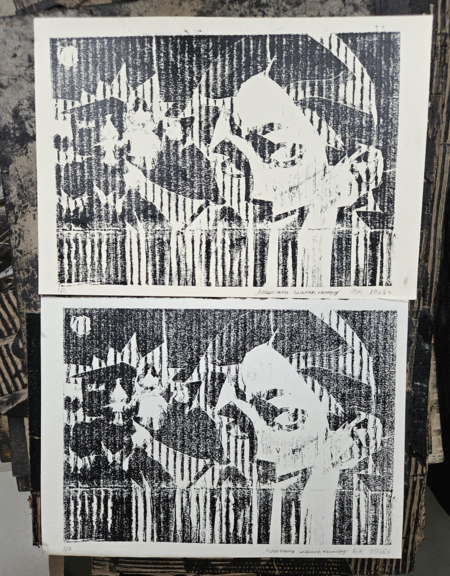
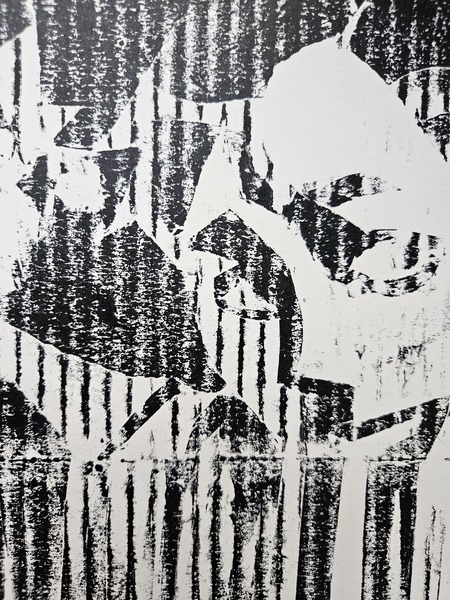
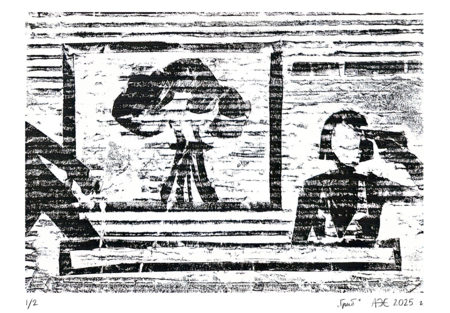
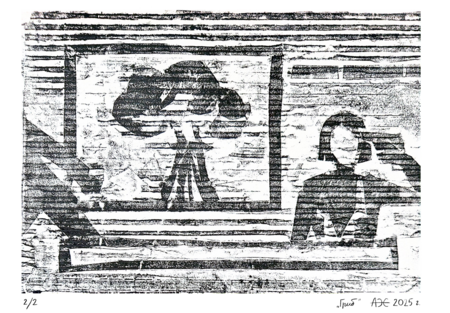
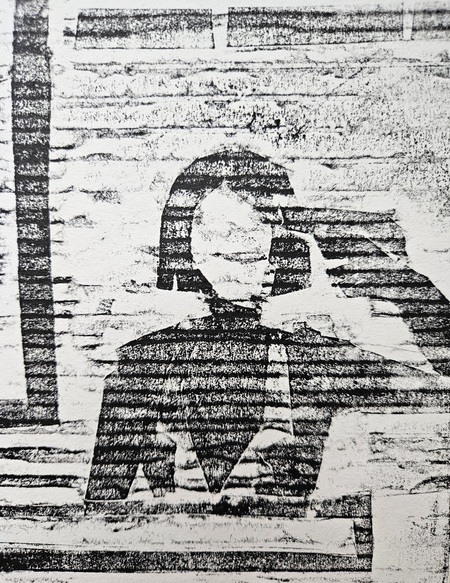
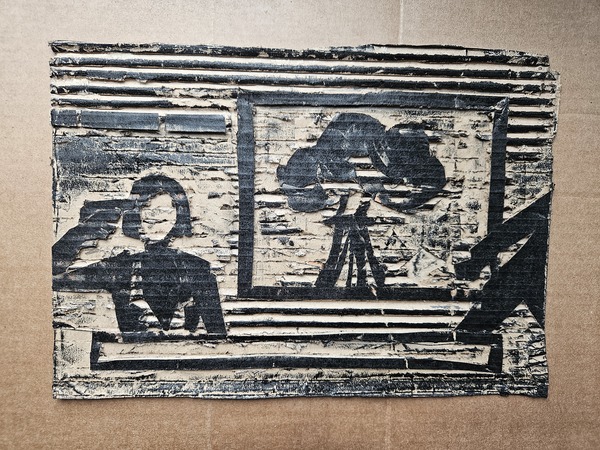
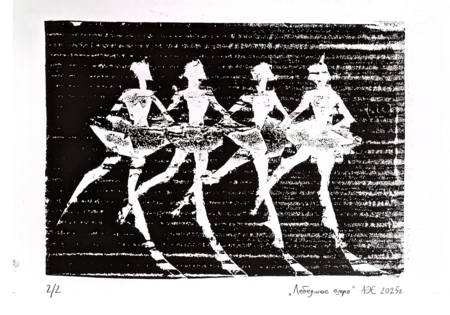
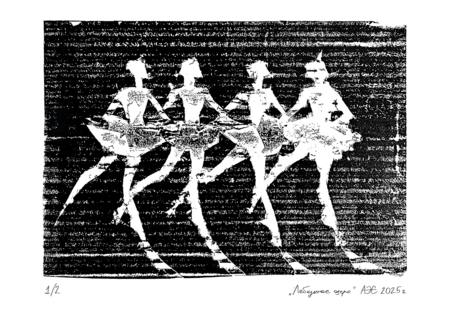
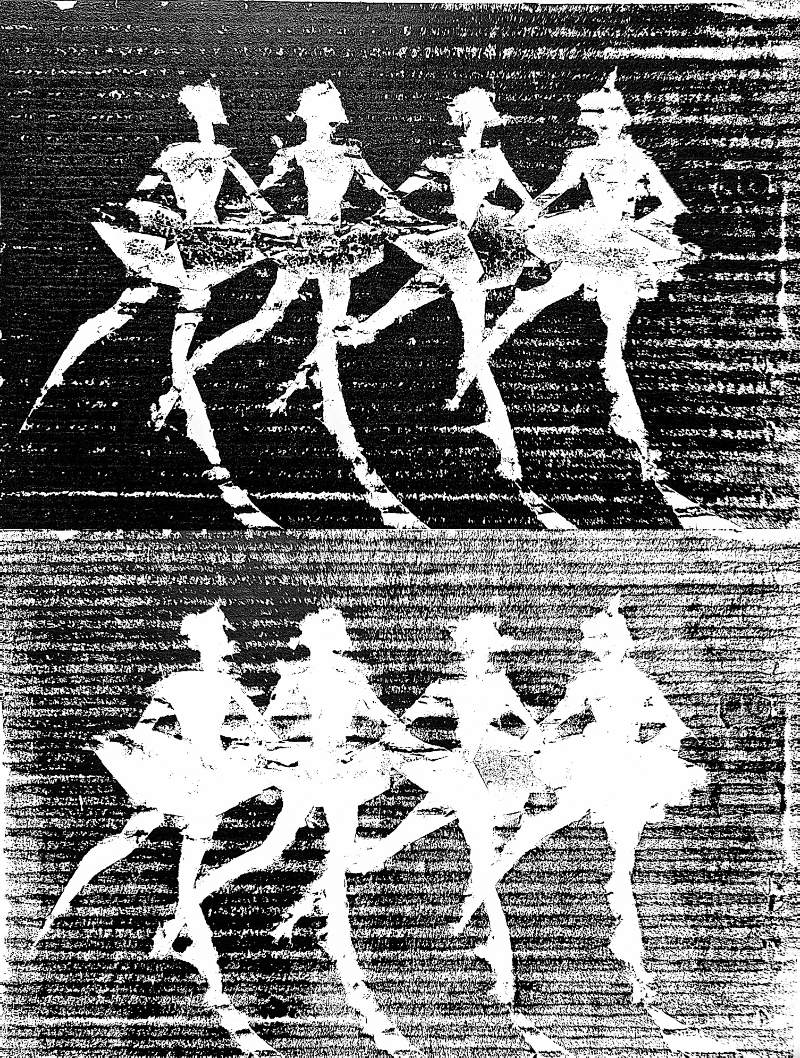
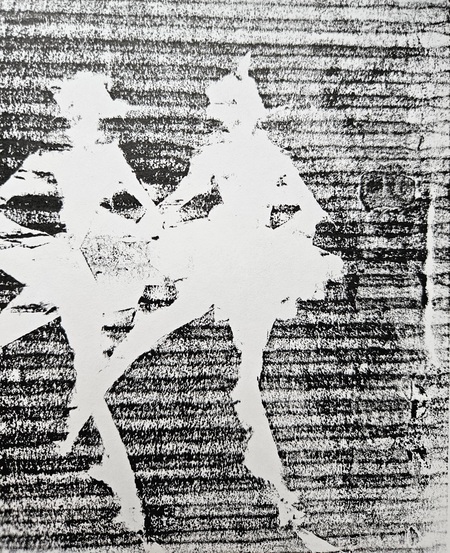
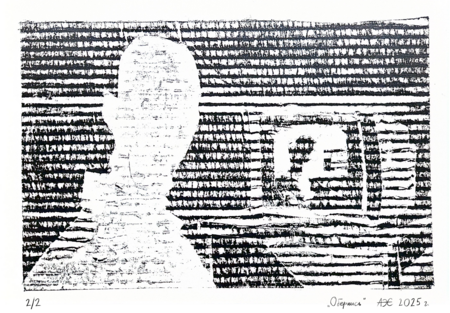
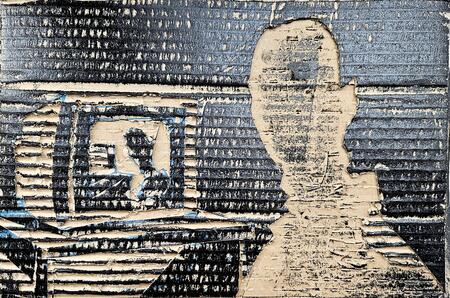
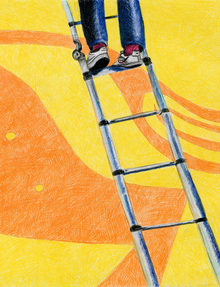
Серия из восьми гравюр на картоне на тему «Телевизионный ужас».
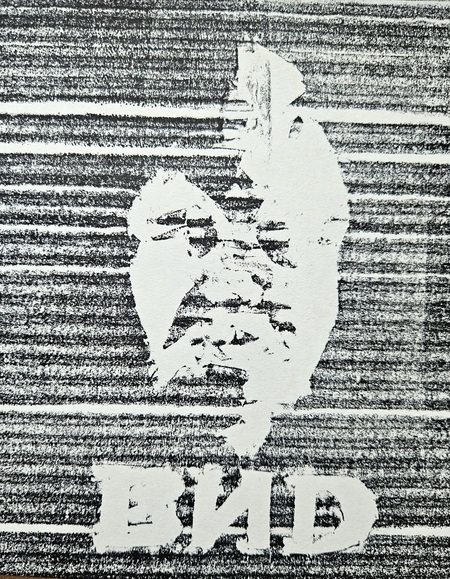
В этой серии работ мне хотелось немного поразмышлять над тем, какие тревожные образы можно увидеть по телевизору — мистические и более реальные, существующие и выдуманные, ностальгические и более актуальные.
ВИД. Размер: 26×19,5 см. 2025 г.
Исходный размер 3696x2417
За тобой. Размер: 26×18,5 см. 2025 г.
Исходный размер 800x553
Исходный размер 3077x2144
Тревога! Размер: 26×17 см. 2025 г.
Лезет. Размер: 34×20 см. 2025 г.
Алешенька сломал камеру. Размер: 26×19 см. 2025 г.
Элеонора Анисимова создала серию из восьми гравюр на картоне под названием «Телевизионный ужас». Проект исследует тревожные образы, которые можно увидеть на телевидении, сочетая мистику с реальностью и ностальгию с актуальностью.
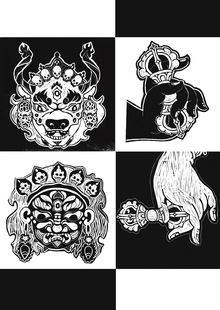
Ангелина Сарангова создала серию линогравюр, исследующую дуальность божественного гнева и сострадания через образы защитных божеств Махакалы и Ямантаки. Проект включает диптихи, где маска и рука с Ваджрой символизируют акт божественного вмешательства, обнажающего зло и уничтожающего его.
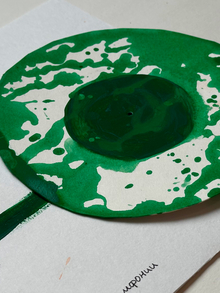
Варвара Савинова создала арт-проект, в котором бытовые звуки превращаются в визуальные образы с помощью воды и краски. Проект включает в себя рисунки на бумаге, созданные с помощью вибраций звуковых волн, и оформляется в виде виниловых пластинок в конвертах.
Рута Квочкина создала скетчбук «Столица стрит-арта», посвящённый уличному искусству Нижнего Новгорода. Проект рассказывает о жизни граффитчика, который преображает городские стены своими работами.
Мы используем файлы cookies для улучшения работы сайта и большего удобства его использования. Более подробную информац...
Показать больше
Press space bar to start a drag.
When dragging you can use the arrow keys to move the item around and escape to cancel.
Some screen readers may require you to be in focus mode or to use your pass through key
Press space bar to start a drag.
When dragging you can use the arrow keys to move the item around and escape to cancel.
Some screen readers may require you to be in focus mode or to use your pass through key
Press space bar to start a drag.
When dragging you can use the arrow keys to move the item around and escape to cancel.
Some screen readers may require you to be in focus mode or to use your pass through key
Press space bar to start a drag.
When dragging you can use the arrow keys to move the item around and escape to cancel.
Some screen readers may require you to be in focus mode or to use your pass through key
Press space bar to start a drag.
When dragging you can use the arrow keys to move the item around and escape to cancel.
Some screen readers may require you to be in focus mode or to use your pass through key
Press space bar to start a drag.
When dragging you can use the arrow keys to move the item around and escape to cancel.
Some screen readers may require you to be in focus mode or to use your pass through key
Press space bar to start a drag.
When dragging you can use the arrow keys to move the item around and escape to cancel.
Some screen readers may require you to be in focus mode or to use your pass through key
Press space bar to start a drag.
When dragging you can use the arrow keys to move the item around and escape to cancel.
Some screen readers may require you to be in focus mode or to use your pass through key
Press space bar to start a drag.
When dragging you can use the arrow keys to move the item around and escape to cancel.
Some screen readers may require you to be in focus mode or to use your pass through key
Press space bar to start a drag.
When dragging you can use the arrow keys to move the item around and escape to cancel.
Some screen readers may require you to be in focus mode or to use your pass through key
Press space bar to start a drag.
When dragging you can use the arrow keys to move the item around and escape to cancel.
Some screen readers may require you to be in focus mode or to use your pass through key
Press space bar to start a drag.
When dragging you can use the arrow keys to move the item around and escape to cancel.
Some screen readers may require you to be in focus mode or to use your pass through key
Press space bar to start a drag.
When dragging you can use the arrow keys to move the item around and escape to cancel.
Some screen readers may require you to be in focus mode or to use your pass through key
Press space bar to start a drag.
When dragging you can use the arrow keys to move the item around and escape to cancel.
Some screen readers may require you to be in focus mode or to use your pass through key