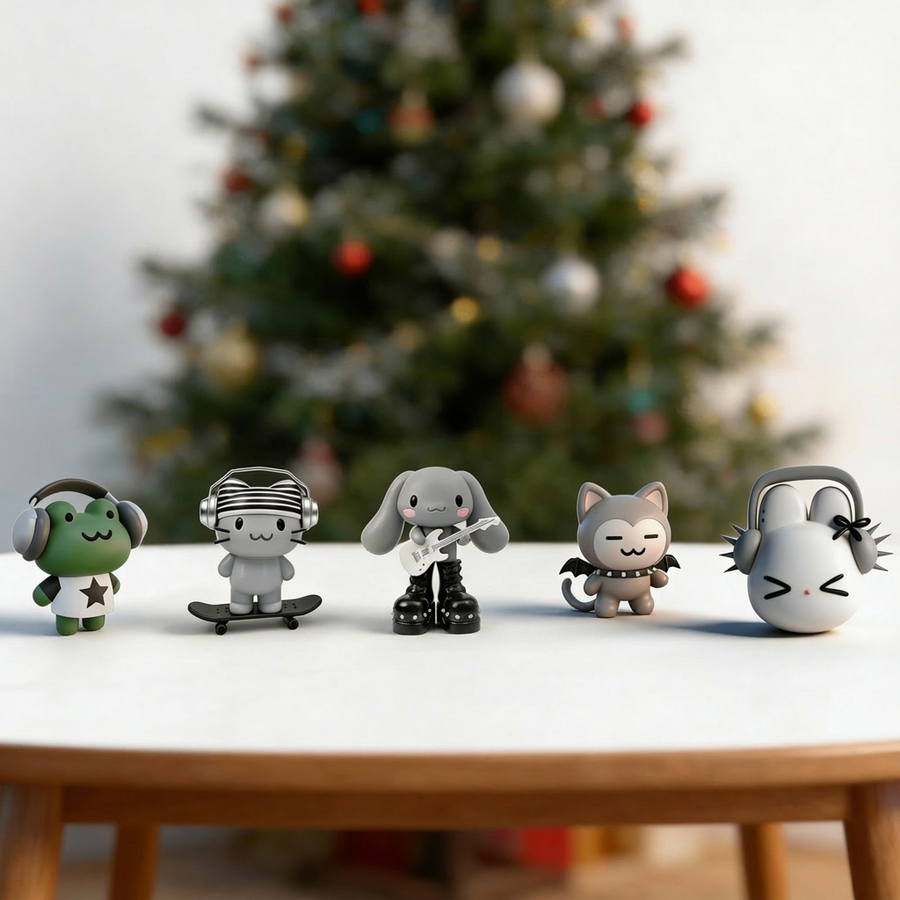
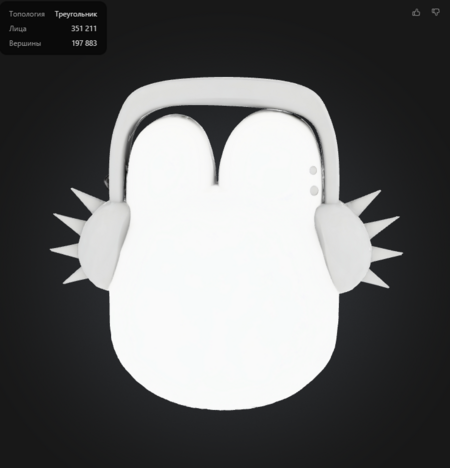
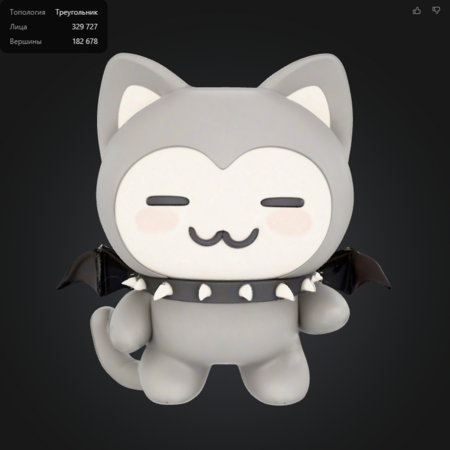
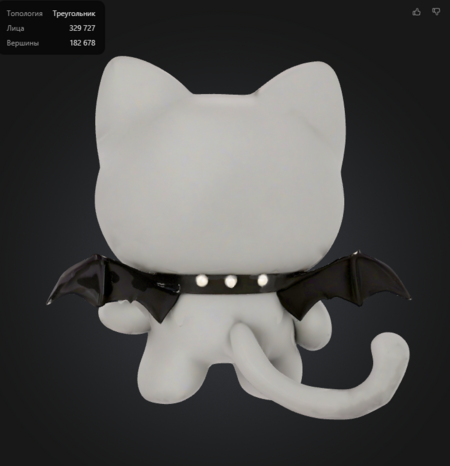
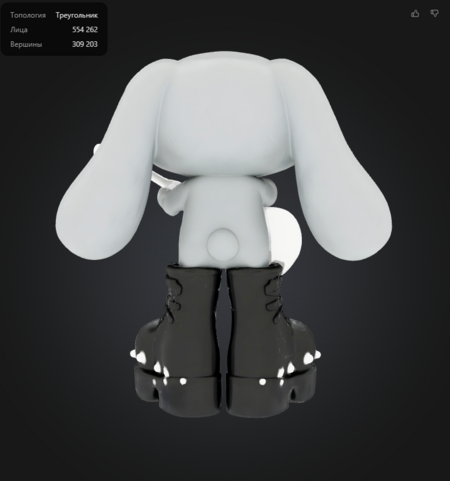
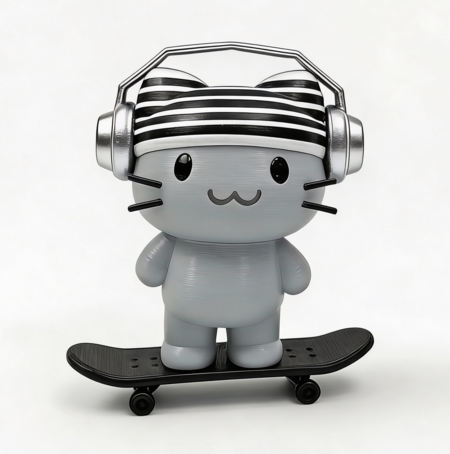
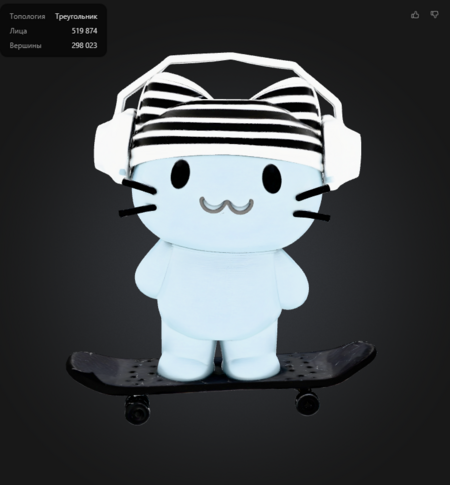
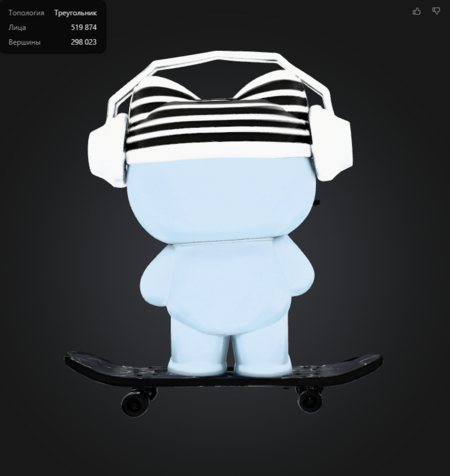
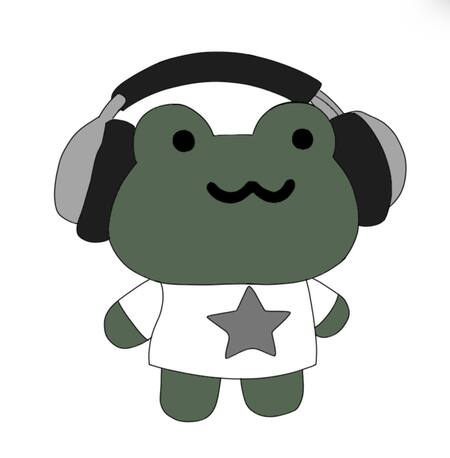
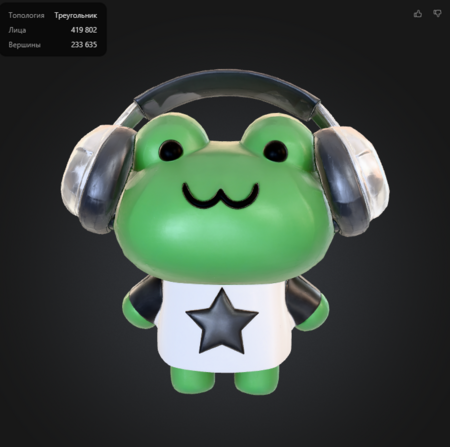
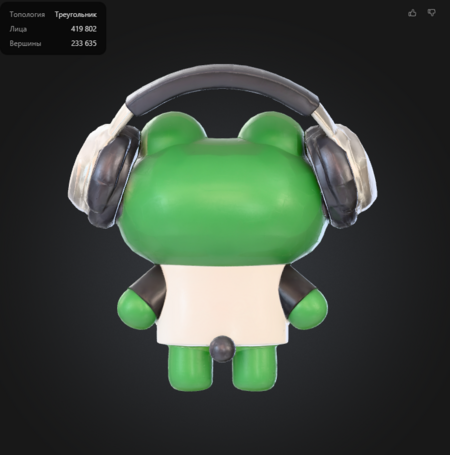
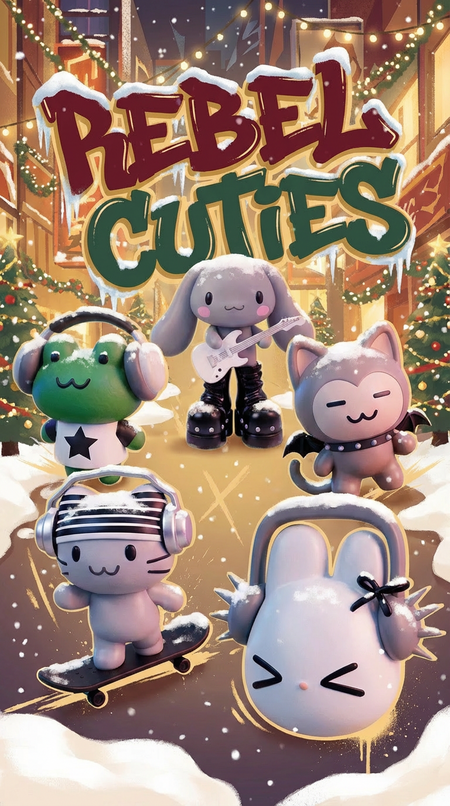
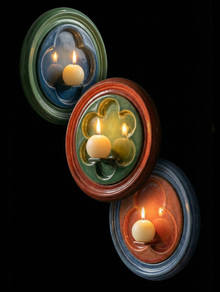
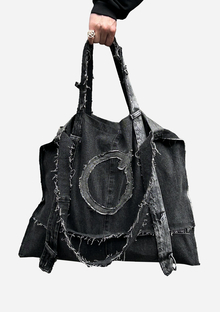
В этом модуле я создавала серию из ёлочных игрушек, подготовленных для 3д печати
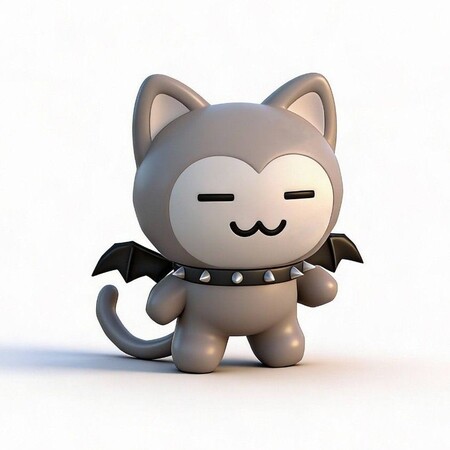
Исходный размер 1024x1024
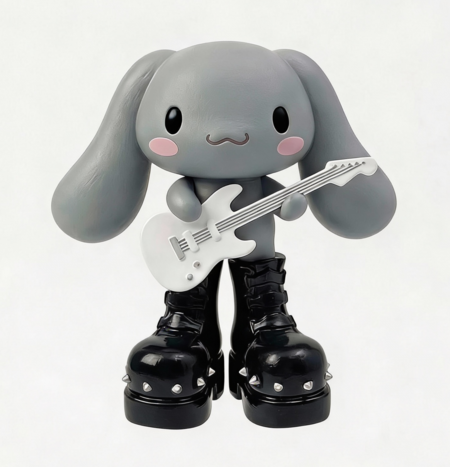
Сгенерировано в Higgsfield Ai
Концепция
Эта серия является переосмыслением классических ёлочных игрушек через призму взросления. Традиционные новогодние украшения чаще всего вызывают ассоциации с детством: милые зверушки, ангелочки, снеговики. Всё это символы беззаботности, волшебства и семейных традиций ранних лет, которые напоминают о времени, когда мир был простым, а праздник- чистой радостью.
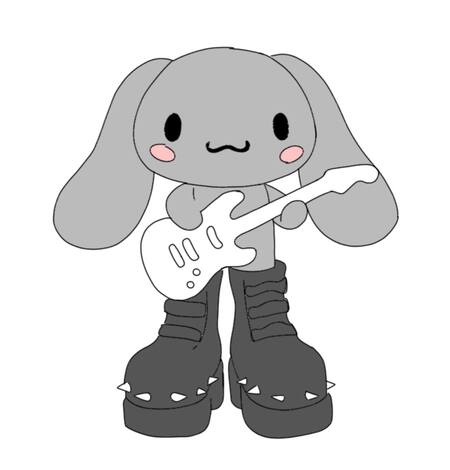
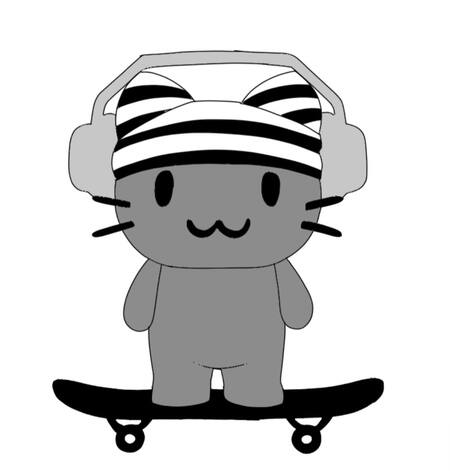
Я решила пойти другим путём и создать портрет подросткового возраста: игрушки на ёлку, которые несут в себе настроение того самого периода бунта, поиска себя и первой настоящей свободы. Когда ребёнок уже не хочет быть «милым зайчиком» и начинает проявлять индивидуальность, иногда через протест, иногда через увлечение субкультурами. Это возраст, когда появляются наушники с любимой музыкой как щит от мира, чёрная одежда, шипы и другие символы, которые помогают почувствовать себя особенным и не таким, как все
Процесс работы
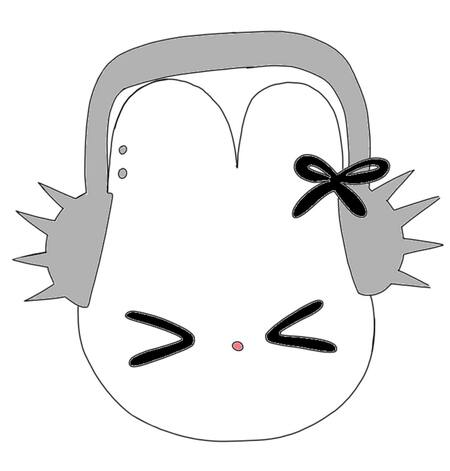
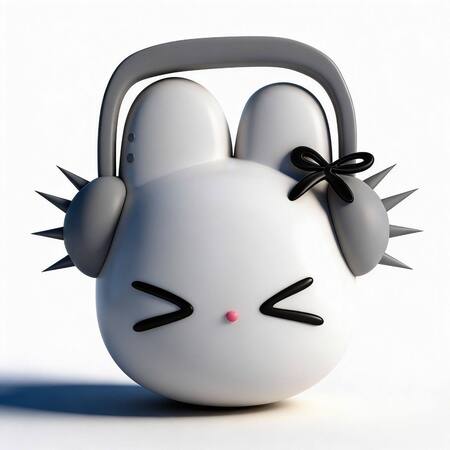
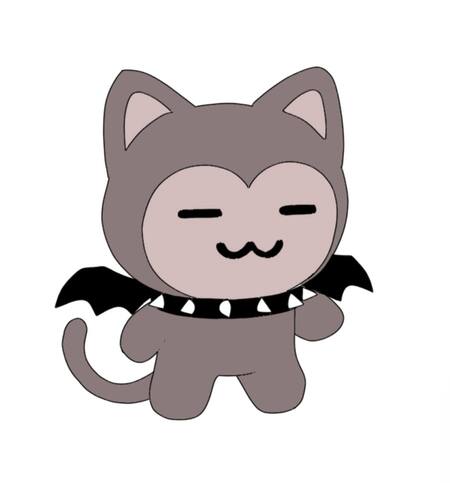
Для начала я нарисовала эскизы в программе iArtbook. Далее с помощью Higgsfield Ai я сгенерировала игрушки по этим эскизам и скорректировала их промптами
Мы используем файлы cookies для улучшения работы сайта и большего удобства его использования. Более подробную информац...
Показать больше
Press space bar to start a drag.
When dragging you can use the arrow keys to move the item around and escape to cancel.
Some screen readers may require you to be in focus mode or to use your pass through key
Press space bar to start a drag.
When dragging you can use the arrow keys to move the item around and escape to cancel.
Some screen readers may require you to be in focus mode or to use your pass through key
Press space bar to start a drag.
When dragging you can use the arrow keys to move the item around and escape to cancel.
Some screen readers may require you to be in focus mode or to use your pass through key
Press space bar to start a drag.
When dragging you can use the arrow keys to move the item around and escape to cancel.
Some screen readers may require you to be in focus mode or to use your pass through key
Press space bar to start a drag.
When dragging you can use the arrow keys to move the item around and escape to cancel.
Some screen readers may require you to be in focus mode or to use your pass through key
Press space bar to start a drag.
When dragging you can use the arrow keys to move the item around and escape to cancel.
Some screen readers may require you to be in focus mode or to use your pass through key
Press space bar to start a drag.
When dragging you can use the arrow keys to move the item around and escape to cancel.
Some screen readers may require you to be in focus mode or to use your pass through key
Press space bar to start a drag.
When dragging you can use the arrow keys to move the item around and escape to cancel.
Some screen readers may require you to be in focus mode or to use your pass through key
Press space bar to start a drag.
When dragging you can use the arrow keys to move the item around and escape to cancel.
Some screen readers may require you to be in focus mode or to use your pass through key
Press space bar to start a drag.
When dragging you can use the arrow keys to move the item around and escape to cancel.
Some screen readers may require you to be in focus mode or to use your pass through key
Press space bar to start a drag.
When dragging you can use the arrow keys to move the item around and escape to cancel.
Some screen readers may require you to be in focus mode or to use your pass through key
Press space bar to start a drag.
When dragging you can use the arrow keys to move the item around and escape to cancel.
Some screen readers may require you to be in focus mode or to use your pass through key