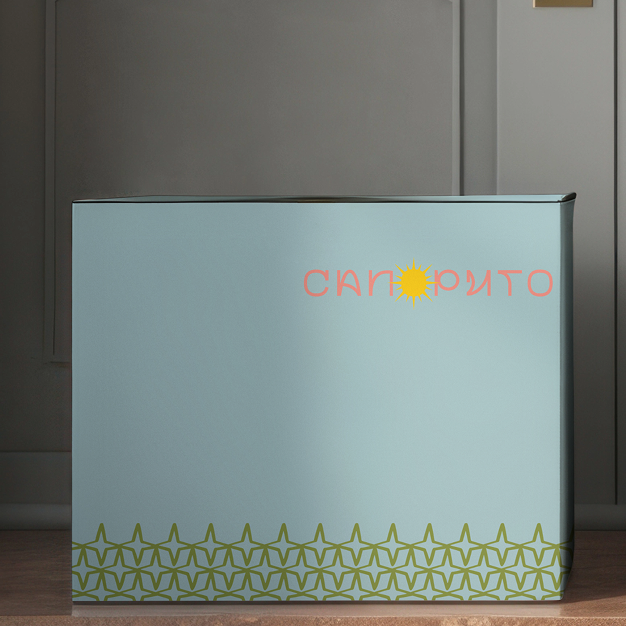
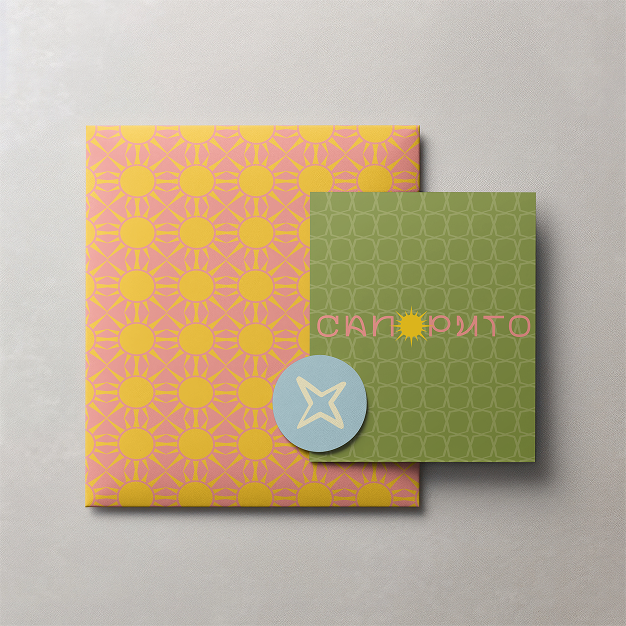
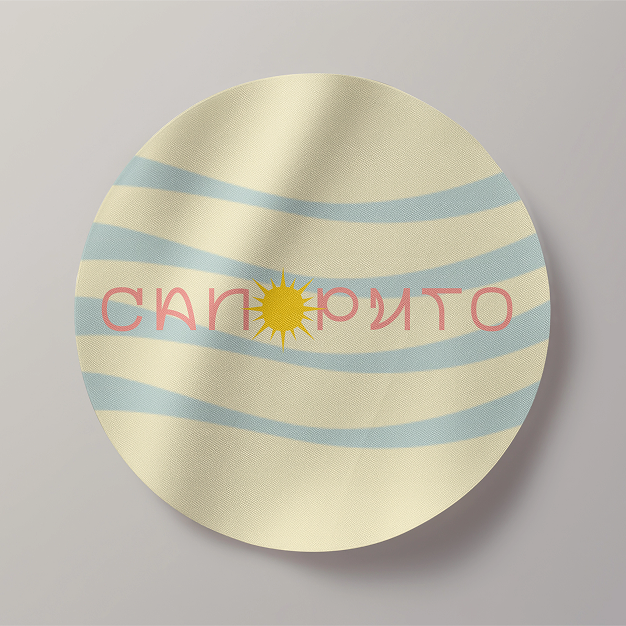
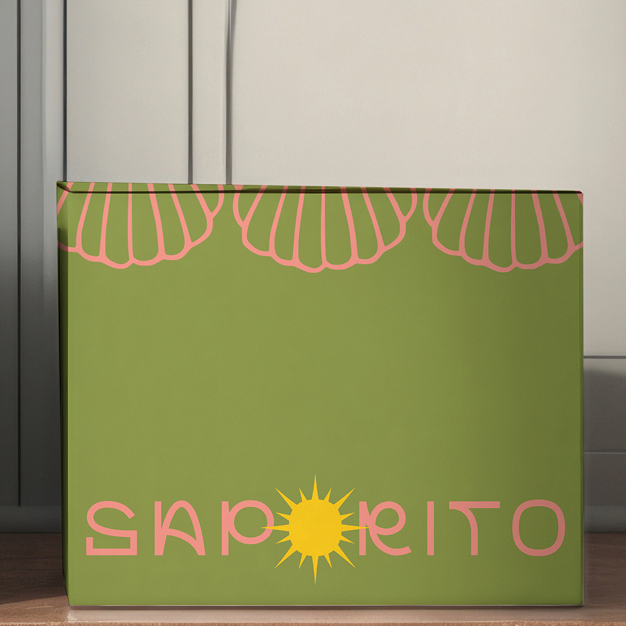
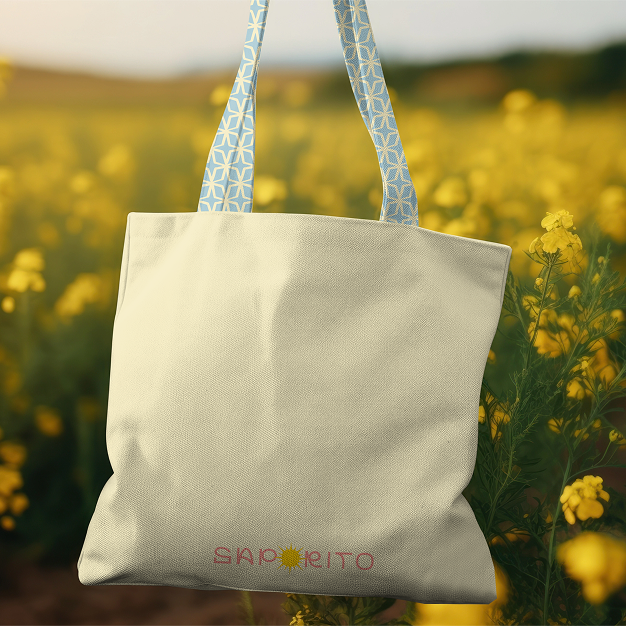
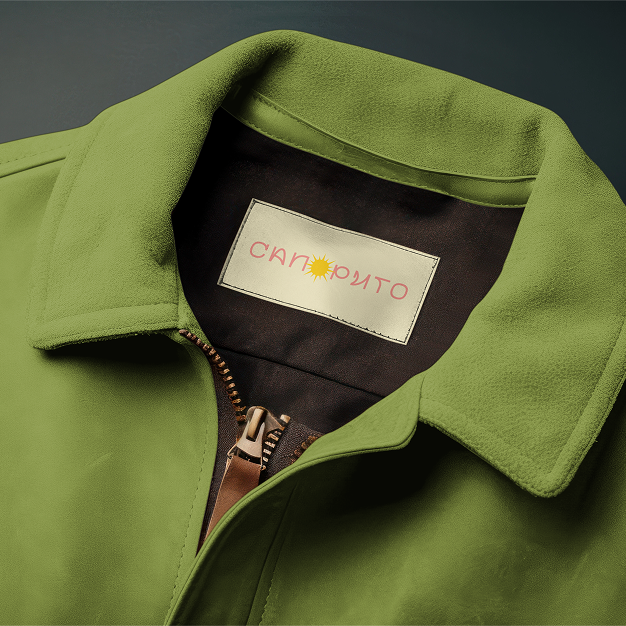
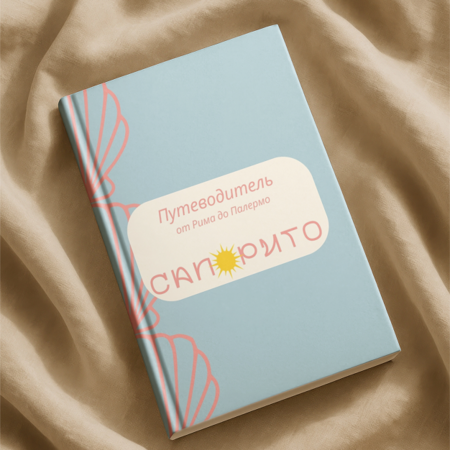
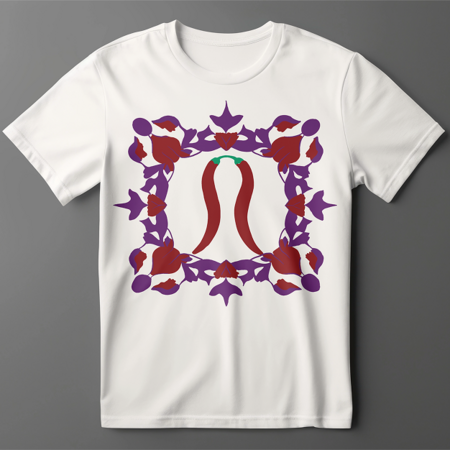
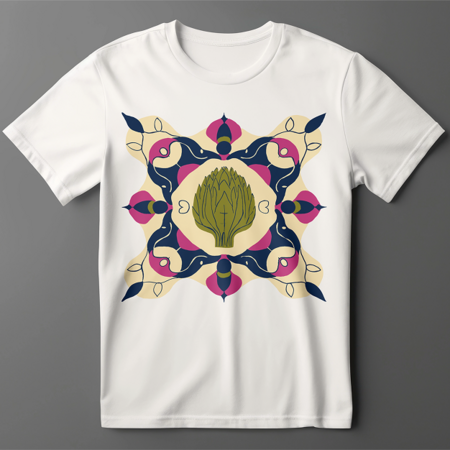
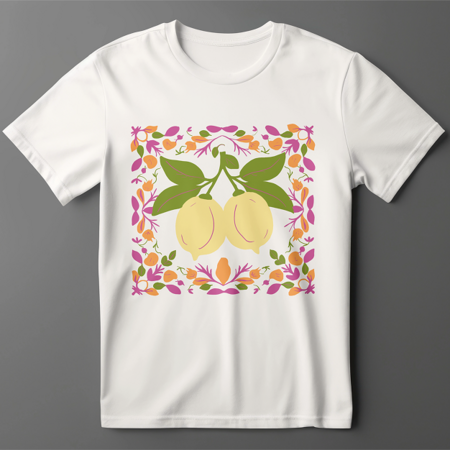
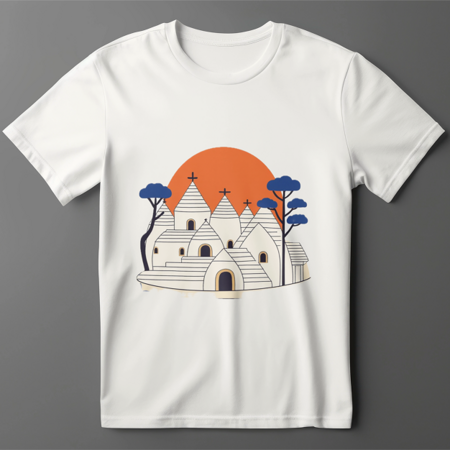
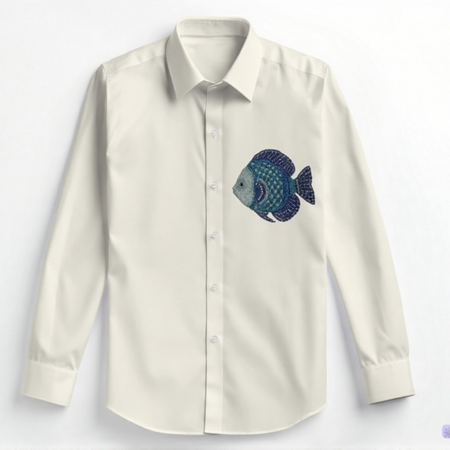
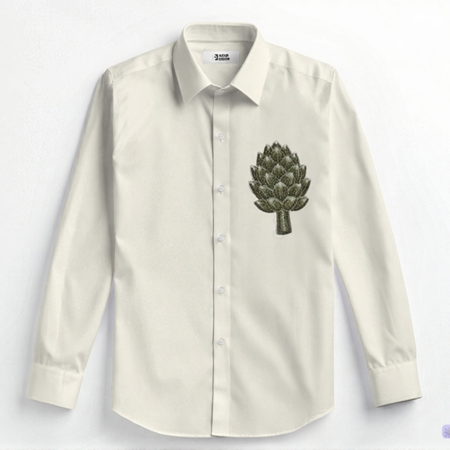
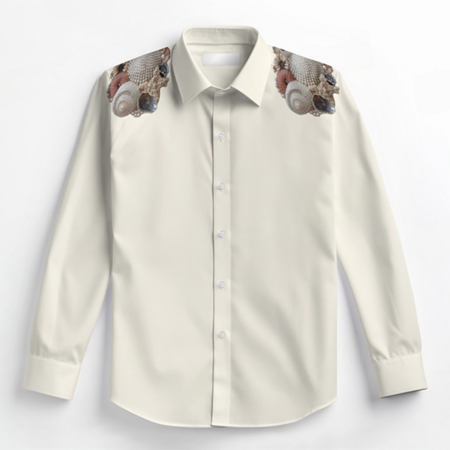
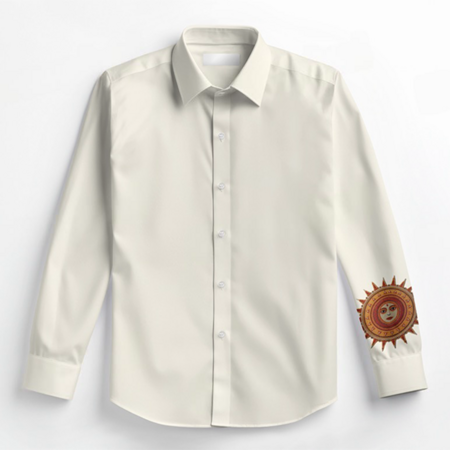
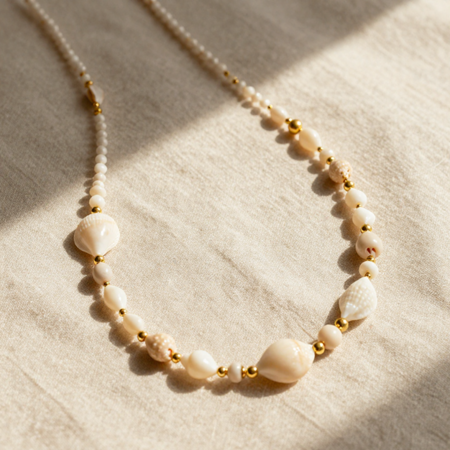
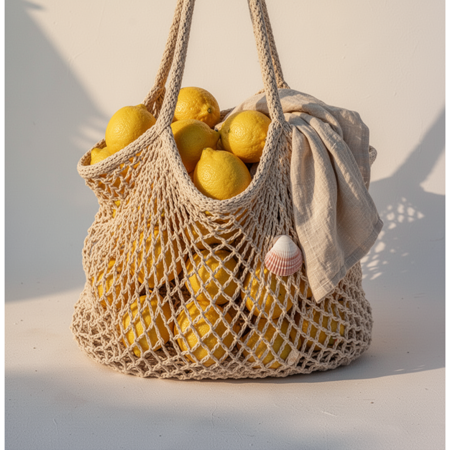
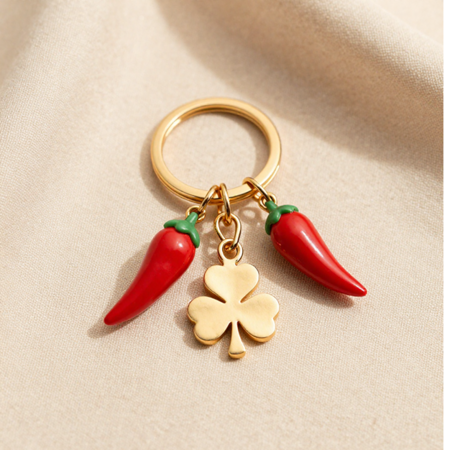
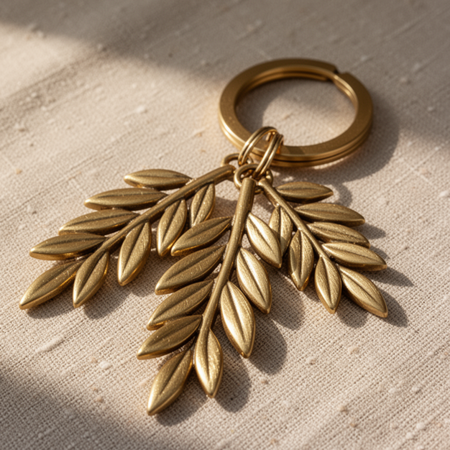
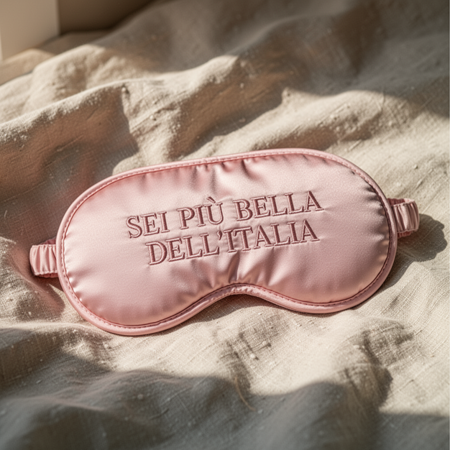
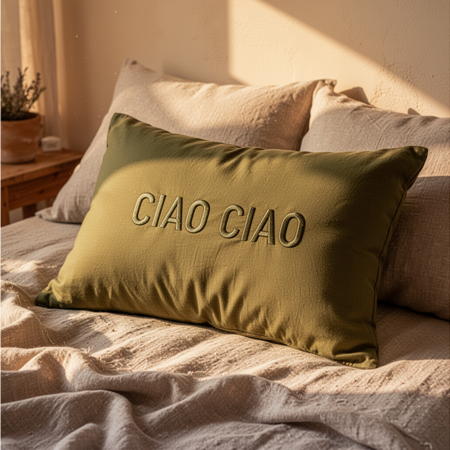
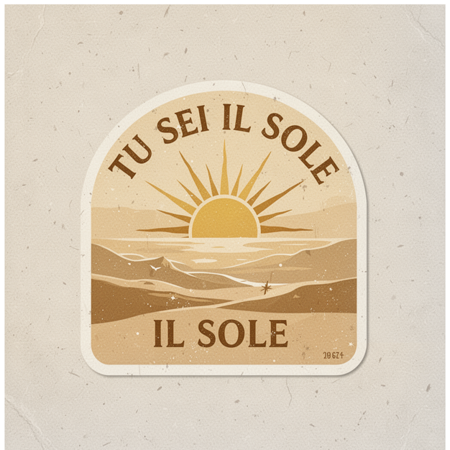
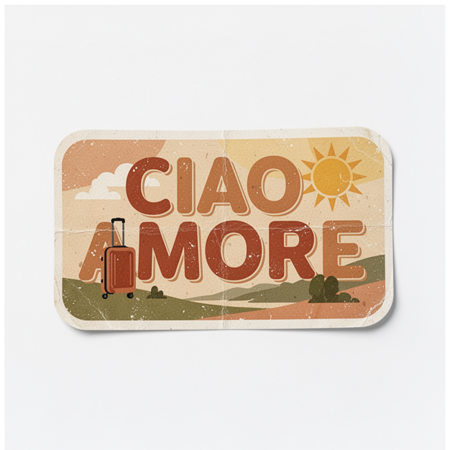
Бренд Saporito — название которого переводится с итальянского как «вкусный». Бренд родился из образа «жизни под солнцем». Это не просто эстетика, а особое состояние души: ощущение лёгкости, внутреннего тепла и безмятежности.
Saporito — «жизнь под солнцем»
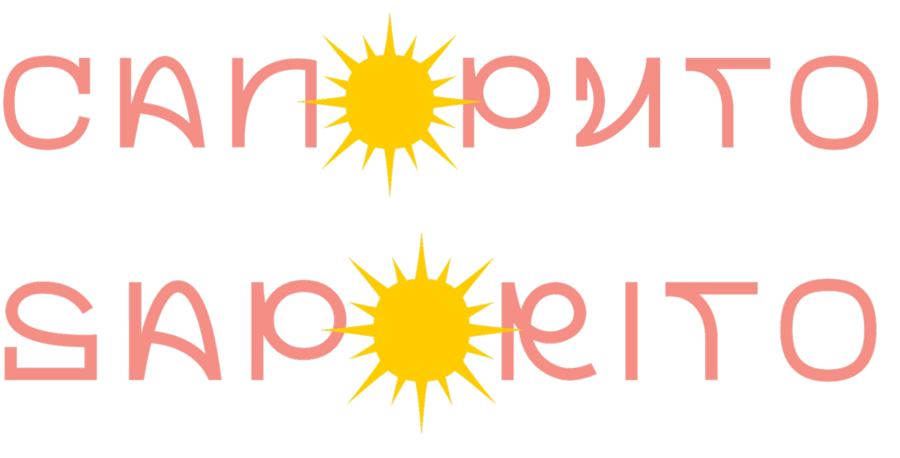
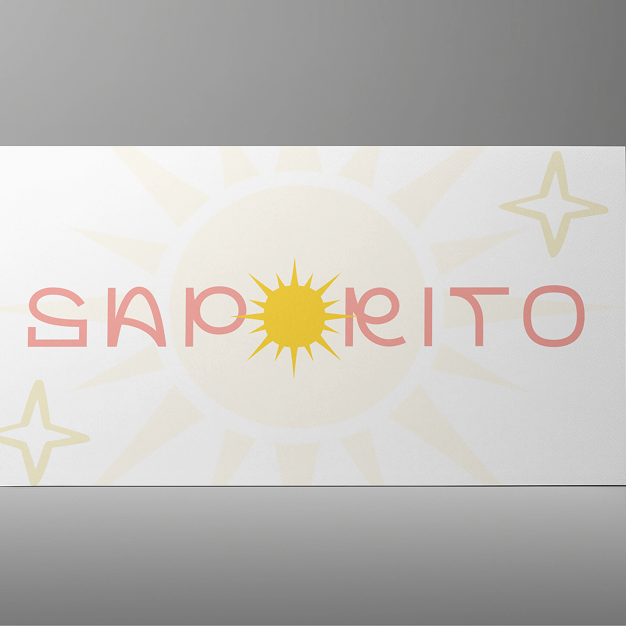
Логотип
Исходный размер 1805x918
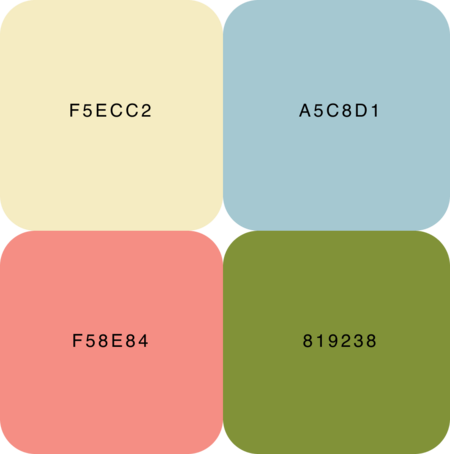
Основу палитры составляют:
солнечные оттенки
мягкие тёплые нейтралы
природные цвета
Основные элементы
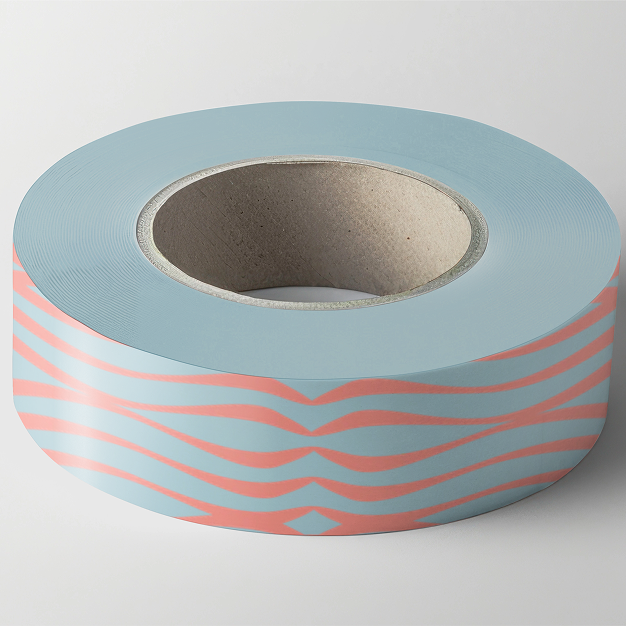
Волны
Путеводная звезда
Роза компаса
Хранитель волн
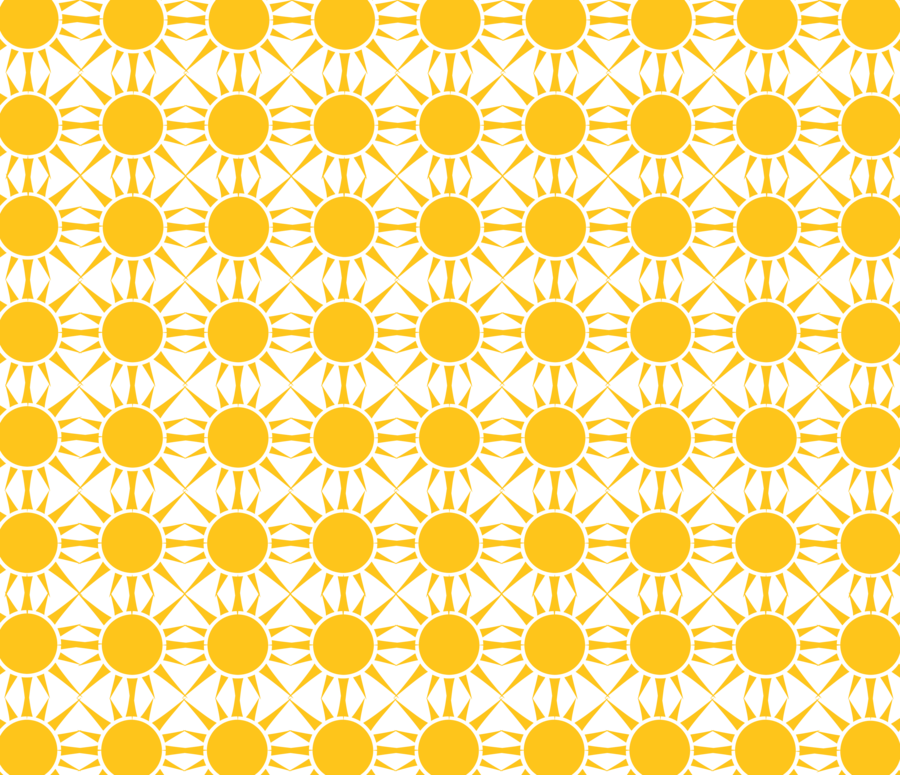
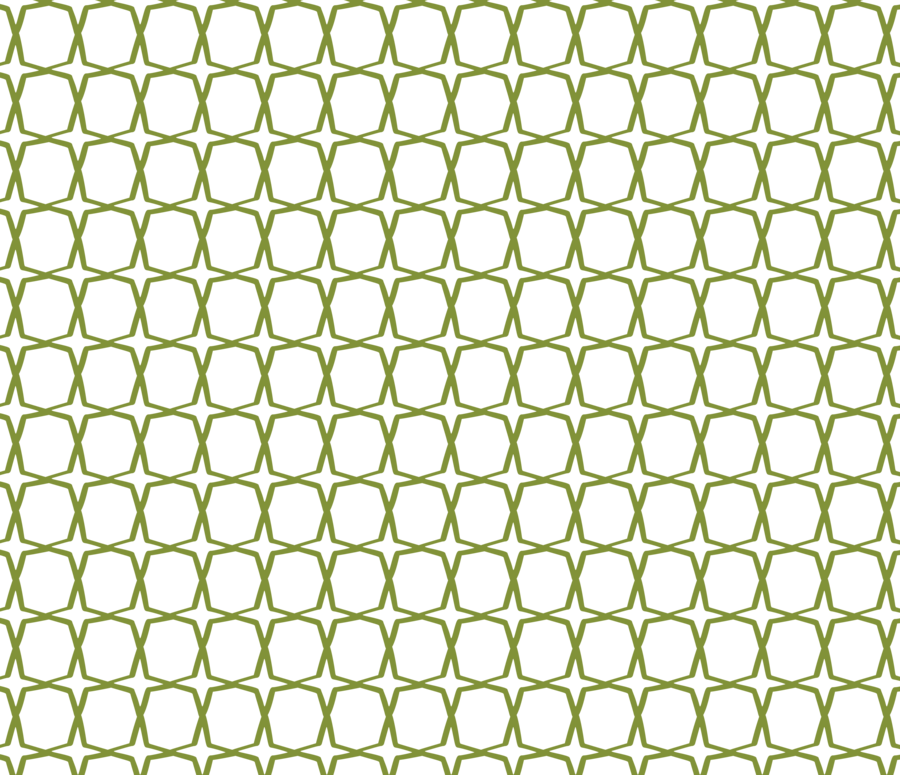
Рапорты
0
0
0
0
0
0
0
1/3
Варианты применения
0
0
0
0
0
0
0
0
0
0
0
0
0
0
0
0
0
1/8
Вариант оформления магазина
Коммуникация
Drop 1
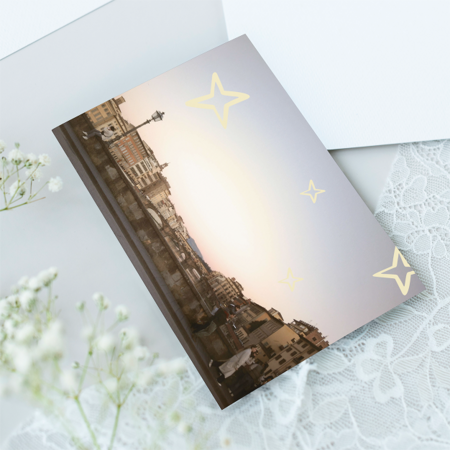
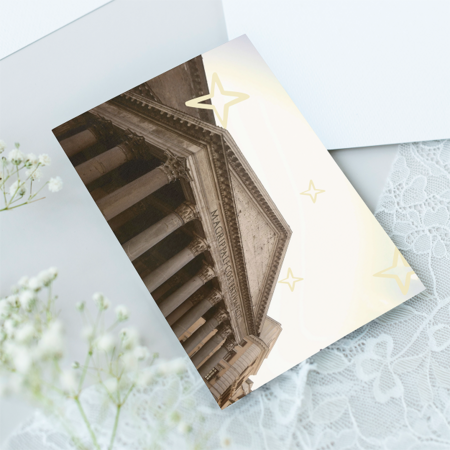
Италия — тёплый воздух, выгоревшие стены, ленивый полдень и ощущение, что можно никуда не спешить.
В основе коллекции лежат простые формы, тактильные ткани, выцветшие оттенки, будто вещи уже прожили одно счастливое лето.
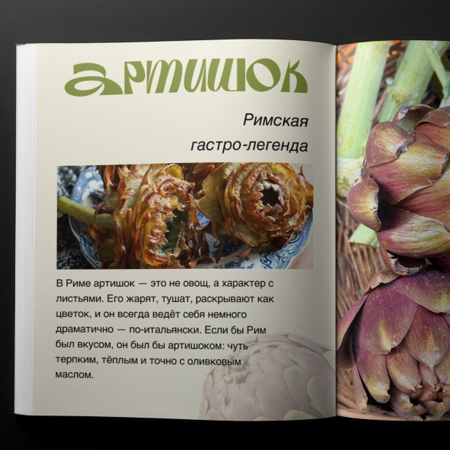
Анастасия Плотникова создала брендбук для Saporito, передающий концепцию «жизни под солнцем» через визуальные и текстовые элементы. Проект включает описание палитры, графических элементов и съёмок, подчёркивающих атмосферу лёгкости и безмятежности бренда.
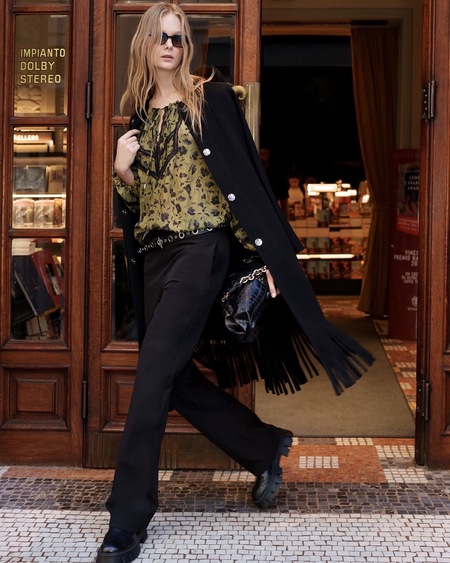
Элен Асланова создала концепцию брендинга для мультибрендового бутика MILAGGIO, превращая его в авторское пространство с итальянским ощущением жизни. Проект включает тактильный подход к брендингу, акцентируя внимание на физических ощущениях тканей и эмоциональной ценности вещей.
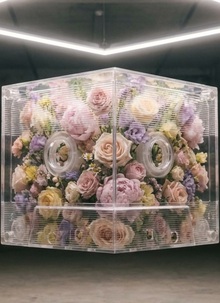
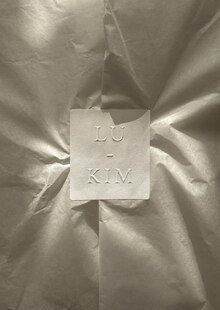
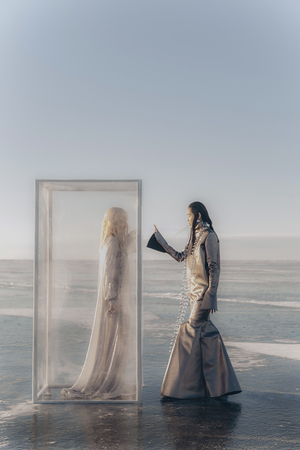
Виктория Истомина создала платформу бренда SENSUS, объединяющую моду и искусство для самопознания через одежду и визуальные метафоры. Проект включает концептуальный визуальный манифест, использующий стихограммы и оптические метафоры для передачи философии бренда.
deziiign
Цифровая платформа, где талантливые креаторы находят клиентов, а бренды — свежие идеи. Загружайте проекты, получайте фидбек, участвуйте в конкурсах, получайте образование — или запускайте собственные опен-коллы и находите исполнителей для своих задач.
лучшее
дизайн
предметный дизайн
мода
среда
гейм-дизайн
иллюстрация
о дизайне
интервью
Мы используем файлы cookies для улучшения работы сайта и большего удобства его использования. Более подробную информац...
Показать больше
Press space bar to start a drag.
When dragging you can use the arrow keys to move the item around and escape to cancel.
Some screen readers may require you to be in focus mode or to use your pass through key
Press space bar to start a drag.
When dragging you can use the arrow keys to move the item around and escape to cancel.
Some screen readers may require you to be in focus mode or to use your pass through key
Press space bar to start a drag.
When dragging you can use the arrow keys to move the item around and escape to cancel.
Some screen readers may require you to be in focus mode or to use your pass through key
Press space bar to start a drag.
When dragging you can use the arrow keys to move the item around and escape to cancel.
Some screen readers may require you to be in focus mode or to use your pass through key
Press space bar to start a drag.
When dragging you can use the arrow keys to move the item around and escape to cancel.
Some screen readers may require you to be in focus mode or to use your pass through key
Press space bar to start a drag.
When dragging you can use the arrow keys to move the item around and escape to cancel.
Some screen readers may require you to be in focus mode or to use your pass through key
Press space bar to start a drag.
When dragging you can use the arrow keys to move the item around and escape to cancel.
Some screen readers may require you to be in focus mode or to use your pass through key
Press space bar to start a drag.
When dragging you can use the arrow keys to move the item around and escape to cancel.
Some screen readers may require you to be in focus mode or to use your pass through key
Press space bar to start a drag.
When dragging you can use the arrow keys to move the item around and escape to cancel.
Some screen readers may require you to be in focus mode or to use your pass through key
Press space bar to start a drag.
When dragging you can use the arrow keys to move the item around and escape to cancel.
Some screen readers may require you to be in focus mode or to use your pass through key
Press space bar to start a drag.
When dragging you can use the arrow keys to move the item around and escape to cancel.
Some screen readers may require you to be in focus mode or to use your pass through key