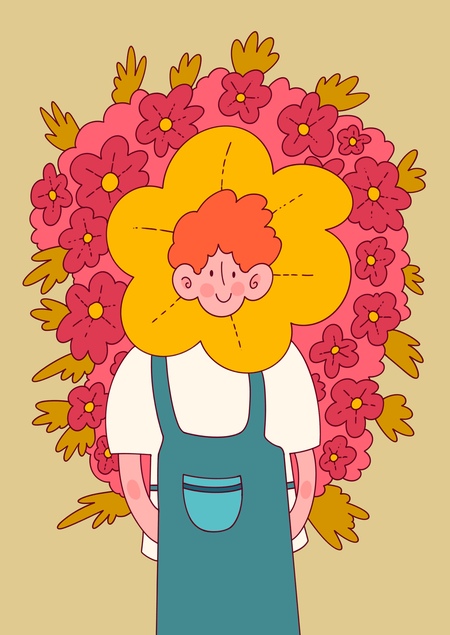
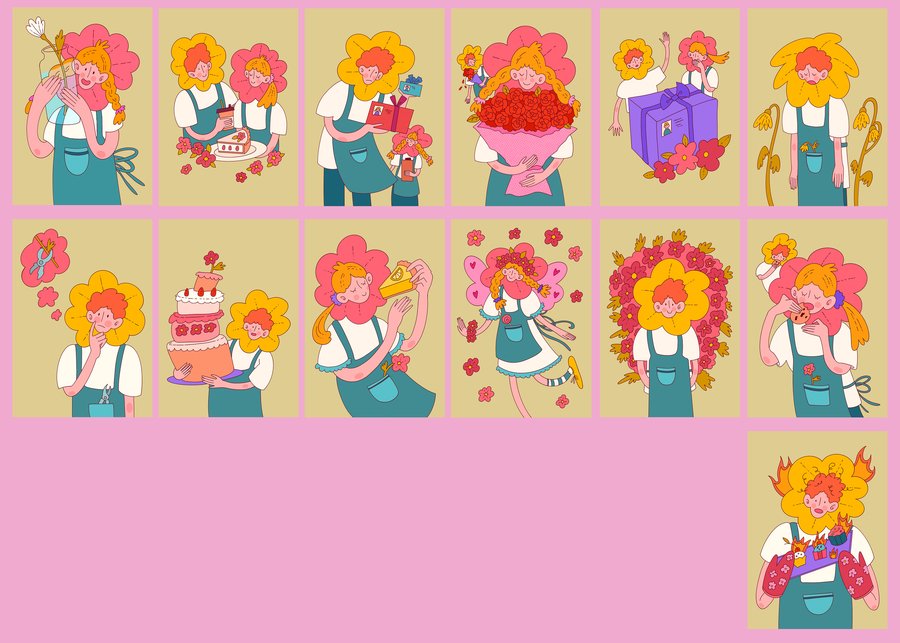
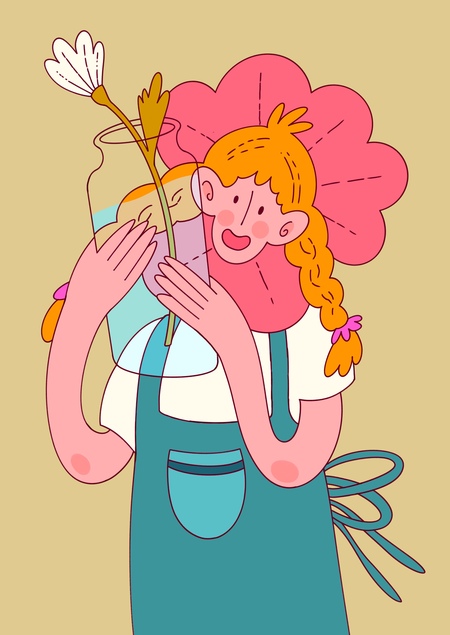
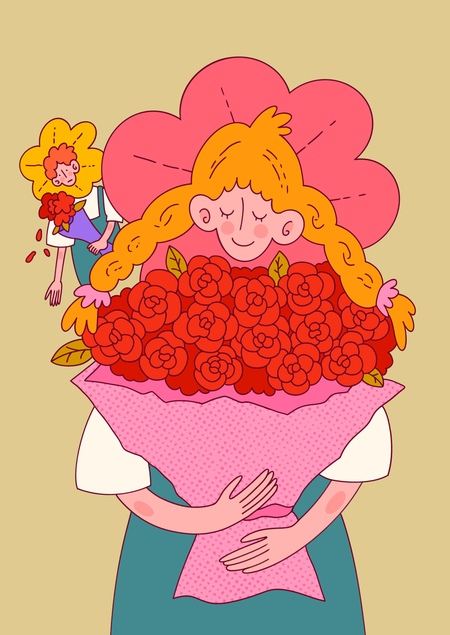
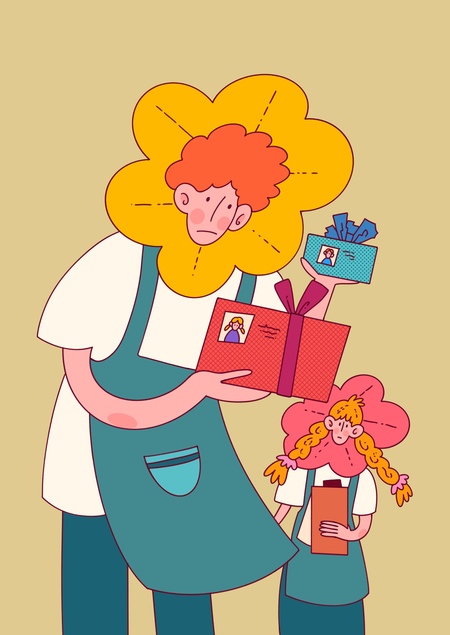
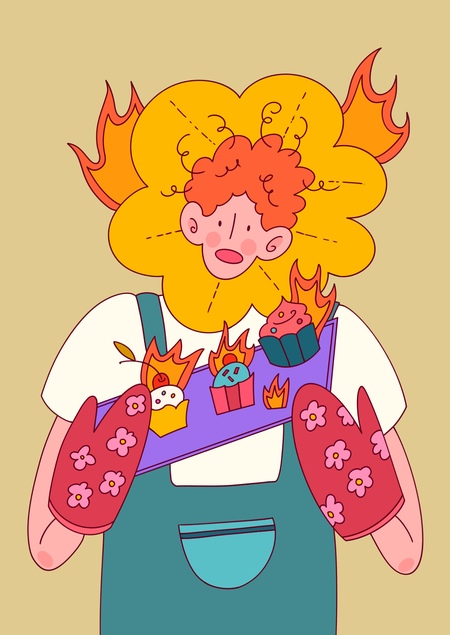
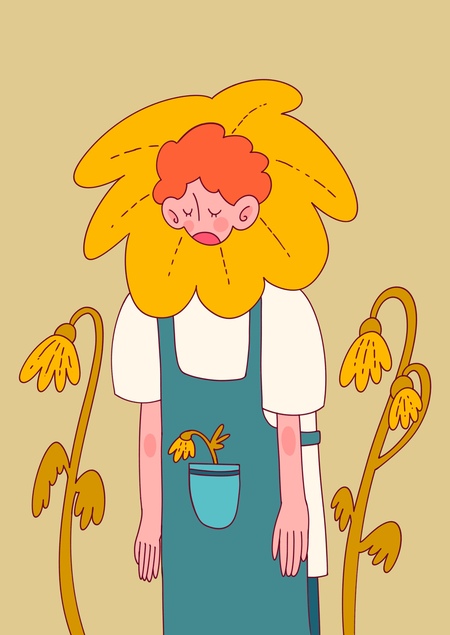
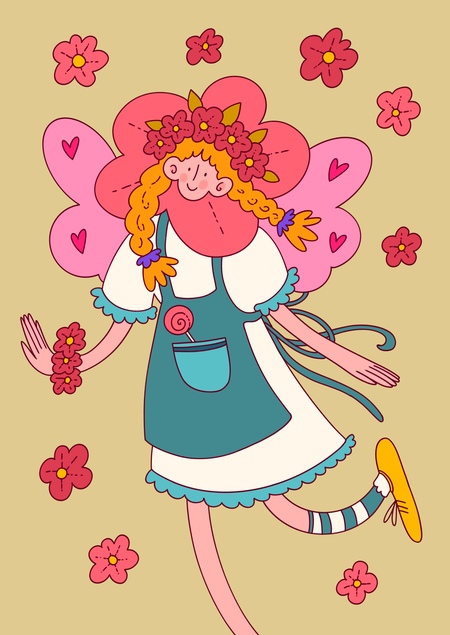
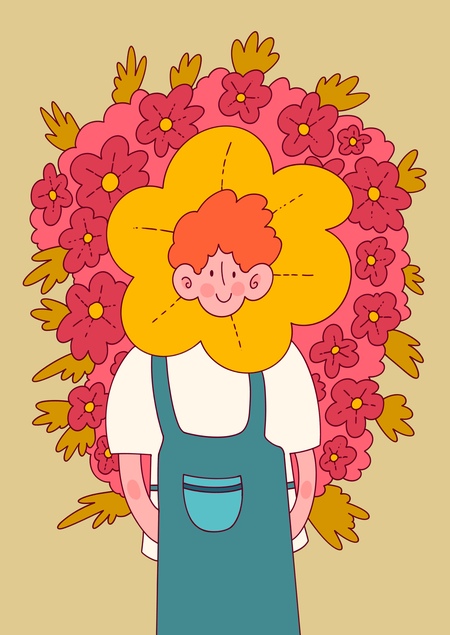
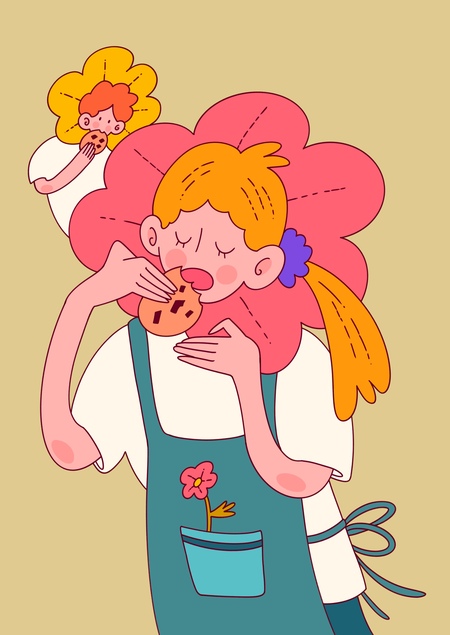
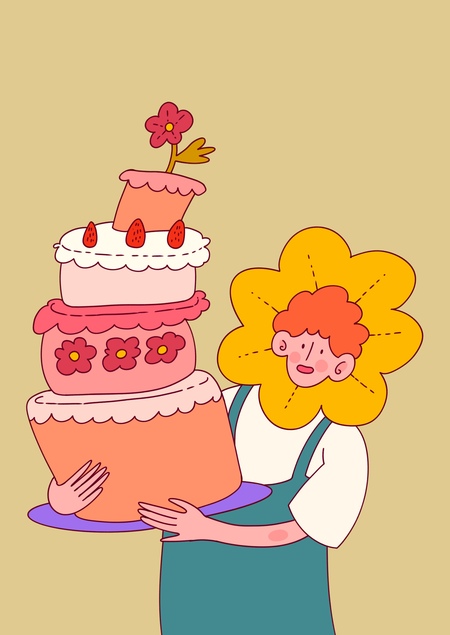
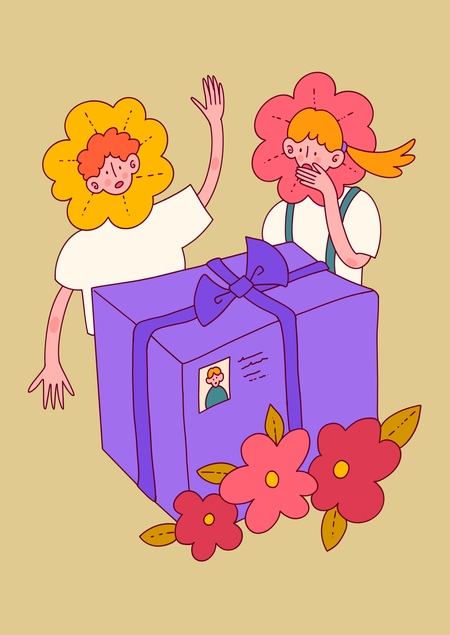
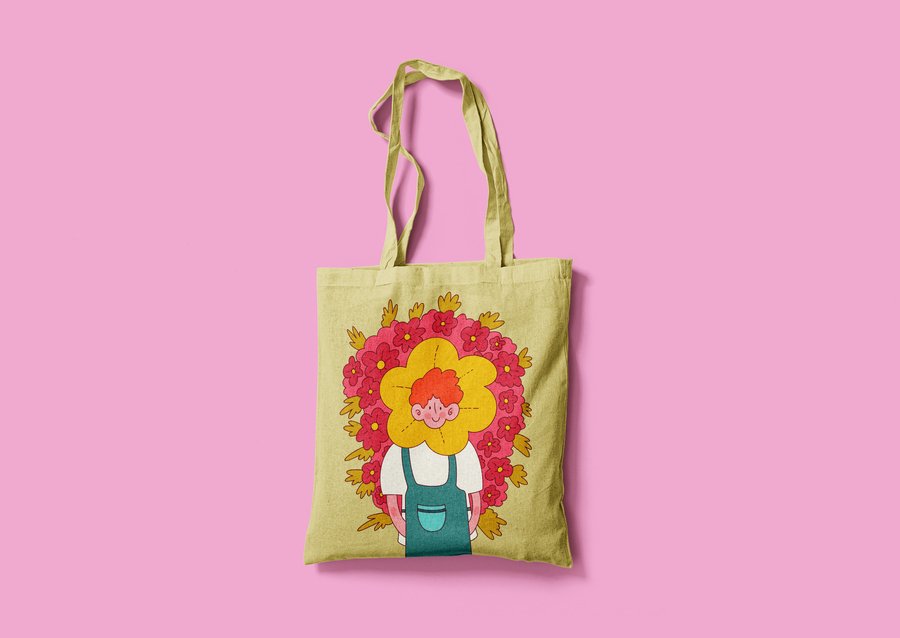
Анастасия Жукова создала серию иллюстраций для открыток к вымышленным праздникам кафе «Сахарные цветы». Проект включает в себя тексты, описывающие концепцию кафе и его особенности, такие как быстрое оформление праздников и создание сладкого настроения.
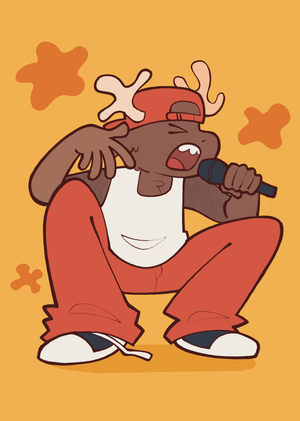
Саша Вайс создала иллюстрации для ателье для животных «Зверские стиляги». Проект включает серию изображений, отсылающих к вымышленным праздникам и демонстрирующих навыки пошива костюмов для питомцев.
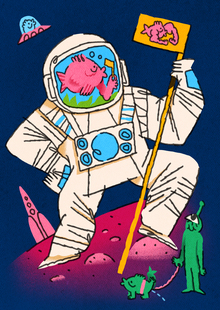
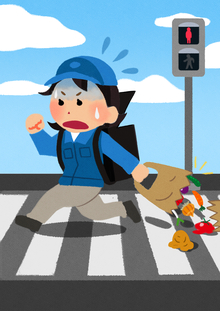
Даниил Цой создал серию из 13 иллюстраций для вымышленного сервиса доставки еды «В пути». Проект вдохновлён стилем японского художника Такаси Мифунэ и отражает комичные неудачи курьеров в их работе.
Мы используем файлы cookies для улучшения работы сайта и большего удобства его использования. Более подробную информац...
Показать больше
Press space bar to start a drag.
When dragging you can use the arrow keys to move the item around and escape to cancel.
Some screen readers may require you to be in focus mode or to use your pass through key
Press space bar to start a drag.
When dragging you can use the arrow keys to move the item around and escape to cancel.
Some screen readers may require you to be in focus mode or to use your pass through key
Press space bar to start a drag.
When dragging you can use the arrow keys to move the item around and escape to cancel.
Some screen readers may require you to be in focus mode or to use your pass through key
Press space bar to start a drag.
When dragging you can use the arrow keys to move the item around and escape to cancel.
Some screen readers may require you to be in focus mode or to use your pass through key
Press space bar to start a drag.
When dragging you can use the arrow keys to move the item around and escape to cancel.
Some screen readers may require you to be in focus mode or to use your pass through key
Press space bar to start a drag.
When dragging you can use the arrow keys to move the item around and escape to cancel.
Some screen readers may require you to be in focus mode or to use your pass through key
Press space bar to start a drag.
When dragging you can use the arrow keys to move the item around and escape to cancel.
Some screen readers may require you to be in focus mode or to use your pass through key