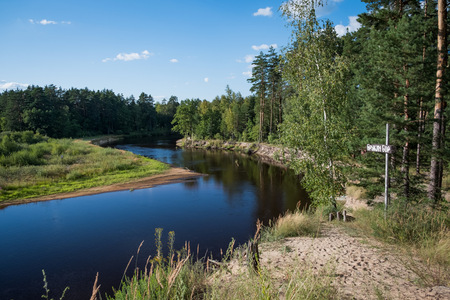
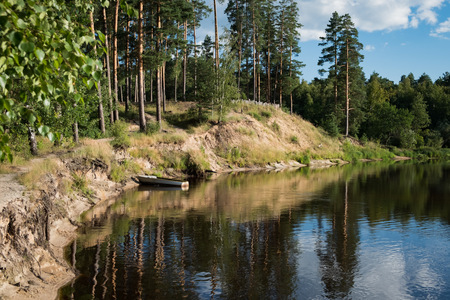
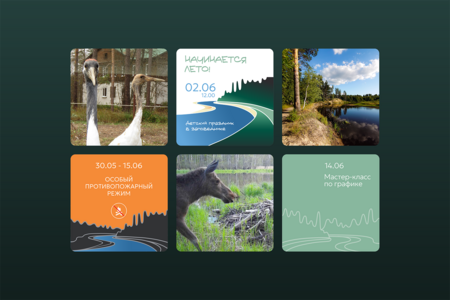
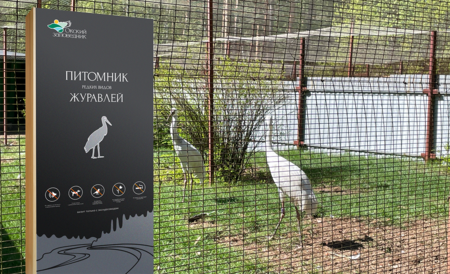
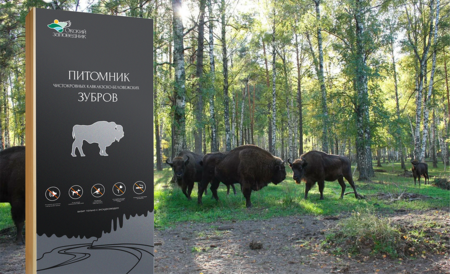
Окский заповедник — это уникальный уголок неяркой природы. Петляющие и неспешные реки с красными от торфа песчаными кромками берегов, синяя от утонувшего в ней неба вода, абсолютно круглые озера, потерянные среди светлых берёзовых болот, густой воздух, в котором можно застрять, как муха в янтаре, и сосны, сосны, сосны…
И люди. Удивительные, увлечённые люди, задача которых — хранить это неброское великолепие
Исходный размер 1920x1440
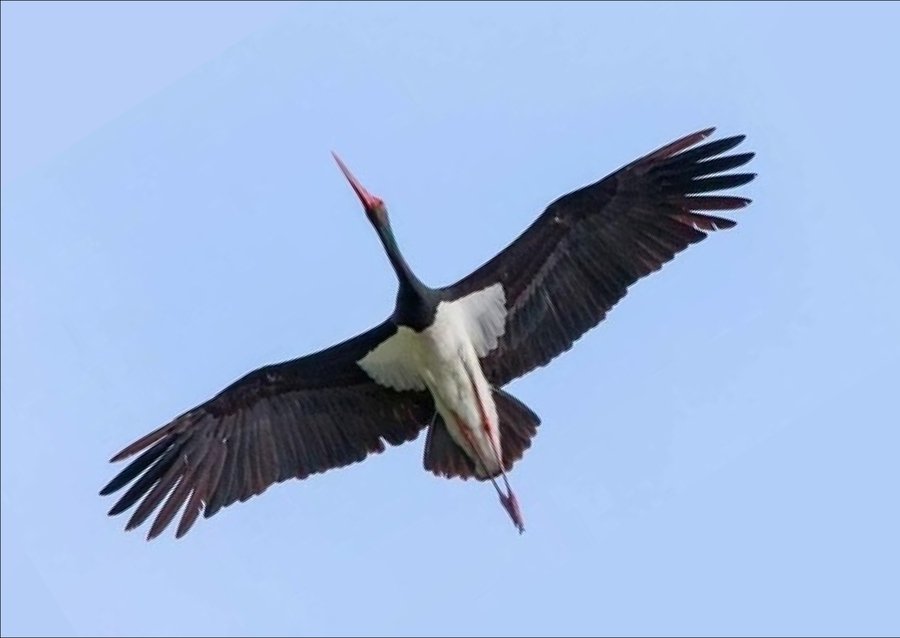
Если вам когда-нибудь повезёт увидеть летящего над головой чёрного аиста — поздравляю, вы увидите ангела: белый рисунок на груди и крыльях на фоне чёрных маховых перьев не оставит никаких сомнений
Исходный размер 3500x2480
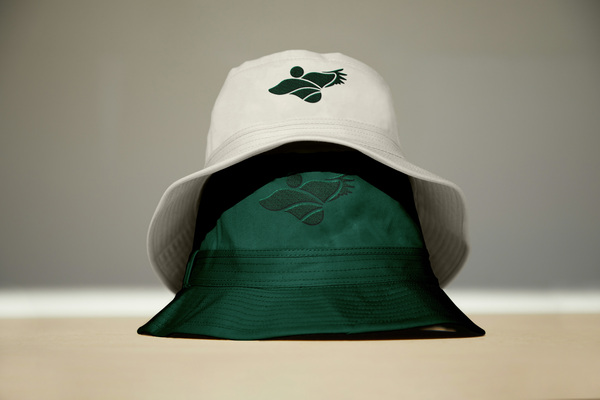
Чёрный аист всегда считался символом Окского заповедника, его хранителем. Это стало ключевой идеей ребрендинга заповедника:
Ангел-хранитель удивительного места
Исходный размер 3697x2023
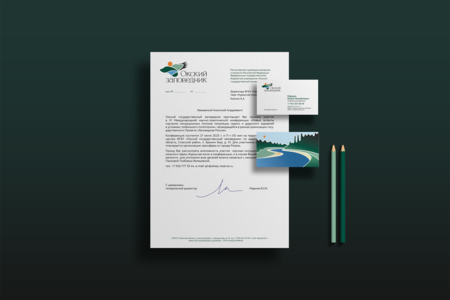
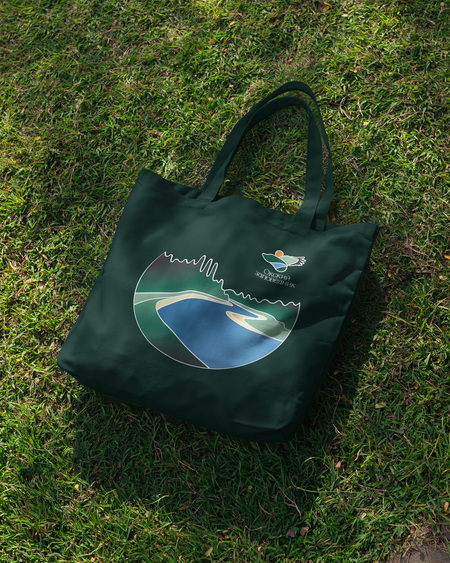
Извилистое русло речки Пра, пересекающей заповедник с запада на восток, легли в основу новой айдентики
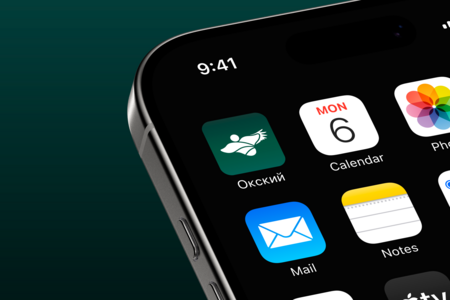
Татьяна Лазуткина создала ребрендинг Окского заповедника, подчеркивающий его уникальную природу и символику. Проект включает визуальную айдентику, основанную на извилистом русле реки Пра и образе чёрного аиста как ангела-хранителя.
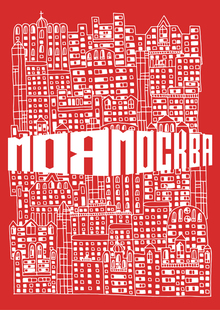
Алиса Питерская создала путеводитель «Моя Москва» на основе личных воспоминаний старшего поколения о знаковых местах города. Проект включает в себя 365 локаций Москвы, собранных в буклет-путеводителе, и вдохновлённый советской эстетикой фирменный стиль с акцидентным шрифтом и рисунками московских домов.
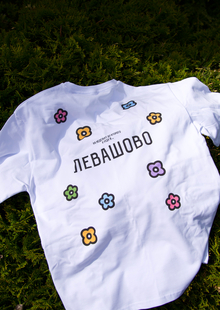
Таисья Финашко разработала территориальный брендинг на основе шрифта для посёлка Левашово. Проект включает два начертания шрифта, отражающих исторические и культурные особенности поселения.
Мы используем файлы cookies для улучшения работы сайта и большего удобства его использования. Более подробную информац...
Показать больше
Press space bar to start a drag.
When dragging you can use the arrow keys to move the item around and escape to cancel.
Some screen readers may require you to be in focus mode or to use your pass through key
Press space bar to start a drag.
When dragging you can use the arrow keys to move the item around and escape to cancel.
Some screen readers may require you to be in focus mode or to use your pass through key
Press space bar to start a drag.
When dragging you can use the arrow keys to move the item around and escape to cancel.
Some screen readers may require you to be in focus mode or to use your pass through key
Press space bar to start a drag.
When dragging you can use the arrow keys to move the item around and escape to cancel.
Some screen readers may require you to be in focus mode or to use your pass through key
Press space bar to start a drag.
When dragging you can use the arrow keys to move the item around and escape to cancel.
Some screen readers may require you to be in focus mode or to use your pass through key
Press space bar to start a drag.
When dragging you can use the arrow keys to move the item around and escape to cancel.
Some screen readers may require you to be in focus mode or to use your pass through key
Press space bar to start a drag.
When dragging you can use the arrow keys to move the item around and escape to cancel.
Some screen readers may require you to be in focus mode or to use your pass through key
Press space bar to start a drag.
When dragging you can use the arrow keys to move the item around and escape to cancel.
Some screen readers may require you to be in focus mode or to use your pass through key
Press space bar to start a drag.
When dragging you can use the arrow keys to move the item around and escape to cancel.
Some screen readers may require you to be in focus mode or to use your pass through key
Press space bar to start a drag.
When dragging you can use the arrow keys to move the item around and escape to cancel.
Some screen readers may require you to be in focus mode or to use your pass through key