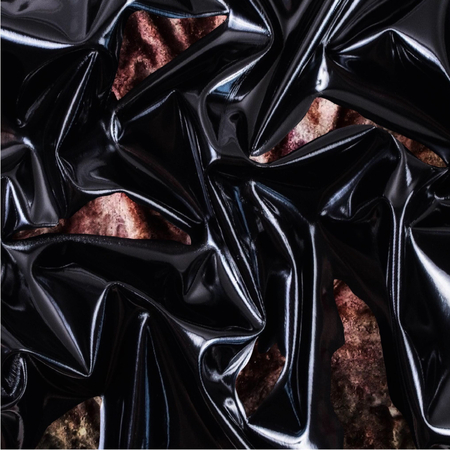
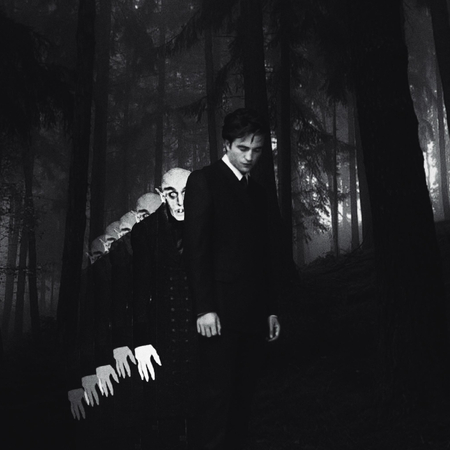
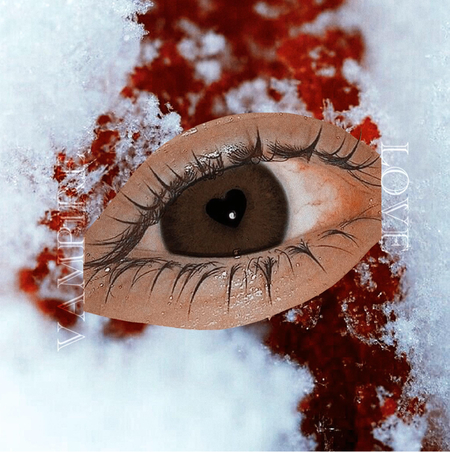
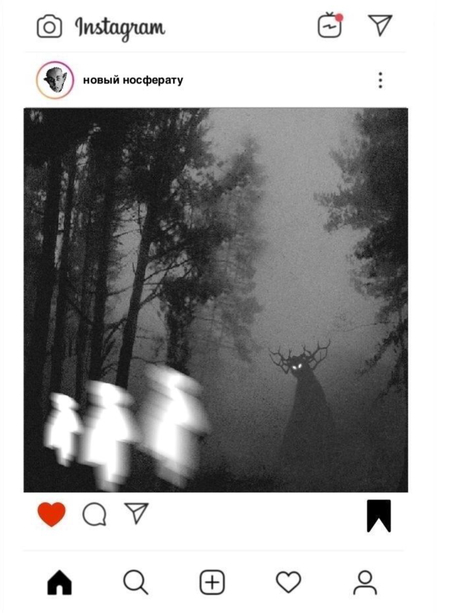
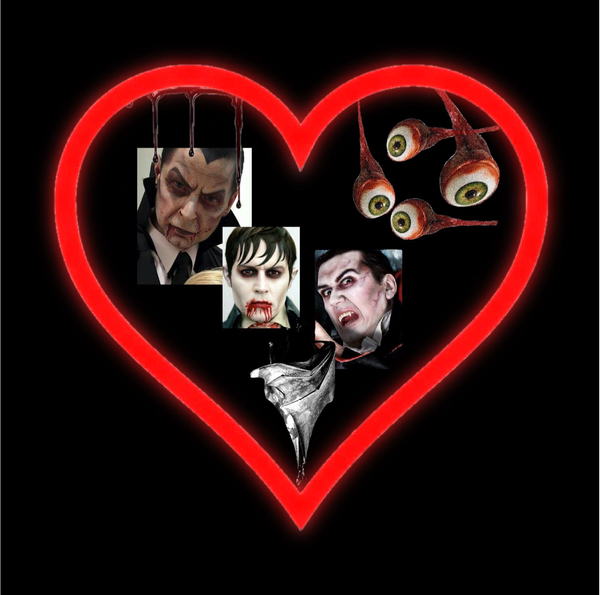
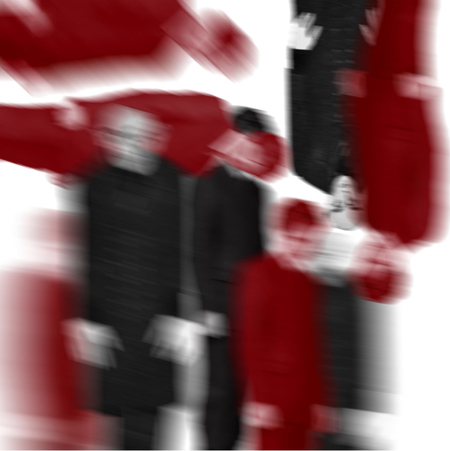
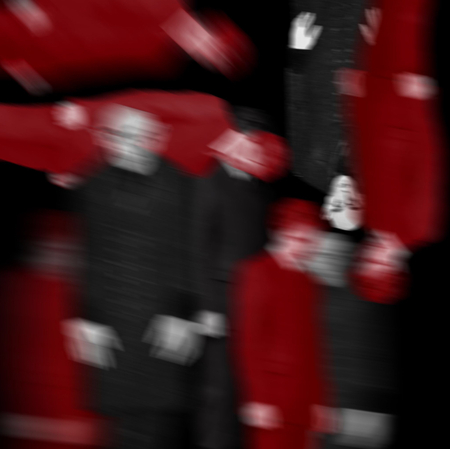
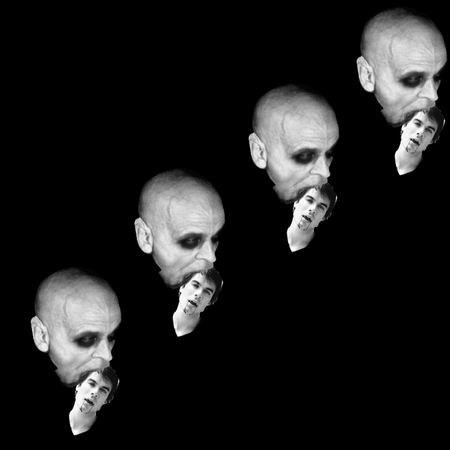
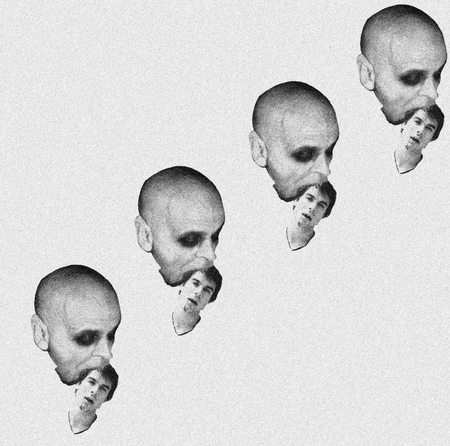
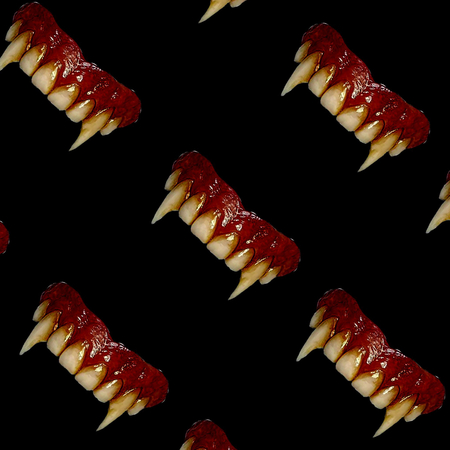
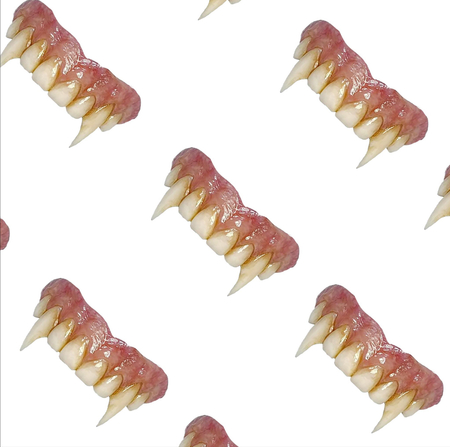
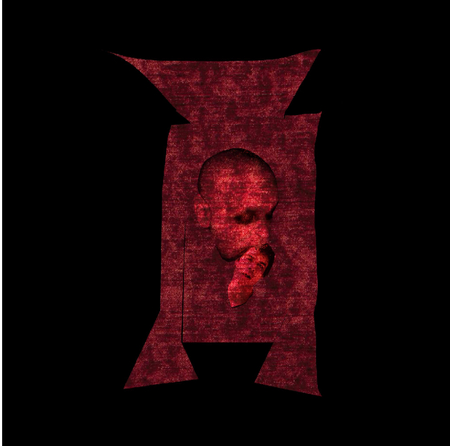
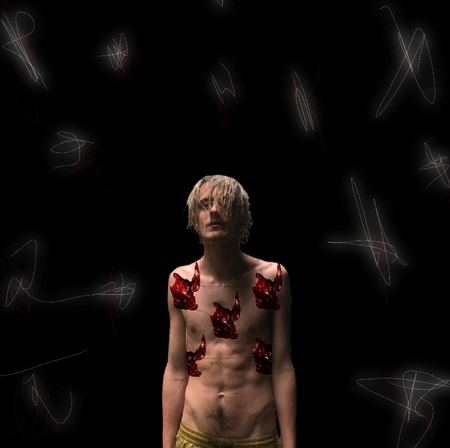
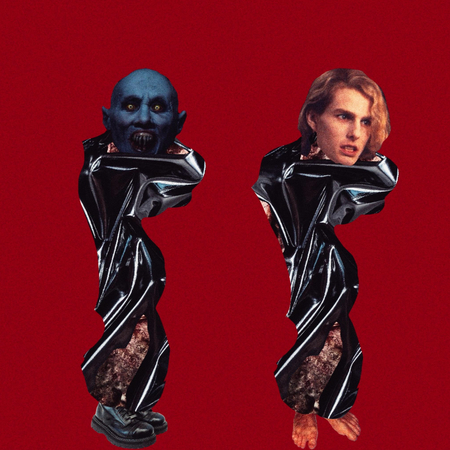
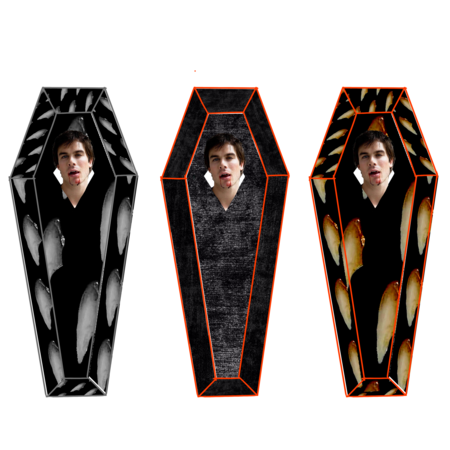
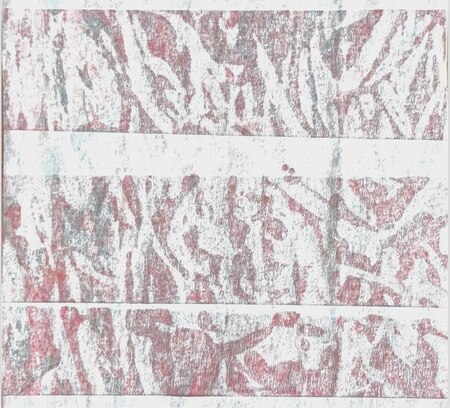
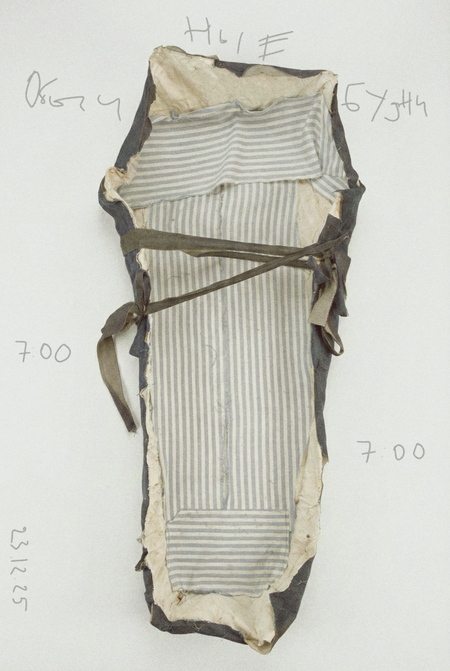
Михаил Щепетов создал проект «Обычные будни» в формате книги. Проект включает в себя тексты, мудборды, принты, эскизы и другие материалы, посвящённые эволюции образа вампира.
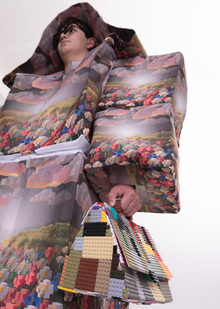
Гюнель Алиева создала проект «Pixel Childhood» в формате коллекции, объединяющей цифровое и тактильное творчество. Проект исследует, как цифровые миры, такие как Minecraft, становятся для разных возрастных групп способом ускорить взросление или восстановить детские ощущения.
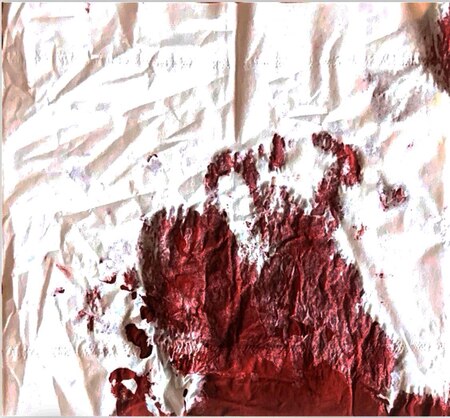
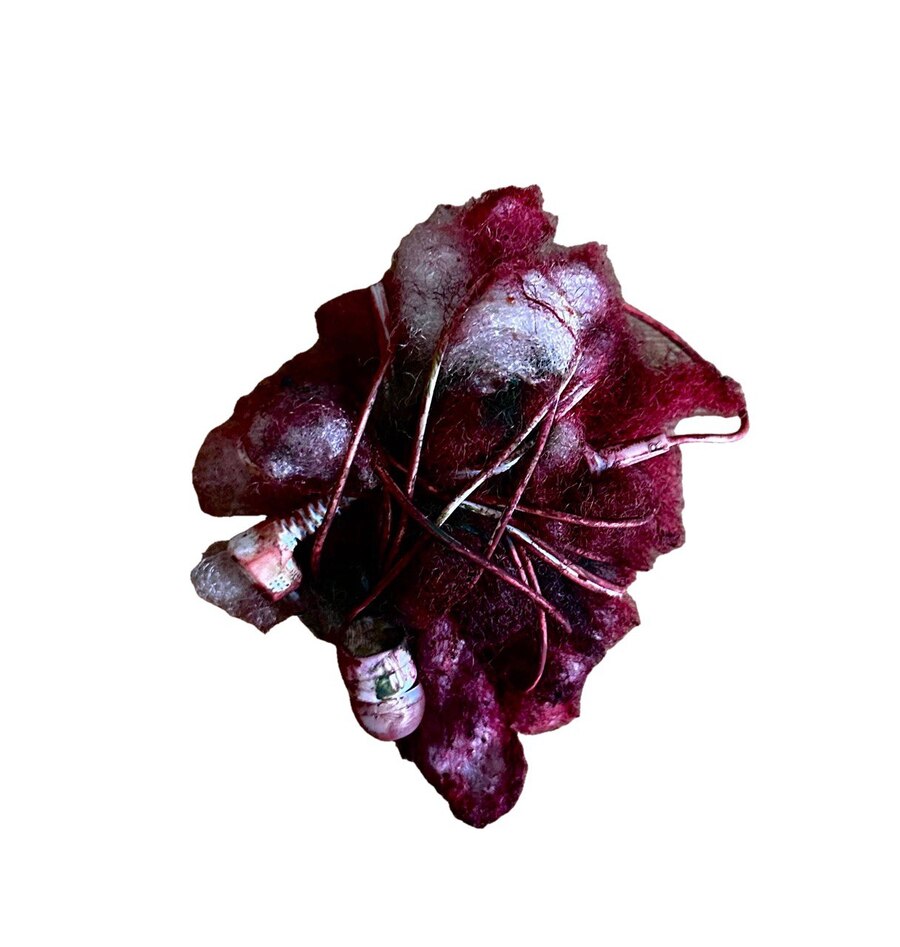
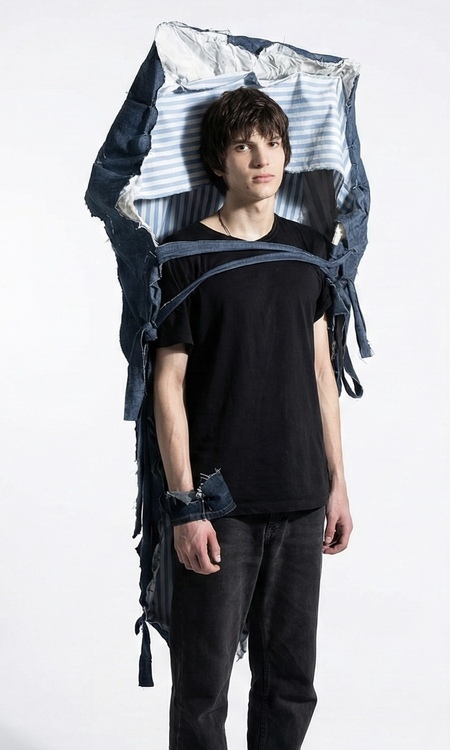
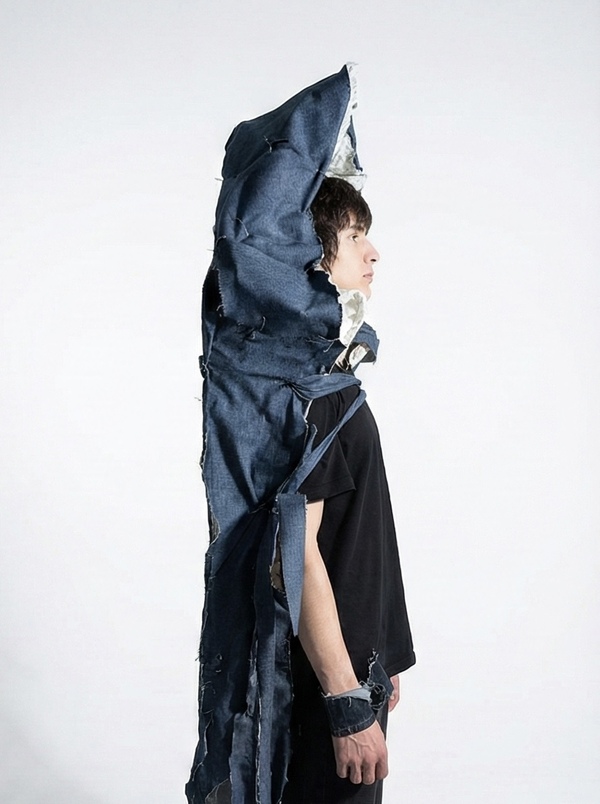
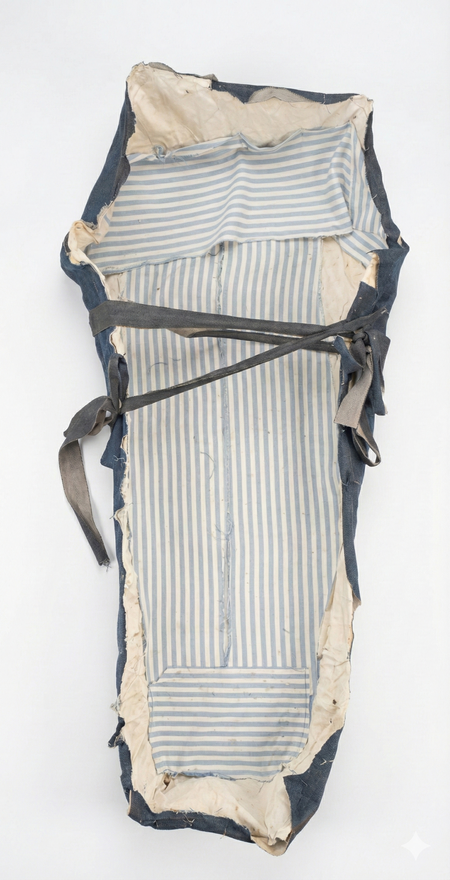
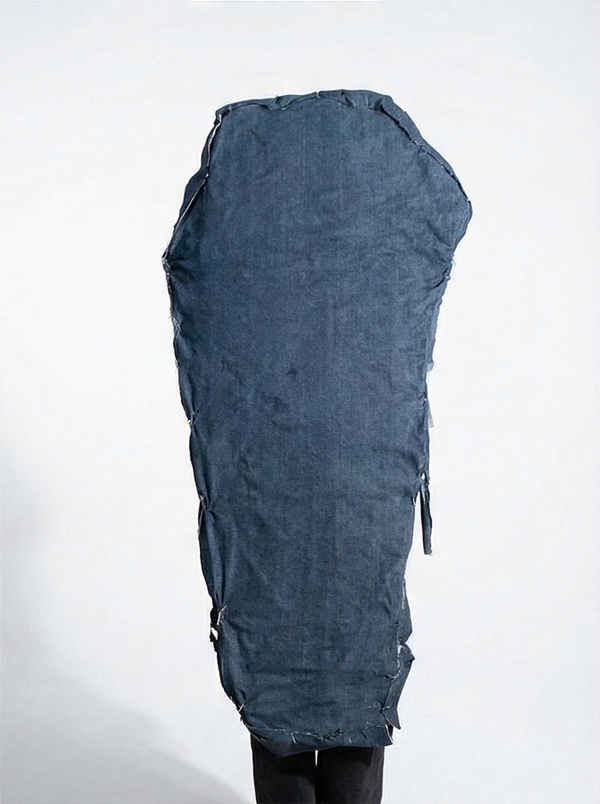
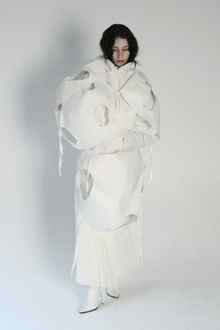
Снежана Саразова создала проект «Incubator», исследующий границы между личностью и телом в контексте материнства и медицинских систем. Проект включает тексты, мудборд, принты и эскизы, основанные на реальной истории женщины из Джорджии, чьё тело продолжало функционировать после признания её умершей.
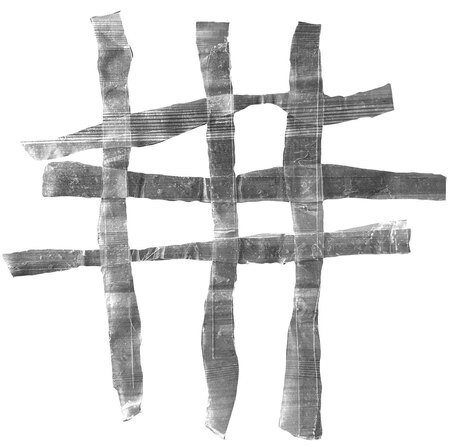
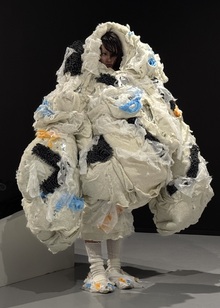
Аня Наумова создала проект «NO MORE DUST», в котором обычная уборка превращается в художественное выражение через пыль, грязь и мусор. В проекте пыль и предметы уборщика становятся объектами искусства с философскими оттенками.
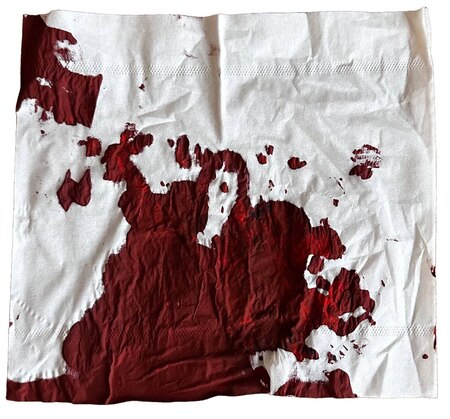
Елена Кошелап создала проект «Someone Else», посвящённый важности наблюдательности и личной ответственности в предотвращении преступлений. Проект включает анализ психологических явлений, таких как эффект свидетеля и диффузия ответственности, подтверждающих влияние активной позиции человека на безопасность окружающих.
deziiign
Цифровая платформа, где талантливые креаторы находят клиентов, а бренды — свежие идеи. Загружайте проекты, получайте фидбек, участвуйте в конкурсах, получайте образование — или запускайте собственные опен-коллы и находите исполнителей для своих задач.
лучшее
дизайн
предметный дизайн
мода
среда
гейм-дизайн
иллюстрация
о дизайне
интервью
Мы используем файлы cookies для улучшения работы сайта и большего удобства его использования. Более подробную информац...
Показать больше
Press space bar to start a drag.
When dragging you can use the arrow keys to move the item around and escape to cancel.
Some screen readers may require you to be in focus mode or to use your pass through key
Press space bar to start a drag.
When dragging you can use the arrow keys to move the item around and escape to cancel.
Some screen readers may require you to be in focus mode or to use your pass through key
Press space bar to start a drag.
When dragging you can use the arrow keys to move the item around and escape to cancel.
Some screen readers may require you to be in focus mode or to use your pass through key
Press space bar to start a drag.
When dragging you can use the arrow keys to move the item around and escape to cancel.
Some screen readers may require you to be in focus mode or to use your pass through key
Press space bar to start a drag.
When dragging you can use the arrow keys to move the item around and escape to cancel.
Some screen readers may require you to be in focus mode or to use your pass through key
Press space bar to start a drag.
When dragging you can use the arrow keys to move the item around and escape to cancel.
Some screen readers may require you to be in focus mode or to use your pass through key
Press space bar to start a drag.
When dragging you can use the arrow keys to move the item around and escape to cancel.
Some screen readers may require you to be in focus mode or to use your pass through key
Press space bar to start a drag.
When dragging you can use the arrow keys to move the item around and escape to cancel.
Some screen readers may require you to be in focus mode or to use your pass through key
Press space bar to start a drag.
When dragging you can use the arrow keys to move the item around and escape to cancel.
Some screen readers may require you to be in focus mode or to use your pass through key
Press space bar to start a drag.
When dragging you can use the arrow keys to move the item around and escape to cancel.
Some screen readers may require you to be in focus mode or to use your pass through key
Press space bar to start a drag.
When dragging you can use the arrow keys to move the item around and escape to cancel.
Some screen readers may require you to be in focus mode or to use your pass through key
Press space bar to start a drag.
When dragging you can use the arrow keys to move the item around and escape to cancel.
Some screen readers may require you to be in focus mode or to use your pass through key
Press space bar to start a drag.
When dragging you can use the arrow keys to move the item around and escape to cancel.
Some screen readers may require you to be in focus mode or to use your pass through key
Press space bar to start a drag.
When dragging you can use the arrow keys to move the item around and escape to cancel.
Some screen readers may require you to be in focus mode or to use your pass through key
Press space bar to start a drag.
When dragging you can use the arrow keys to move the item around and escape to cancel.
Some screen readers may require you to be in focus mode or to use your pass through key