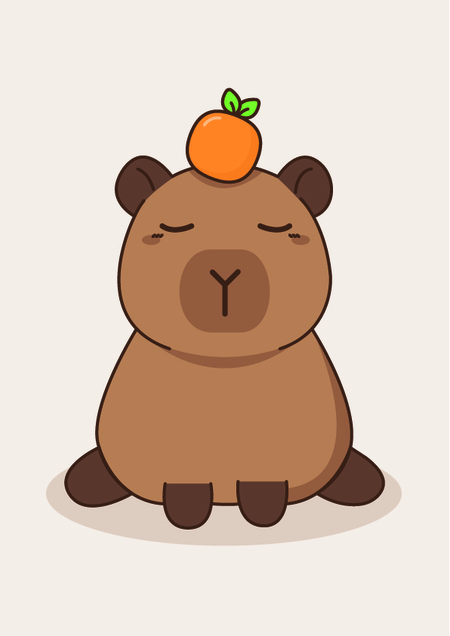
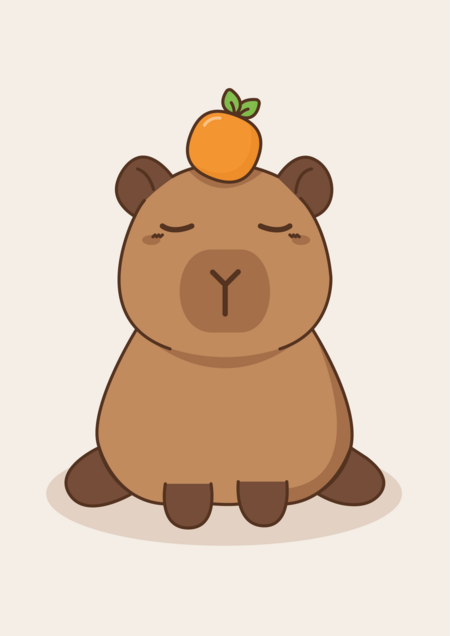
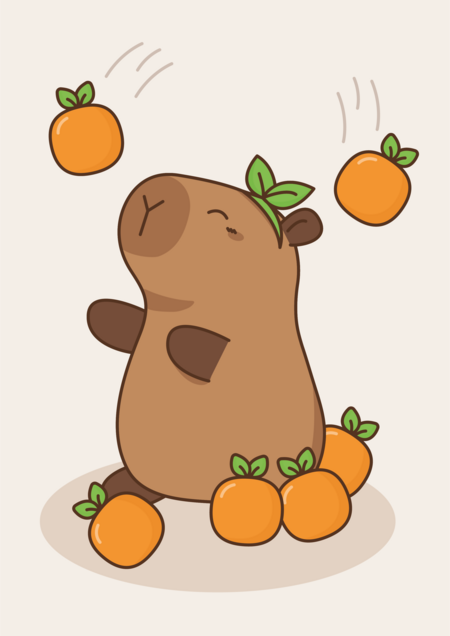
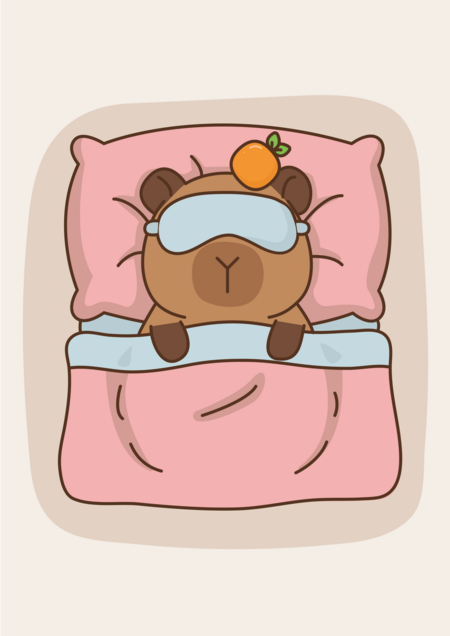
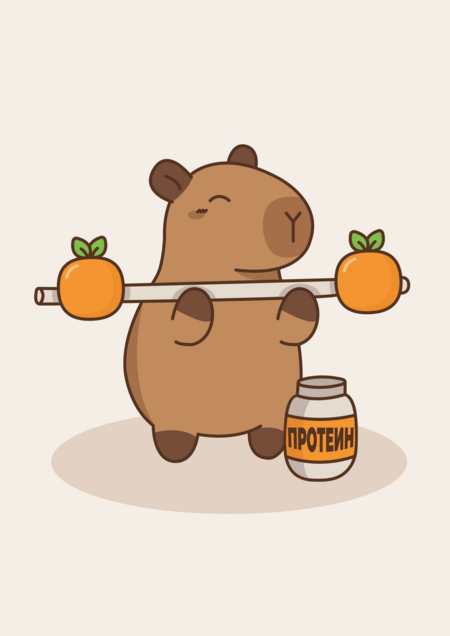
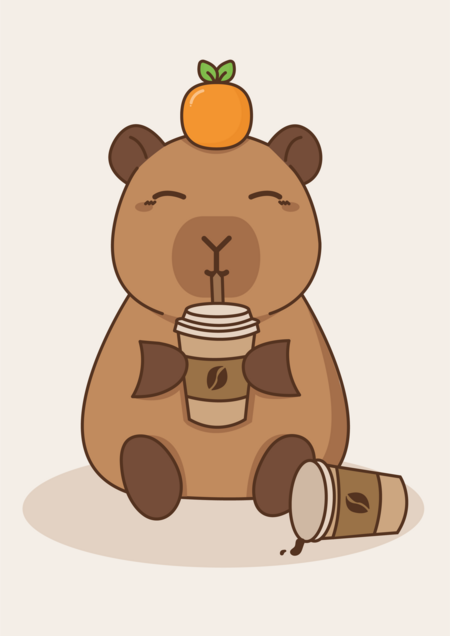
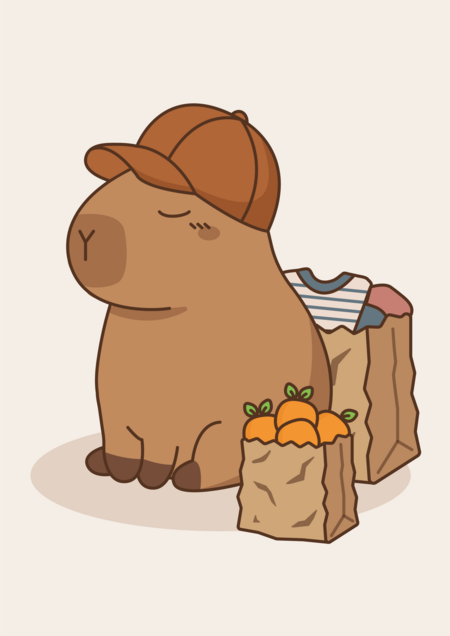
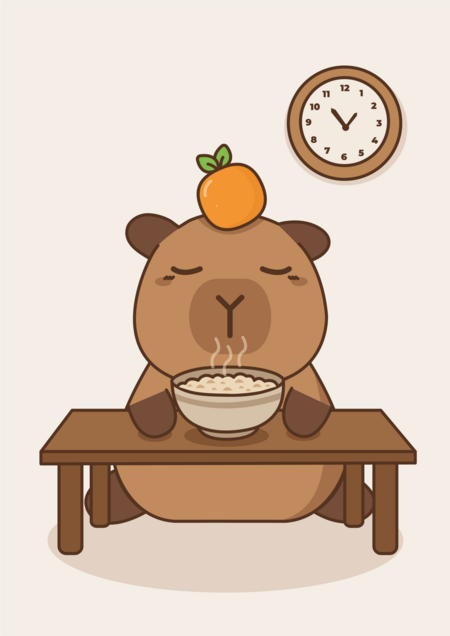
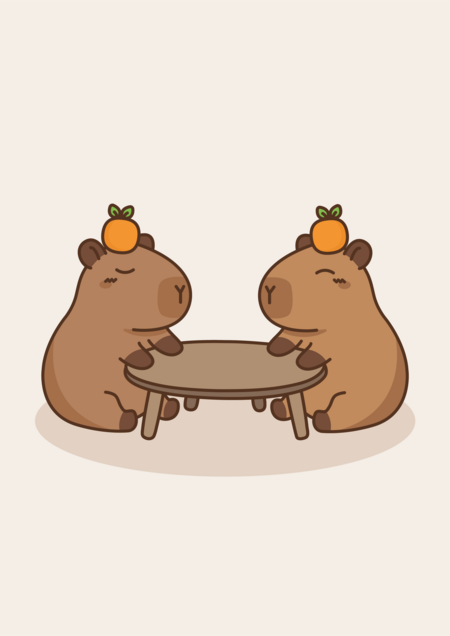
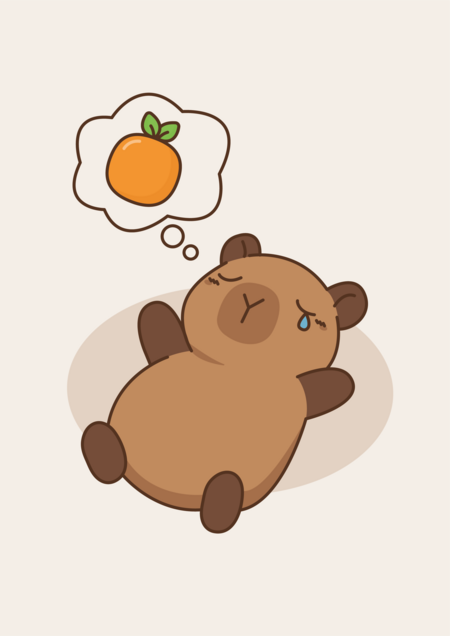
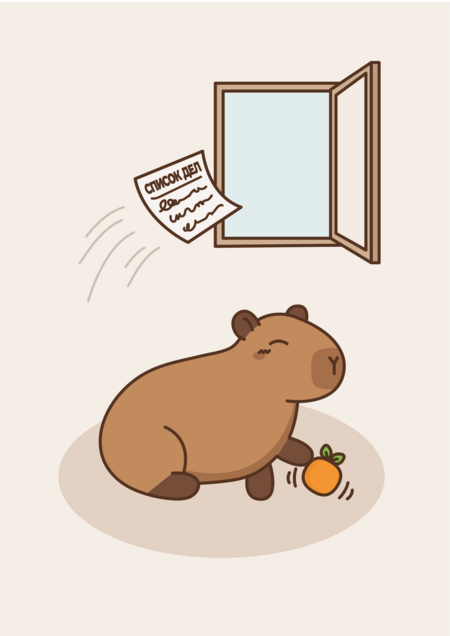
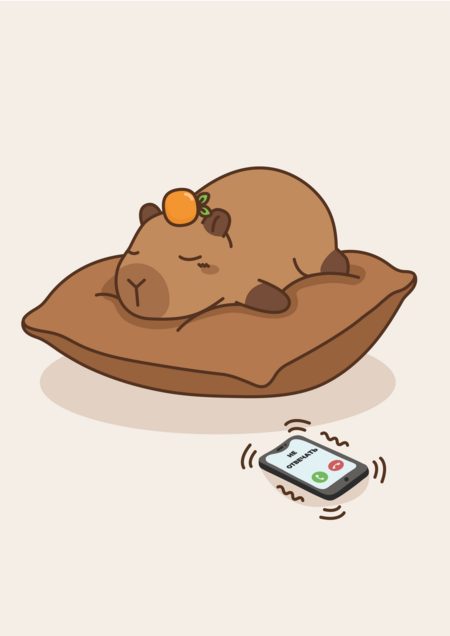
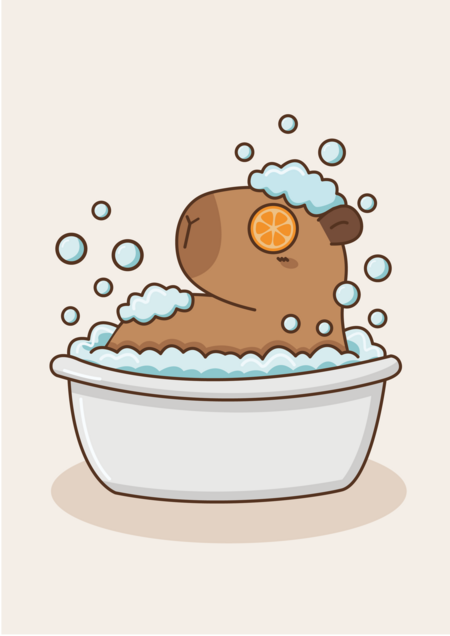
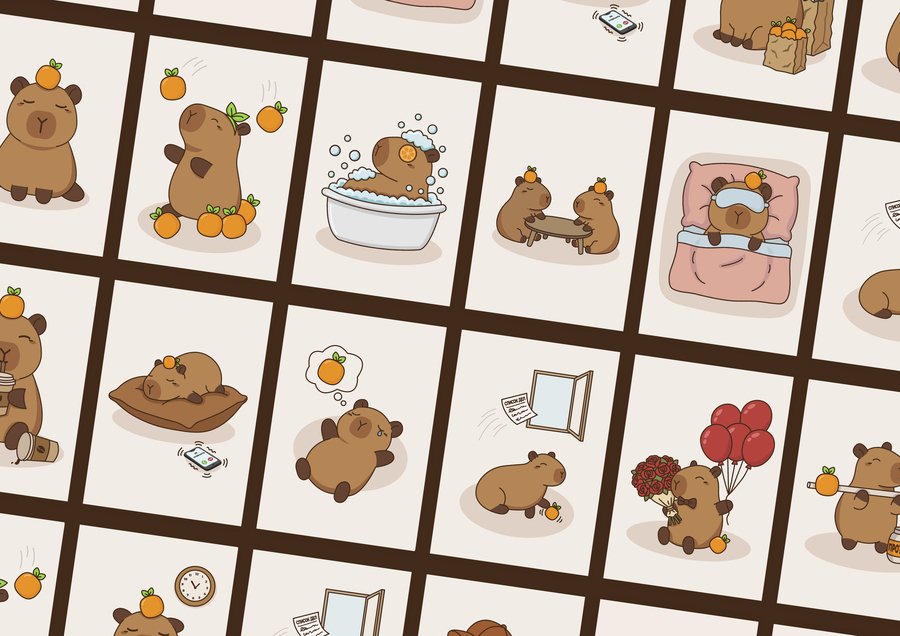
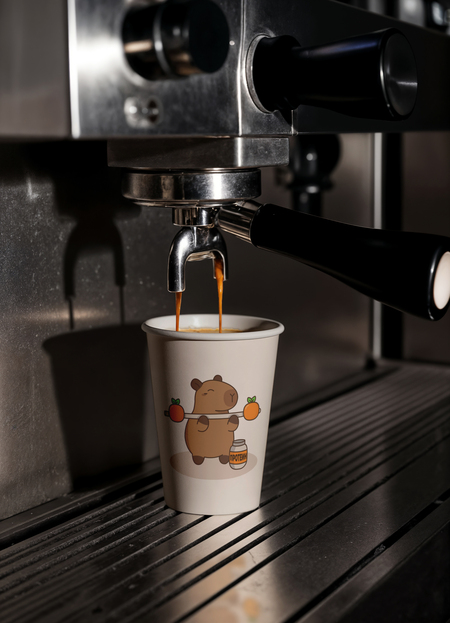
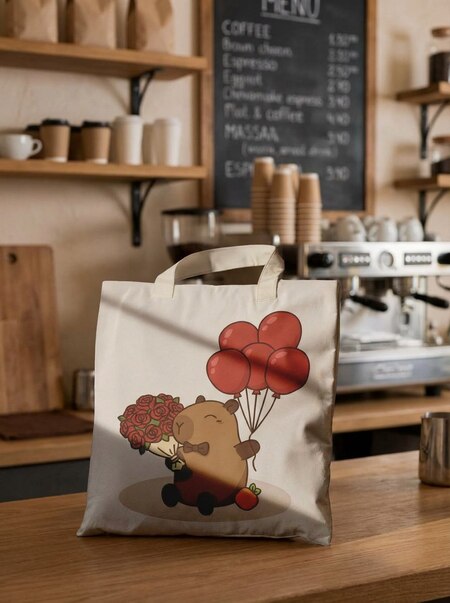
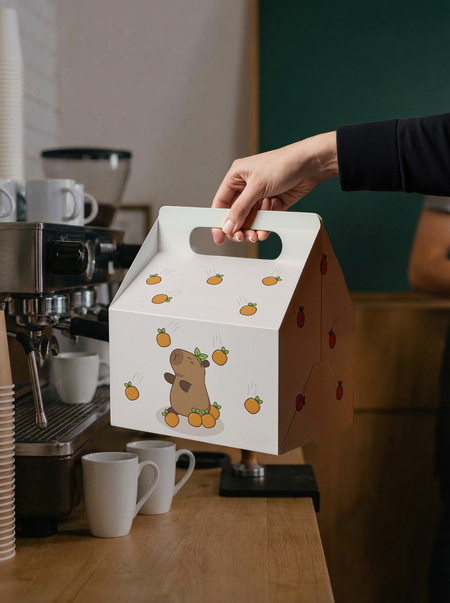
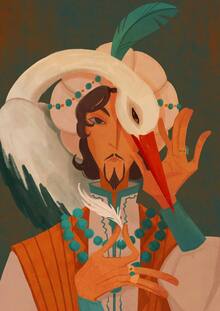
Серия иллюстраций про Капи — неторопливого посетителя кофейни с капибарами.
Иллюстрации посвящены состояниям покоя, паузам и повседневным моментам, в которых можно не торопиться и позволить себе делать всё в своём темпе.
Диана Турченко создала серию иллюстраций о неторопливом Капи, посетителе кофейни с капибарами. Проект посвящён моментам покоя и повседневным паузам, в которых можно делать всё в своём темпе.
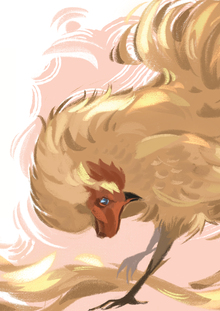
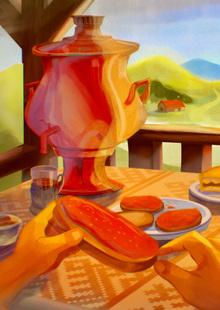
Анастасия Ищенко создала серию иллюстраций «Вкус детства», посвящённую воспоминаниям о детстве 00-х в разных городах России. Проект включает рассказы о путешествиях по 13 регионам страны и моментах трапезы, которые оставили яркие впечатления от детства.
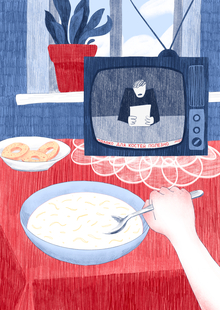
Катя Шабашова создала серию выставочной графики, основанную на родительских фразах, часто произносимых за столом российскими детьми. Проект исследует, как эти бытовые реплики формируют чувство вины и долга, сочетая травматичный опыт с теплотой и любовью.
Цифровая платформа, где талантливые креаторы находят клиентов, а бренды — свежие идеи. Загружайте проекты, получайте фидбек, участвуйте в конкурсах, получайте образование — или запускайте собственные опен-коллы и находите исполнителей для своих задач.
лучшее
дизайн
предметный дизайн
мода
среда
гейм-дизайн
иллюстрация
о дизайне
интервью
Мы используем файлы cookies для улучшения работы сайта и большего удобства его использования. Более подробную информац...
Показать больше
Press space bar to start a drag.
When dragging you can use the arrow keys to move the item around and escape to cancel.
Some screen readers may require you to be in focus mode or to use your pass through key
Press space bar to start a drag.
When dragging you can use the arrow keys to move the item around and escape to cancel.
Some screen readers may require you to be in focus mode or to use your pass through key
Press space bar to start a drag.
When dragging you can use the arrow keys to move the item around and escape to cancel.
Some screen readers may require you to be in focus mode or to use your pass through key
Press space bar to start a drag.
When dragging you can use the arrow keys to move the item around and escape to cancel.
Some screen readers may require you to be in focus mode or to use your pass through key
Press space bar to start a drag.
When dragging you can use the arrow keys to move the item around and escape to cancel.
Some screen readers may require you to be in focus mode or to use your pass through key
Press space bar to start a drag.
When dragging you can use the arrow keys to move the item around and escape to cancel.
Some screen readers may require you to be in focus mode or to use your pass through key
Press space bar to start a drag.
When dragging you can use the arrow keys to move the item around and escape to cancel.
Some screen readers may require you to be in focus mode or to use your pass through key
Press space bar to start a drag.
When dragging you can use the arrow keys to move the item around and escape to cancel.
Some screen readers may require you to be in focus mode or to use your pass through key