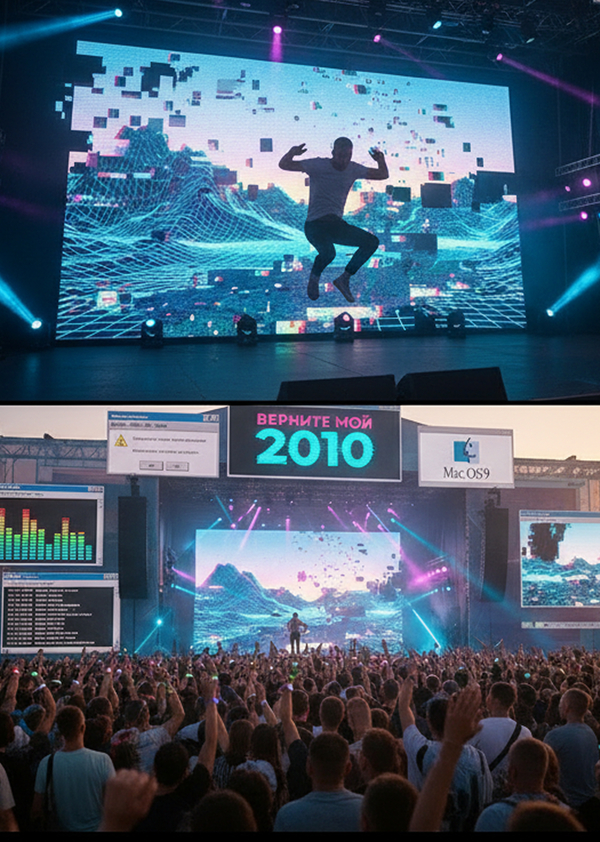
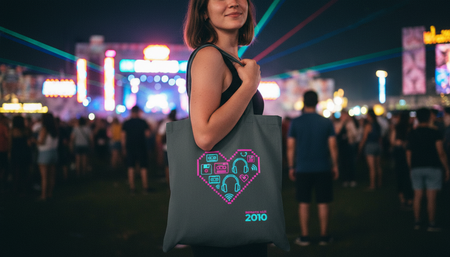
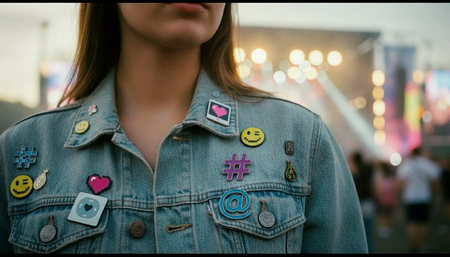
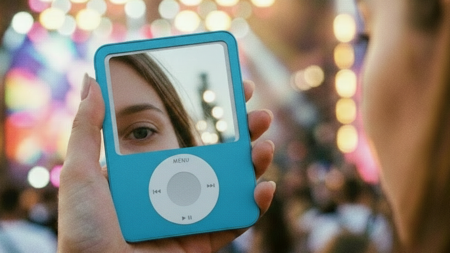
Это не просто концерт, а настоящее путешествие во времени. Этот фестиваль — пространство,
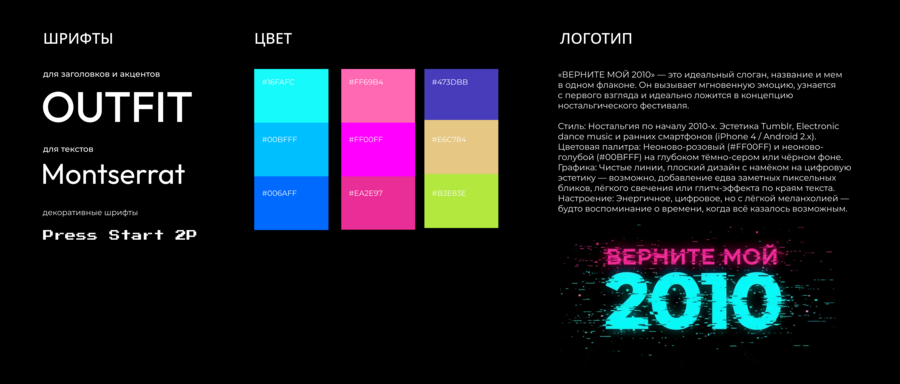
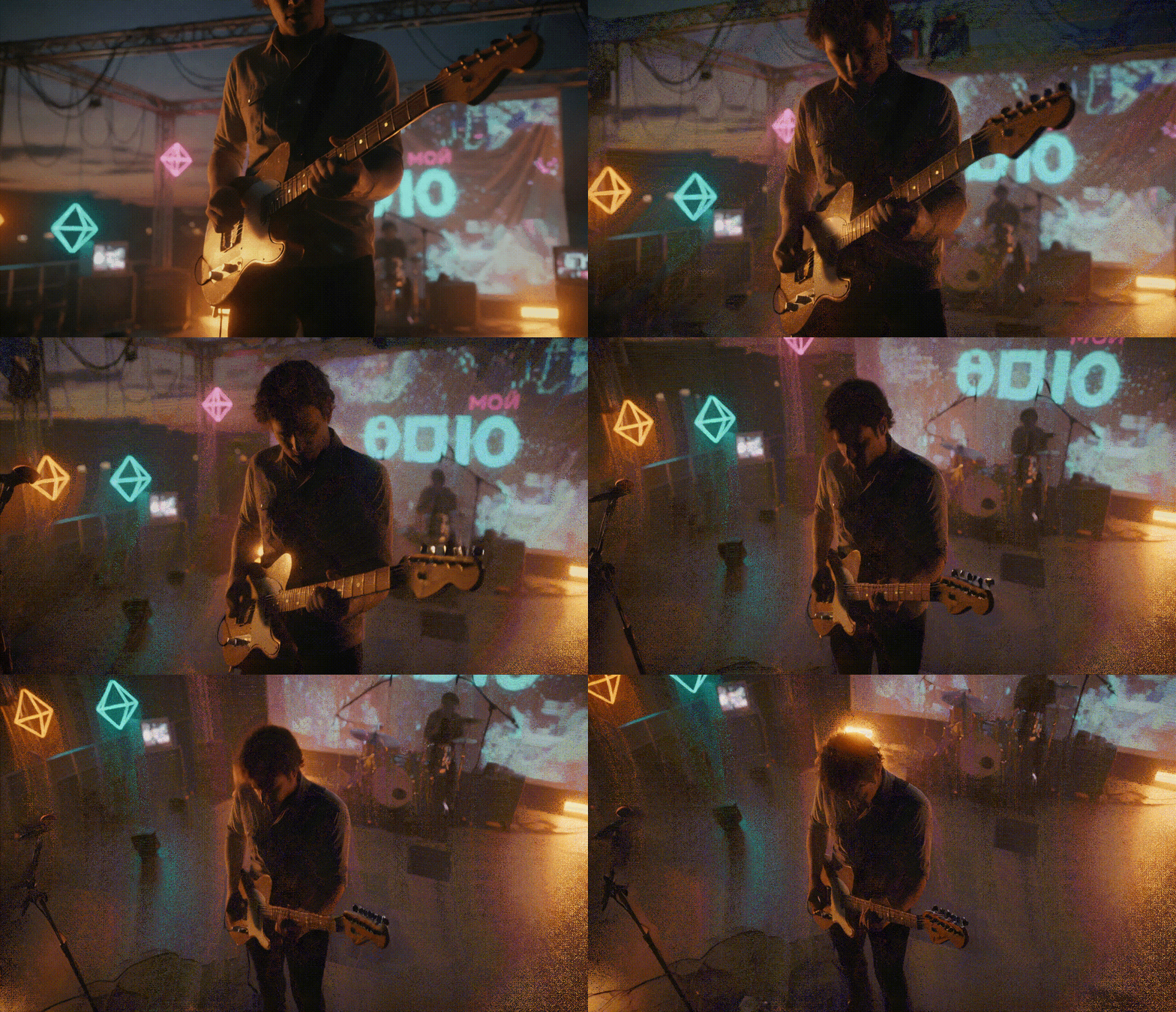
где оживает эпоха 2010-х: главные музыкальные тренды (расцвет электропопа и инди-музыки), цифровая эстетика (неон, пиксельная графика), культовые атрибуты (первые смартфоны, VK, ранний Instagram) и та самая молодежная культура с ее бесшабашностью.
Здесь воссоздаётся ощущение «беззаботного будущего», которое царило в 2010-2015: чувство, что всё впереди, эклектичный вкус, цифровая свобода и вера в то, что технологии вместе
с музыкой могут изменить мир
Исходный размер 5056x2160
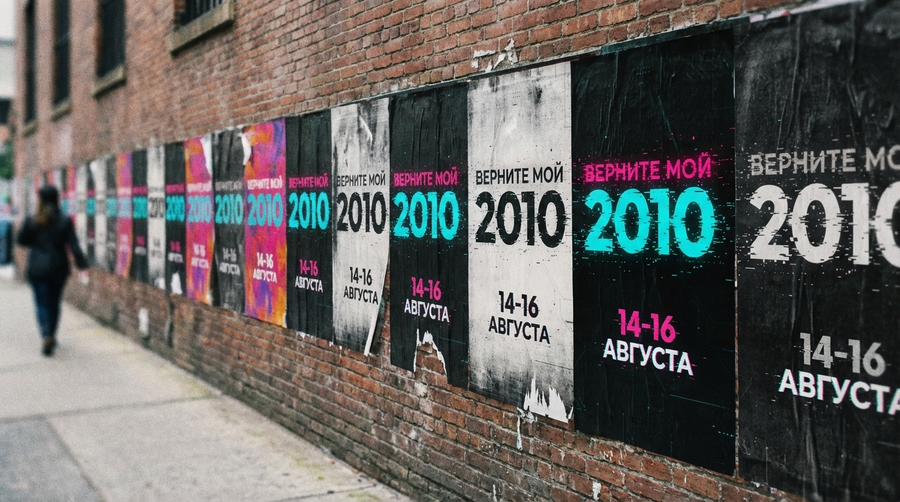
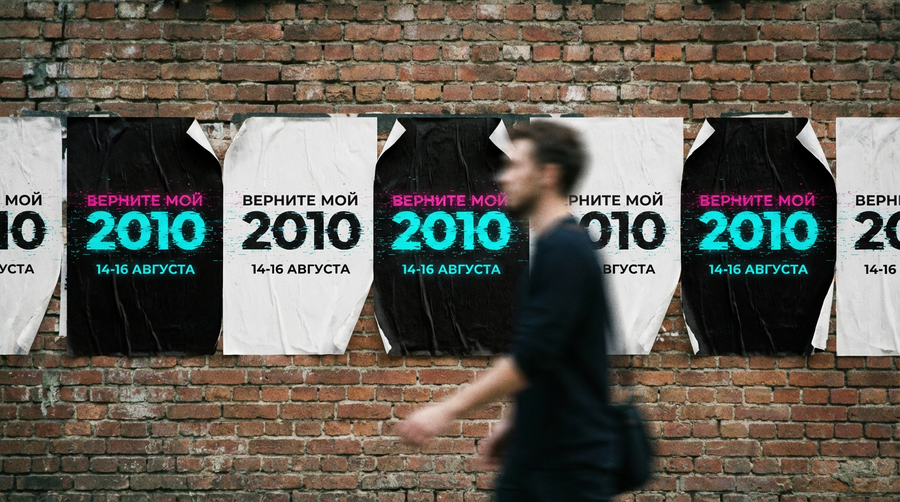
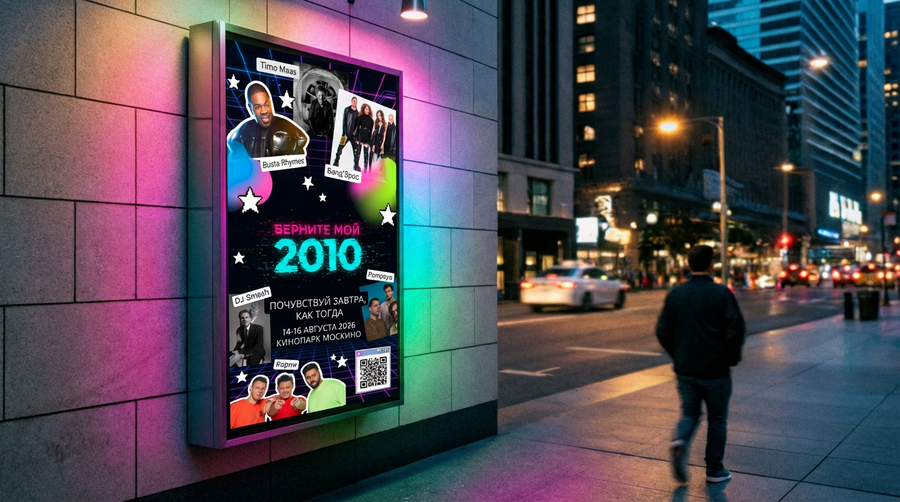
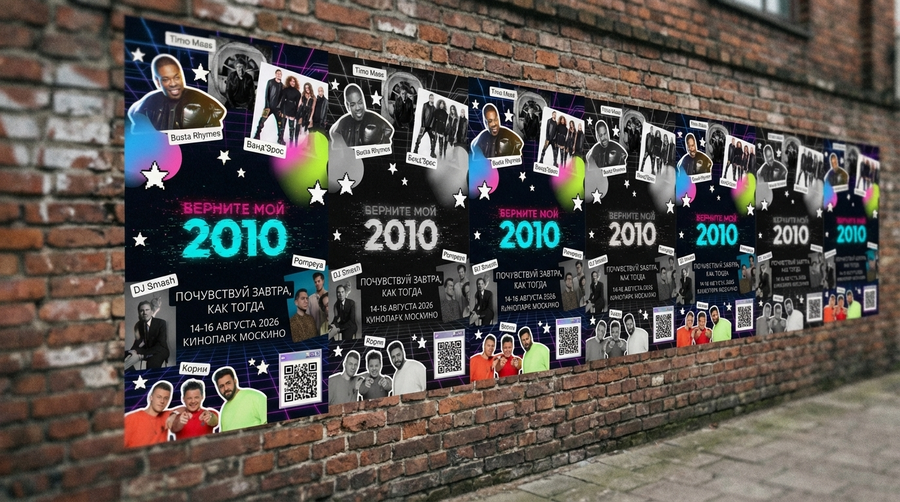
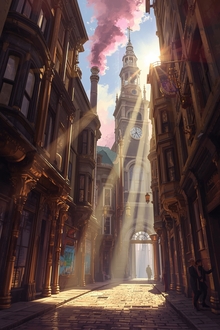
Кампания создаёт атмосферу ностальгии по цифровой эпохе 2010-х, последовательно раскрывая информацию. Вместо прямого информирования она использует загадочность: сначала абстрактные афиши
0
0
0
0
0
0
0
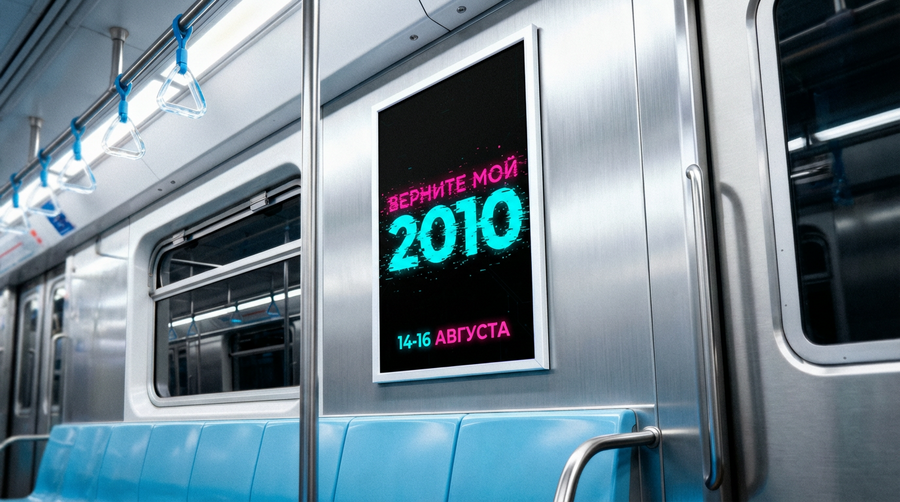
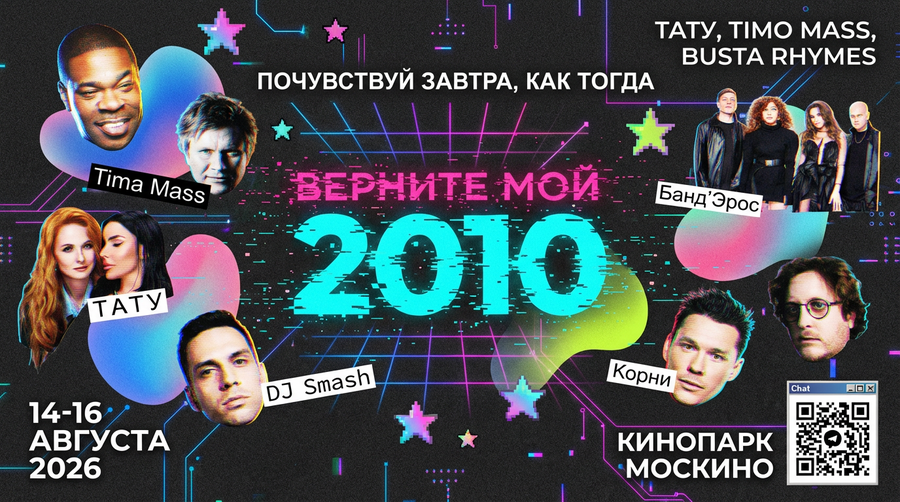
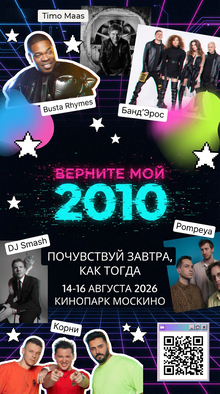
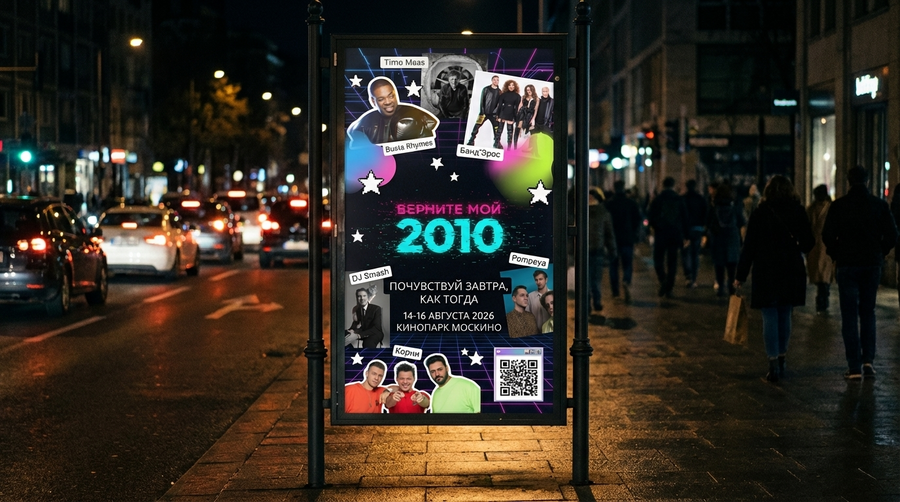
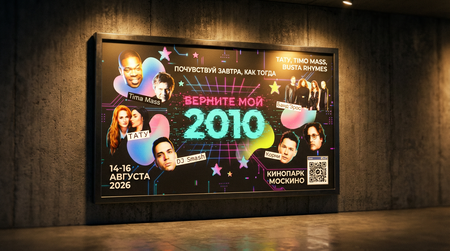
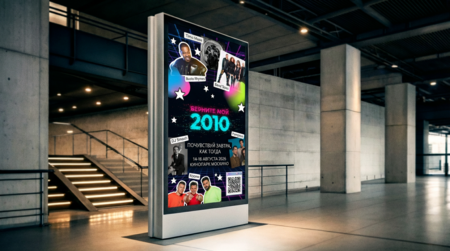
Затем постепенно раскрывает детали — хедлайнеров, даты, локацию, через билборды, постеры и соцсети
0
0
0
0
0
0
0
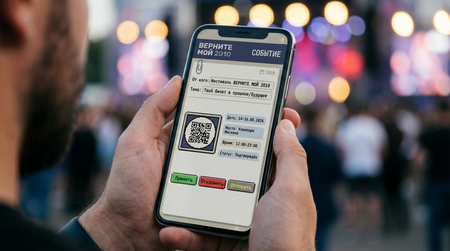
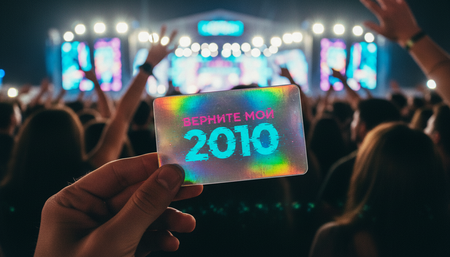
Билеты на музыкальный фестиваль:
Электронный билет
Билет коллекционный
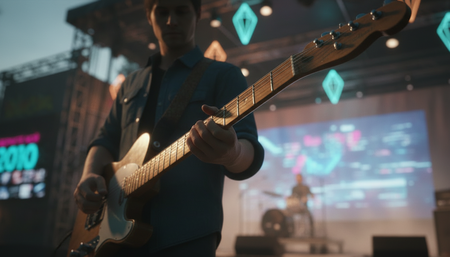
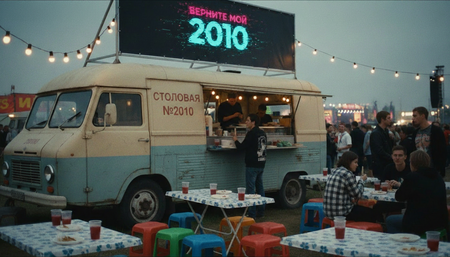
Пространство музыкального фестиваля «ВЕРНИТЕ МОЙ 2010»
Главная сцена
Сцена для камерных выступлений
Инди-сцена
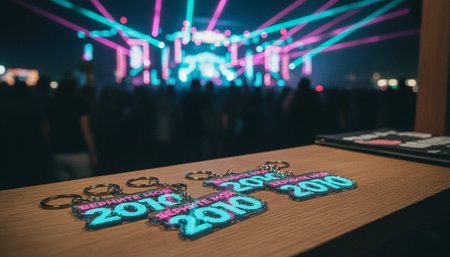
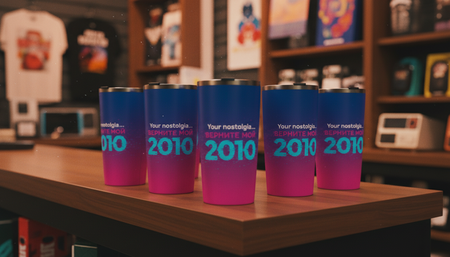
Мерчшоп «СКЛАД 2010»
Мерчшоп-инсталляция, переносящая посетителей в комнату подростка конца 2000-х — начала 2010-х годов, но с элементами цифровой ностальгии
Мы используем файлы cookies для улучшения работы сайта и большего удобства его использования. Более подробную информац...
Показать больше
Press space bar to start a drag.
When dragging you can use the arrow keys to move the item around and escape to cancel.
Some screen readers may require you to be in focus mode or to use your pass through key
Press space bar to start a drag.
When dragging you can use the arrow keys to move the item around and escape to cancel.
Some screen readers may require you to be in focus mode or to use your pass through key
Press space bar to start a drag.
When dragging you can use the arrow keys to move the item around and escape to cancel.
Some screen readers may require you to be in focus mode or to use your pass through key
Press space bar to start a drag.
When dragging you can use the arrow keys to move the item around and escape to cancel.
Some screen readers may require you to be in focus mode or to use your pass through key
Press space bar to start a drag.
When dragging you can use the arrow keys to move the item around and escape to cancel.
Some screen readers may require you to be in focus mode or to use your pass through key
Press space bar to start a drag.
When dragging you can use the arrow keys to move the item around and escape to cancel.
Some screen readers may require you to be in focus mode or to use your pass through key
Press space bar to start a drag.
When dragging you can use the arrow keys to move the item around and escape to cancel.
Some screen readers may require you to be in focus mode or to use your pass through key
Press space bar to start a drag.
When dragging you can use the arrow keys to move the item around and escape to cancel.
Some screen readers may require you to be in focus mode or to use your pass through key
Press space bar to start a drag.
When dragging you can use the arrow keys to move the item around and escape to cancel.
Some screen readers may require you to be in focus mode or to use your pass through key
Press space bar to start a drag.
When dragging you can use the arrow keys to move the item around and escape to cancel.
Some screen readers may require you to be in focus mode or to use your pass through key
Press space bar to start a drag.
When dragging you can use the arrow keys to move the item around and escape to cancel.
Some screen readers may require you to be in focus mode or to use your pass through key