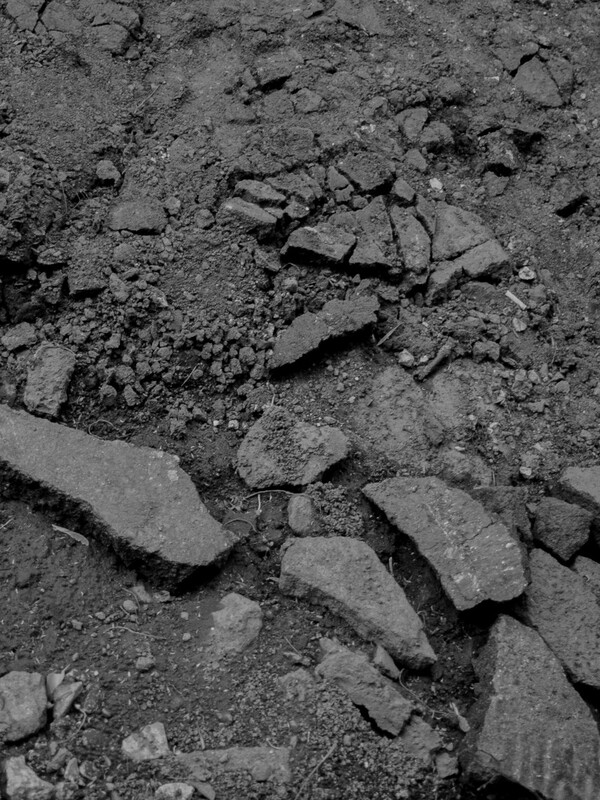
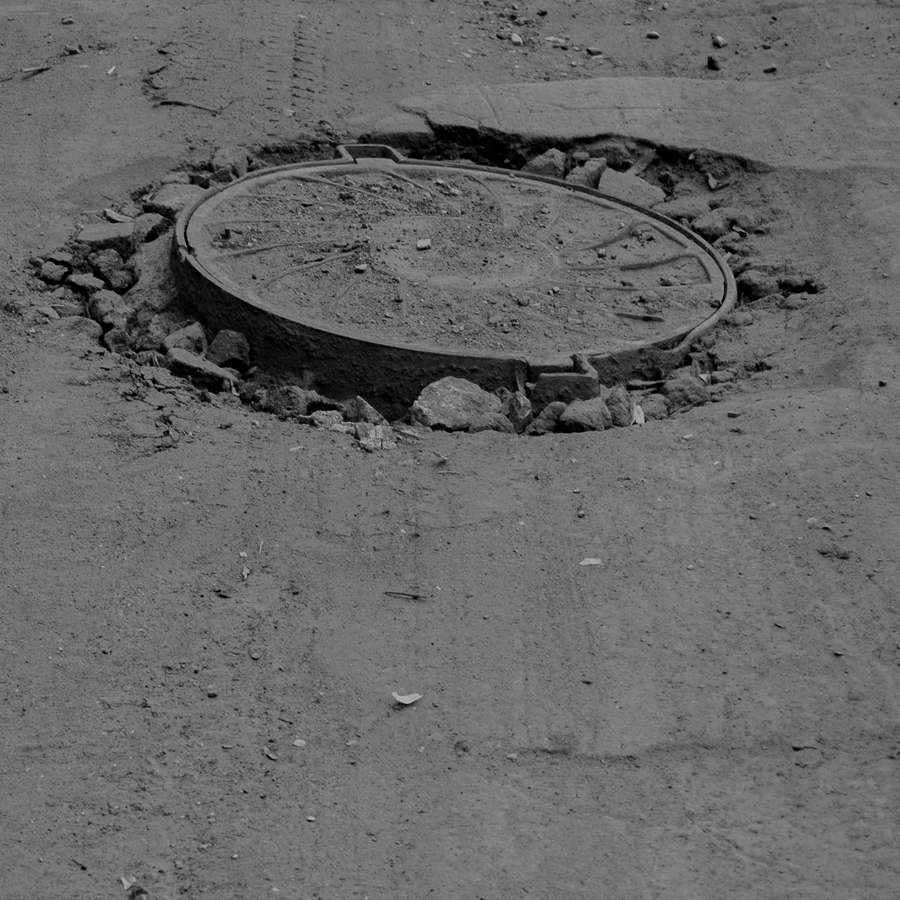
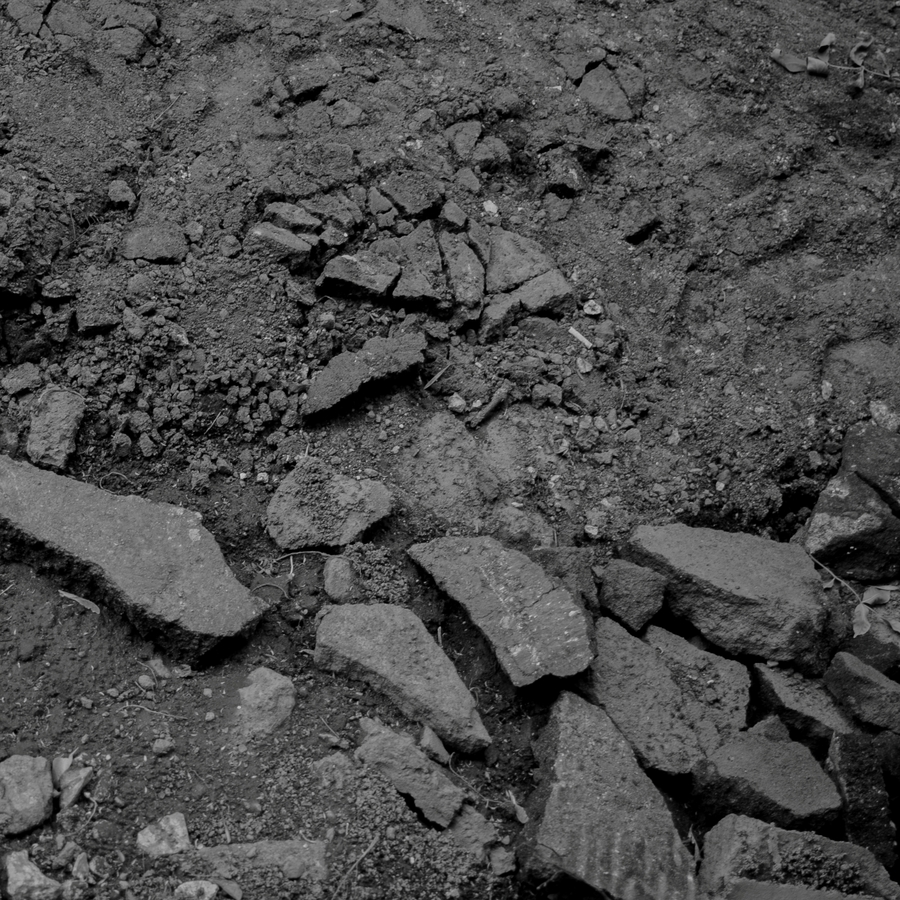
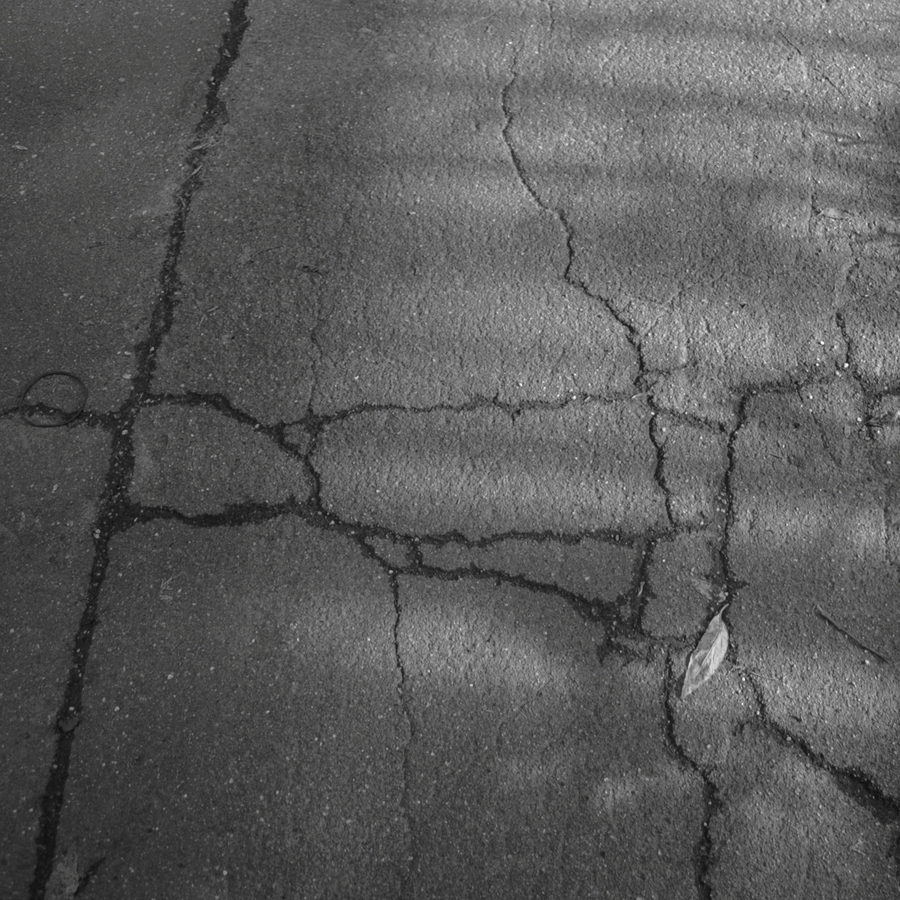
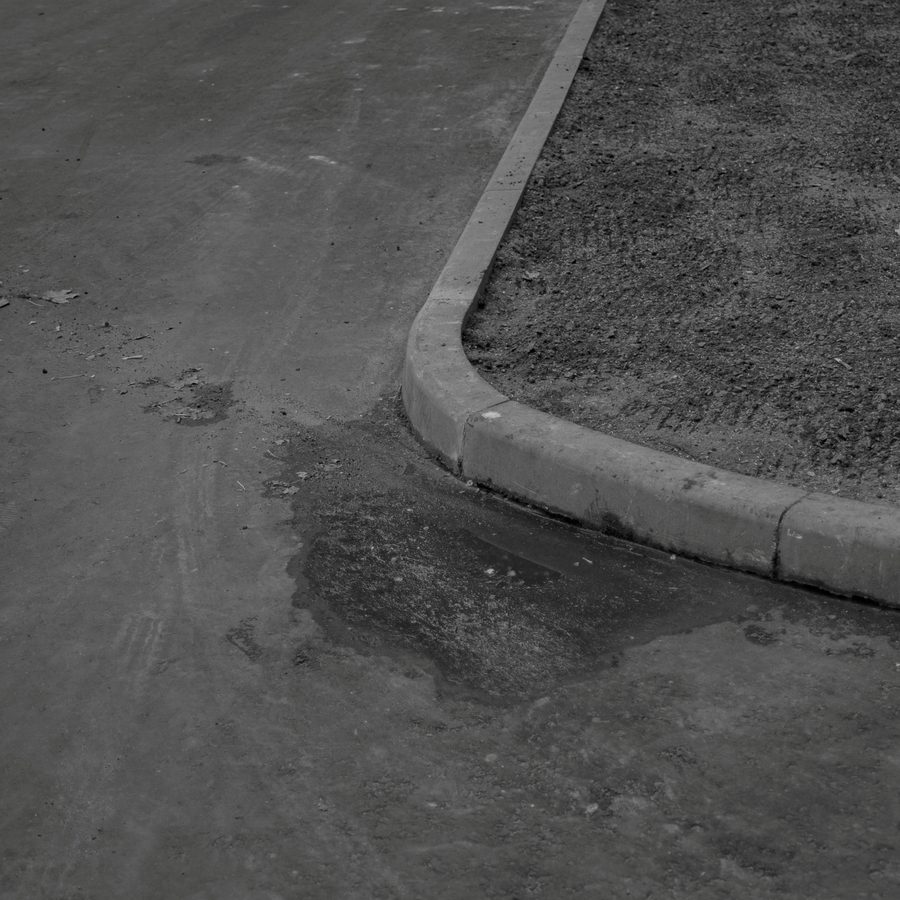
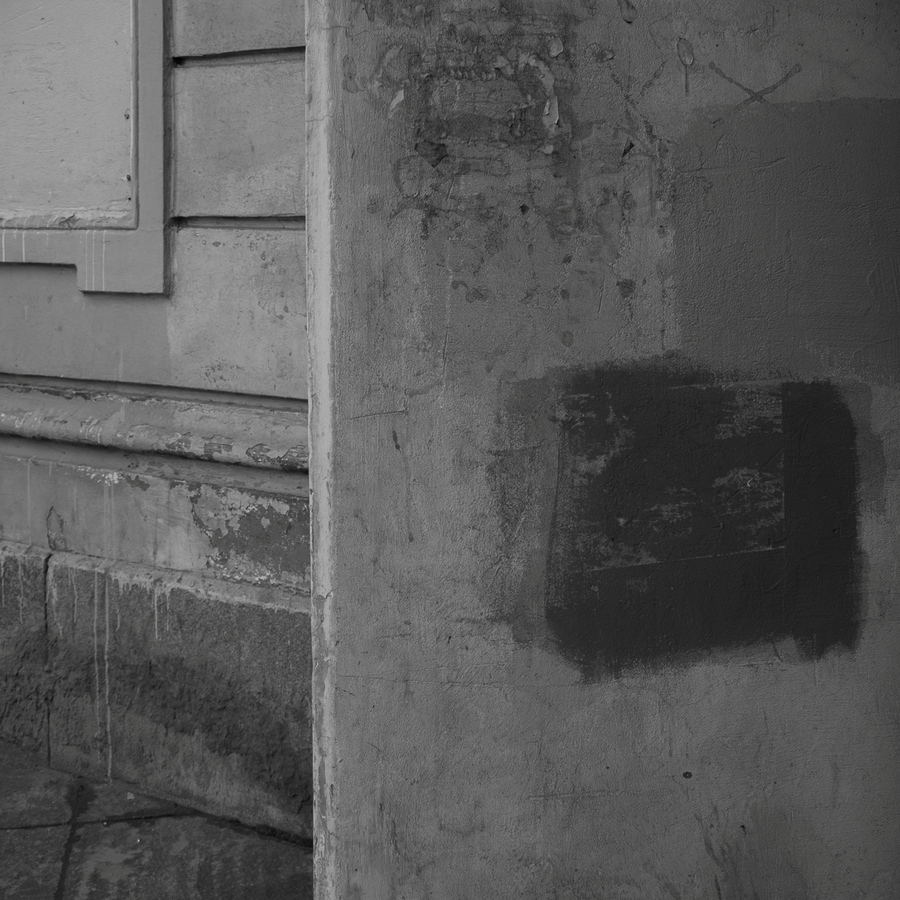
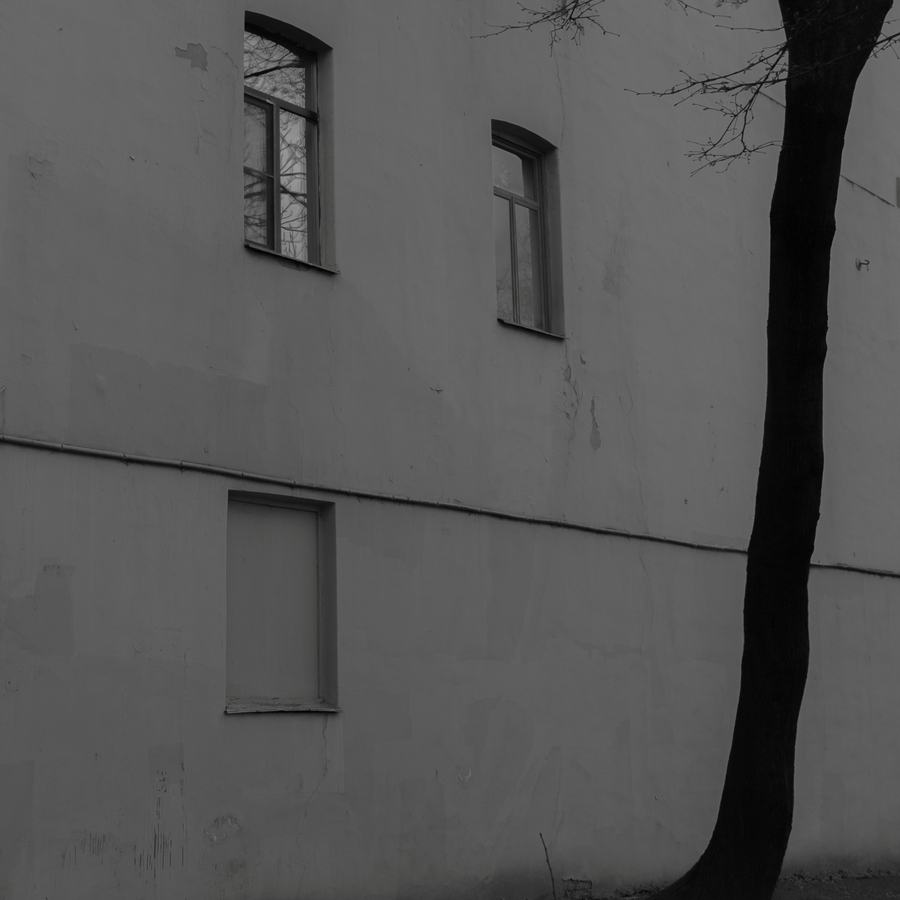
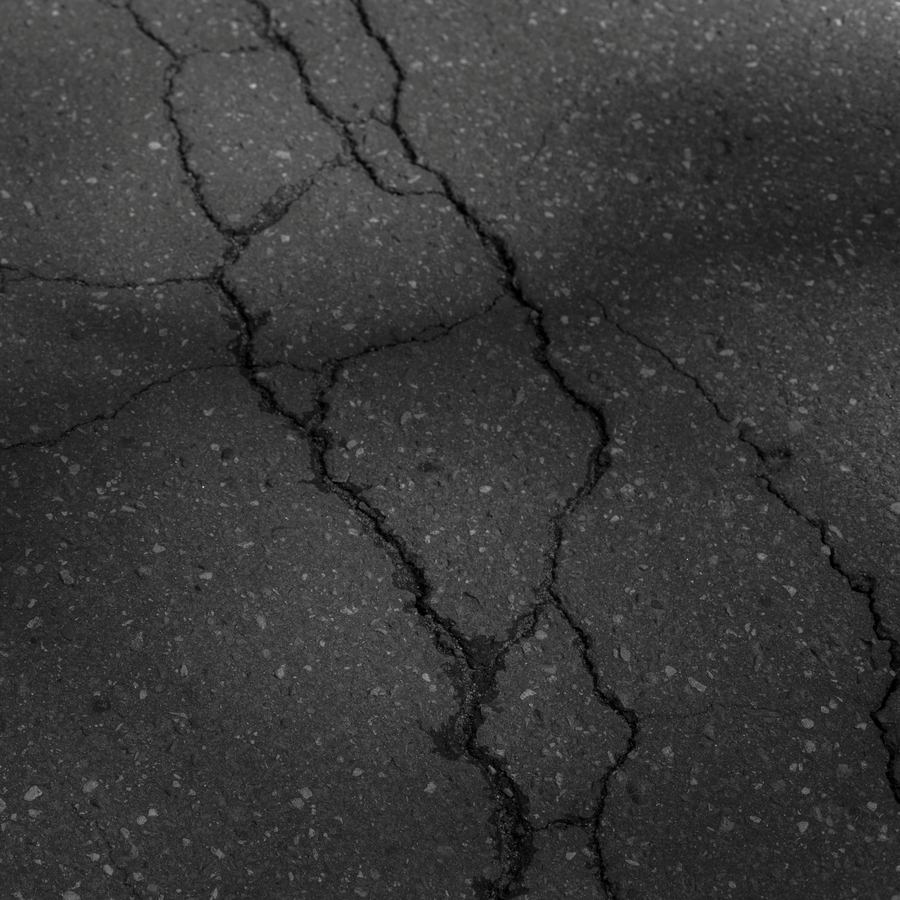
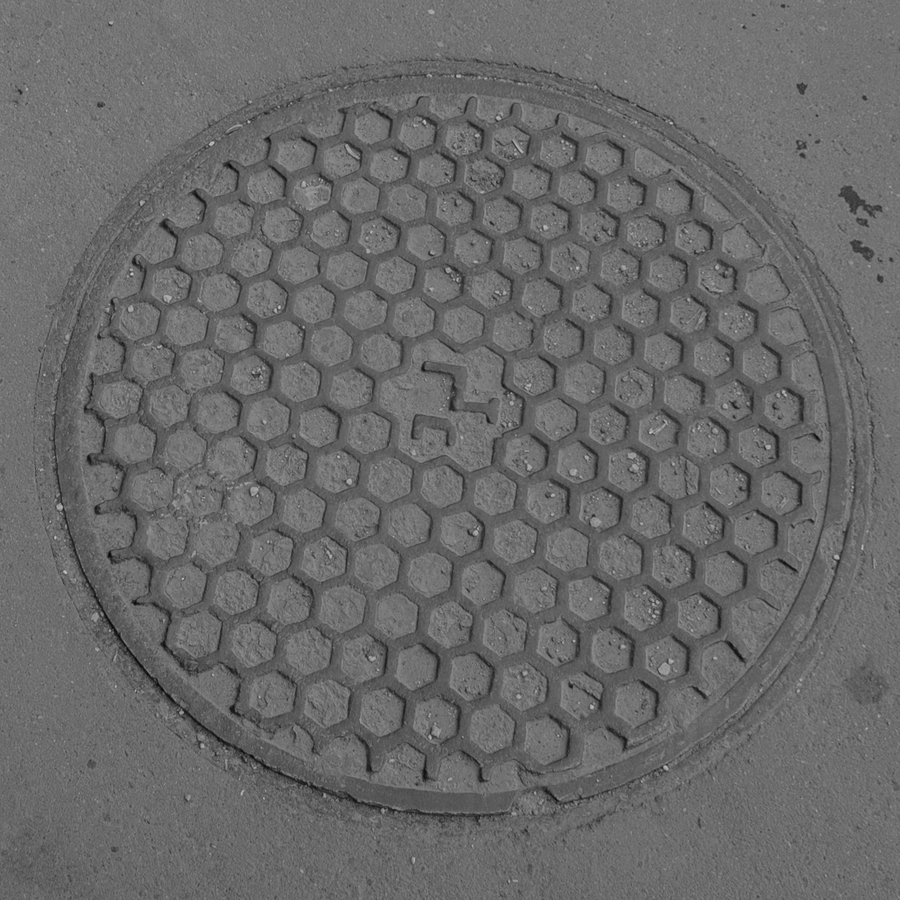
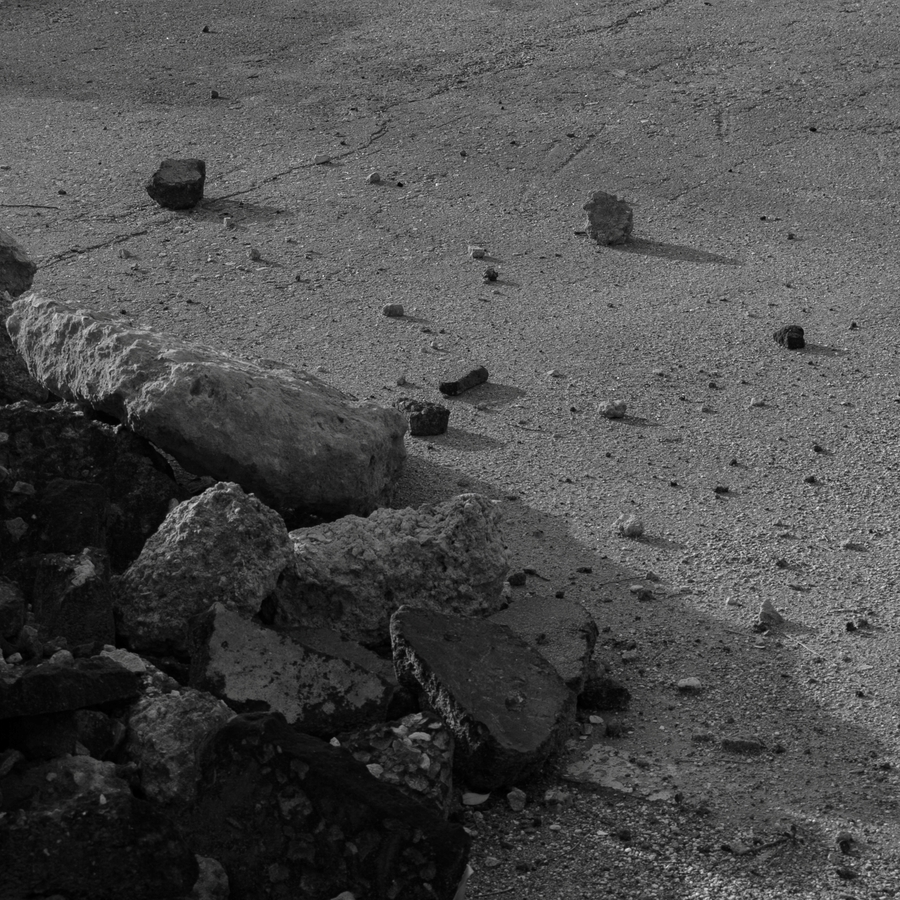
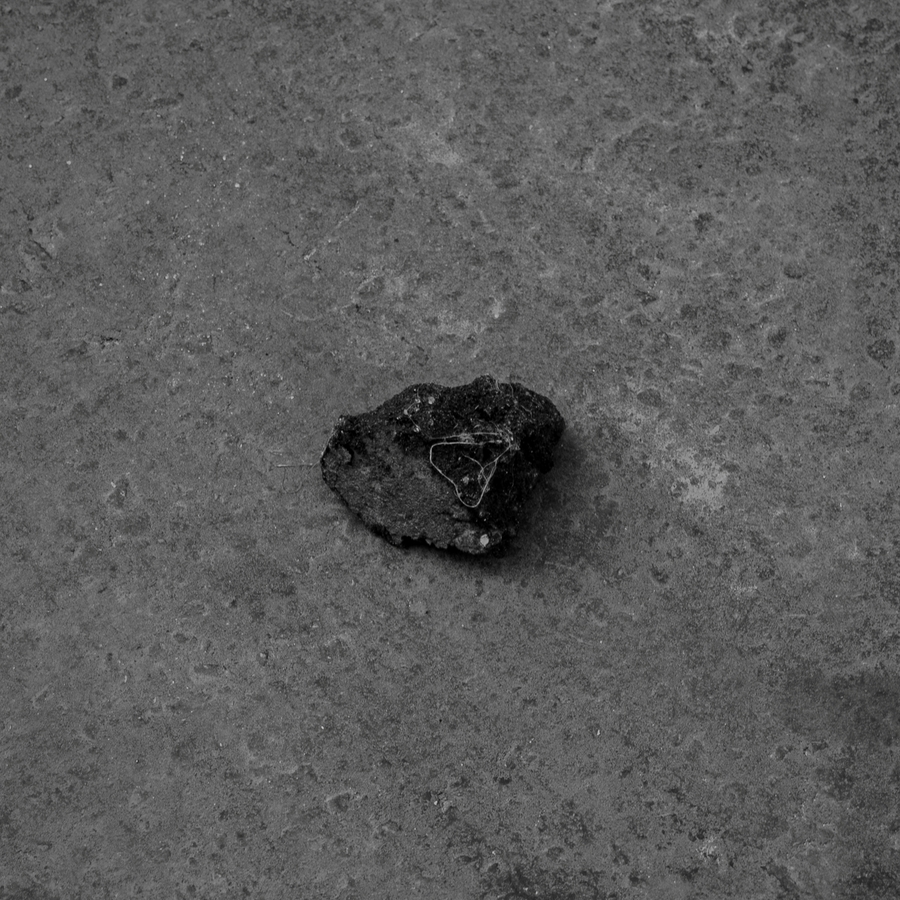
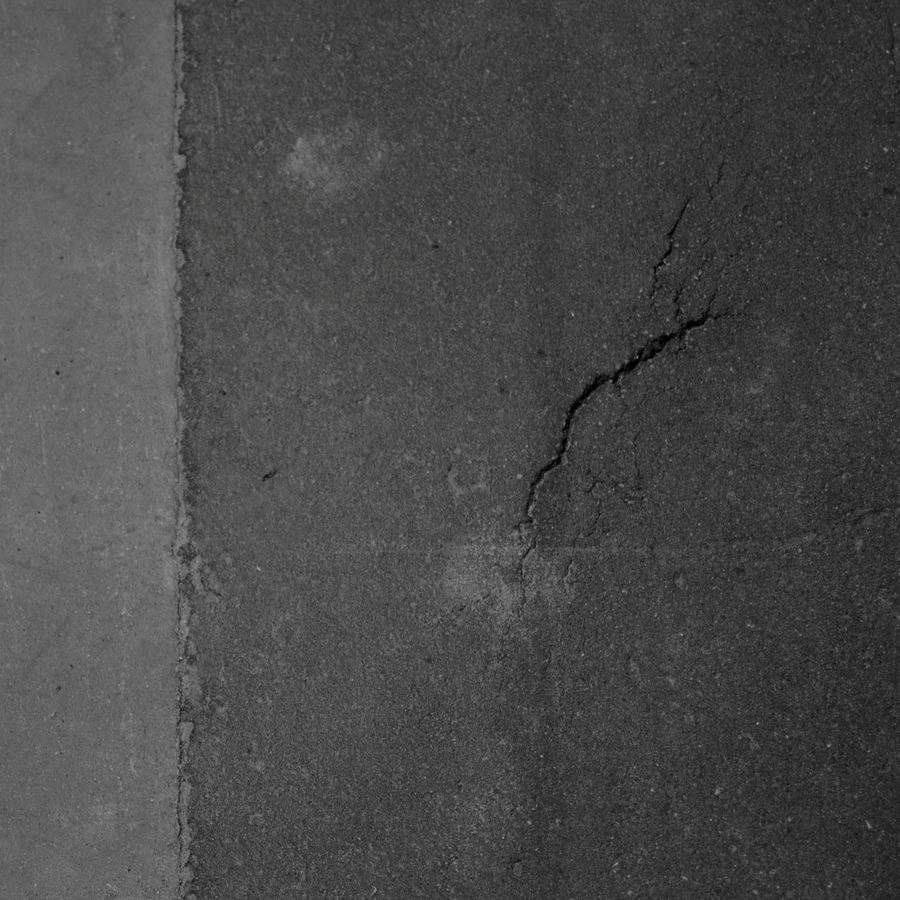
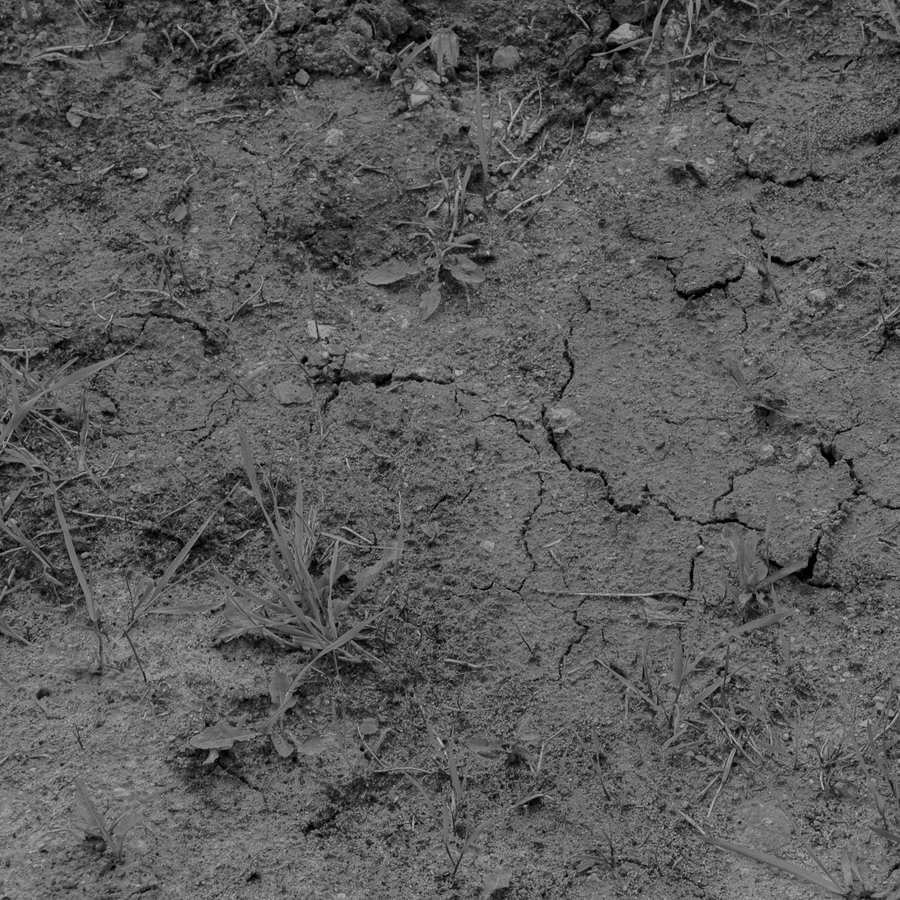
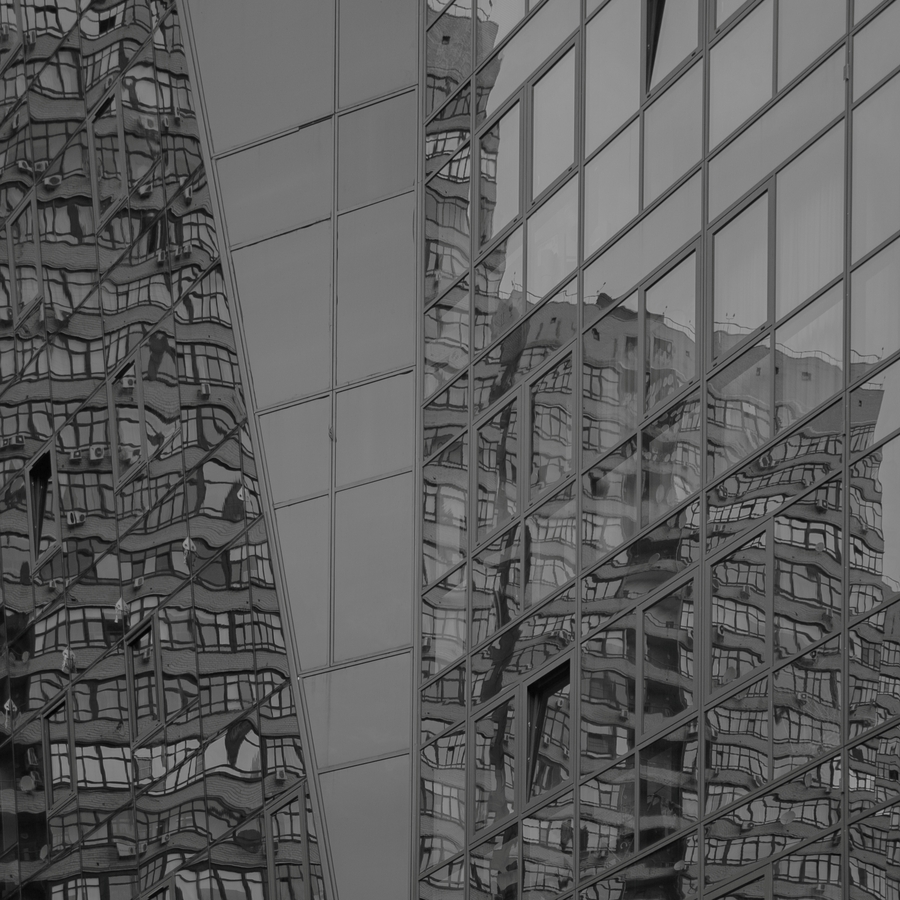
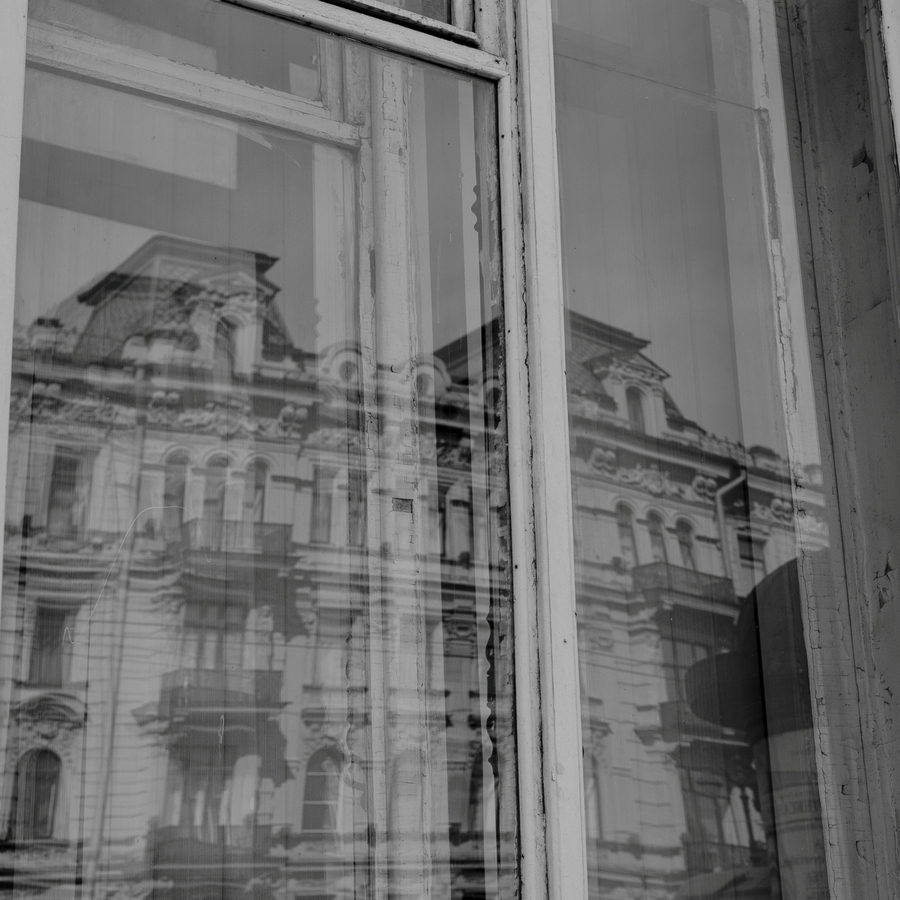
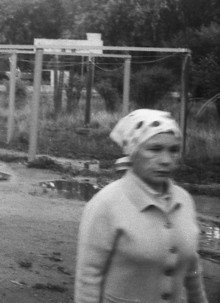
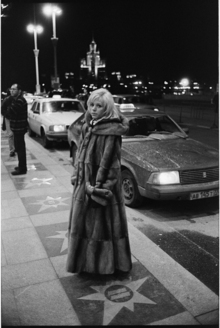
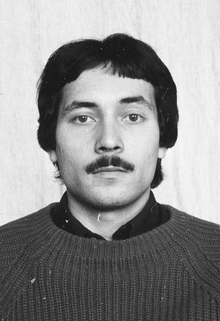
Тема, с которой я работаю в цифровой фотографии это тонкие пересечения и метафоры живого и неживого, видимого и невидимого, света и тени. Находясь в стороне от прямого, документального рассказа, я замечаю будничные детали в их ясности и простоте.
Фотография для меня сосуществует на стыке поэзии и визуального образа, где через малое количество слов возможно передать то многое, что остаётся всегда за кадром, в поле невысказанности.
Серия цифровых фотографий называется «Мираж». Создание иного городского пространства визуального языка, которое способно выстраивать цепочку связи между наблюдаемым и наблюдателем, в которого я превращаюсь, фотографируя пространство вокруг себя.
Мы используем файлы cookies для улучшения работы сайта и большего удобства его использования. Более подробную информац...
Показать больше
Press space bar to start a drag.
When dragging you can use the arrow keys to move the item around and escape to cancel.
Some screen readers may require you to be in focus mode or to use your pass through key
Press space bar to start a drag.
When dragging you can use the arrow keys to move the item around and escape to cancel.
Some screen readers may require you to be in focus mode or to use your pass through key
Press space bar to start a drag.
When dragging you can use the arrow keys to move the item around and escape to cancel.
Some screen readers may require you to be in focus mode or to use your pass through key
Press space bar to start a drag.
When dragging you can use the arrow keys to move the item around and escape to cancel.
Some screen readers may require you to be in focus mode or to use your pass through key
Press space bar to start a drag.
When dragging you can use the arrow keys to move the item around and escape to cancel.
Some screen readers may require you to be in focus mode or to use your pass through key
Press space bar to start a drag.
When dragging you can use the arrow keys to move the item around and escape to cancel.
Some screen readers may require you to be in focus mode or to use your pass through key
Press space bar to start a drag.
When dragging you can use the arrow keys to move the item around and escape to cancel.
Some screen readers may require you to be in focus mode or to use your pass through key