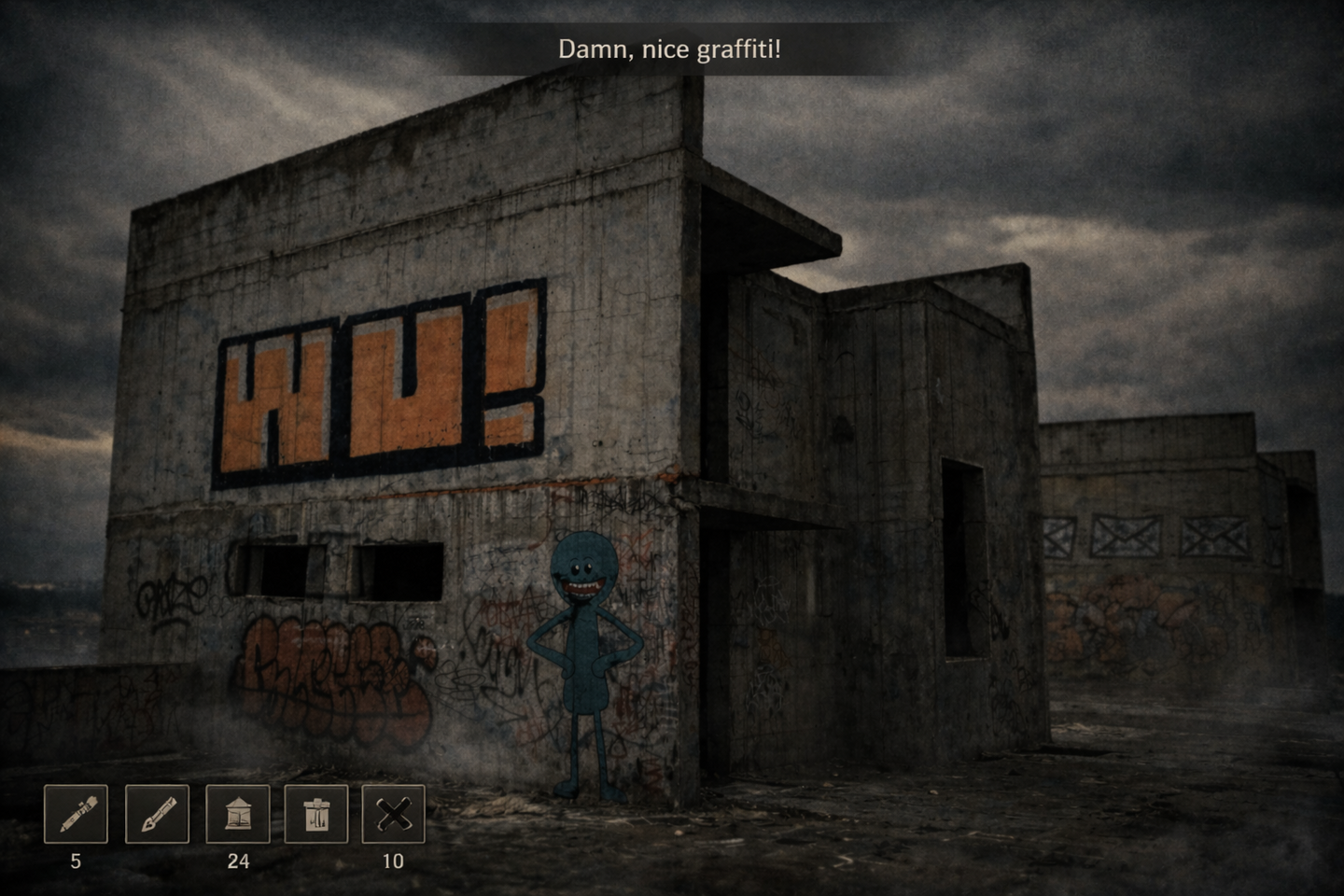
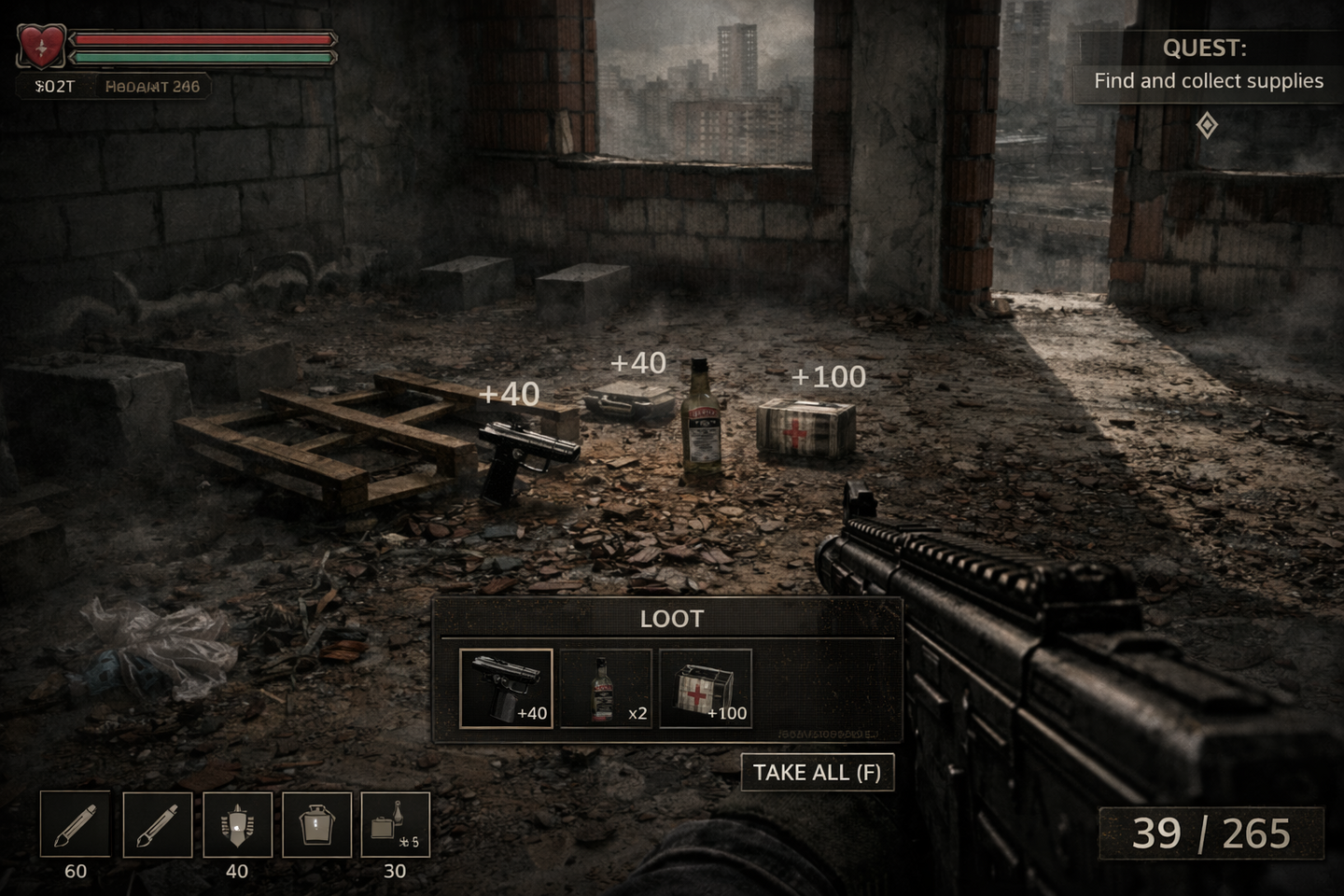
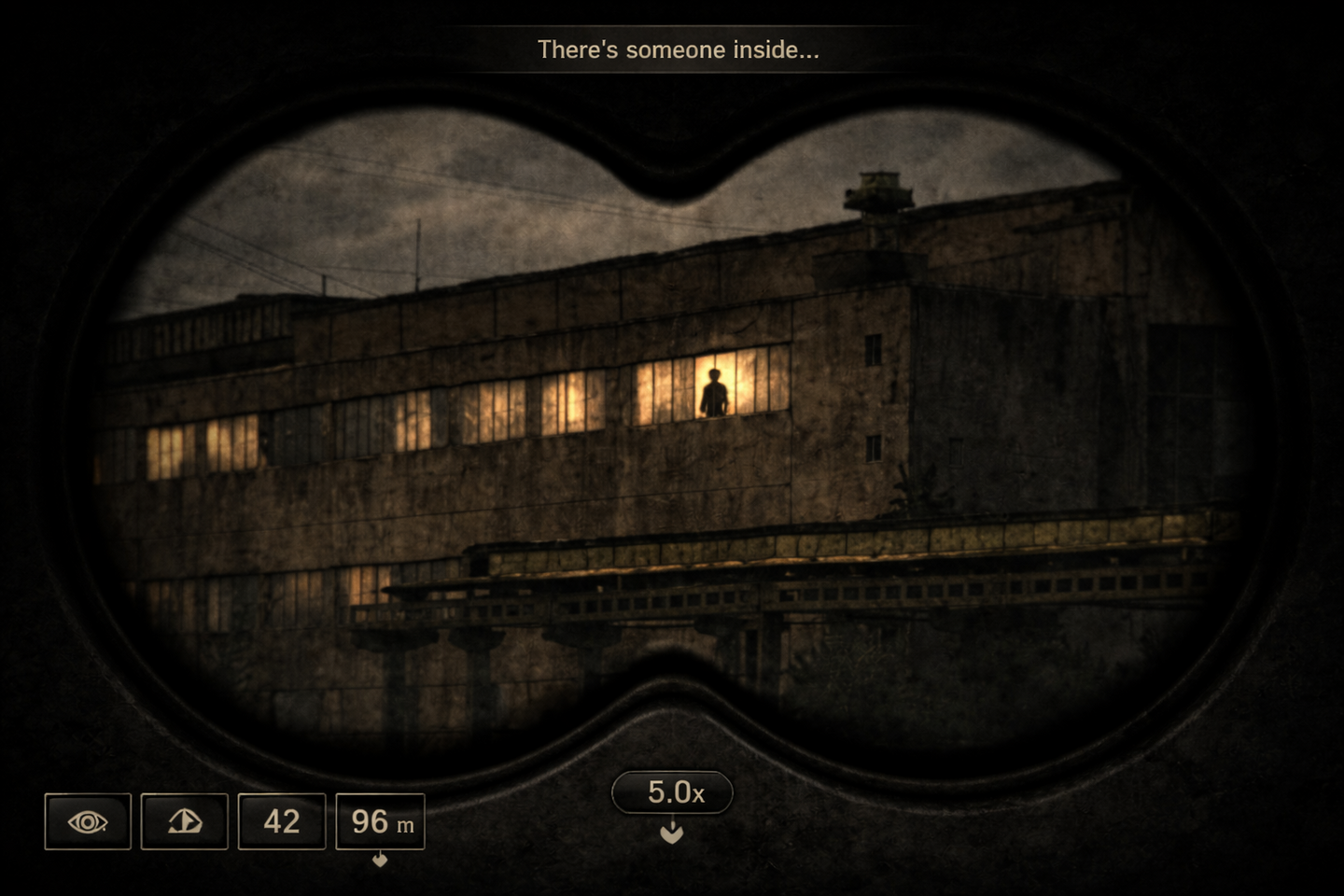
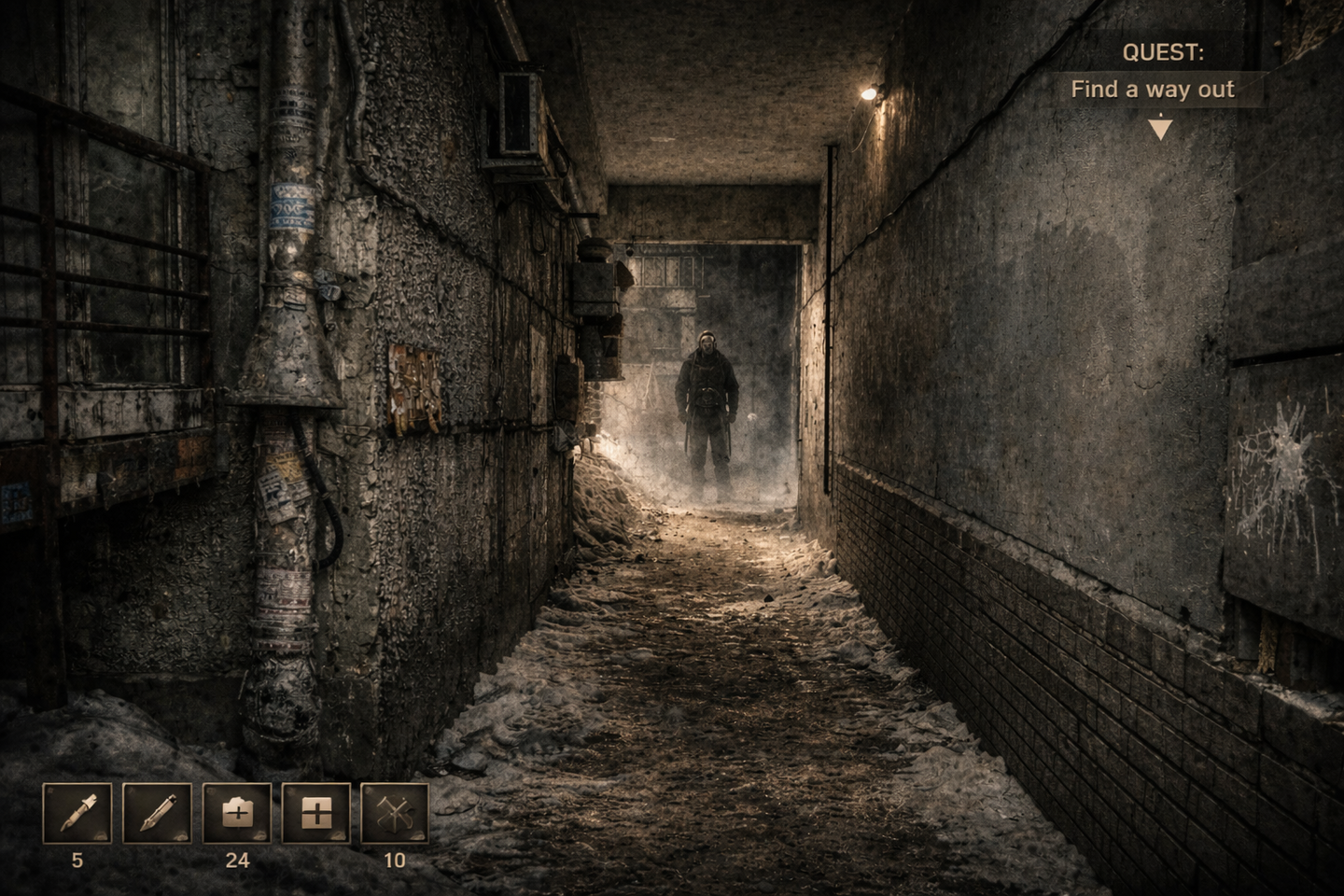
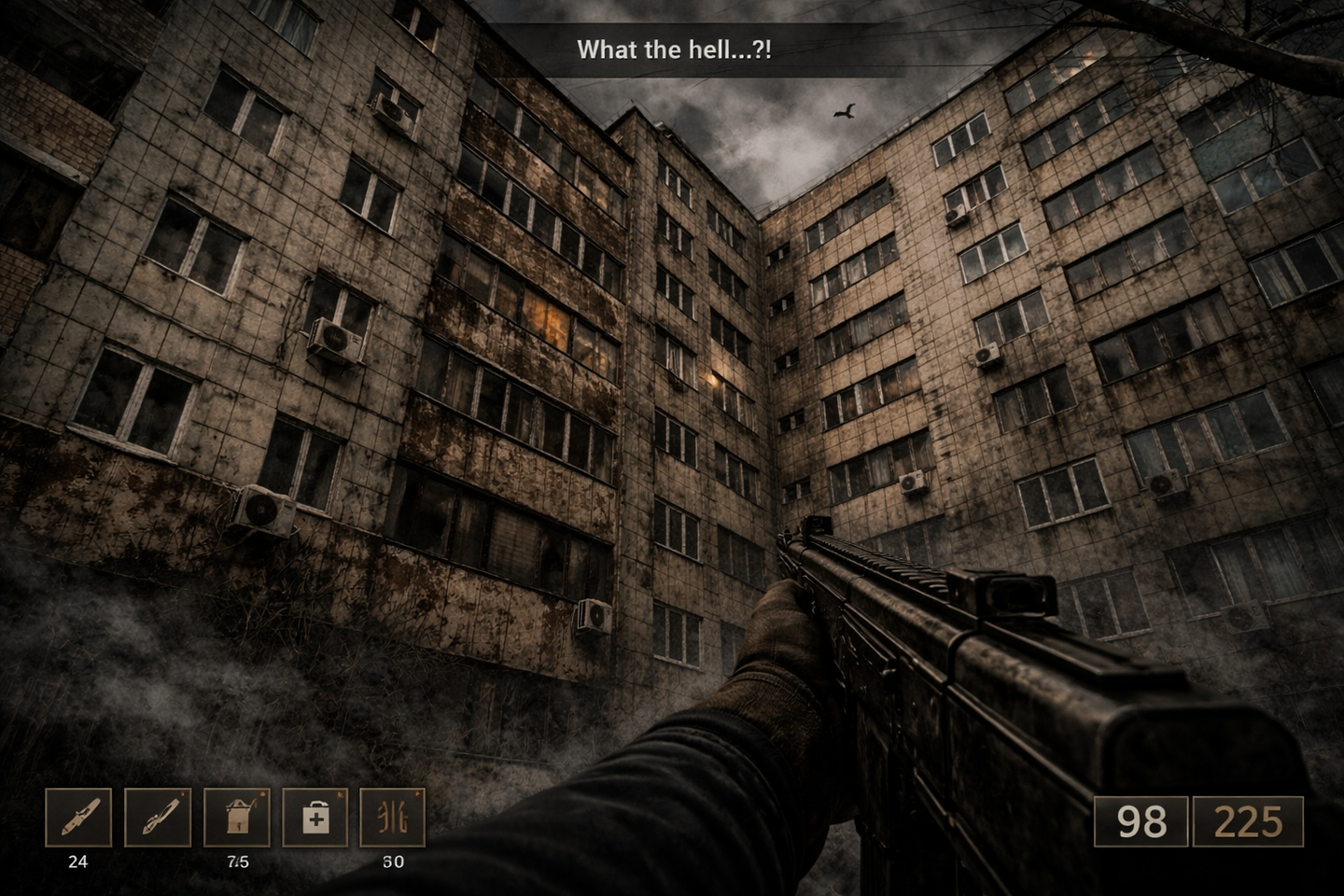
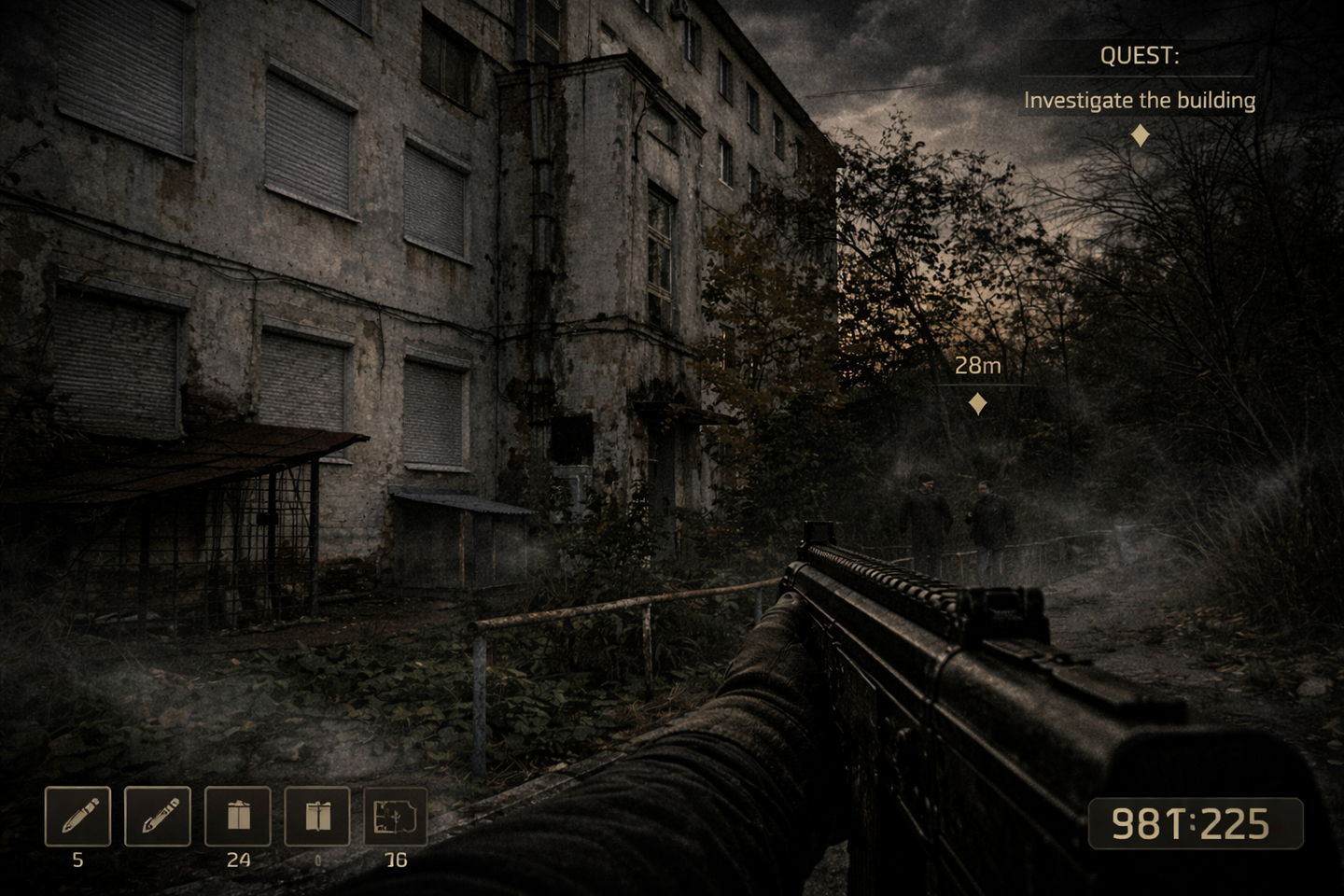
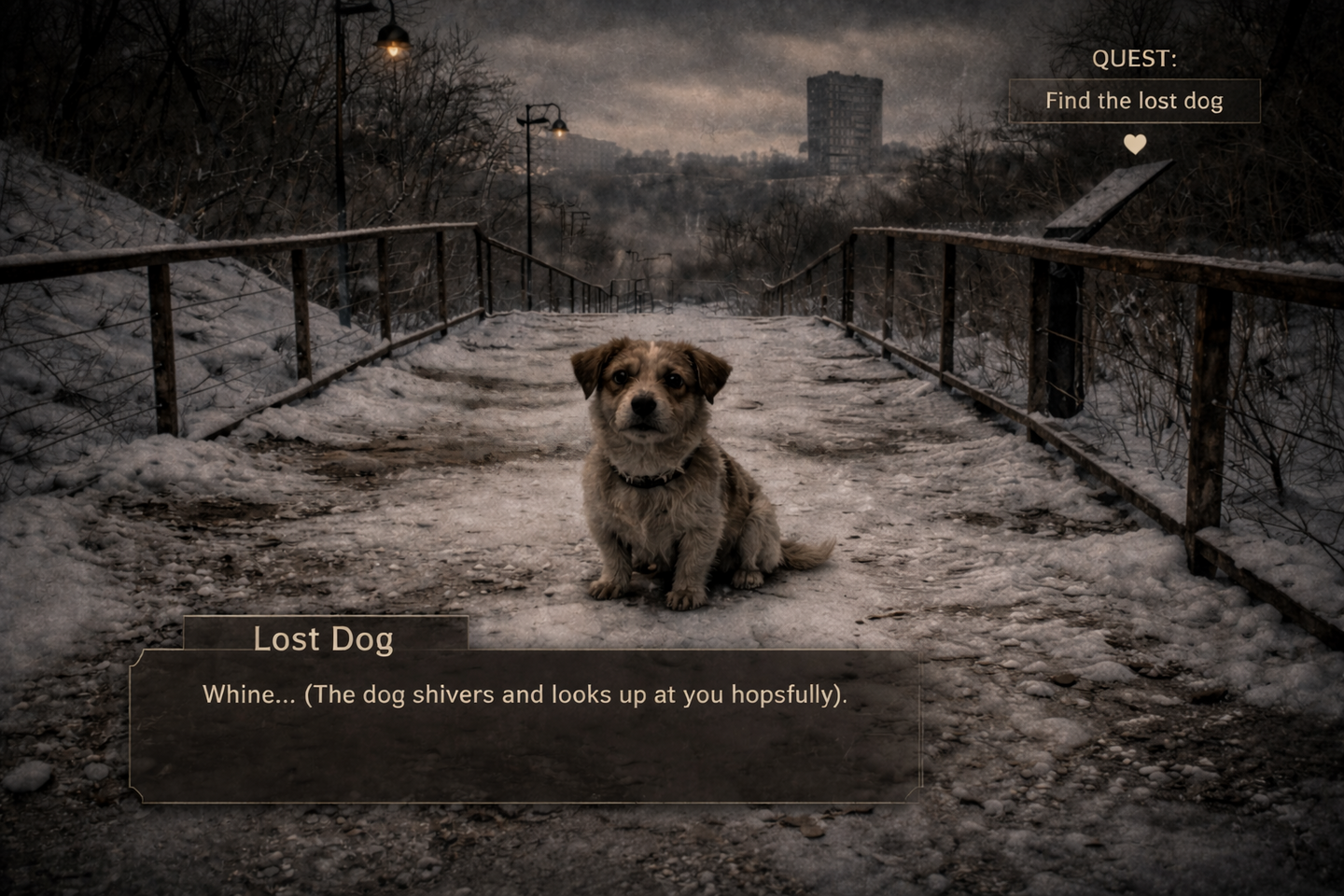
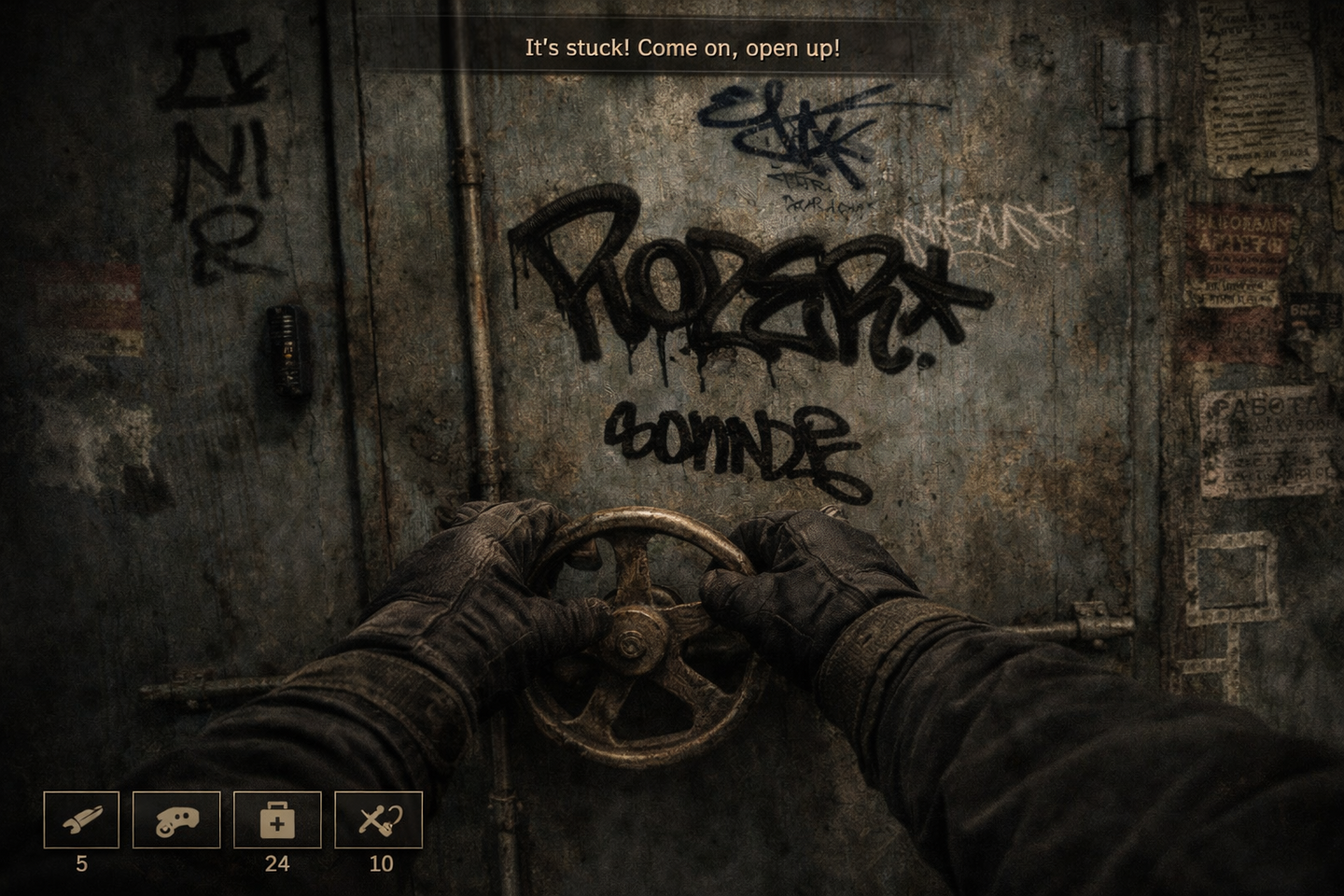
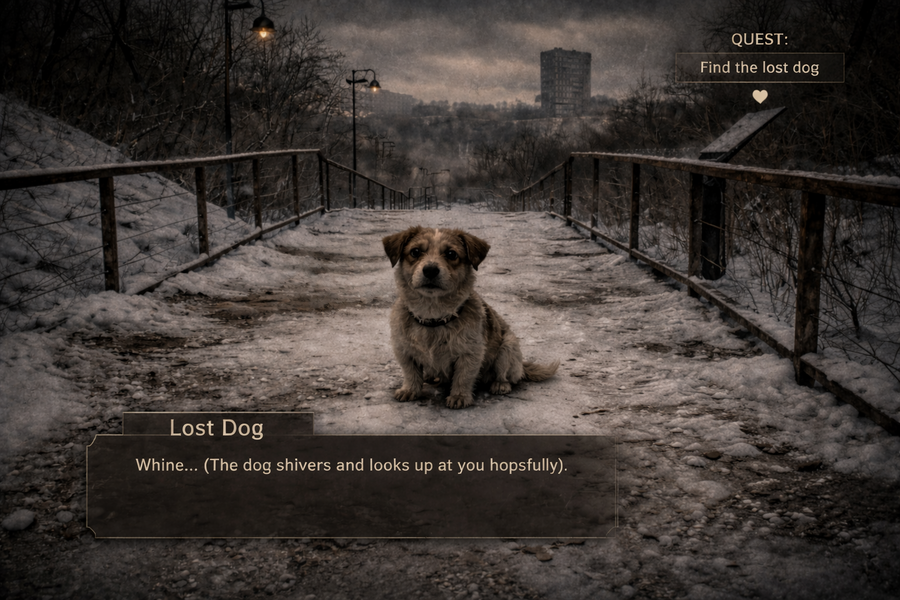
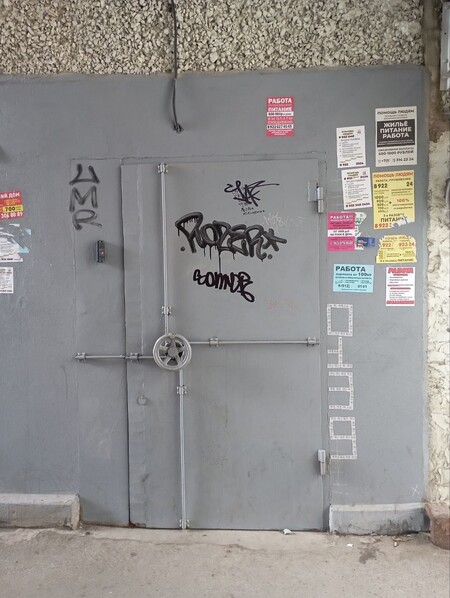
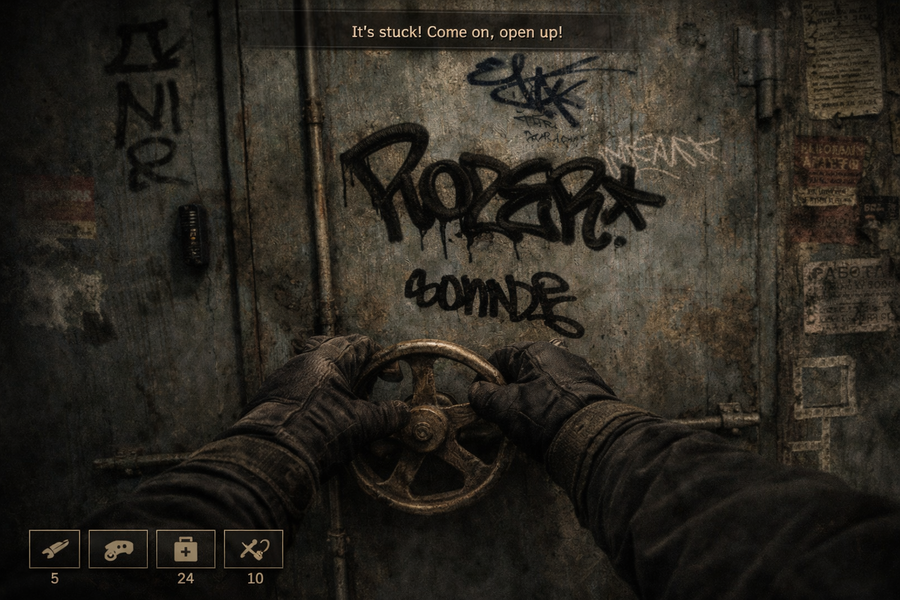
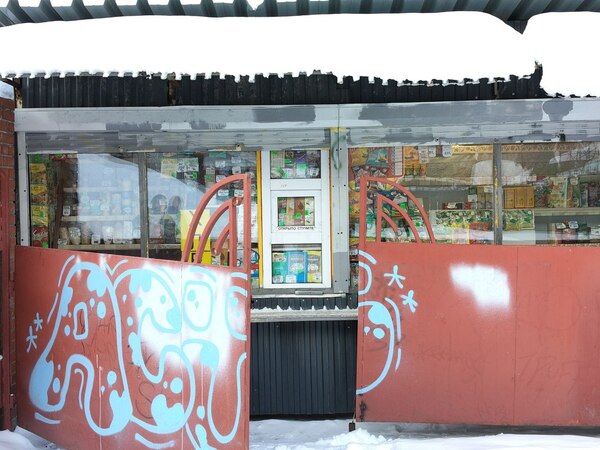
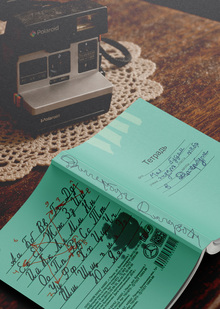
Автор создала фотопроект «Мы будем ждать тебя в Диггербурге», посвящённый воспоминаниям о детстве и утраченной родине в формате дневника и фотокарточек. Проект использует снимки, сделанные на Fujifilm instax mini 8, и тексты, сгенерированные с помощью ИИ, чтобы передать внутренний мир главного героя.
Автор создал образовательную карусель из пяти частей для бренда Hurayra Pet Foods, чтобы рассказать о преимуществах их безглютеновых рецептов для кошек. Кампания была разработана с использованием Adobe Photoshop, Adobe Illustrator и Gemini и ориентирована на владельцев кошек, обеспокоенных качеством шерсти и чувствительностью кожи.
Софья Иванова создала проект «Трио квантового калейдоскопа», в котором исследует связь между светом, звуком и ритмом через призму квантовой физики. Проект включает в себя серию текстов, где свет представлен как универсальный символ единства, а звук и ритм — как отражение циклических процессов в природе.
deziiign
Цифровая платформа, где талантливые креаторы находят клиентов, а бренды — свежие идеи. Загружайте проекты, получайте фидбек, участвуйте в конкурсах, получайте образование — или запускайте собственные опен-коллы и находите исполнителей для своих задач.
лучшее
дизайн
предметный дизайн
мода
среда
гейм-дизайн
иллюстрация
о дизайне
интервью
Мы используем файлы cookies для улучшения работы сайта и большего удобства его использования. Более подробную информац...
Показать больше
Press space bar to start a drag.
When dragging you can use the arrow keys to move the item around and escape to cancel.
Some screen readers may require you to be in focus mode or to use your pass through key
Press space bar to start a drag.
When dragging you can use the arrow keys to move the item around and escape to cancel.
Some screen readers may require you to be in focus mode or to use your pass through key
Press space bar to start a drag.
When dragging you can use the arrow keys to move the item around and escape to cancel.
Some screen readers may require you to be in focus mode or to use your pass through key
Press space bar to start a drag.
When dragging you can use the arrow keys to move the item around and escape to cancel.
Some screen readers may require you to be in focus mode or to use your pass through key
Press space bar to start a drag.
When dragging you can use the arrow keys to move the item around and escape to cancel.
Some screen readers may require you to be in focus mode or to use your pass through key
Press space bar to start a drag.
When dragging you can use the arrow keys to move the item around and escape to cancel.
Some screen readers may require you to be in focus mode or to use your pass through key
Press space bar to start a drag.
When dragging you can use the arrow keys to move the item around and escape to cancel.
Some screen readers may require you to be in focus mode or to use your pass through key
Press space bar to start a drag.
When dragging you can use the arrow keys to move the item around and escape to cancel.
Some screen readers may require you to be in focus mode or to use your pass through key
Press space bar to start a drag.
When dragging you can use the arrow keys to move the item around and escape to cancel.
Some screen readers may require you to be in focus mode or to use your pass through key
Press space bar to start a drag.
When dragging you can use the arrow keys to move the item around and escape to cancel.
Some screen readers may require you to be in focus mode or to use your pass through key
Press space bar to start a drag.
When dragging you can use the arrow keys to move the item around and escape to cancel.
Some screen readers may require you to be in focus mode or to use your pass through key
Press space bar to start a drag.
When dragging you can use the arrow keys to move the item around and escape to cancel.
Some screen readers may require you to be in focus mode or to use your pass through key
Press space bar to start a drag.
When dragging you can use the arrow keys to move the item around and escape to cancel.
Some screen readers may require you to be in focus mode or to use your pass through key
Press space bar to start a drag.
When dragging you can use the arrow keys to move the item around and escape to cancel.
Some screen readers may require you to be in focus mode or to use your pass through key