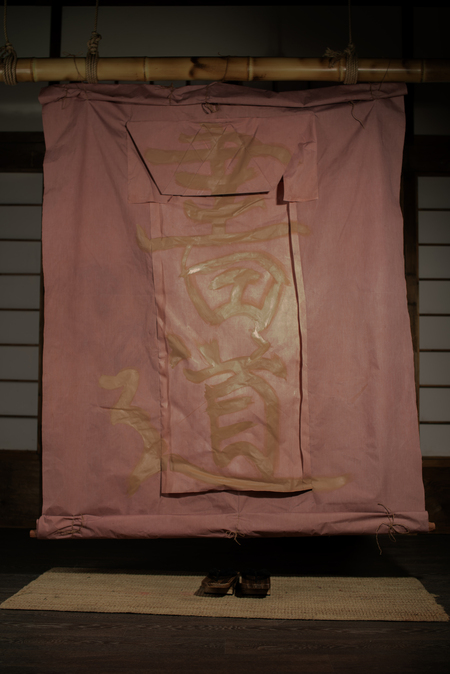
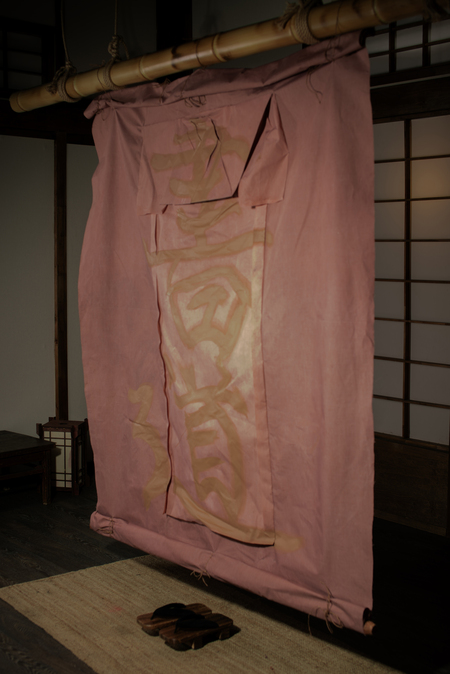
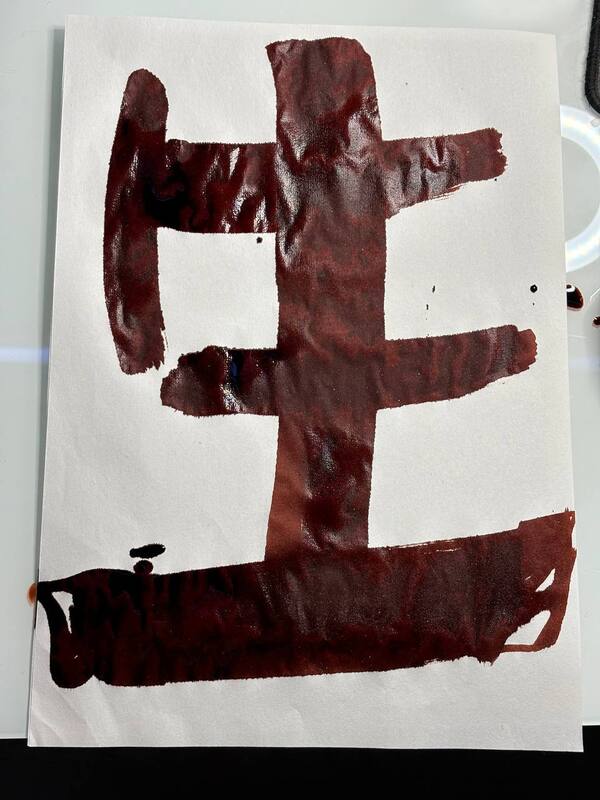
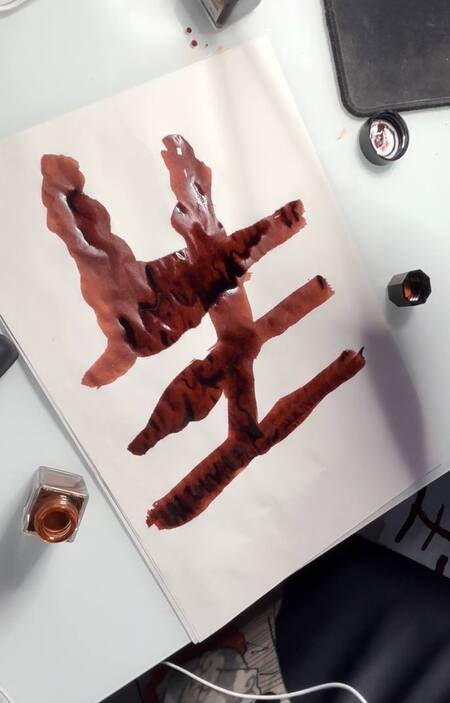
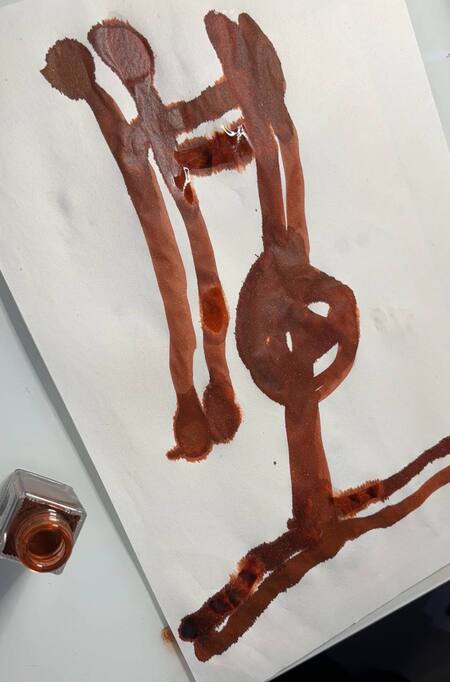
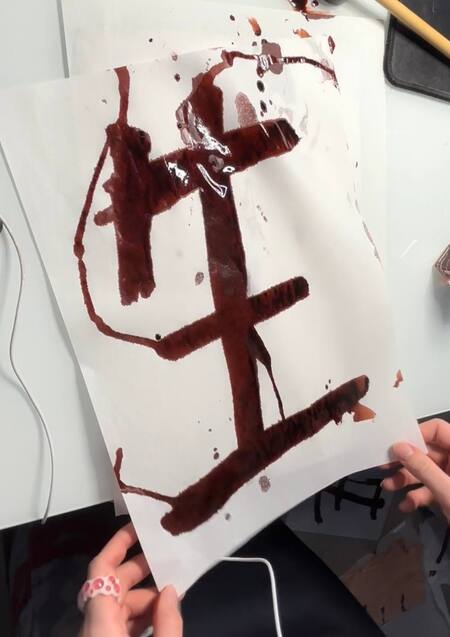
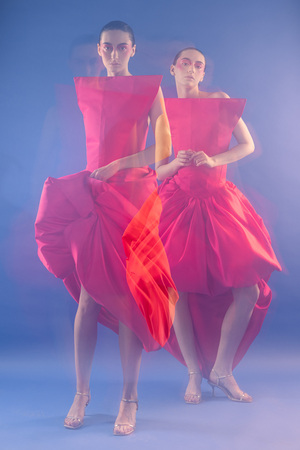
Японская каллиграфия (яп. 書道 Сёдо, «Путь письма») — одна из форм каллиграфии, возникшая на основе китайской каллиграфии.
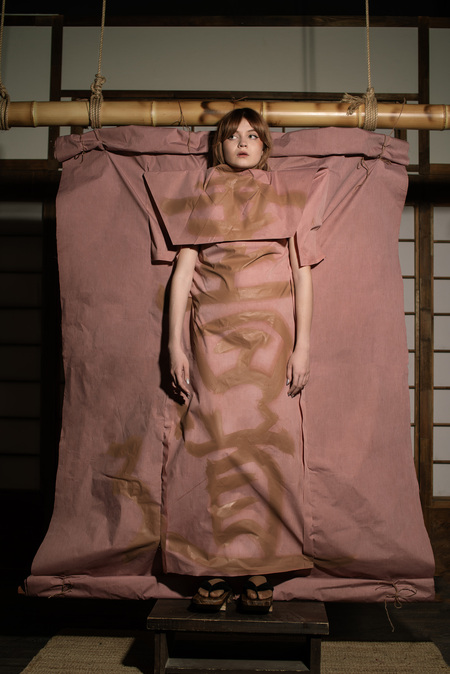
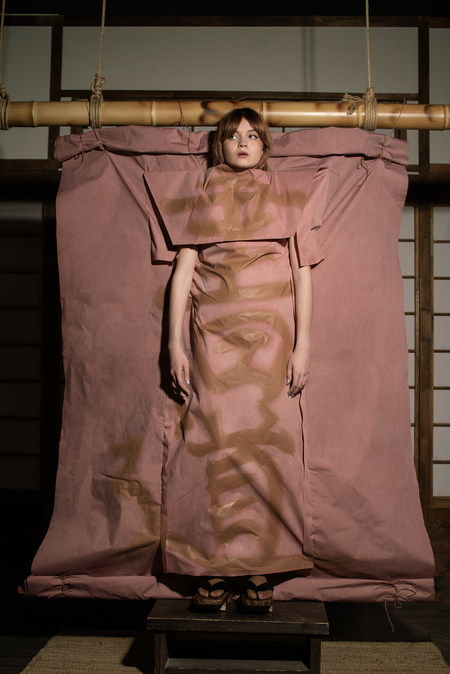
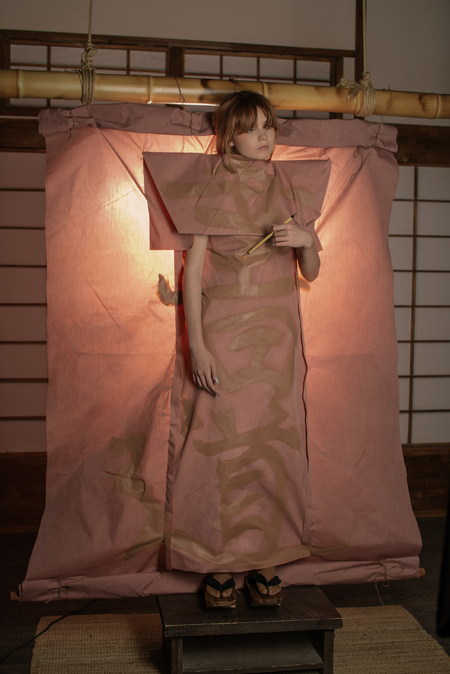
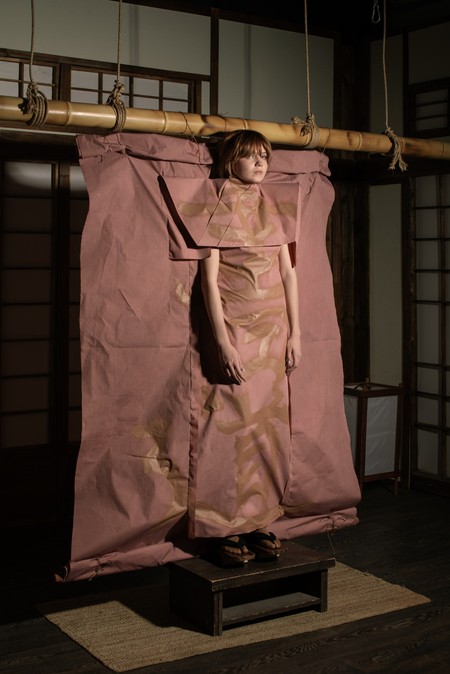
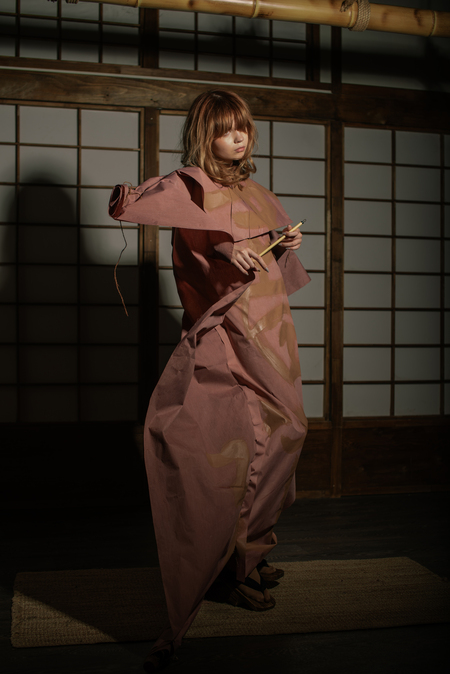
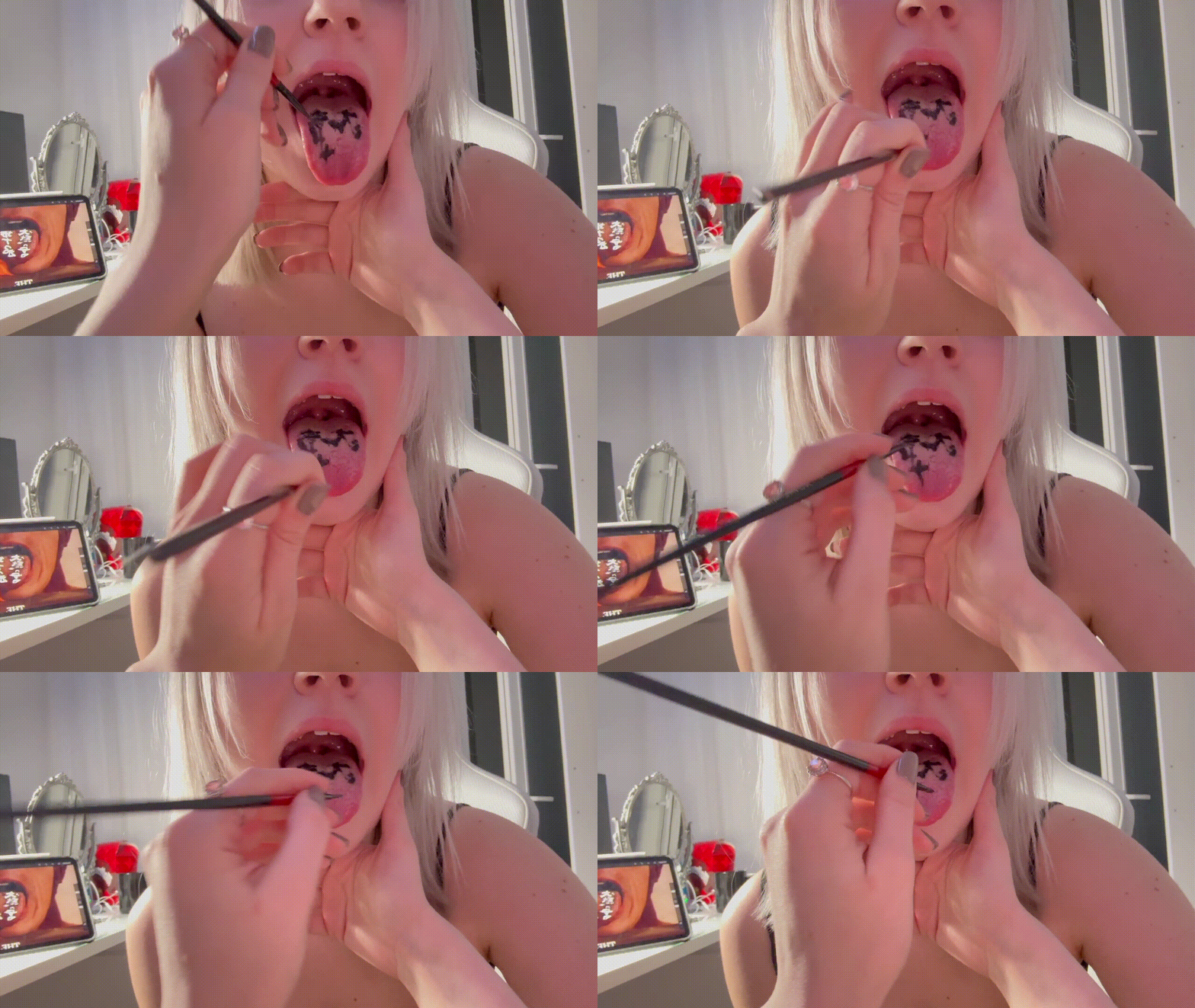
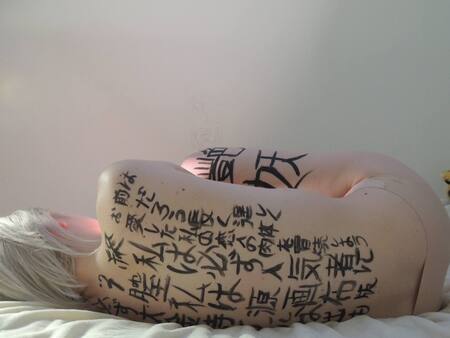
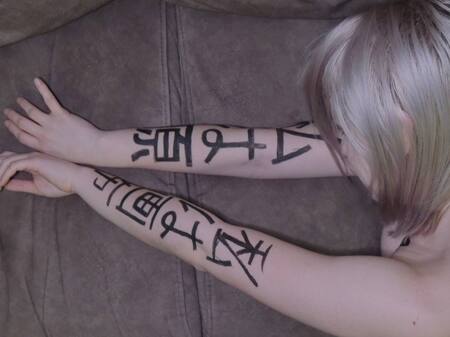
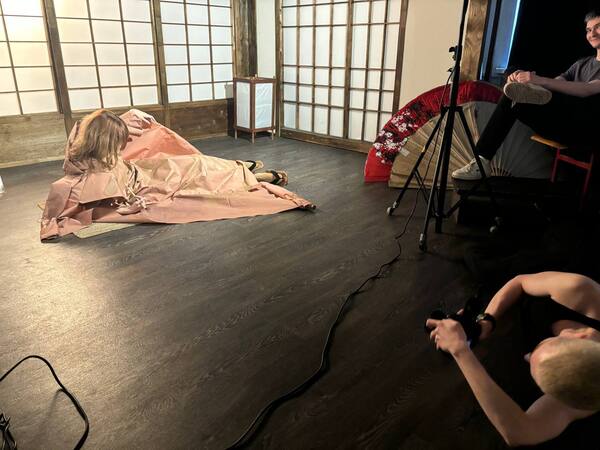
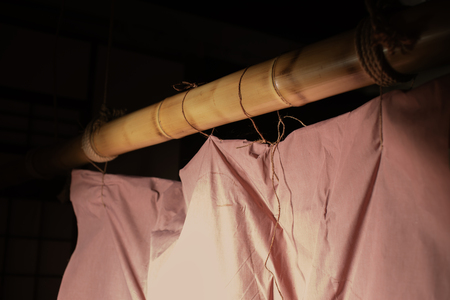
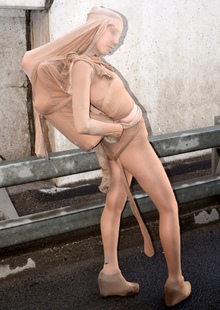
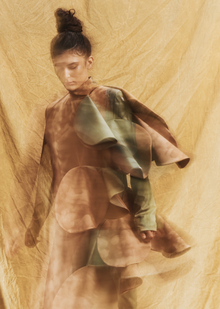
Проект «SHODO» вдохновлён работами художника Накадзимы Хироюки, наиболее известным своей современной интерпретацией японской каллиграфии.
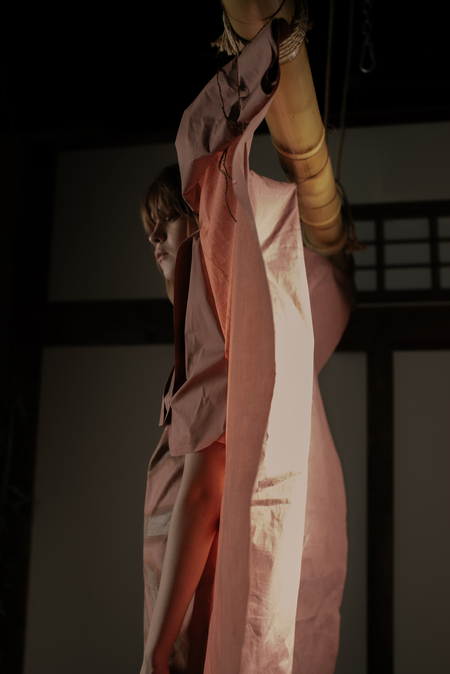
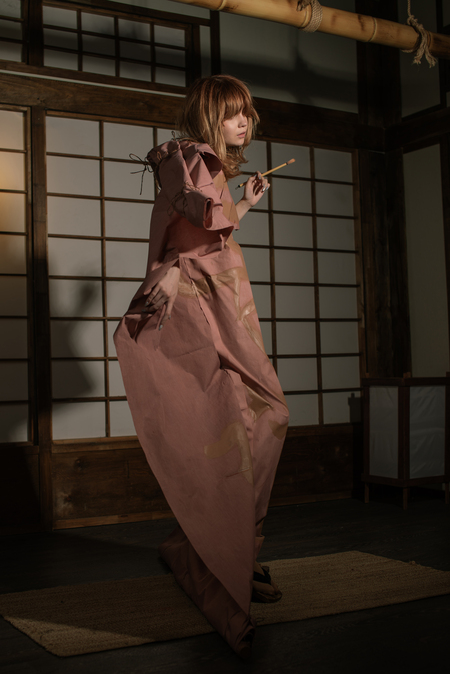
Изделие отражает крепкую взаимосвязь художника со своим творением.
Валерия Никитина создала проект SHODO, посвящённый японской каллиграфии и её современной интерпретации. Проект включает тексты и фотографии, отражающие связь художника с его творением и вдохновлённые работами Накадзимы Хироюки.
Ника Брейво создала текст, в котором описывает связь мастера с ремеслом и его творческую душу. Проект включает в себя одну статью с глубоким философским размышлением о природе труда и времени.
Вера Синкевич создала коллекцию платьев, вдохновлённую творчеством Параджанова, с использованием ярких цветов и восточных мотивов. Коллекция включает платья с вышивкой и необычными силуэтами, подходящие для особых случаев.
Милена Акопян создала проект WILD ORCHID, основанный на образе дикой орхидеи как символа любви и чувственности. Проект включает тексты, исследование и фотосессию, раскрывающие многогранность и хрупкость эмоций через метафору цветка.
Мы используем файлы cookies для улучшения работы сайта и большего удобства его использования. Более подробную информац...
Показать больше
Press space bar to start a drag.
When dragging you can use the arrow keys to move the item around and escape to cancel.
Some screen readers may require you to be in focus mode or to use your pass through key
Press space bar to start a drag.
When dragging you can use the arrow keys to move the item around and escape to cancel.
Some screen readers may require you to be in focus mode or to use your pass through key
Press space bar to start a drag.
When dragging you can use the arrow keys to move the item around and escape to cancel.
Some screen readers may require you to be in focus mode or to use your pass through key
Press space bar to start a drag.
When dragging you can use the arrow keys to move the item around and escape to cancel.
Some screen readers may require you to be in focus mode or to use your pass through key
Press space bar to start a drag.
When dragging you can use the arrow keys to move the item around and escape to cancel.
Some screen readers may require you to be in focus mode or to use your pass through key
Press space bar to start a drag.
When dragging you can use the arrow keys to move the item around and escape to cancel.
Some screen readers may require you to be in focus mode or to use your pass through key
Press space bar to start a drag.
When dragging you can use the arrow keys to move the item around and escape to cancel.
Some screen readers may require you to be in focus mode or to use your pass through key
Press space bar to start a drag.
When dragging you can use the arrow keys to move the item around and escape to cancel.
Some screen readers may require you to be in focus mode or to use your pass through key
Press space bar to start a drag.
When dragging you can use the arrow keys to move the item around and escape to cancel.
Some screen readers may require you to be in focus mode or to use your pass through key