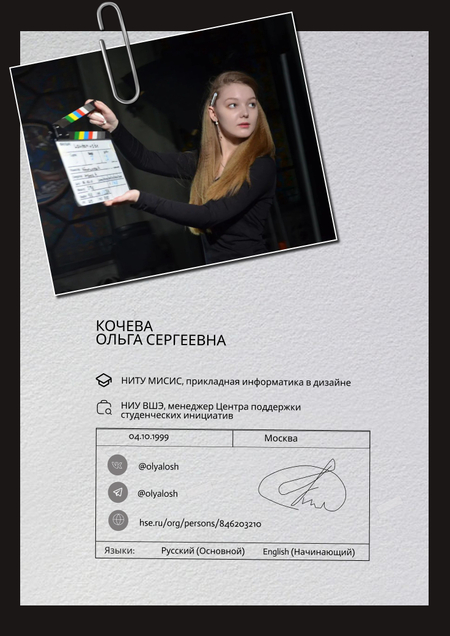
В 2021 году я закончила НИТУ МИСиС, кафедра автоматизированного проектирования и дизайна. Моя специальность по первому образованию — «Прикладная информатика в дизайне».
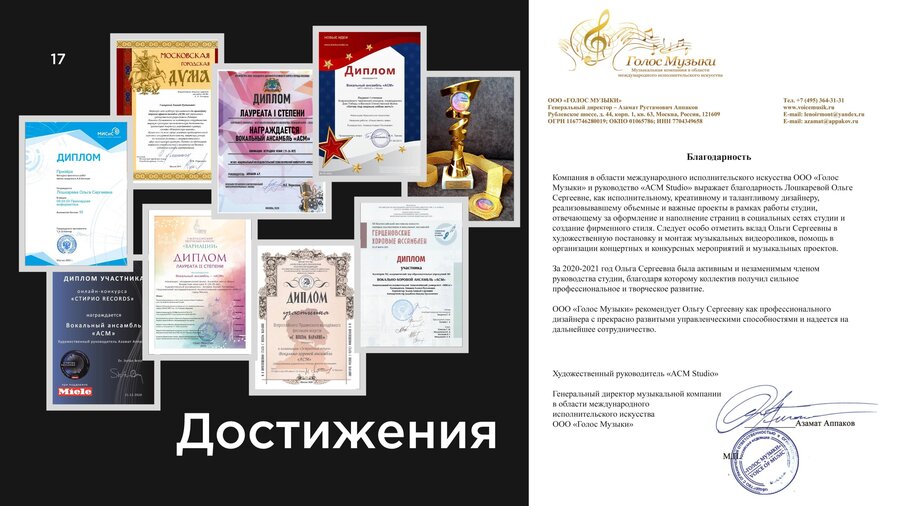
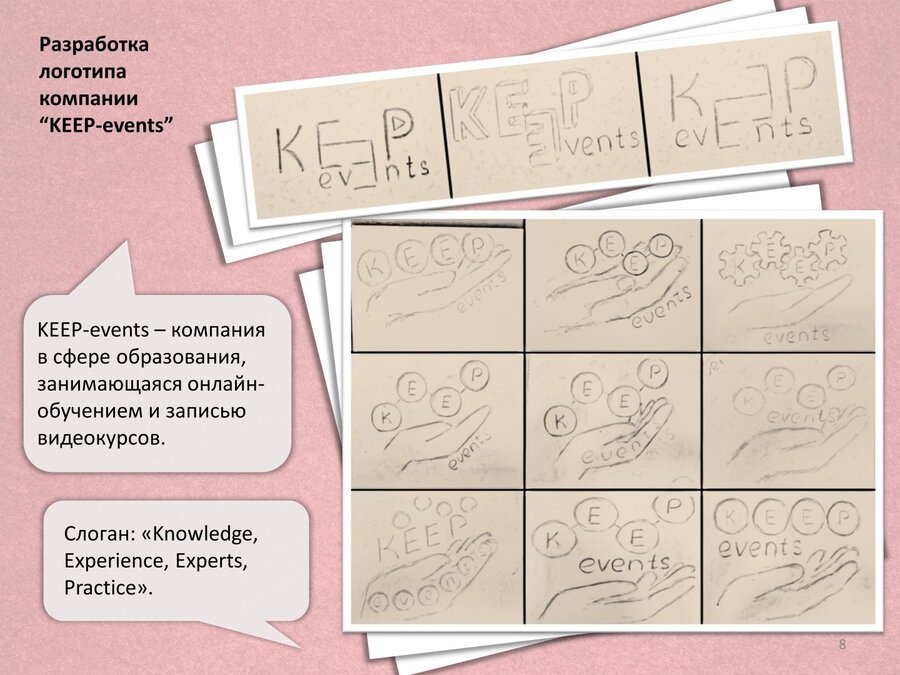
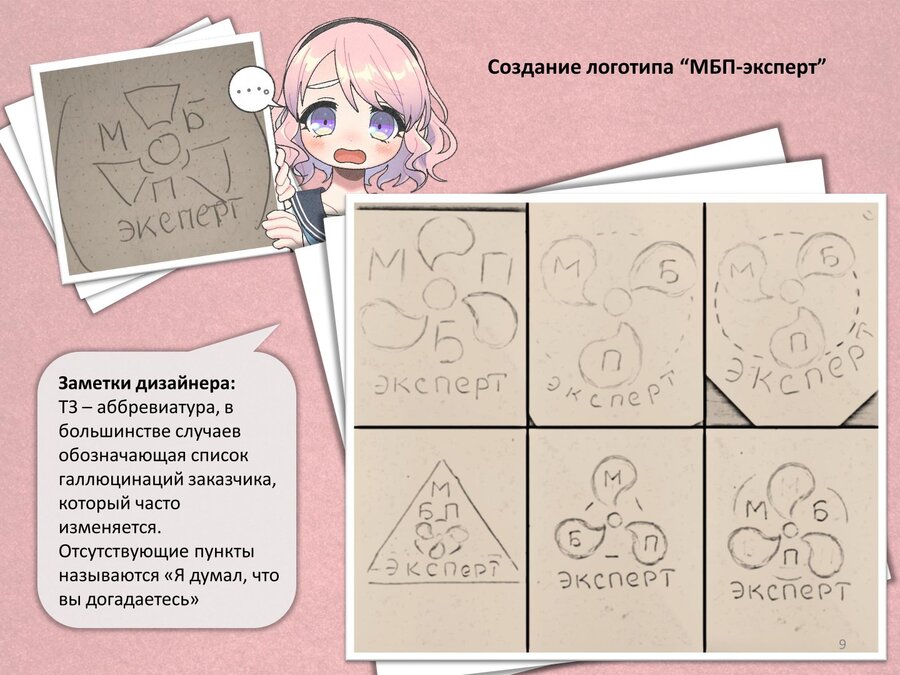
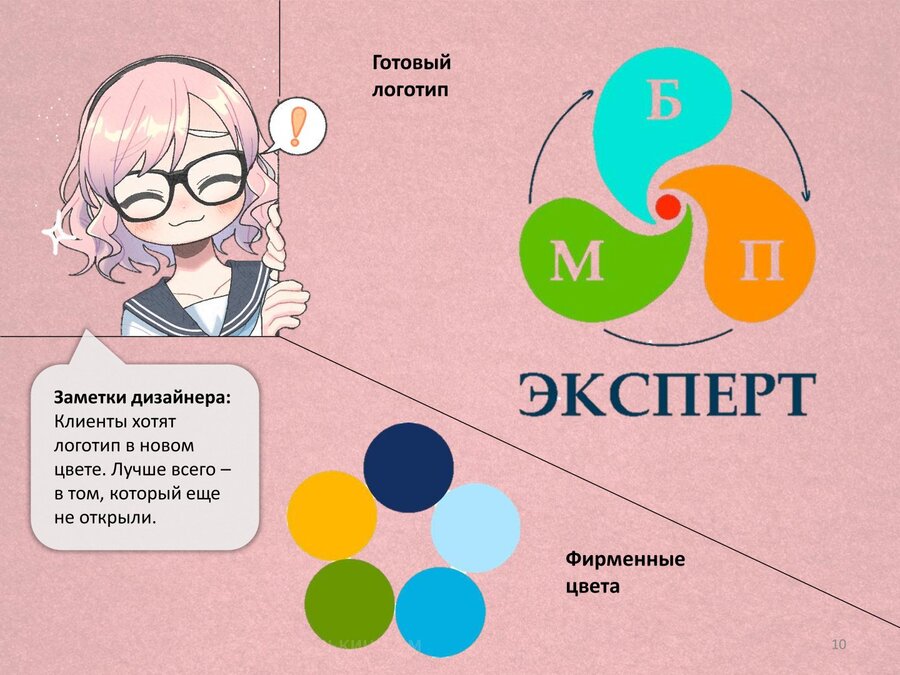
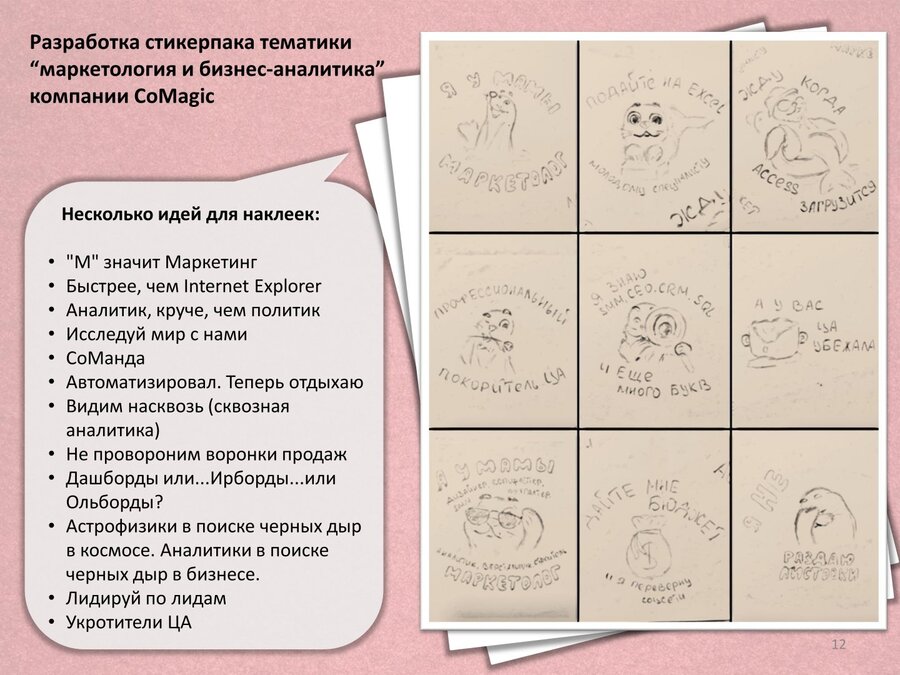
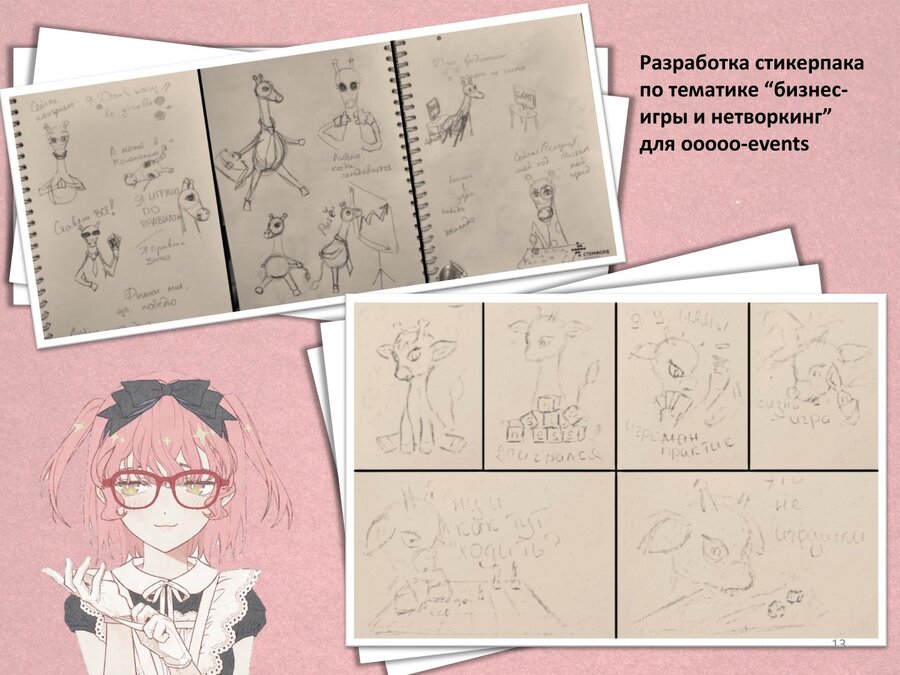
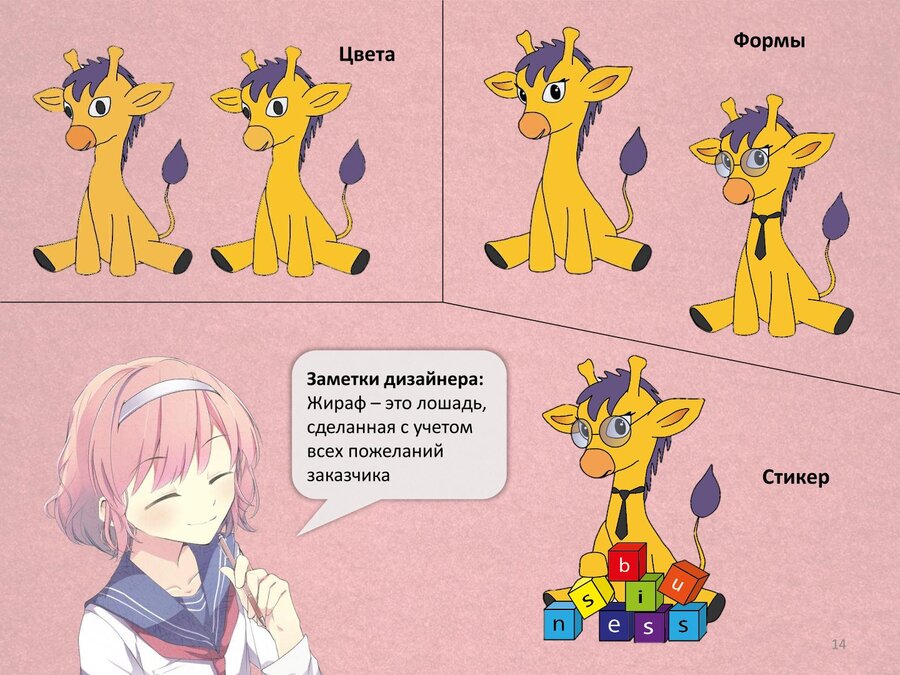
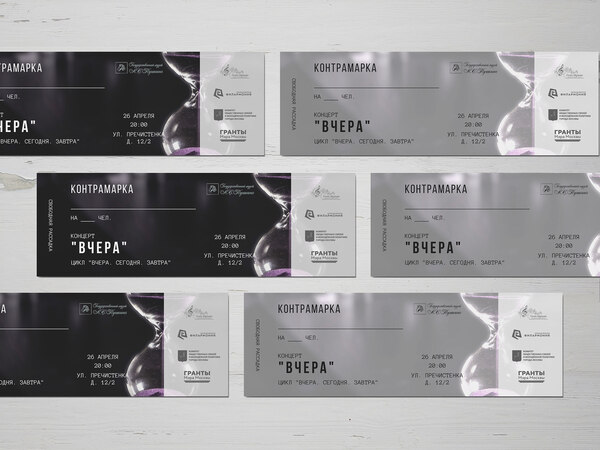
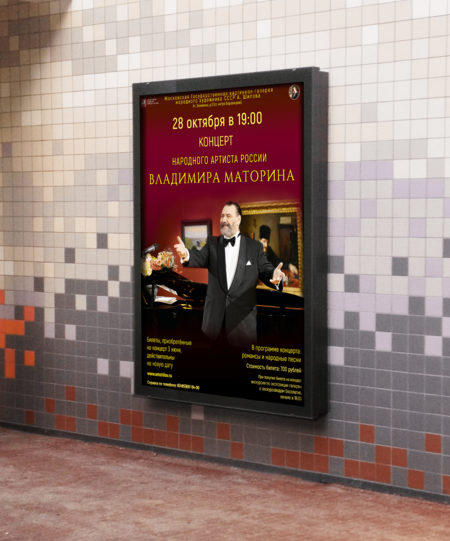
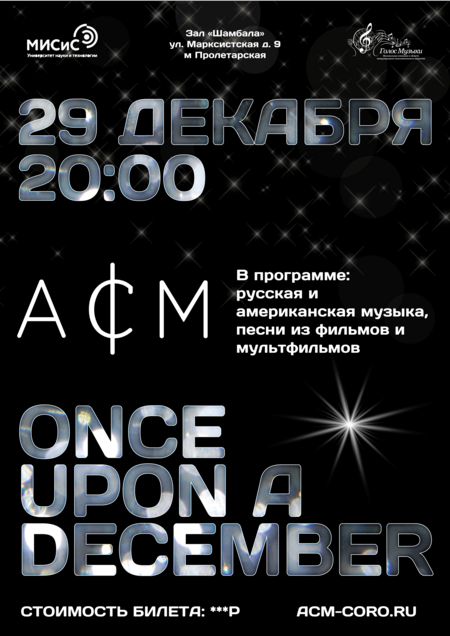
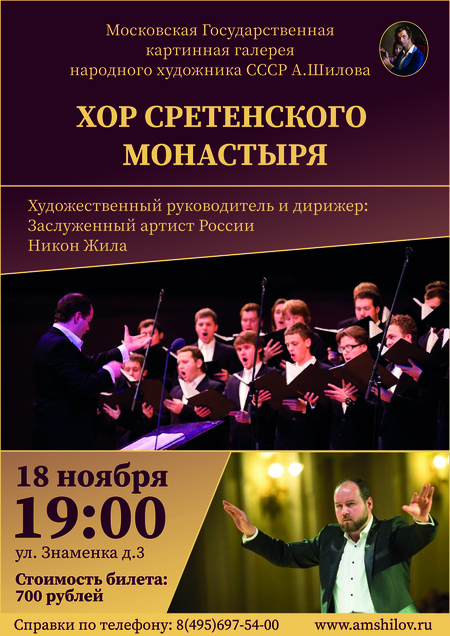
За время учебы попробовала себя в разных видах дизайнерского искусства — от графики до анимации, и творчества — от вышивки крестом до кинопроизводства. В итоге — диплом по фирменной стилистике и несколько разносторонних проектов в портфолио.
Сейчас работаю в НИУ ВШЭ на административной должности, но по-прежнему хочу быть связанной с искусством.
А теперь обо всем подробнее…
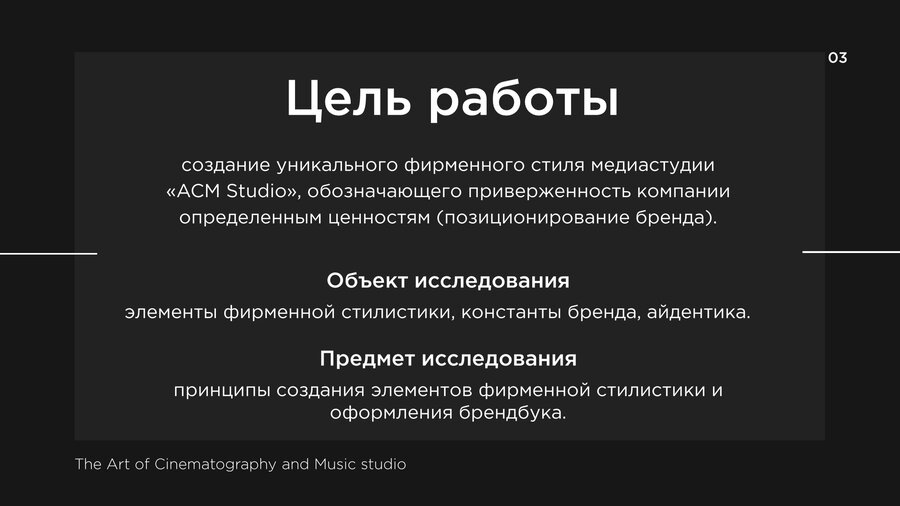
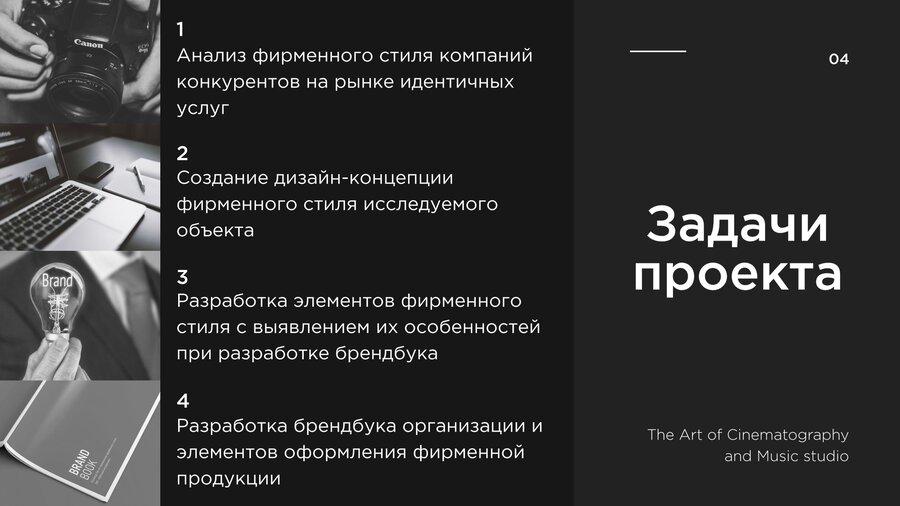
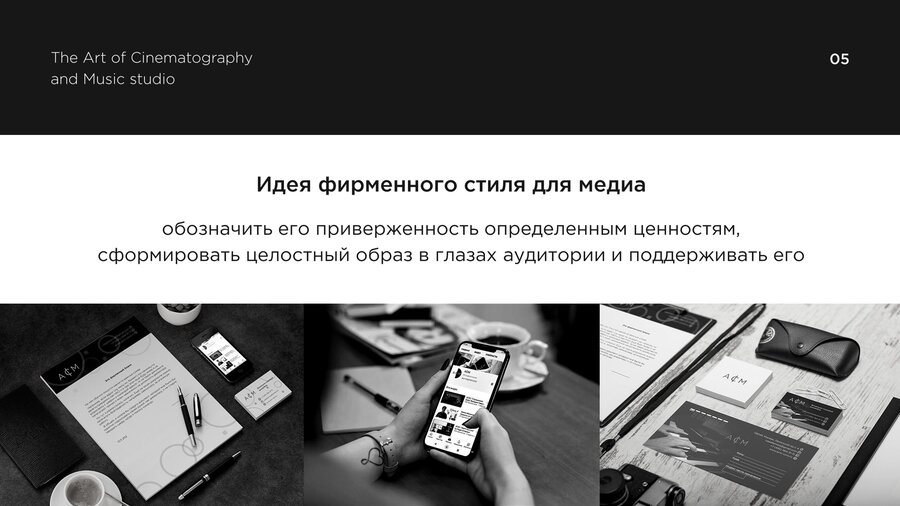
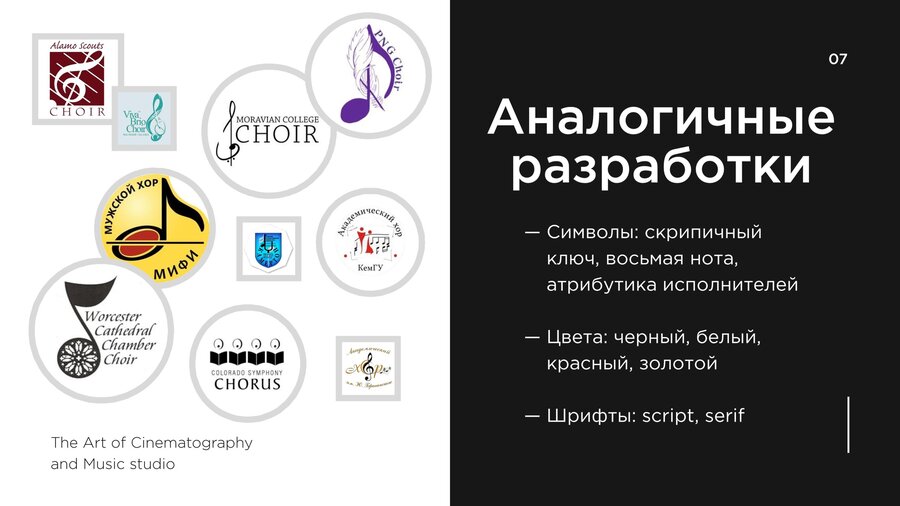
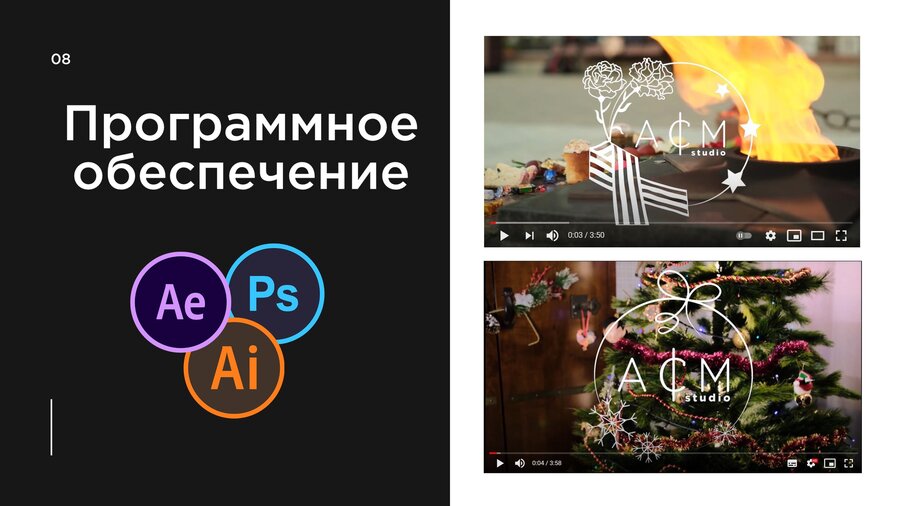
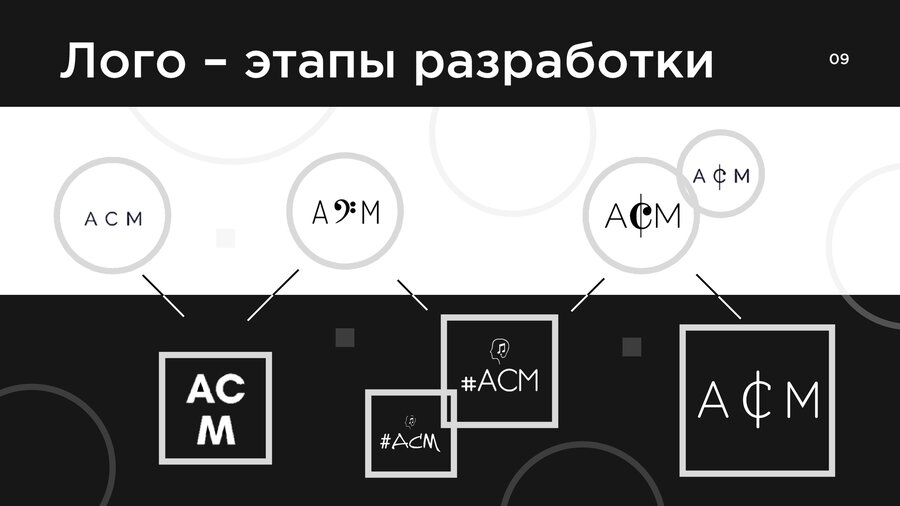
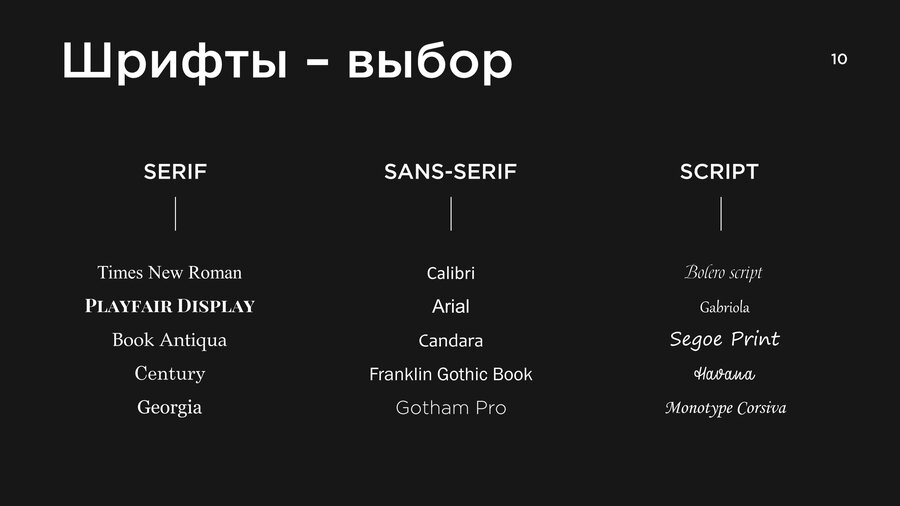
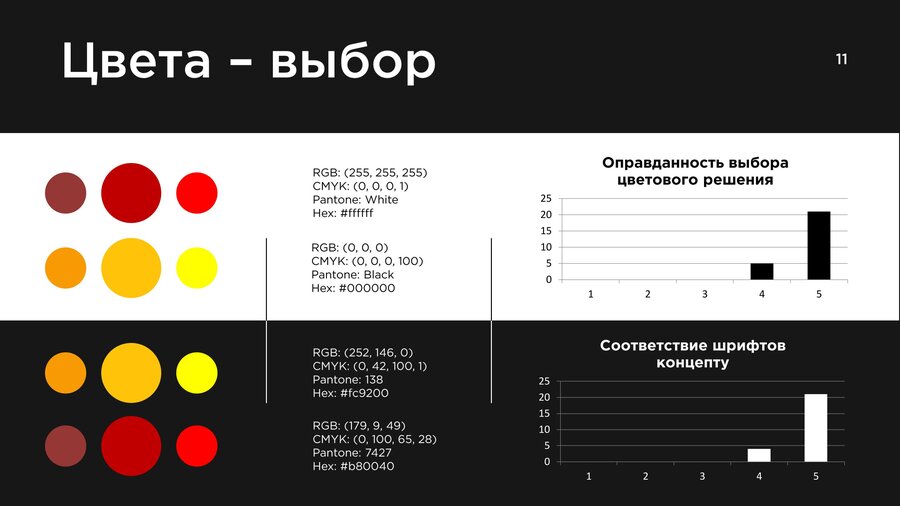
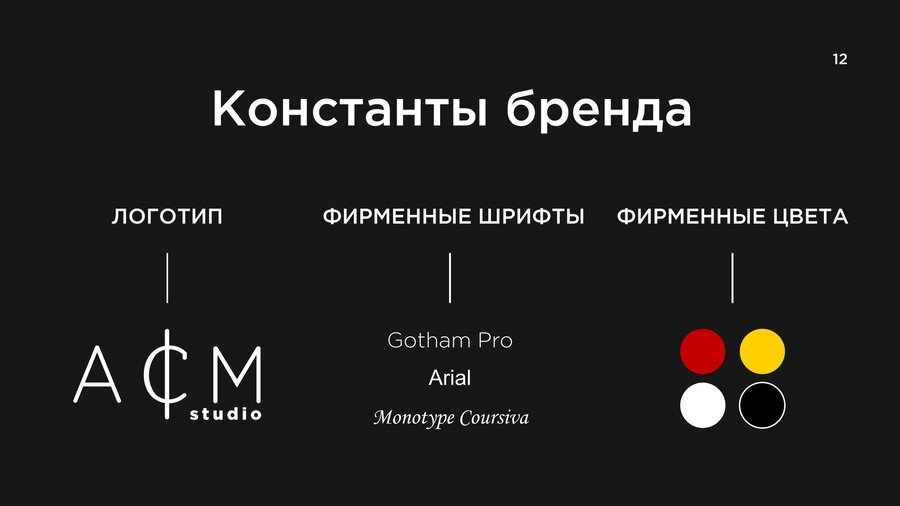
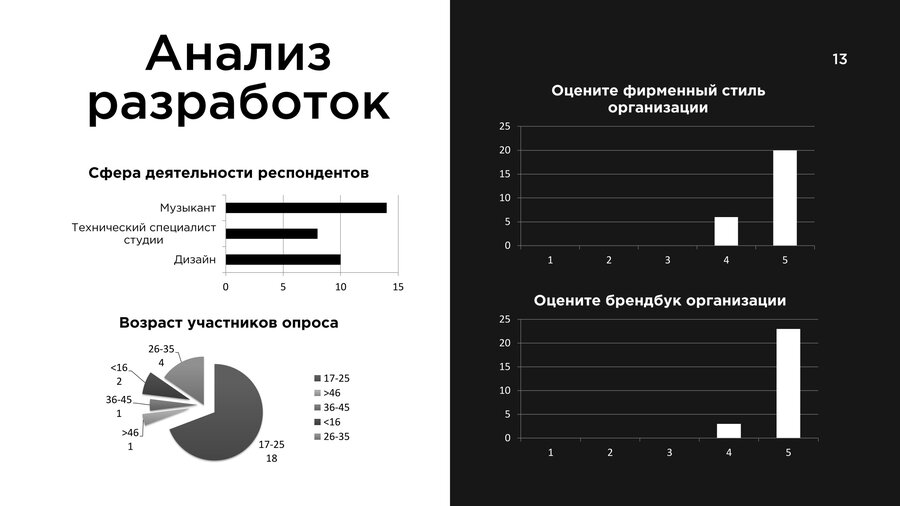
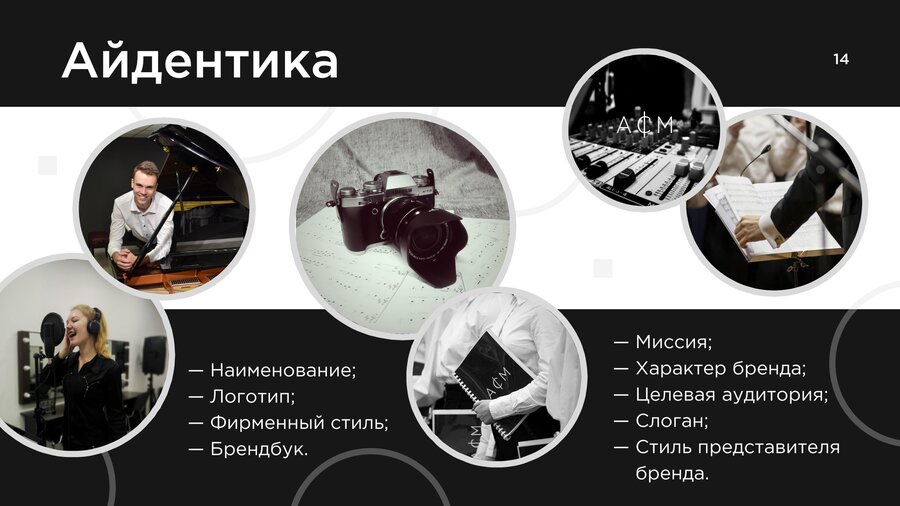
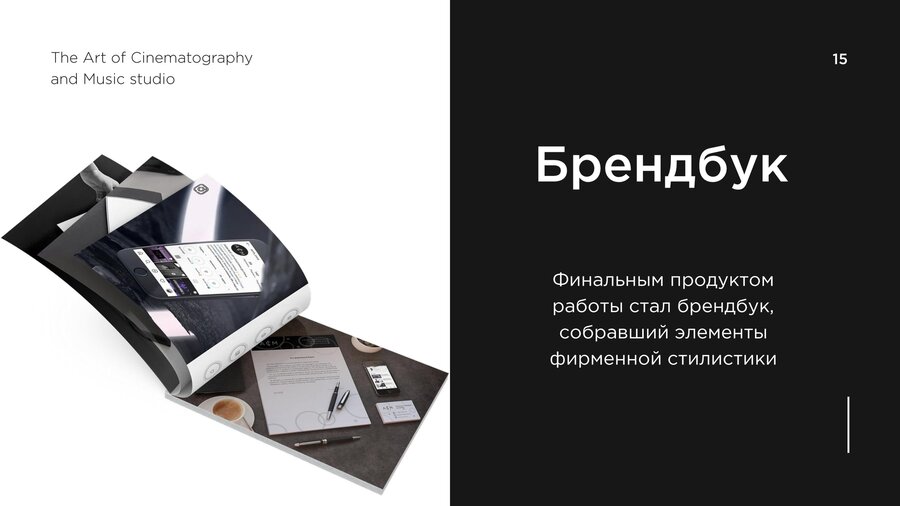
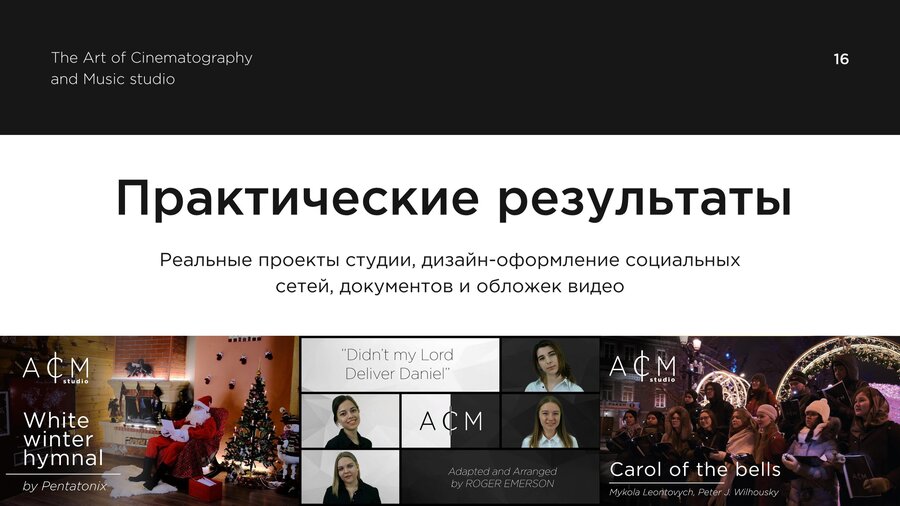
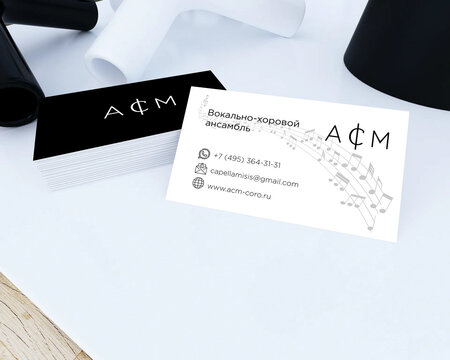
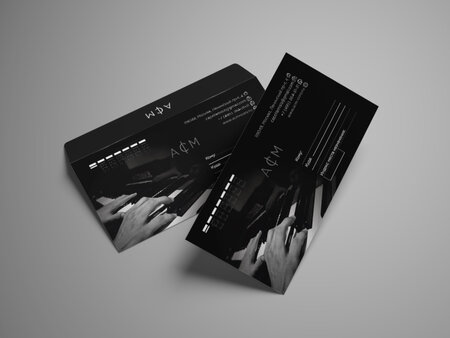
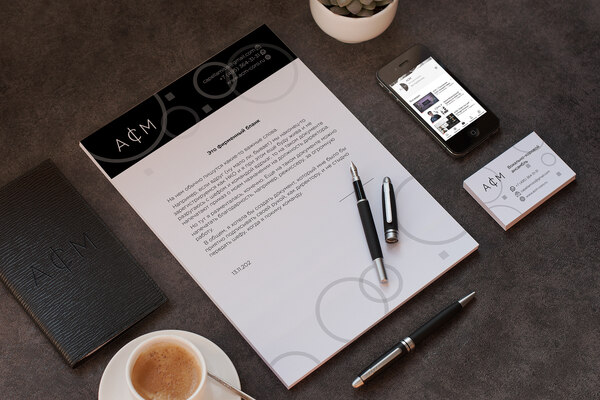
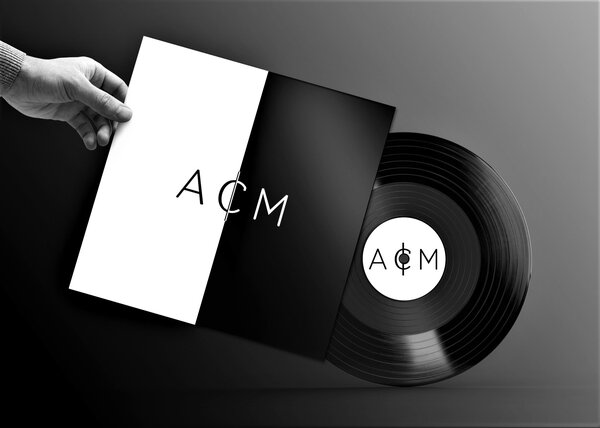
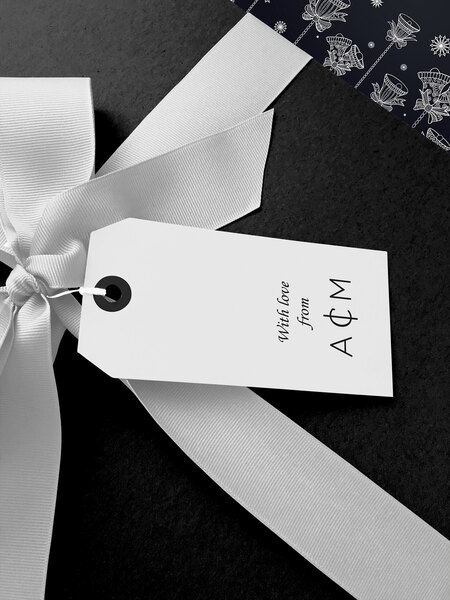
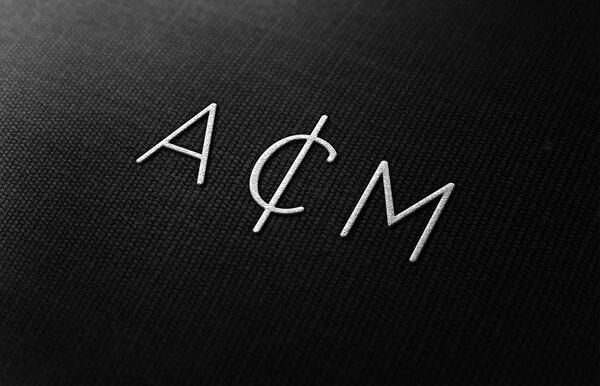
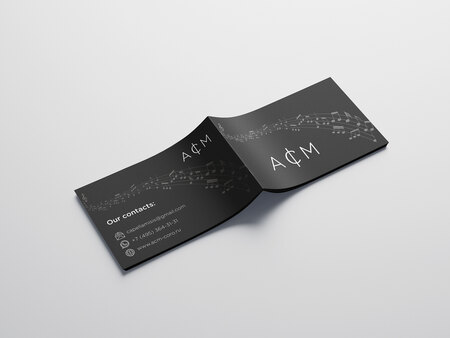
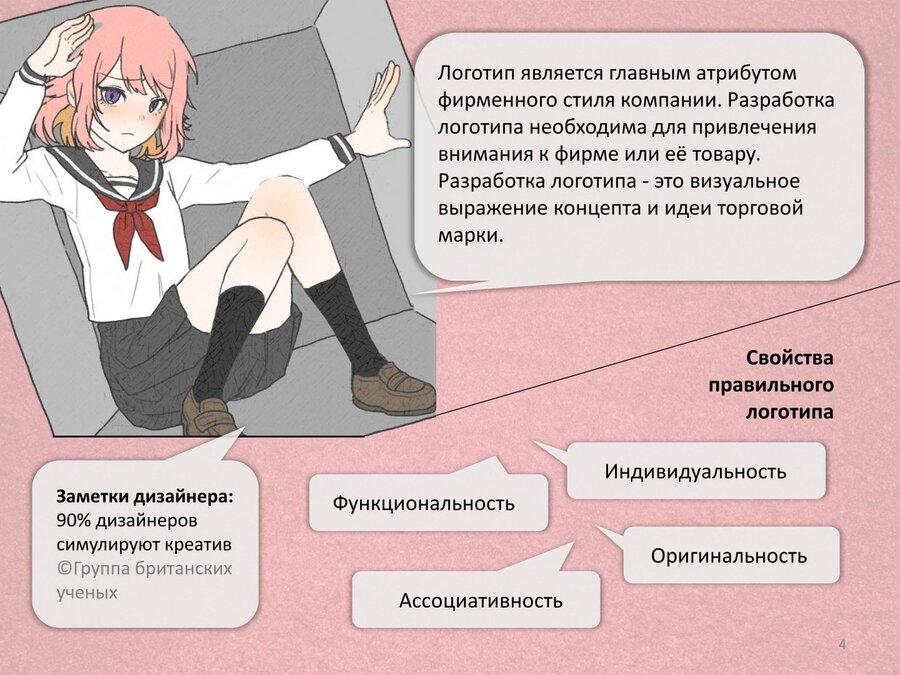
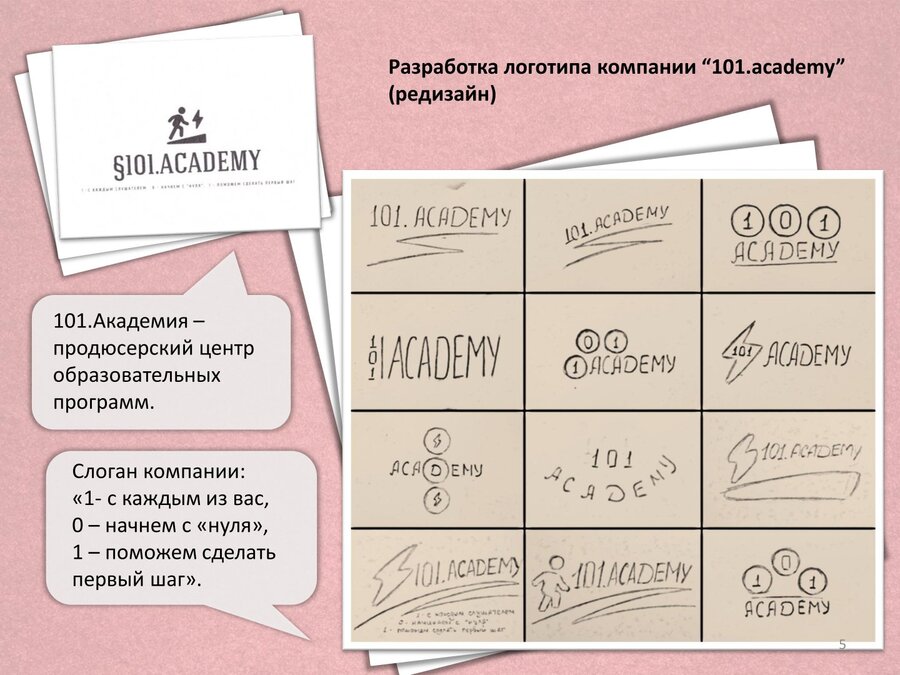
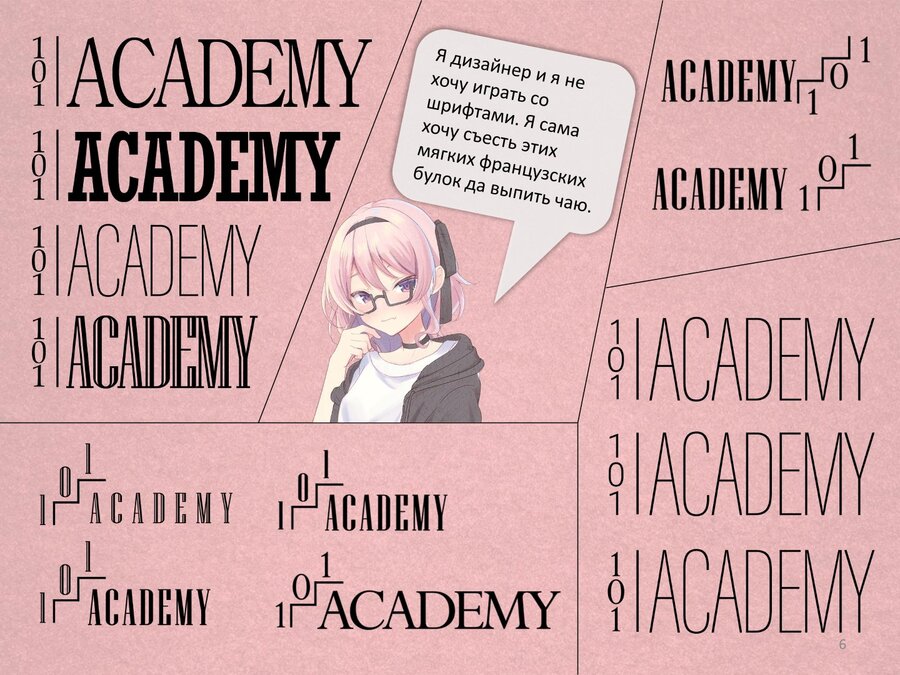
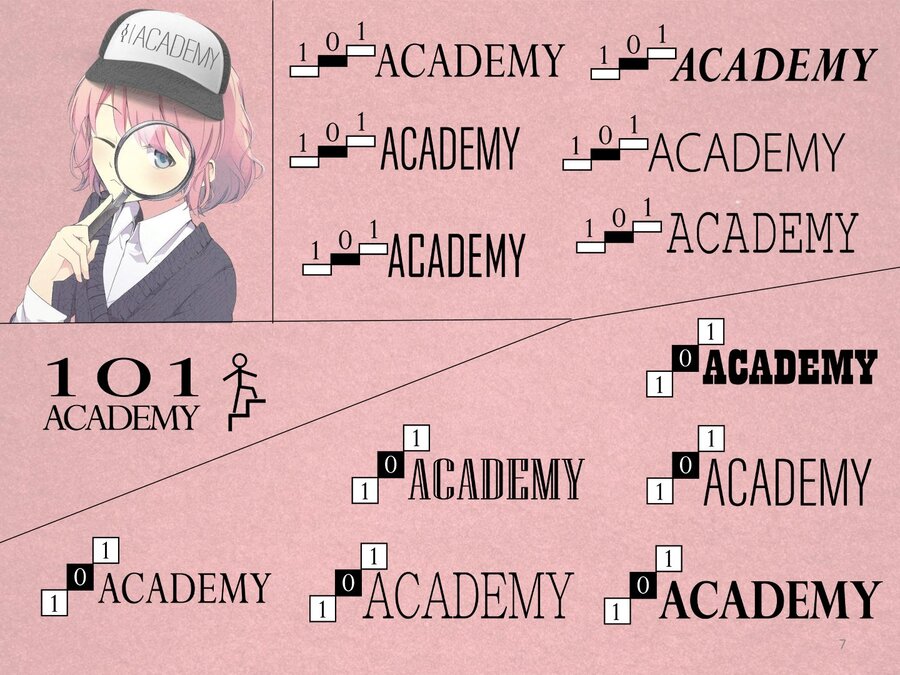
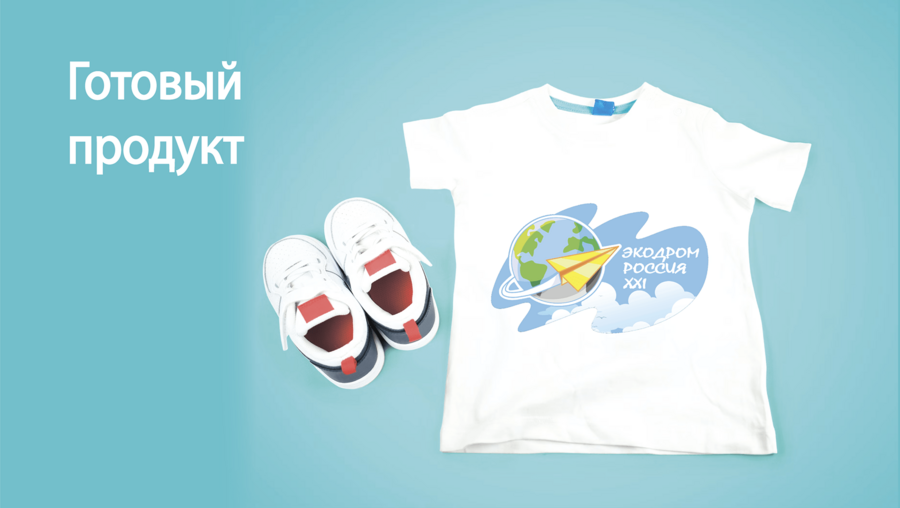
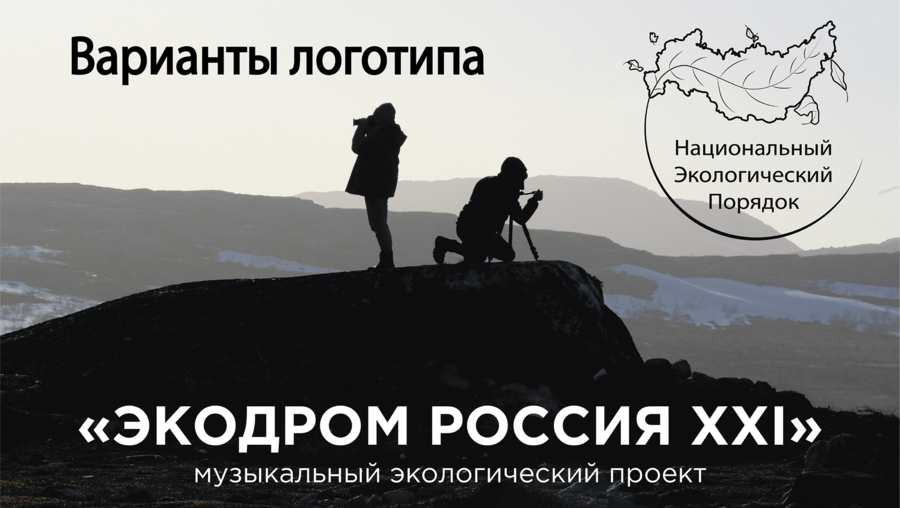
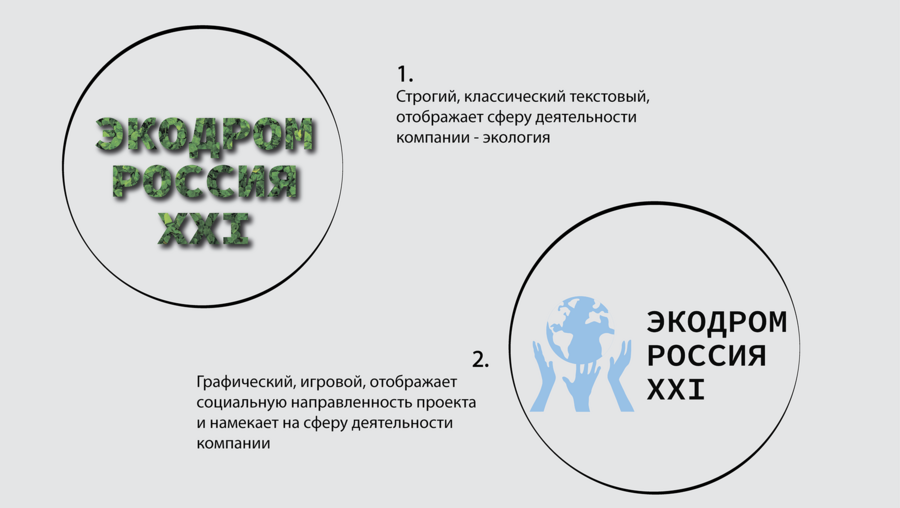
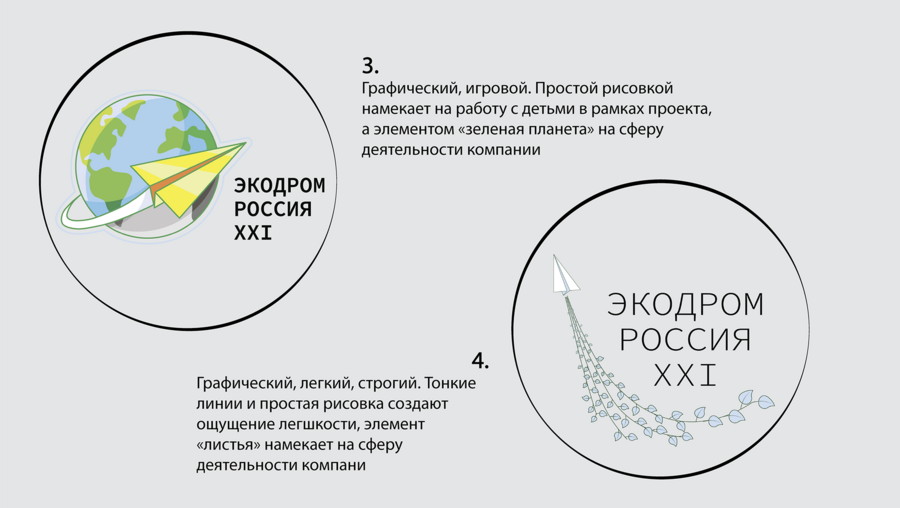
Дипломная работа: «Айдентика бренда компании медиаиндустрии»
Портфолио абитуриента | современные технологии преподавания дизайна
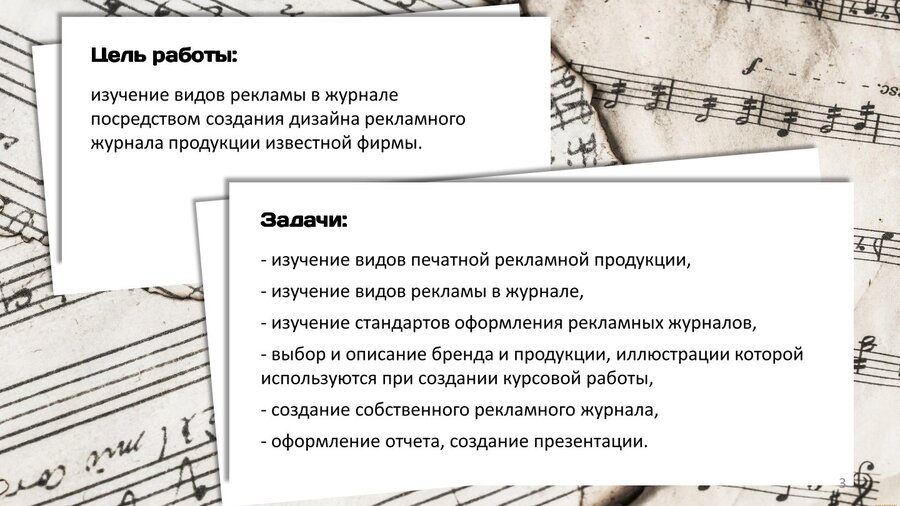
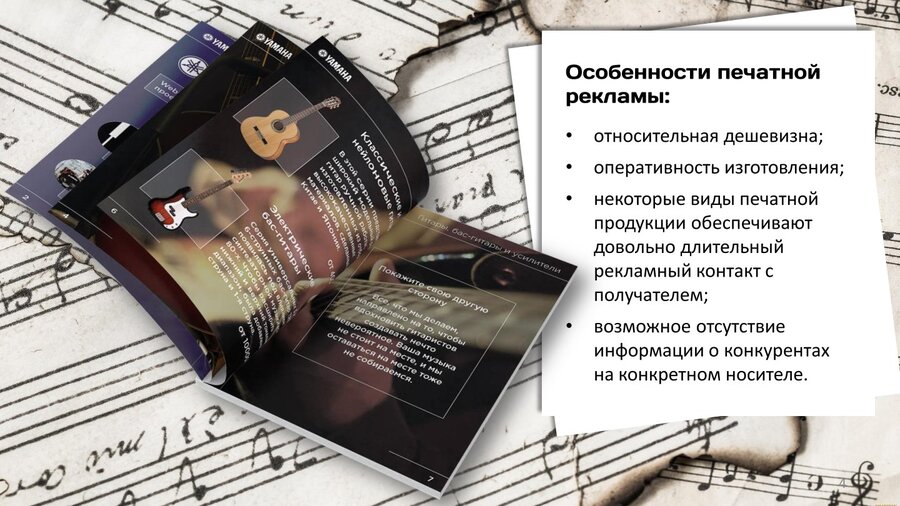
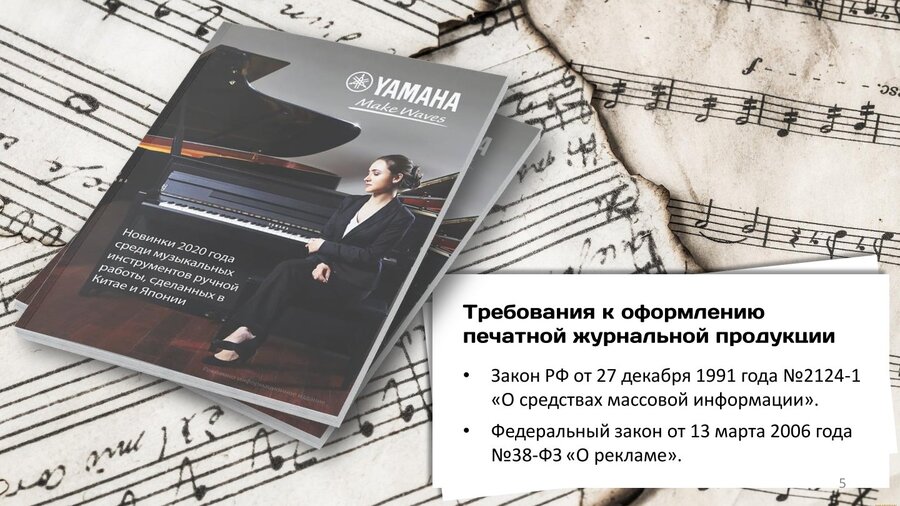
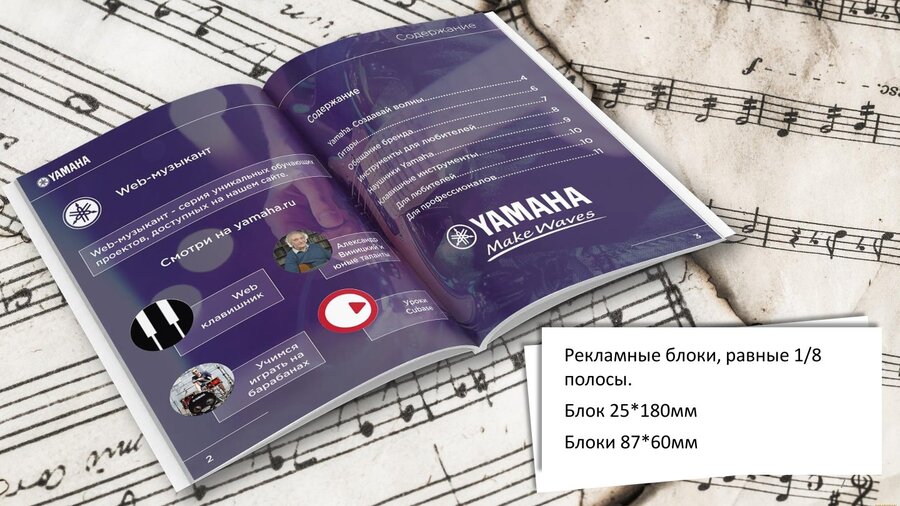
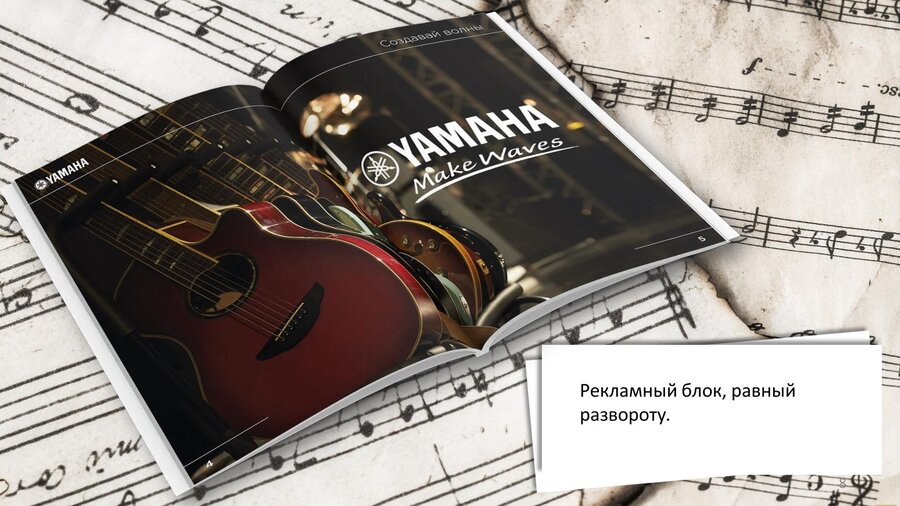
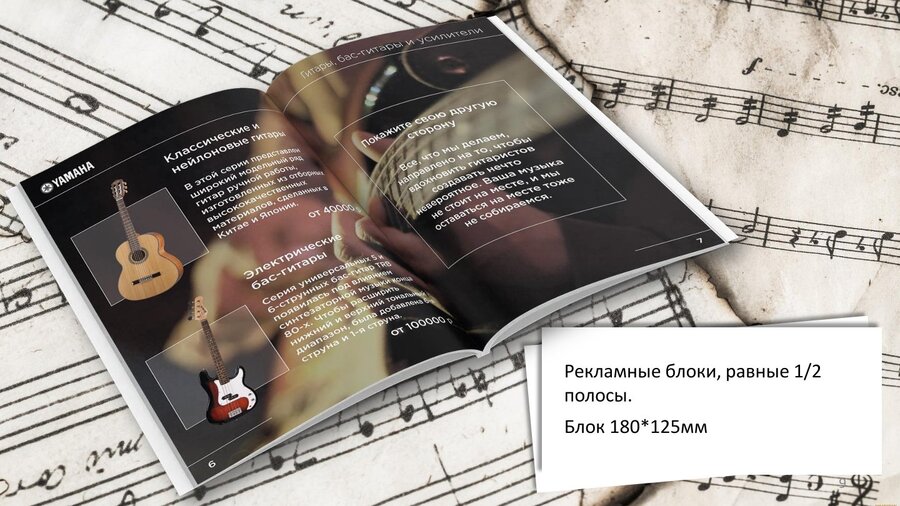
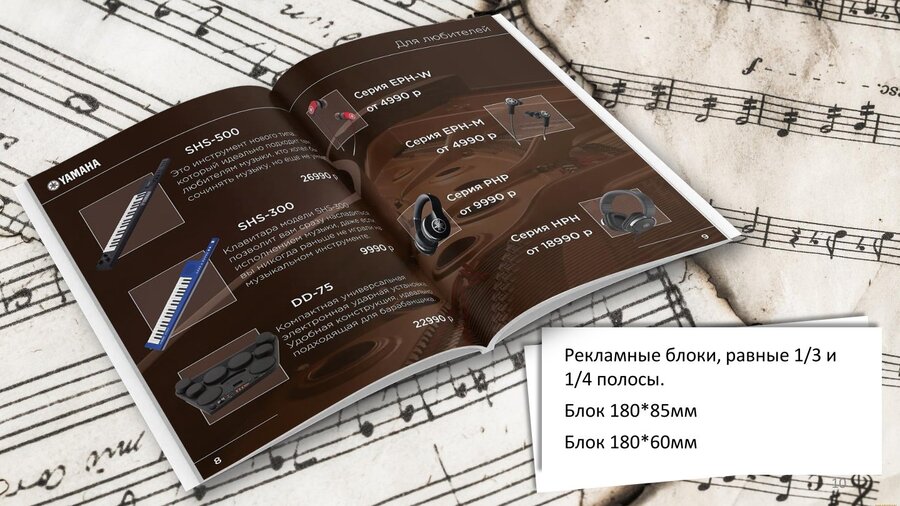
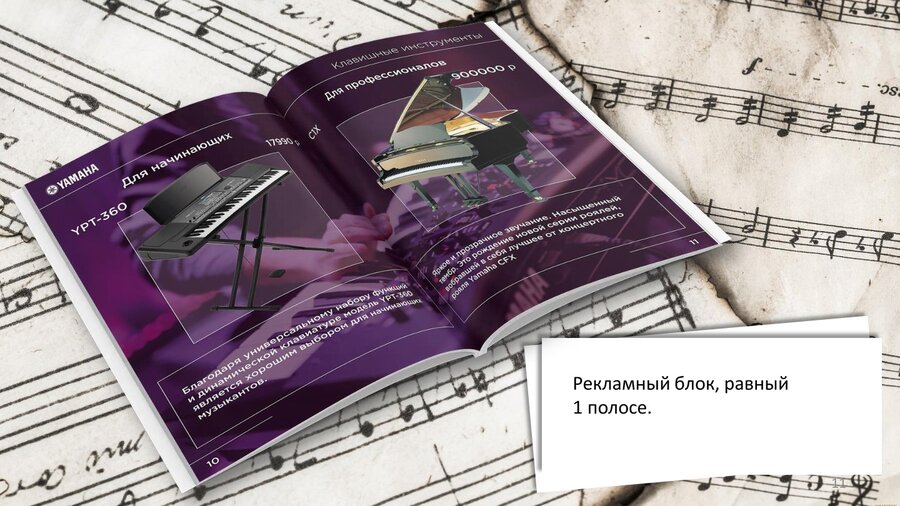
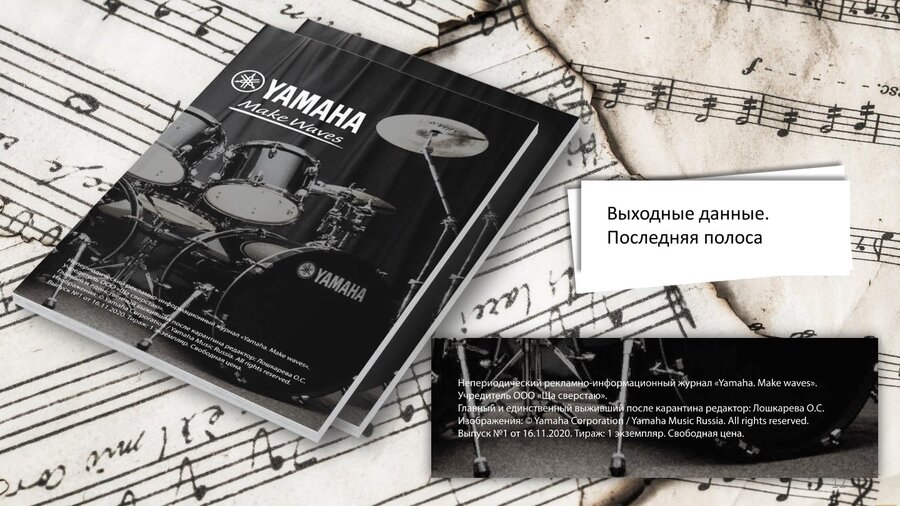
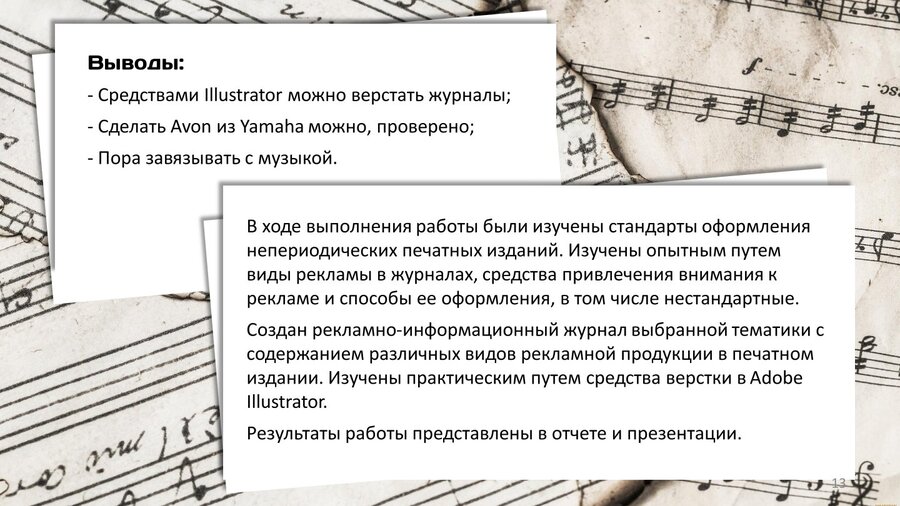
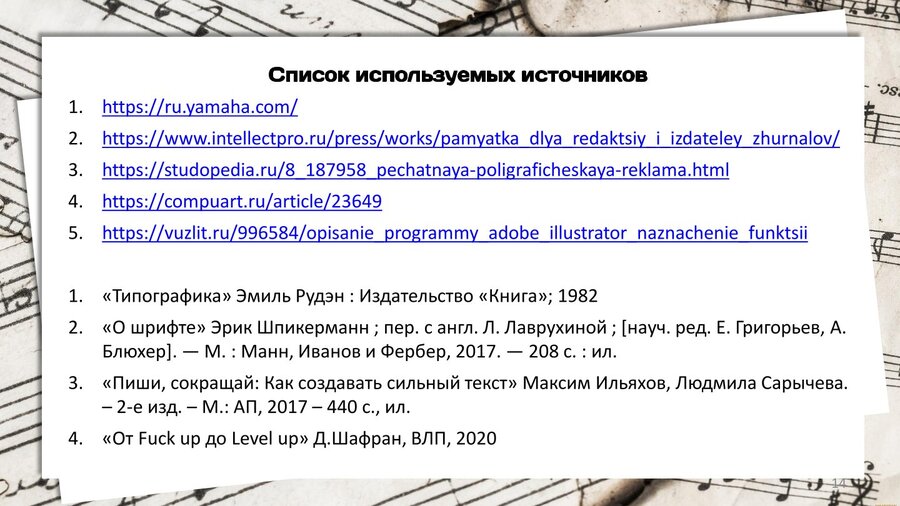
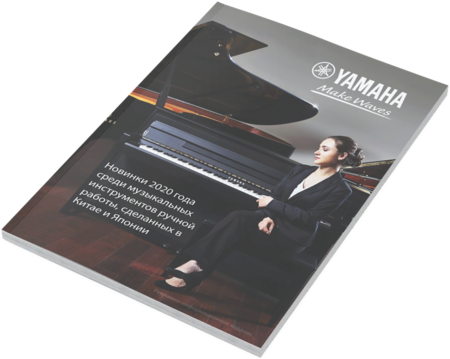
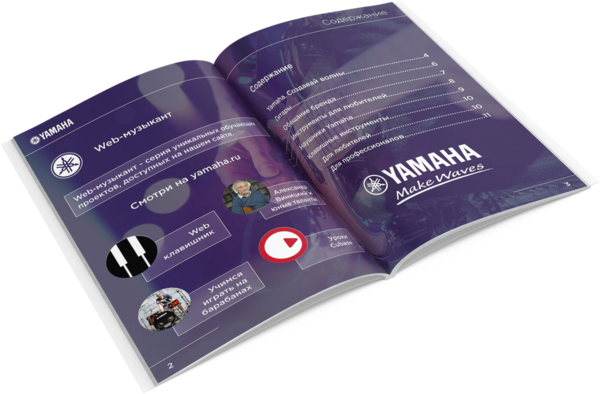
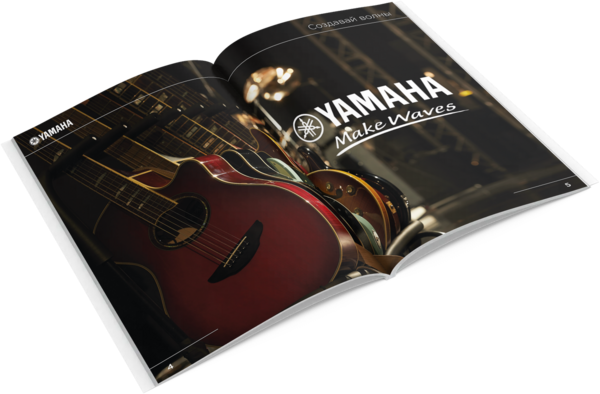
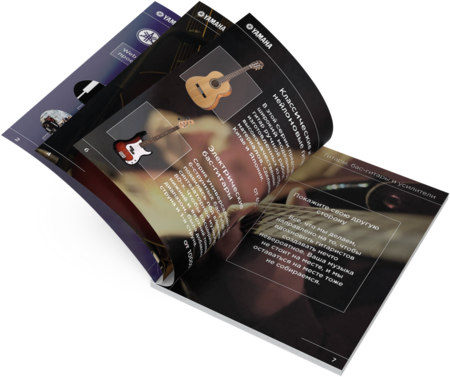
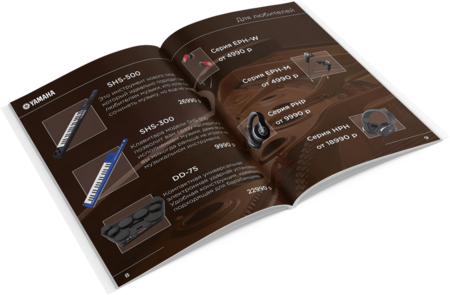
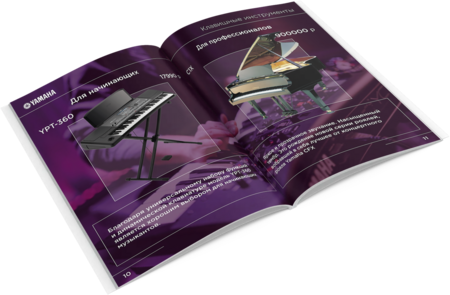
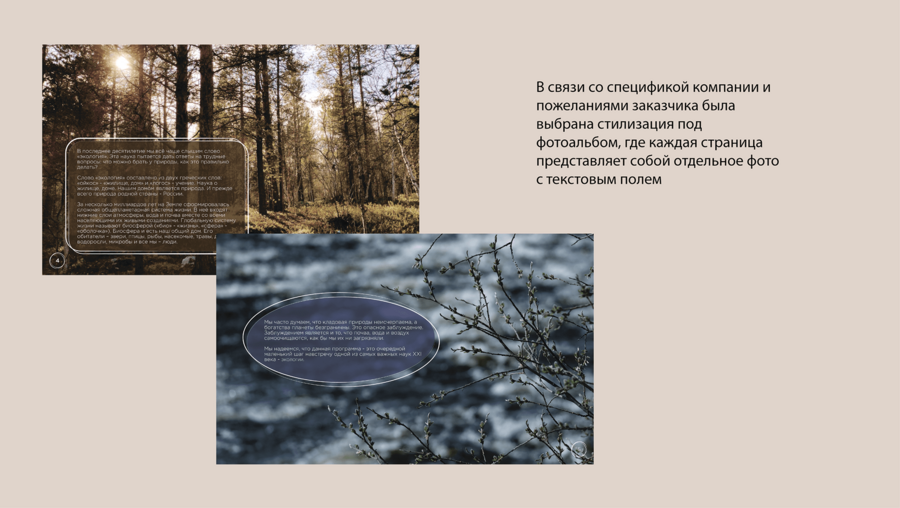
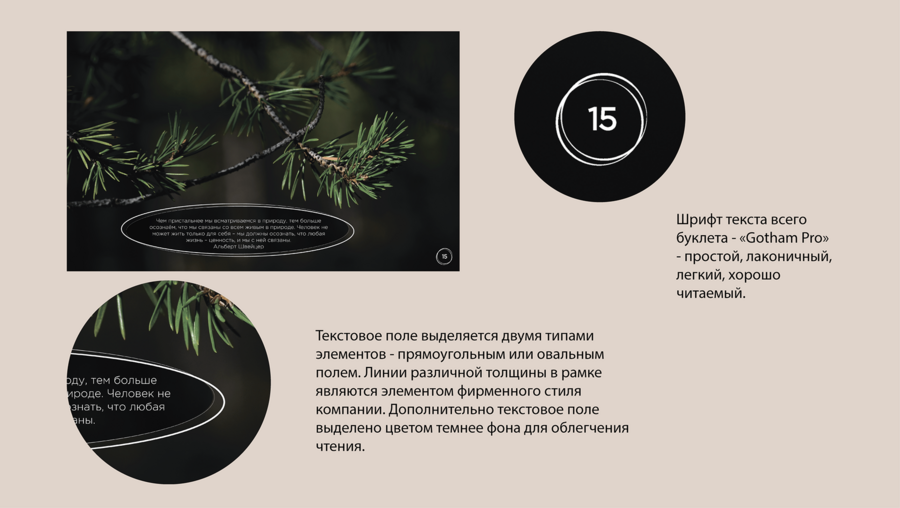
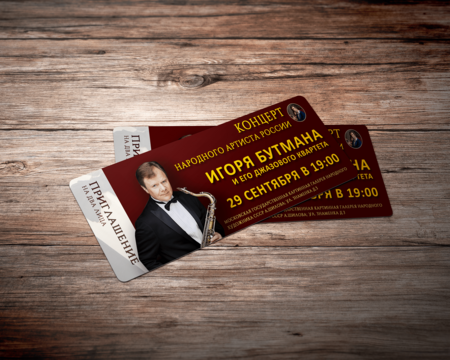
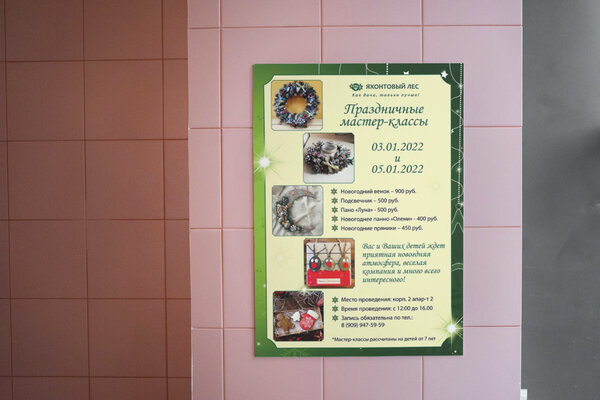
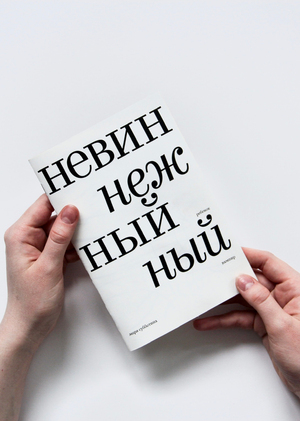
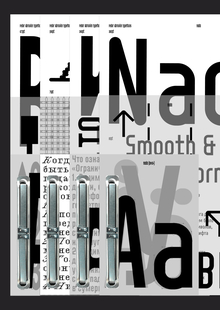
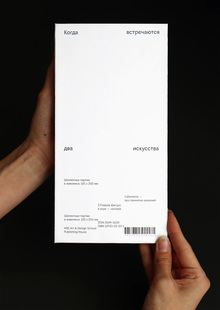
Ольга Кочева создала портфолио абитуриента, демонстрирующее разнообразие проектов в дизайне и творчестве. Проект включает брендбук, журнал продукции, буклеты и афиши, выполненные в рамках учебы и практики.
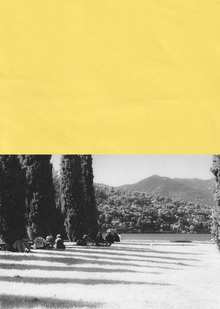
Ника Шульгина создала книгу, в которой художники изображают шахматы как важных персонажей своих картин. Каждое полотно сопровождается раскрытием загадки шахматной партии и её символического значения.
Цифровая платформа, где талантливые креаторы находят клиентов, а бренды — свежие идеи. Загружайте проекты, получайте фидбек, участвуйте в конкурсах, получайте образование — или запускайте собственные опен-коллы и находите исполнителей для своих задач.
Мы используем файлы cookies для улучшения работы сайта и большего удобства его использования. Более подробную информац...
Показать больше
Press space bar to start a drag.
When dragging you can use the arrow keys to move the item around and escape to cancel.
Some screen readers may require you to be in focus mode or to use your pass through key
Press space bar to start a drag.
When dragging you can use the arrow keys to move the item around and escape to cancel.
Some screen readers may require you to be in focus mode or to use your pass through key
Press space bar to start a drag.
When dragging you can use the arrow keys to move the item around and escape to cancel.
Some screen readers may require you to be in focus mode or to use your pass through key
Press space bar to start a drag.
When dragging you can use the arrow keys to move the item around and escape to cancel.
Some screen readers may require you to be in focus mode or to use your pass through key
Press space bar to start a drag.
When dragging you can use the arrow keys to move the item around and escape to cancel.
Some screen readers may require you to be in focus mode or to use your pass through key
Press space bar to start a drag.
When dragging you can use the arrow keys to move the item around and escape to cancel.
Some screen readers may require you to be in focus mode or to use your pass through key
Press space bar to start a drag.
When dragging you can use the arrow keys to move the item around and escape to cancel.
Some screen readers may require you to be in focus mode or to use your pass through key
Press space bar to start a drag.
When dragging you can use the arrow keys to move the item around and escape to cancel.
Some screen readers may require you to be in focus mode or to use your pass through key
Press space bar to start a drag.
When dragging you can use the arrow keys to move the item around and escape to cancel.
Some screen readers may require you to be in focus mode or to use your pass through key
Press space bar to start a drag.
When dragging you can use the arrow keys to move the item around and escape to cancel.
Some screen readers may require you to be in focus mode or to use your pass through key
Press space bar to start a drag.
When dragging you can use the arrow keys to move the item around and escape to cancel.
Some screen readers may require you to be in focus mode or to use your pass through key
Press space bar to start a drag.
When dragging you can use the arrow keys to move the item around and escape to cancel.
Some screen readers may require you to be in focus mode or to use your pass through key