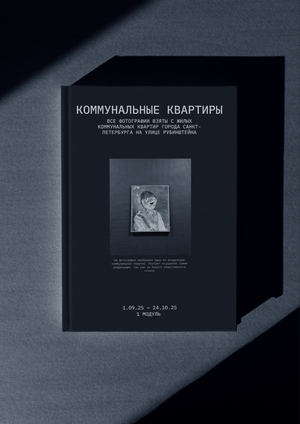
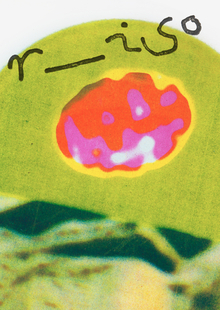
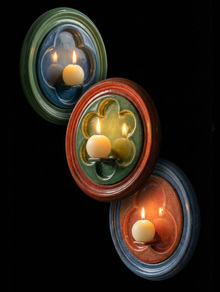
Мария Юдина создала фотопроект «VESTIGE», в котором использует старые и сломанные предметы для передачи идеи преходящести времени. Особенностью проекта является использование обманки в натюрмортах, где реальные объекты визуально сливаются с печатной плоскостью газет и журналов.
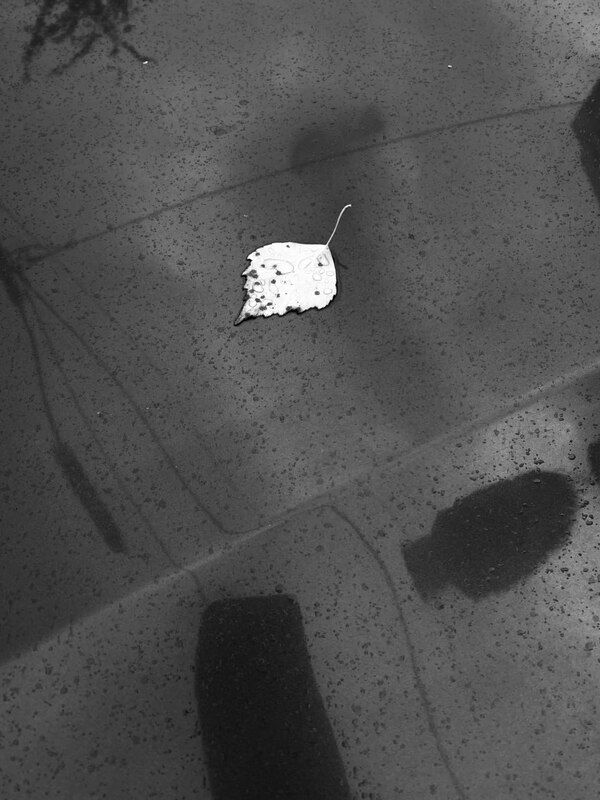
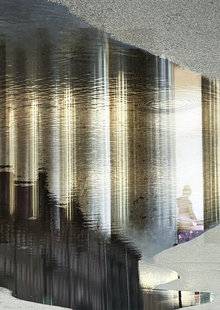
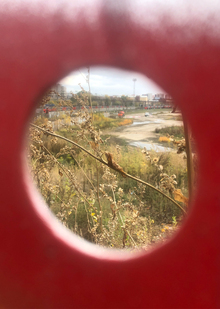
Эвелина Калугина создала серию фотографий, исследующую взаимодействие музея и города через визуальные рамки и отражения. Проект включает две серии, где первая фокусируется на Эрмитаже, а вторая — на восприятии города через его отражения в окнах и воде.
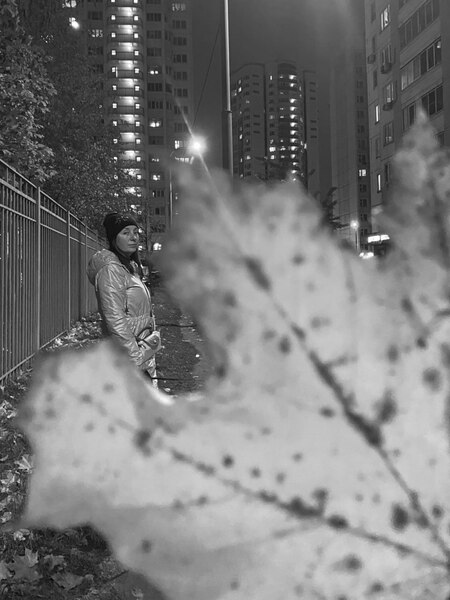
Evgenia Nasledskova написала текст о звуке и архитектуре Даниловского района в рамках конкурса «Диалог с городом» от PIONEER. Проект описывает, как современные здания и переходы создают звуковую вибрацию, перекликаясь со старыми сооружениями района.
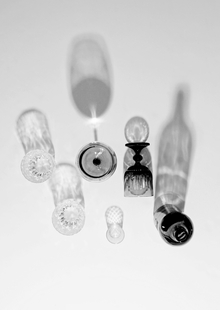
Даниэла Лебедева создала серию фотографий, где стеклянные объекты взаимодействуют со светом и формируют графичные тени. Проект фокусируется на минимализме и контрасте, превращающем простые предметы в абстрактные фигуры.
deziiign
Цифровая платформа, где талантливые креаторы находят клиентов, а бренды — свежие идеи. Загружайте проекты, получайте фидбек, участвуйте в конкурсах, получайте образование — или запускайте собственные опен-коллы и находите исполнителей для своих задач.
Мы используем файлы cookies для улучшения работы сайта и большего удобства его использования. Более подробную информац...
Показать больше
Press space bar to start a drag.
When dragging you can use the arrow keys to move the item around and escape to cancel.
Some screen readers may require you to be in focus mode or to use your pass through key
Press space bar to start a drag.
When dragging you can use the arrow keys to move the item around and escape to cancel.
Some screen readers may require you to be in focus mode or to use your pass through key
Press space bar to start a drag.
When dragging you can use the arrow keys to move the item around and escape to cancel.
Some screen readers may require you to be in focus mode or to use your pass through key
Press space bar to start a drag.
When dragging you can use the arrow keys to move the item around and escape to cancel.
Some screen readers may require you to be in focus mode or to use your pass through key
Press space bar to start a drag.
When dragging you can use the arrow keys to move the item around and escape to cancel.
Some screen readers may require you to be in focus mode or to use your pass through key
Press space bar to start a drag.
When dragging you can use the arrow keys to move the item around and escape to cancel.
Some screen readers may require you to be in focus mode or to use your pass through key
Press space bar to start a drag.
When dragging you can use the arrow keys to move the item around and escape to cancel.
Some screen readers may require you to be in focus mode or to use your pass through key
Press space bar to start a drag.
When dragging you can use the arrow keys to move the item around and escape to cancel.
Some screen readers may require you to be in focus mode or to use your pass through key
Press space bar to start a drag.
When dragging you can use the arrow keys to move the item around and escape to cancel.
Some screen readers may require you to be in focus mode or to use your pass through key
Press space bar to start a drag.
When dragging you can use the arrow keys to move the item around and escape to cancel.
Some screen readers may require you to be in focus mode or to use your pass through key
Press space bar to start a drag.
When dragging you can use the arrow keys to move the item around and escape to cancel.
Some screen readers may require you to be in focus mode or to use your pass through key
Press space bar to start a drag.
When dragging you can use the arrow keys to move the item around and escape to cancel.
Some screen readers may require you to be in focus mode or to use your pass through key