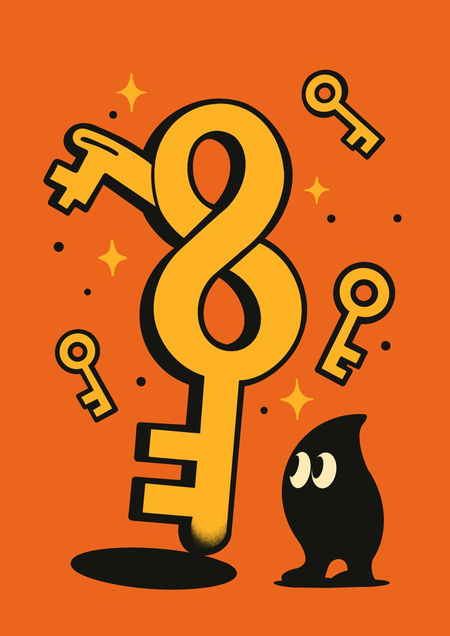
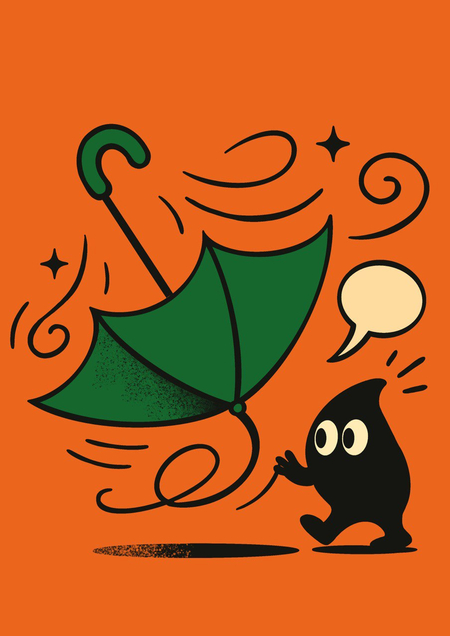
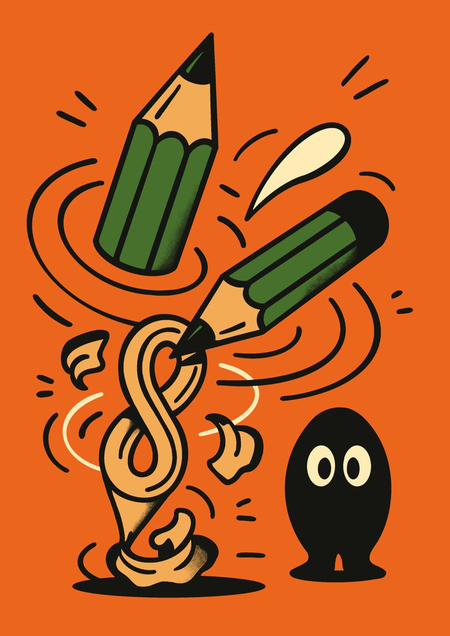
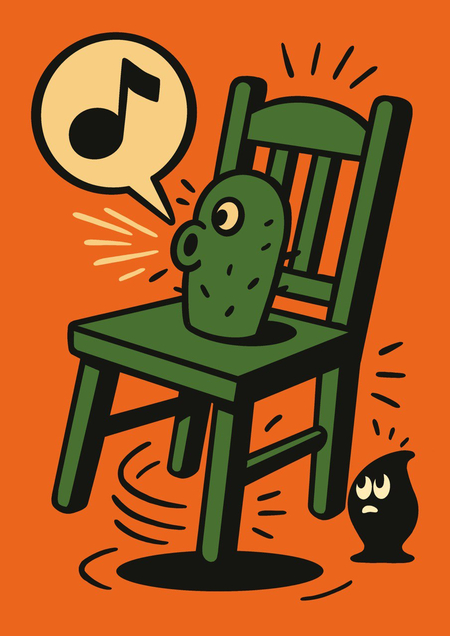
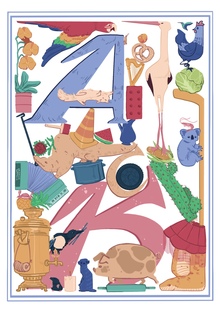
Автор создала серию иллюстраций и буквиц для азбуки «Буквы "А" "К" "С"». Проект включает интерактивные страницы, где каждая буква сопровождается множеством слов и интересными фактами о животных.
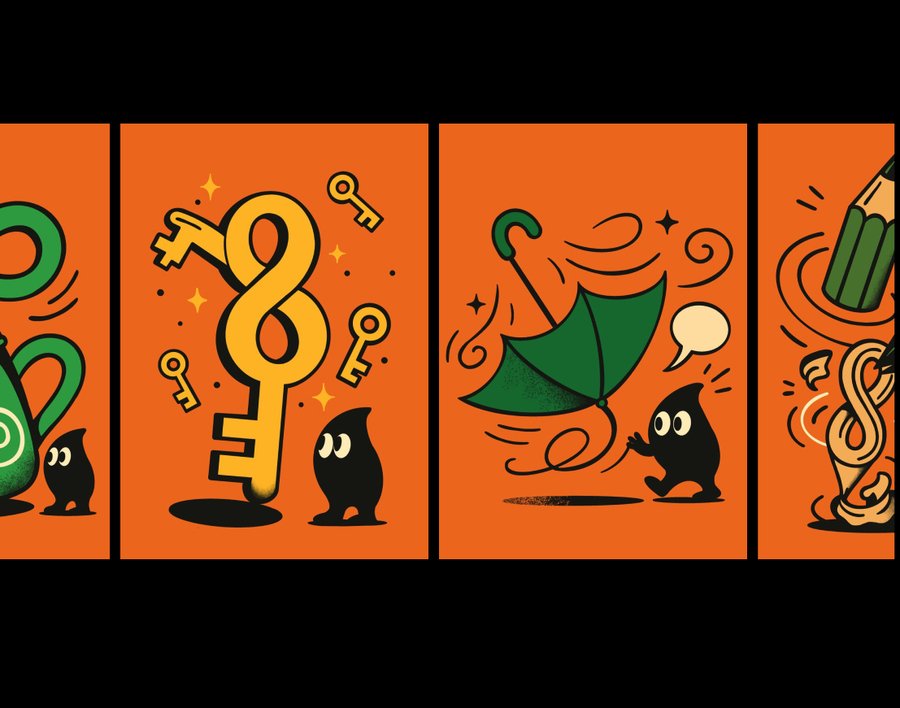
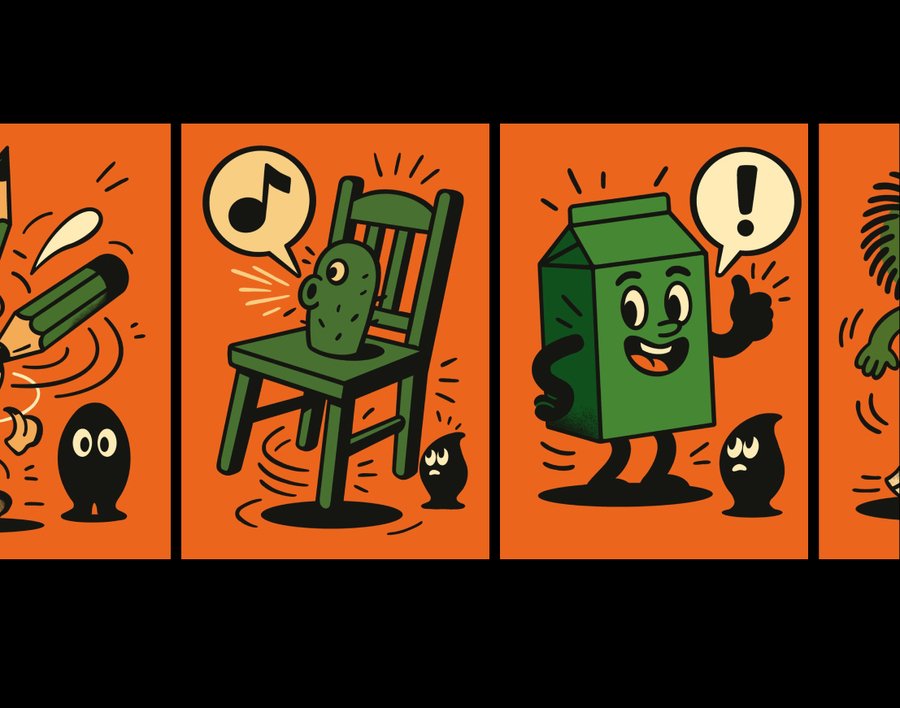
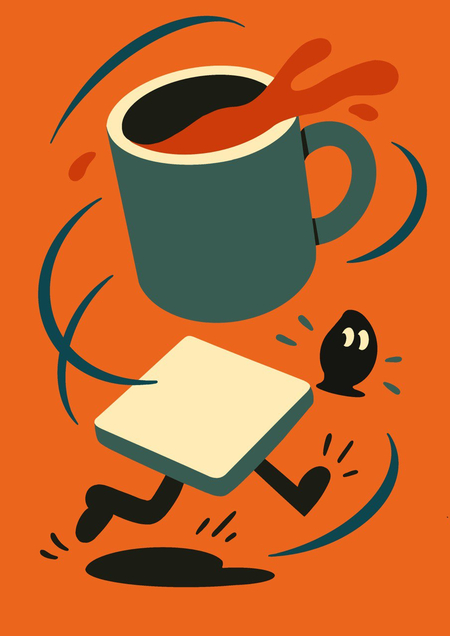
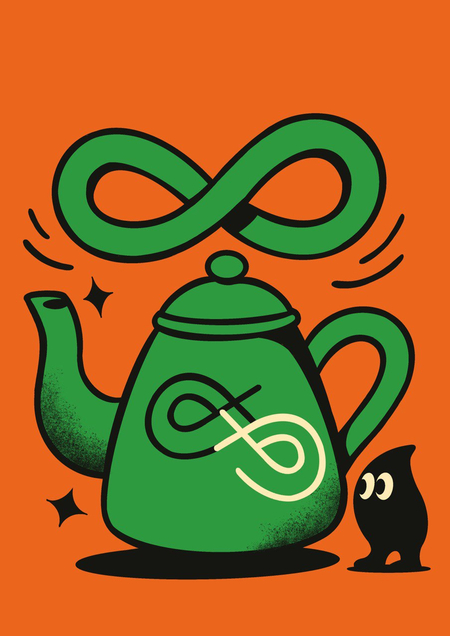
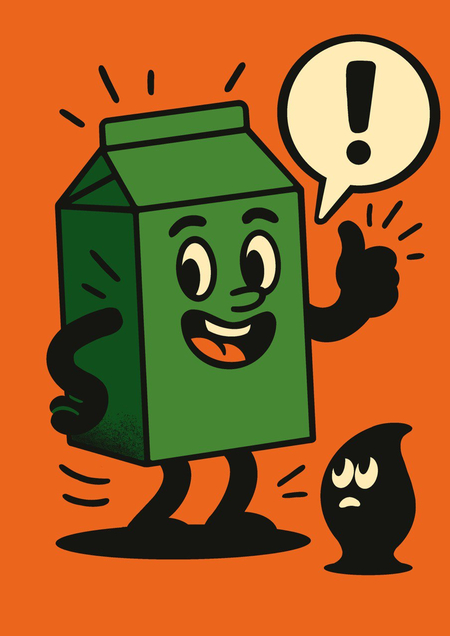
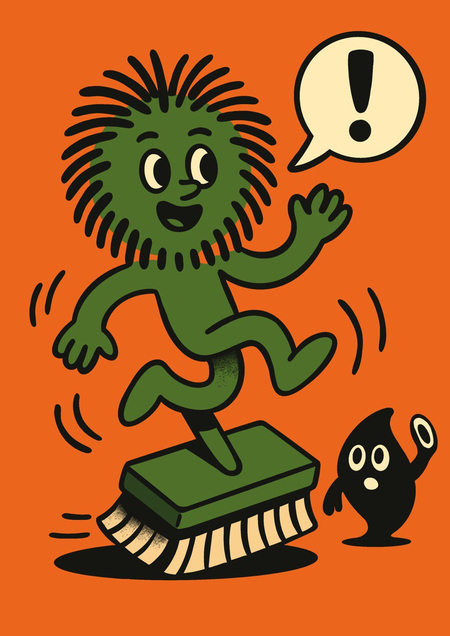
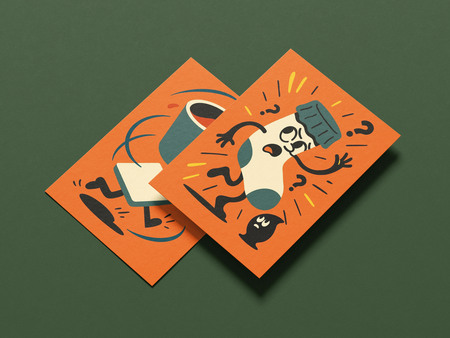
Анастасия Авсюк создала дизайн детского настольного календаря, который помогает ребёнку формировать позитивные привычки через простые задания каждый день. Каждое задание в календаре подобрано по смысловой цепочке, чтобы постепенно развивать качества вроде доброты, настойчивости и творчества.
Ксения Шибанова создала проект «Грани музыки», представляющий серию открыток, посвящённых музыкальным праздникам и атмосфере магазина. Проект включает тринадцать иллюстраций-открыток, отражающих ценности дуэта и свободу творчества, характерные для бренда.
Цифровая платформа, где талантливые креаторы находят клиентов, а бренды — свежие идеи. Загружайте проекты, получайте фидбек, участвуйте в конкурсах, получайте образование — или запускайте собственные опен-коллы и находите исполнителей для своих задач.
лучшее
дизайн
предметный дизайн
мода
среда
гейм-дизайн
иллюстрация
о дизайне
интервью
Мы используем файлы cookies для улучшения работы сайта и большего удобства его использования. Более подробную информац...
Показать больше
Press space bar to start a drag.
When dragging you can use the arrow keys to move the item around and escape to cancel.
Some screen readers may require you to be in focus mode or to use your pass through key
Press space bar to start a drag.
When dragging you can use the arrow keys to move the item around and escape to cancel.
Some screen readers may require you to be in focus mode or to use your pass through key
Press space bar to start a drag.
When dragging you can use the arrow keys to move the item around and escape to cancel.
Some screen readers may require you to be in focus mode or to use your pass through key
Press space bar to start a drag.
When dragging you can use the arrow keys to move the item around and escape to cancel.
Some screen readers may require you to be in focus mode or to use your pass through key
Press space bar to start a drag.
When dragging you can use the arrow keys to move the item around and escape to cancel.
Some screen readers may require you to be in focus mode or to use your pass through key
Press space bar to start a drag.
When dragging you can use the arrow keys to move the item around and escape to cancel.
Some screen readers may require you to be in focus mode or to use your pass through key
Press space bar to start a drag.
When dragging you can use the arrow keys to move the item around and escape to cancel.
Some screen readers may require you to be in focus mode or to use your pass through key
Press space bar to start a drag.
When dragging you can use the arrow keys to move the item around and escape to cancel.
Some screen readers may require you to be in focus mode or to use your pass through key