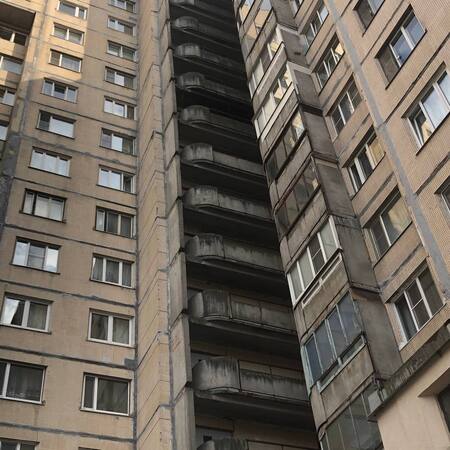
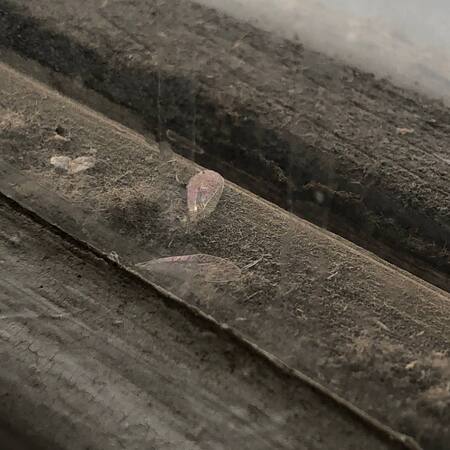
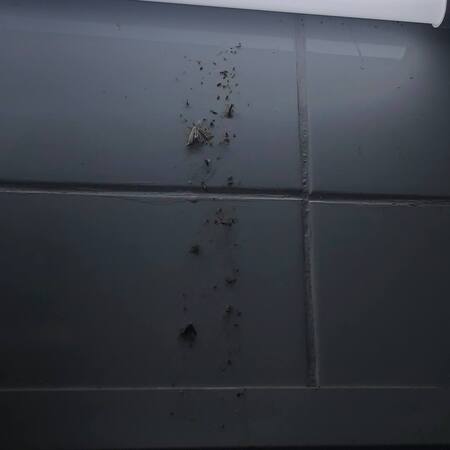
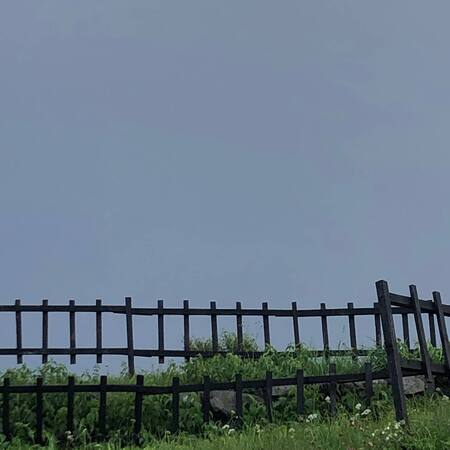
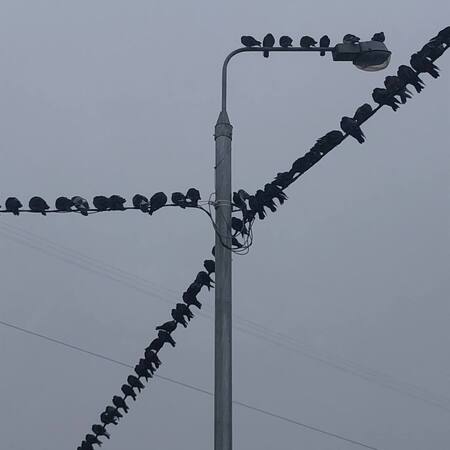
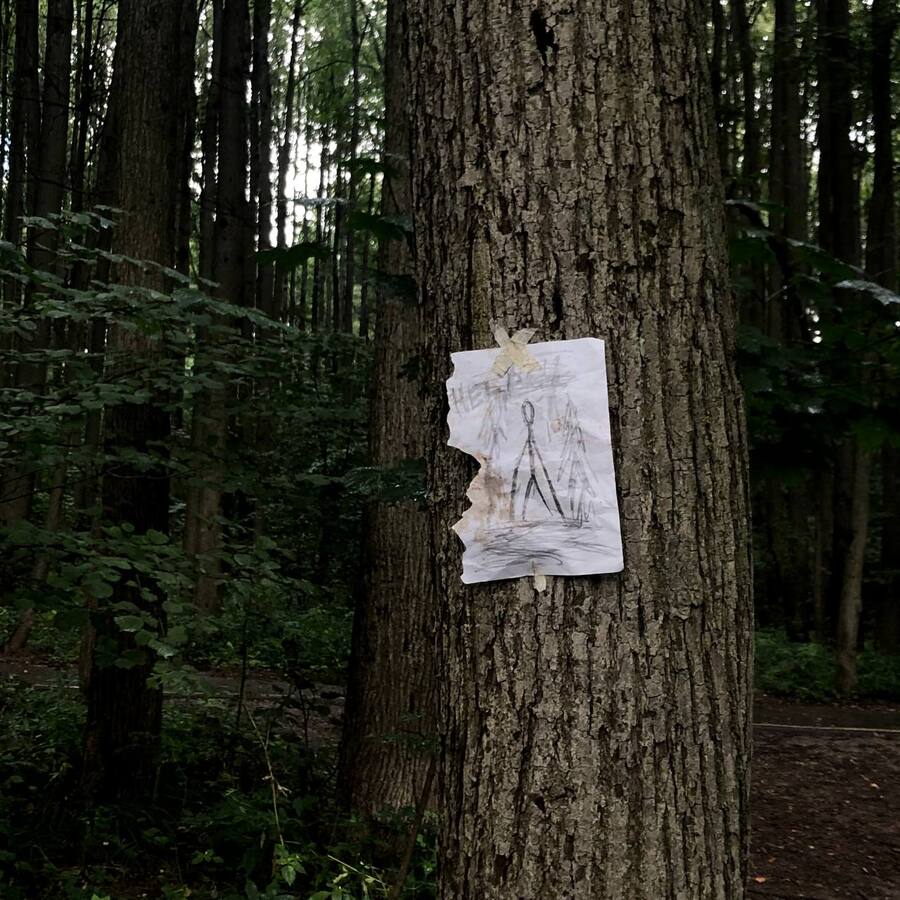
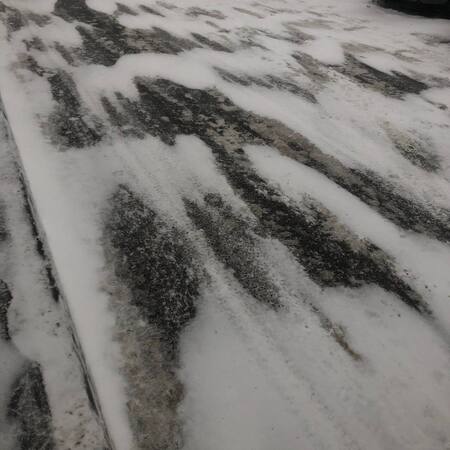
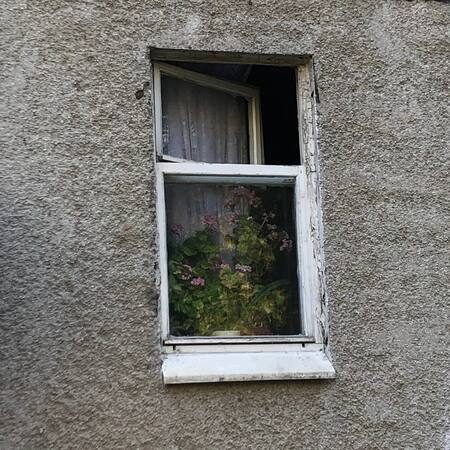
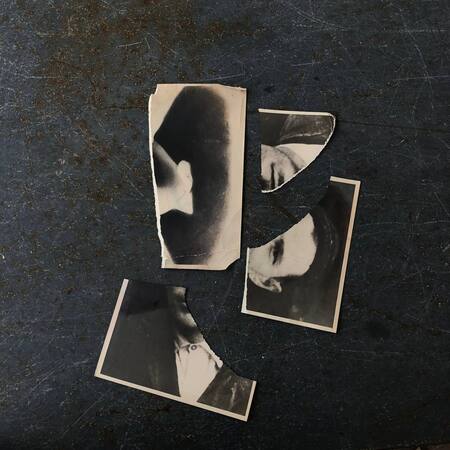
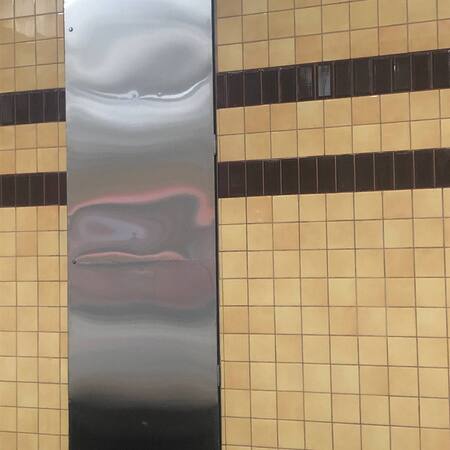
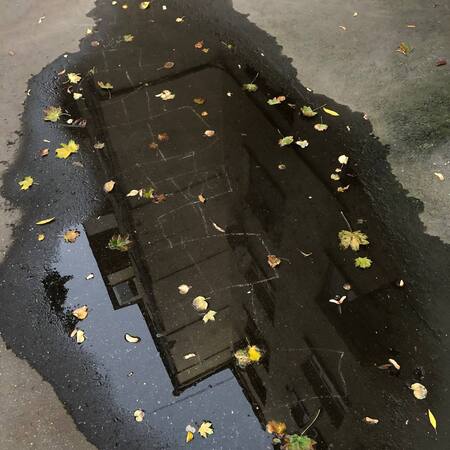
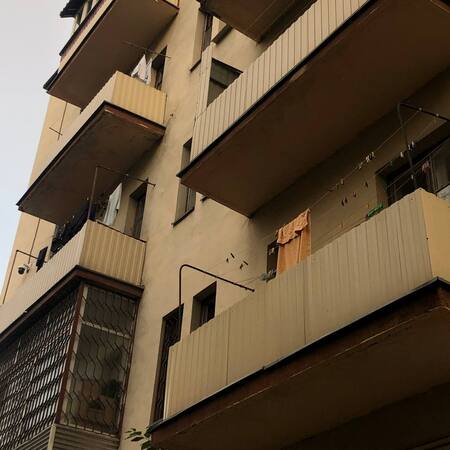
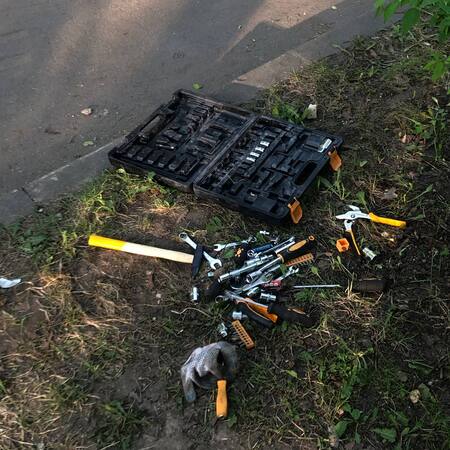
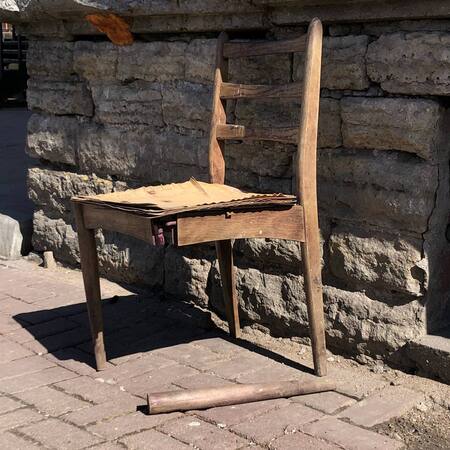
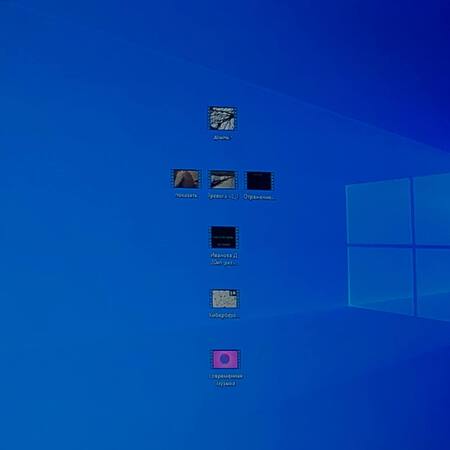
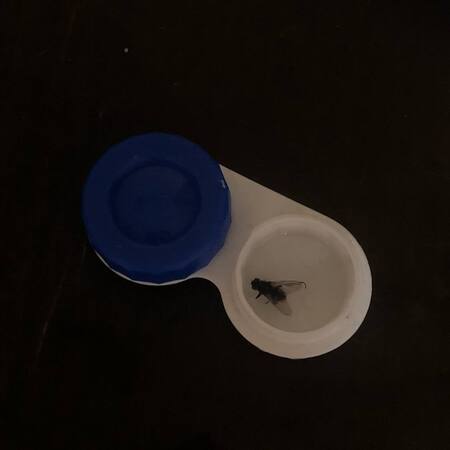
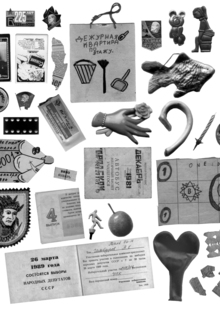
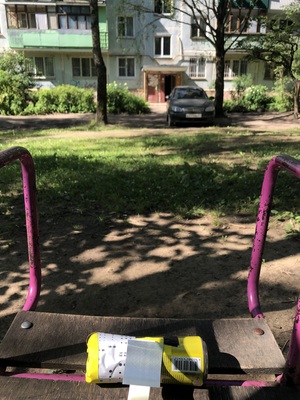
Александр Шабуров создал фотосерию «Перечень окружающих меня предметов», 1989, в которой документирует повседневные вещи из жизни среднестатистического человека времён позднего СССР и 1990-х годов. Проект включает подробный перечень уникальных предметов, найденных и собранных художником в ходе наблюдений за своей повседневностью.
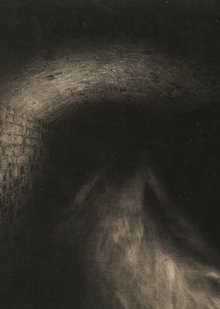
Татьяна Островская создала книгу о таинственной истории крепостной девушки Палаша, замурованной в доме Шереметева в Марий Эл. В издании использованы негативные фотографии, сделанные в ночное время и напечатанные в лит-процессе форматом 18х24.
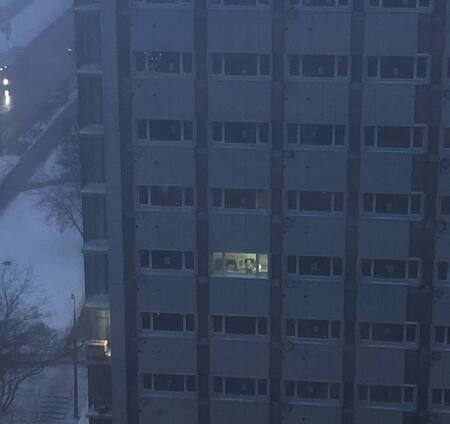
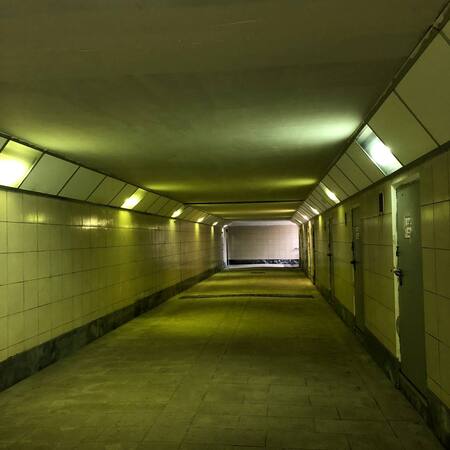
Георгий Шанович создал фотопроект «Смоленск - Москва» с использованием пинхол-камеры и ортохроматической пленки 120-го формата. Проект включает в себя описание технических деталей, таких как кюветная проявка в пиро 350 и сканирование на Epson v550 в режиме цветного негатива.
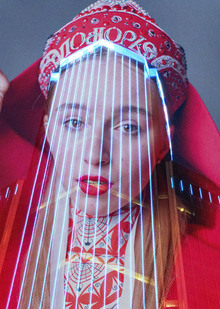
Фотопроект «Современные сказания» Алины Ибрагимовой показывает, как русский народный костюм может быть переосмыслен в современном городе. На снимках девушки в осовремененных народных костюмах сливаются с архитектурой, создавая визуальные образы соединения прошлого и настоящего.
Мы используем файлы cookies для улучшения работы сайта и большего удобства его использования. Более подробную информац...
Показать больше
Press space bar to start a drag.
When dragging you can use the arrow keys to move the item around and escape to cancel.
Some screen readers may require you to be in focus mode or to use your pass through key
Press space bar to start a drag.
When dragging you can use the arrow keys to move the item around and escape to cancel.
Some screen readers may require you to be in focus mode or to use your pass through key
Press space bar to start a drag.
When dragging you can use the arrow keys to move the item around and escape to cancel.
Some screen readers may require you to be in focus mode or to use your pass through key
Press space bar to start a drag.
When dragging you can use the arrow keys to move the item around and escape to cancel.
Some screen readers may require you to be in focus mode or to use your pass through key
Press space bar to start a drag.
When dragging you can use the arrow keys to move the item around and escape to cancel.
Some screen readers may require you to be in focus mode or to use your pass through key
Press space bar to start a drag.
When dragging you can use the arrow keys to move the item around and escape to cancel.
Some screen readers may require you to be in focus mode or to use your pass through key
Press space bar to start a drag.
When dragging you can use the arrow keys to move the item around and escape to cancel.
Some screen readers may require you to be in focus mode or to use your pass through key
Press space bar to start a drag.
When dragging you can use the arrow keys to move the item around and escape to cancel.
Some screen readers may require you to be in focus mode or to use your pass through key
Press space bar to start a drag.
When dragging you can use the arrow keys to move the item around and escape to cancel.
Some screen readers may require you to be in focus mode or to use your pass through key