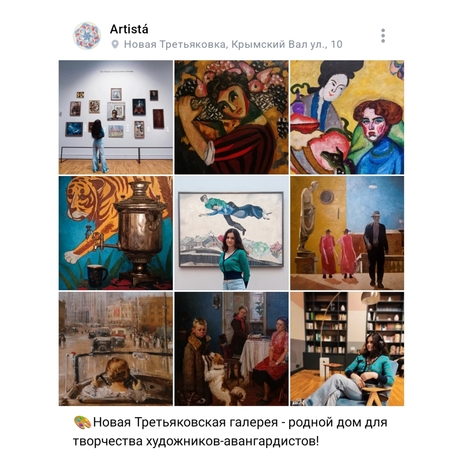
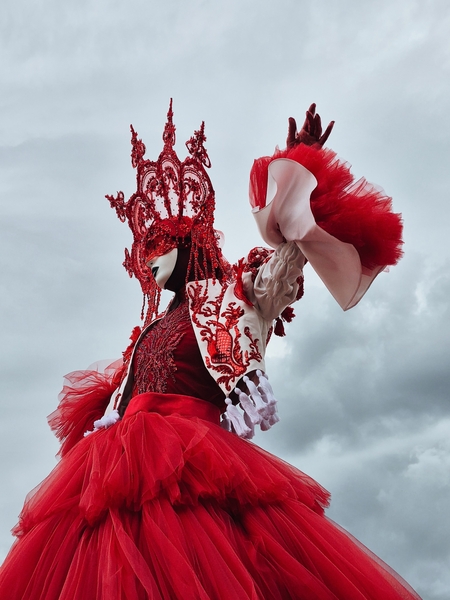
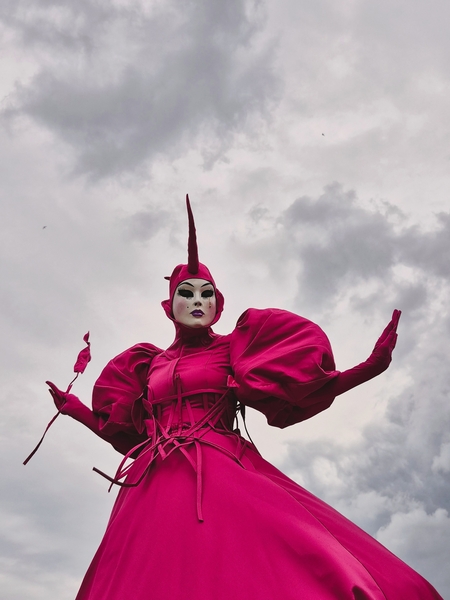
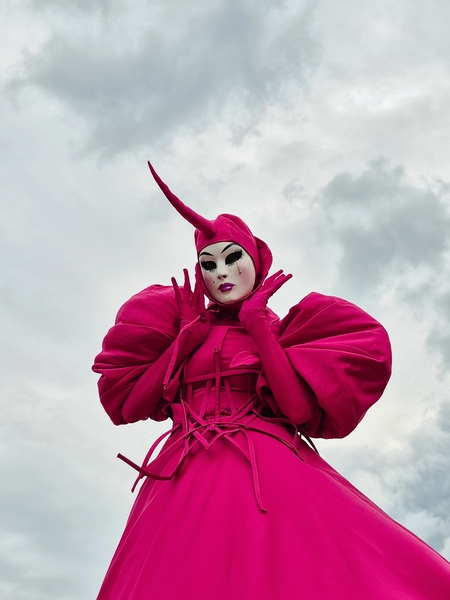
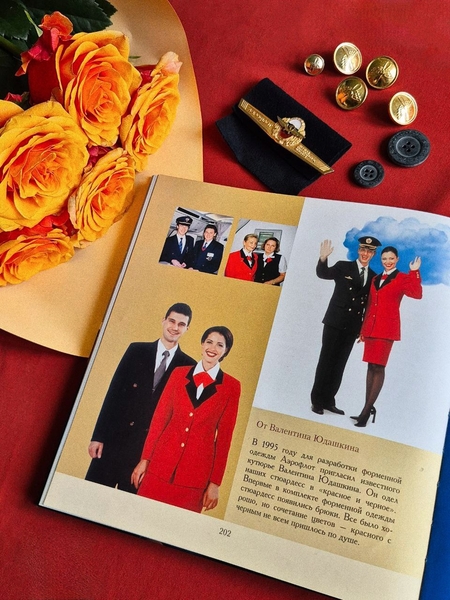
Artistá (с исп. художница) — авторский мобильный фотопроект и творческая платформа на базе сообщества «ВКонтакте», объединяющая визуальную практику, культурную навигацию и генерацию творческих идей. Проект ведётся одним автором и функционирует, как публичный дневник наблюдения, исследования и вдохновения.
Концепция
Artistá строится на одном убеждении: способность художественно видеть — это навык, а не талант. И этот навык тренируется везде: на улице по дороге домой, в музейном зале, в момент, когда ты решаешь не просто посмотреть, а сделать.
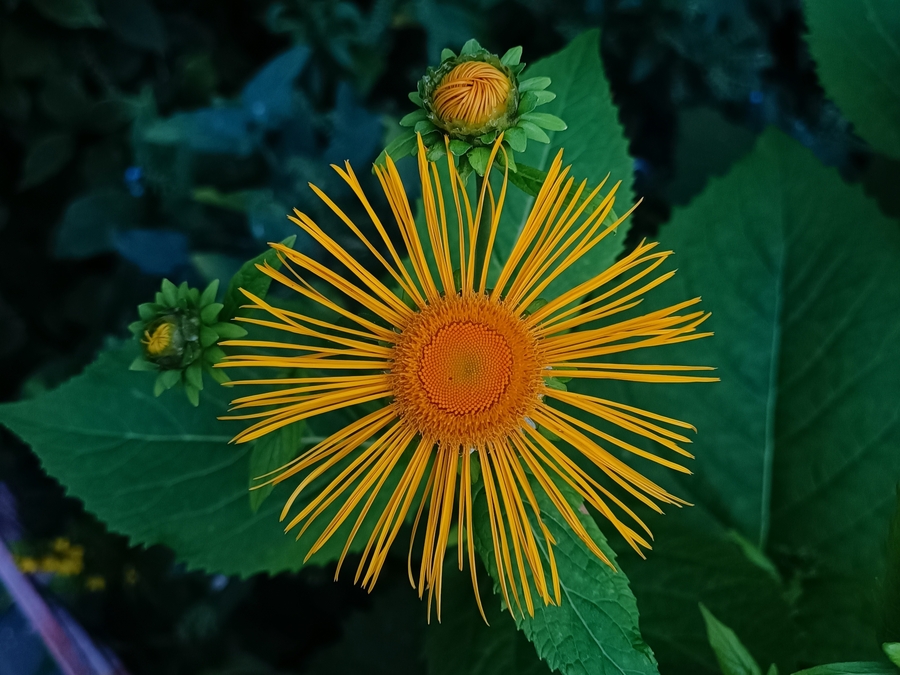
Исходный размер 2560x1920
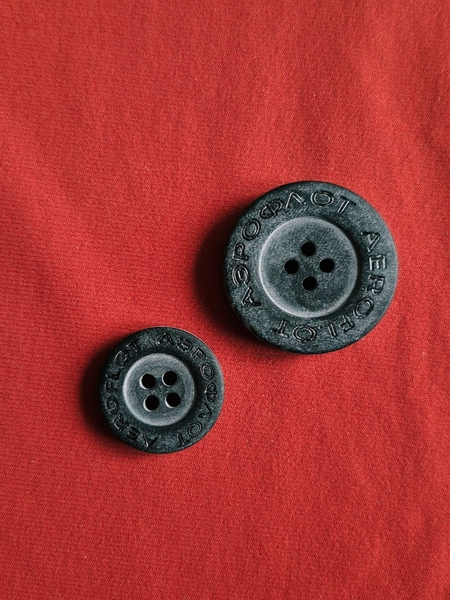
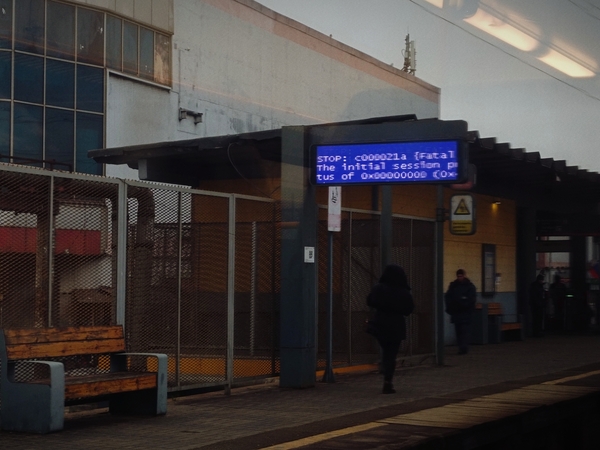
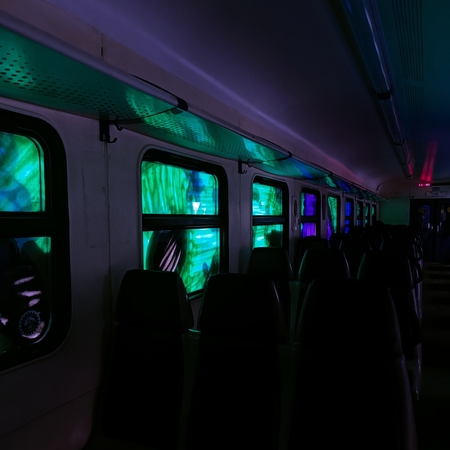
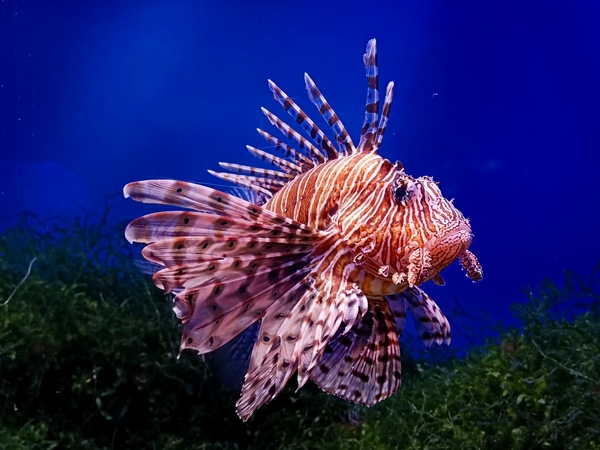
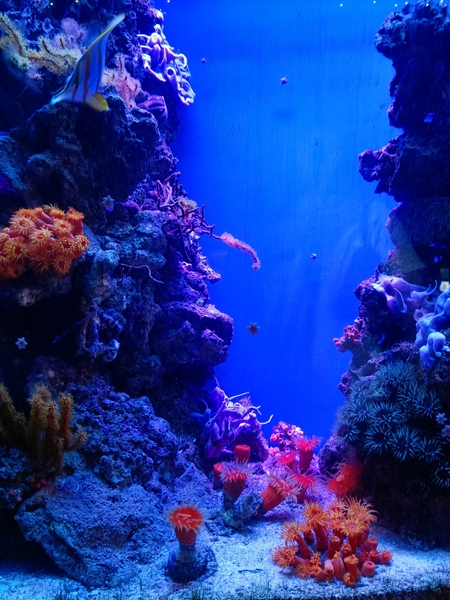
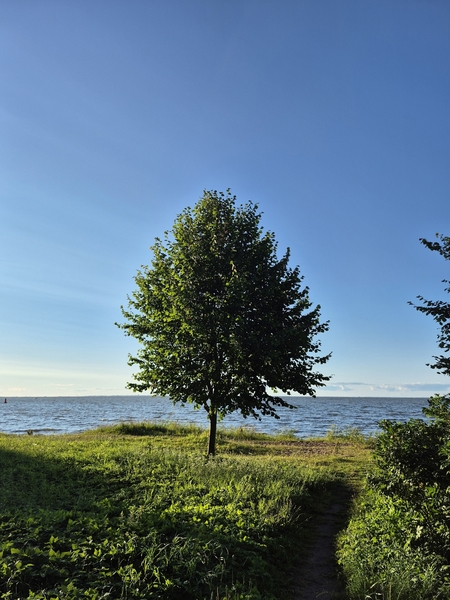
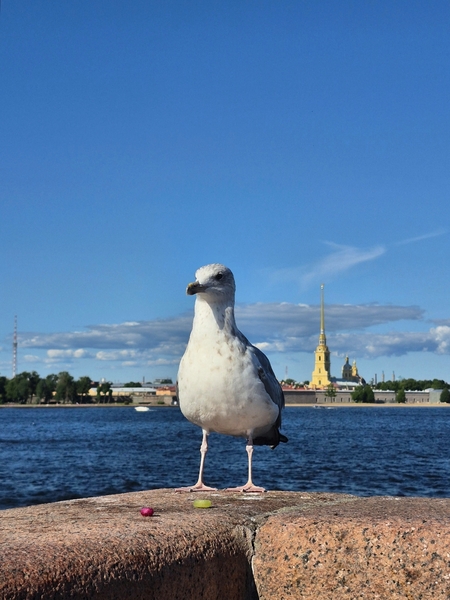
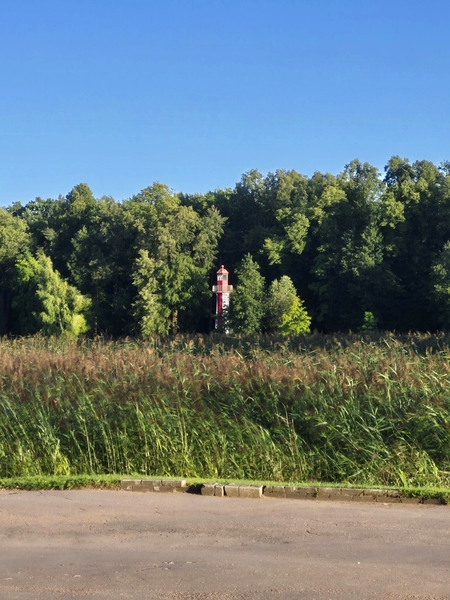
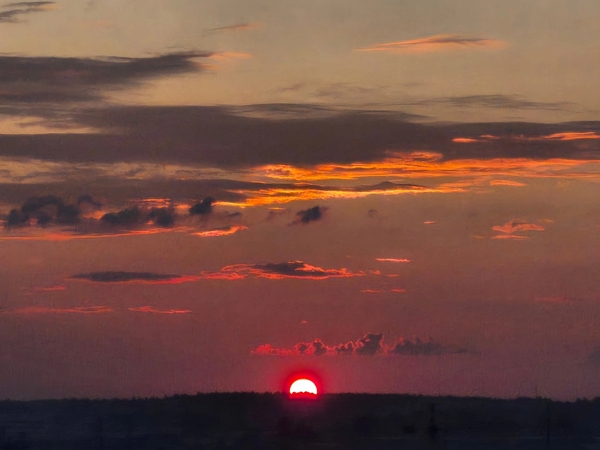
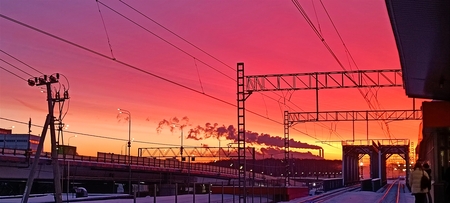
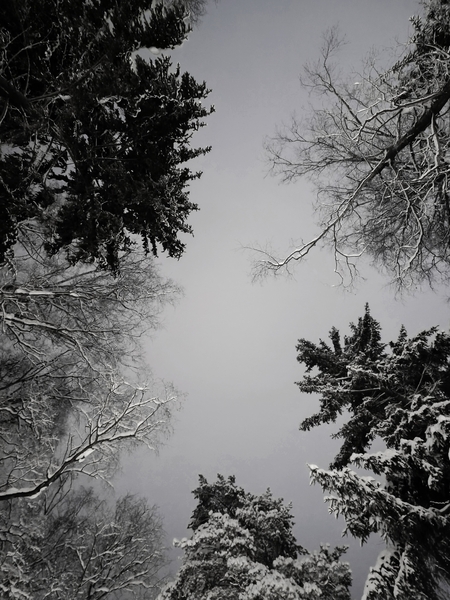
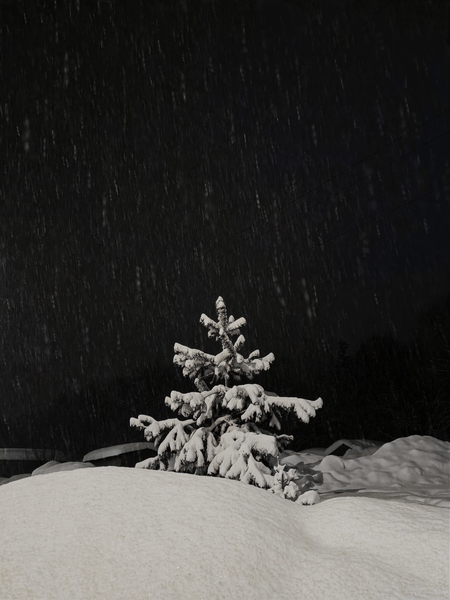
Только мобильная съёмка, без ИИ, без профессиональной оптики. Проект фиксирует красоту, существующую в текущий момент времени. Порой, в один миг.
Структура
Artistá включает три направления, работающие как единая система:
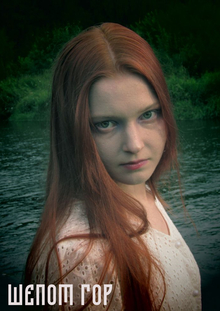
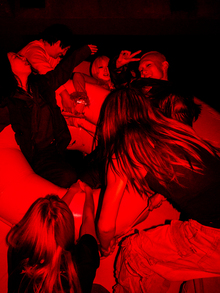
«Шепот гор» — фотовыставка в рамках ночи музеев ЕАСИ 2025 г. , она основана на научной статье написанной мной в раках конференции «культура открытого города» 2024 г. об образе славянской русалки.
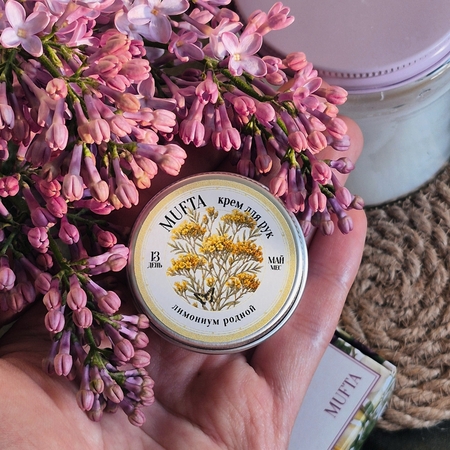
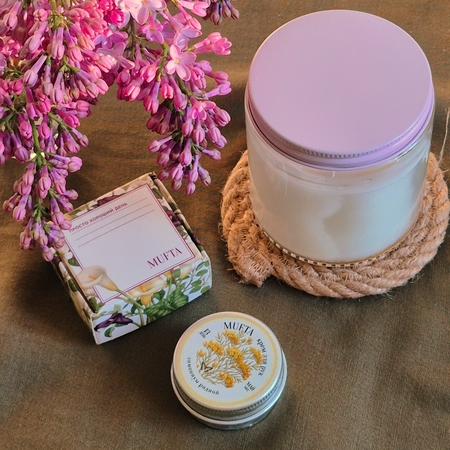
«Малые города большой реки» Что это значит? Это малые города расположенные на большой реке Волга, по её сторонам и устьям. Часто ли мы отправляемся в путешествие по Золотому кольцу малых городов? Зачастую туристический маршрут мы строим по большим городам, атмосферным и очень красивым, с глубокой историей и большой значимостью. В малые города мы можем заглянуть не надолго, как бы по пути, не закладывая на них большего внимания и времени. А ведь малые города достойны быть увиденными и услышанными на уровне больших городов. Там идёт своя жизнь, своя смена времени года, свои, не менее значимые достопримечательности, а история малого города может конкурировать с большими городами, а какая там сувенирная продукция! Просто загляденье. Давайте заглянем?
Цифровая платформа, где талантливые креаторы находят клиентов, а бренды — свежие идеи. Загружайте проекты, получайте фидбек, участвуйте в конкурсах, получайте образование — или запускайте собственные опен-коллы и находите исполнителей для своих задач.
лучшее
дизайн
предметный дизайн
мода
среда
гейм-дизайн
иллюстрация
о дизайне
интервью
Мы используем файлы cookies для улучшения работы сайта и большего удобства его использования. Более подробную информац...
Показать больше
Press space bar to start a drag.
When dragging you can use the arrow keys to move the item around and escape to cancel.
Some screen readers may require you to be in focus mode or to use your pass through key
Press space bar to start a drag.
When dragging you can use the arrow keys to move the item around and escape to cancel.
Some screen readers may require you to be in focus mode or to use your pass through key
Press space bar to start a drag.
When dragging you can use the arrow keys to move the item around and escape to cancel.
Some screen readers may require you to be in focus mode or to use your pass through key
Press space bar to start a drag.
When dragging you can use the arrow keys to move the item around and escape to cancel.
Some screen readers may require you to be in focus mode or to use your pass through key
Press space bar to start a drag.
When dragging you can use the arrow keys to move the item around and escape to cancel.
Some screen readers may require you to be in focus mode or to use your pass through key
Press space bar to start a drag.
When dragging you can use the arrow keys to move the item around and escape to cancel.
Some screen readers may require you to be in focus mode or to use your pass through key
Press space bar to start a drag.
When dragging you can use the arrow keys to move the item around and escape to cancel.
Some screen readers may require you to be in focus mode or to use your pass through key
Press space bar to start a drag.
When dragging you can use the arrow keys to move the item around and escape to cancel.
Some screen readers may require you to be in focus mode or to use your pass through key
Press space bar to start a drag.
When dragging you can use the arrow keys to move the item around and escape to cancel.
Some screen readers may require you to be in focus mode or to use your pass through key
Press space bar to start a drag.
When dragging you can use the arrow keys to move the item around and escape to cancel.
Some screen readers may require you to be in focus mode or to use your pass through key
Press space bar to start a drag.
When dragging you can use the arrow keys to move the item around and escape to cancel.
Some screen readers may require you to be in focus mode or to use your pass through key
Press space bar to start a drag.
When dragging you can use the arrow keys to move the item around and escape to cancel.
Some screen readers may require you to be in focus mode or to use your pass through key
Press space bar to start a drag.
When dragging you can use the arrow keys to move the item around and escape to cancel.
Some screen readers may require you to be in focus mode or to use your pass through key