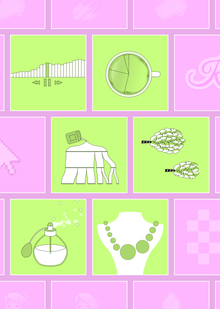
в фэшн индустрии, в которой я работаю и учусь, сейчас очень актуальна тема
переработки. многие бренды выступают за эко-подход, создают коллекции из старой одежды и изобрели множество способов апсайклинга.
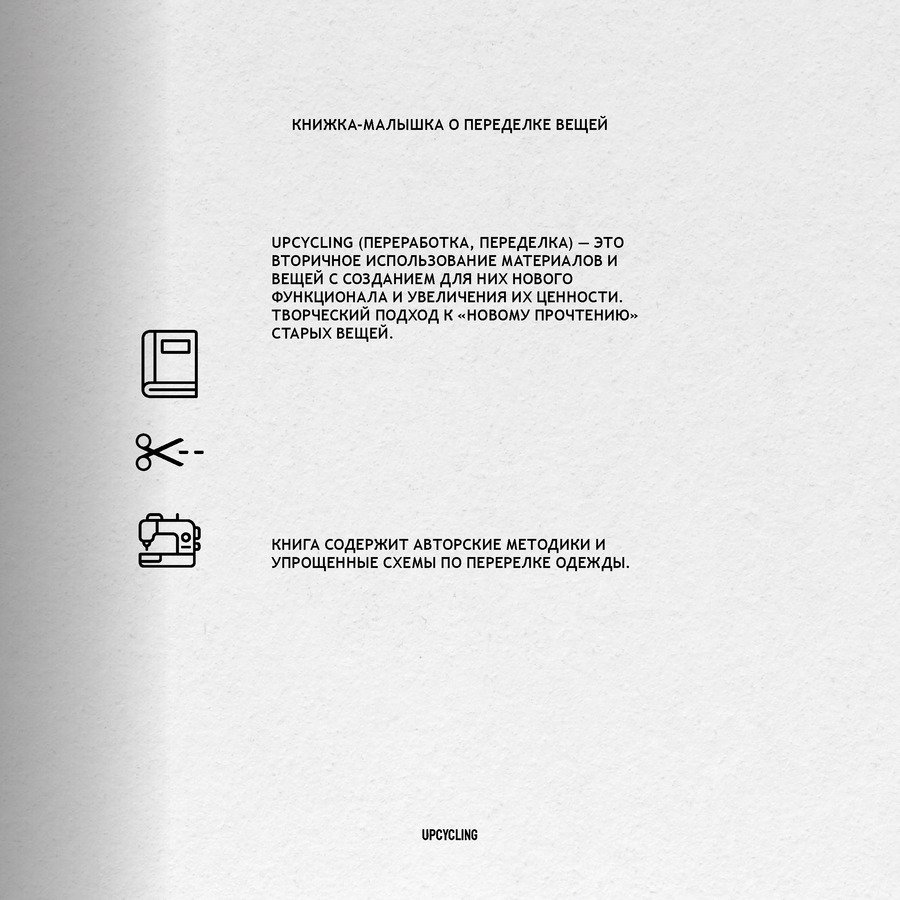
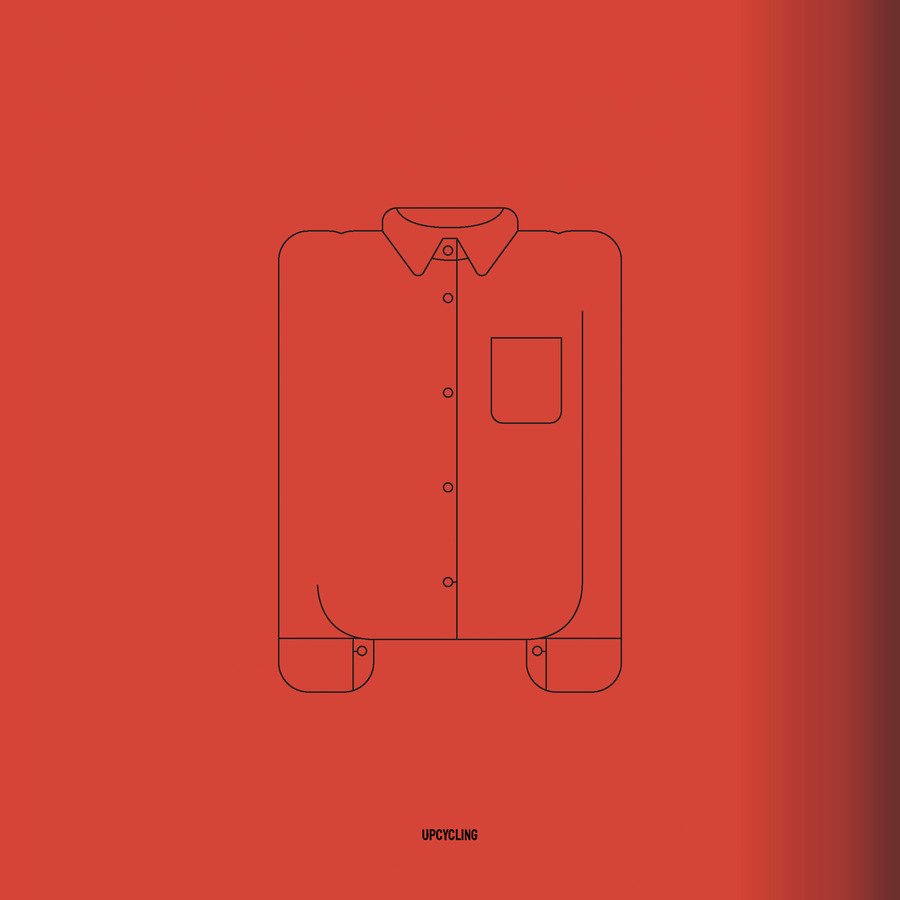
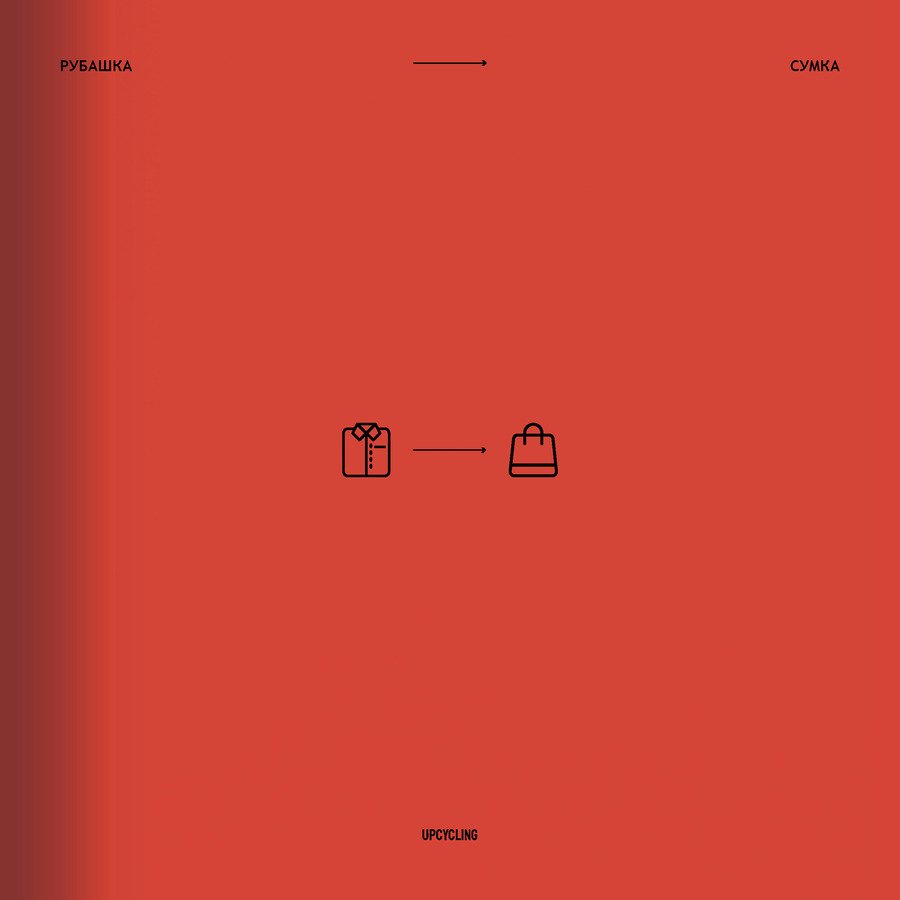
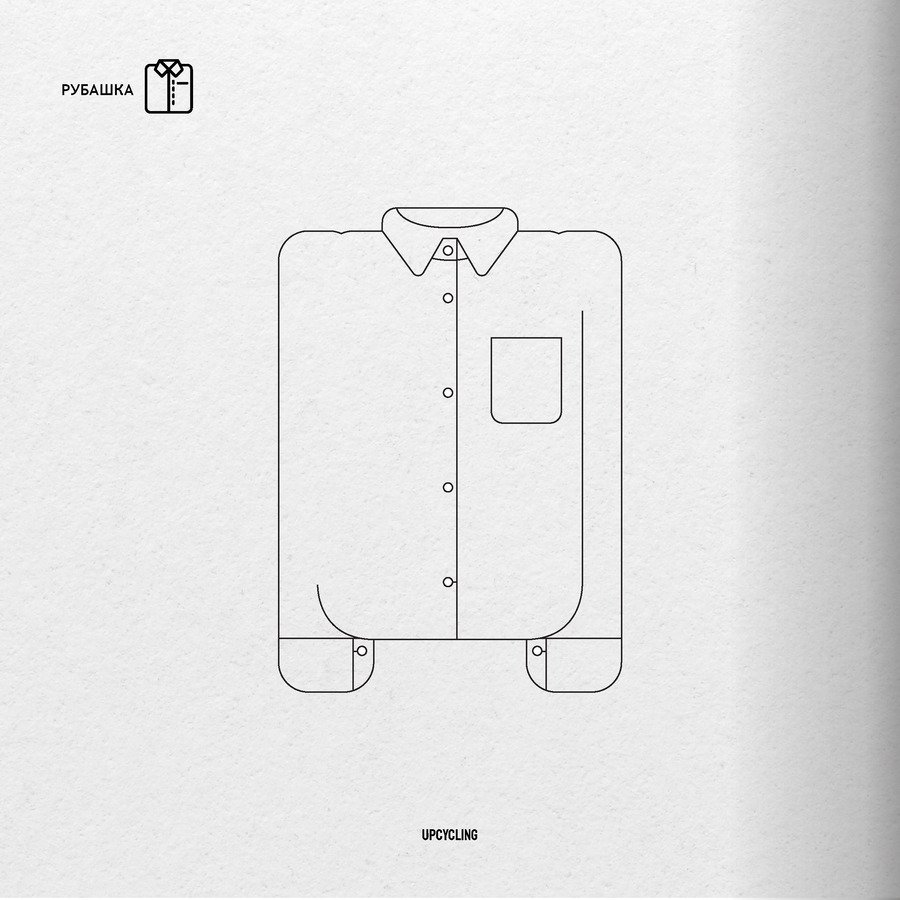
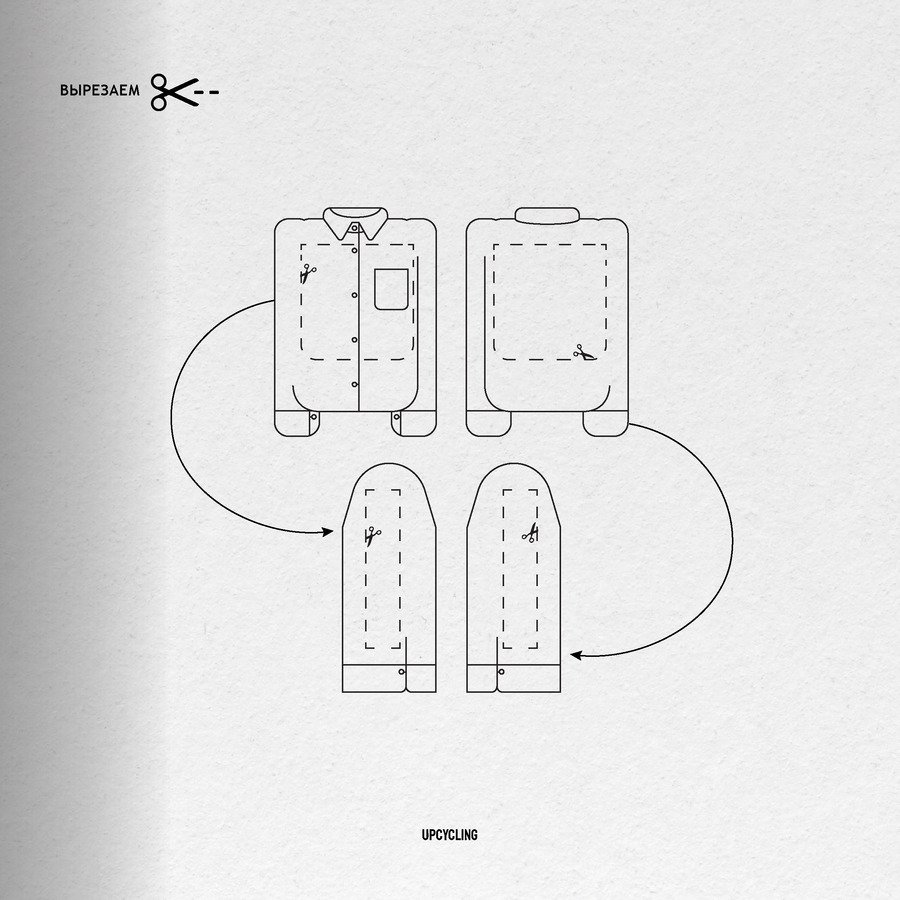
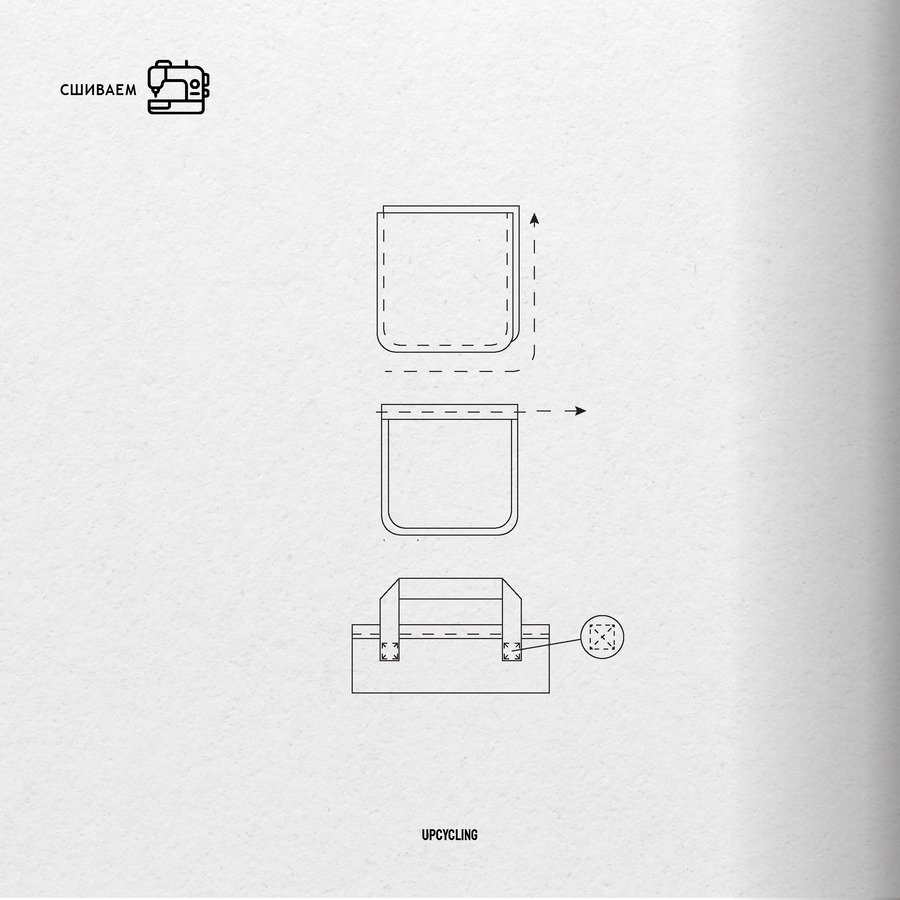
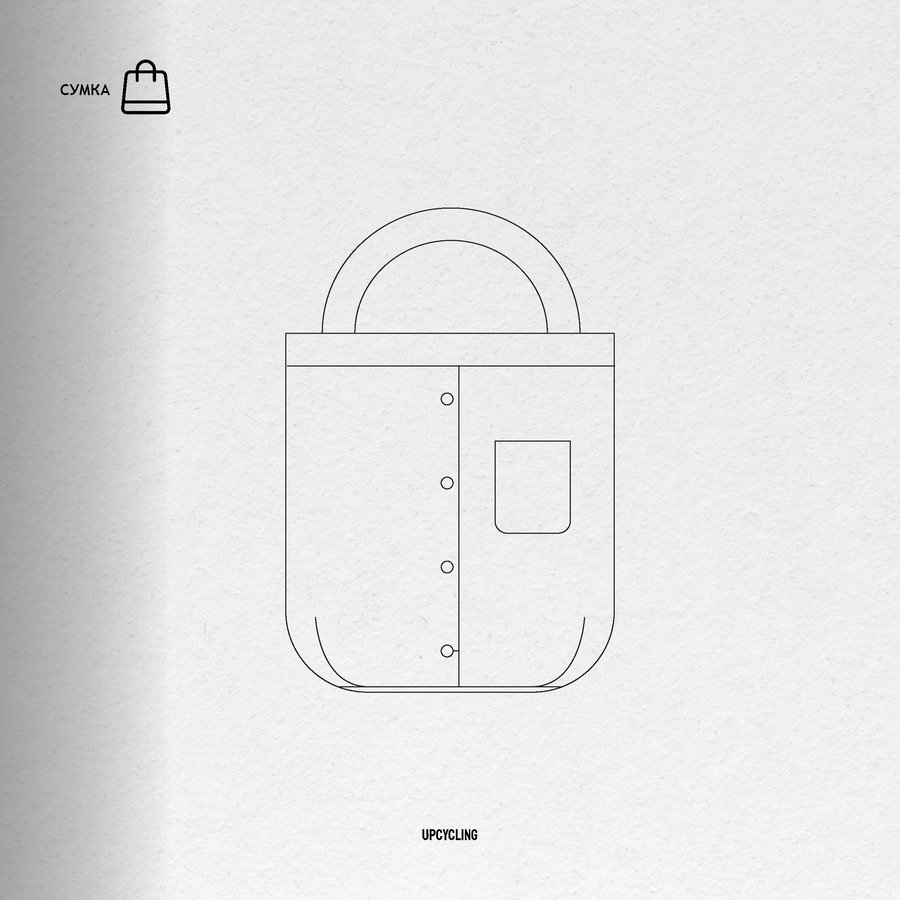
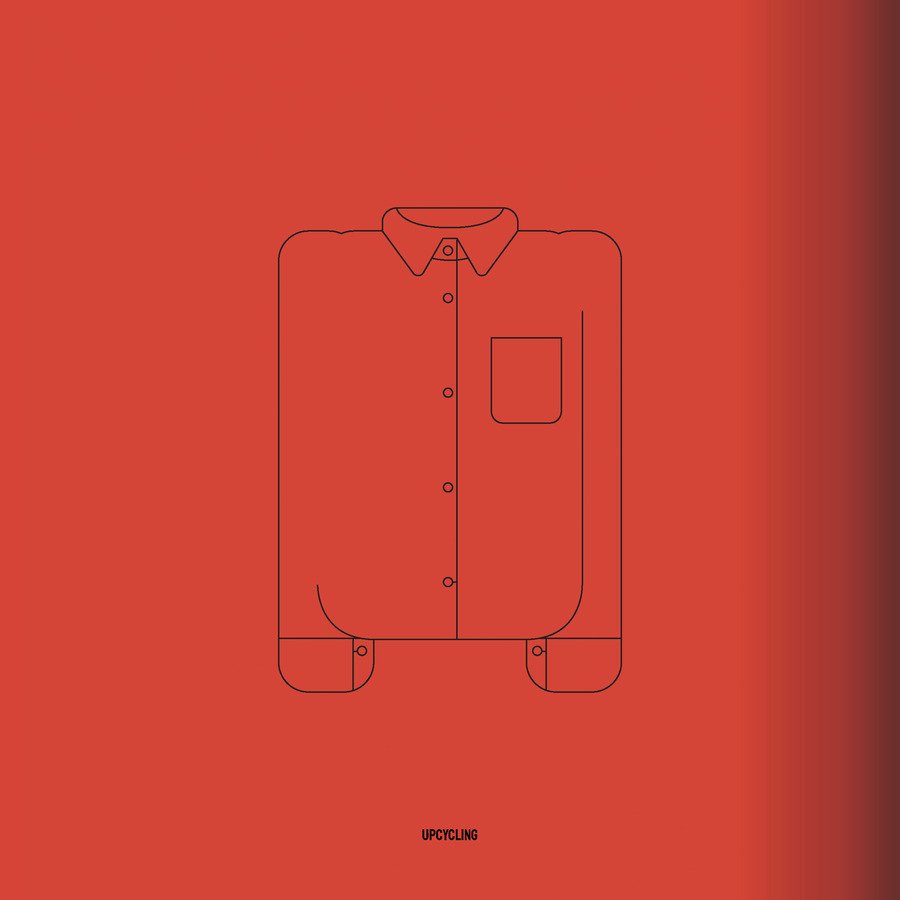
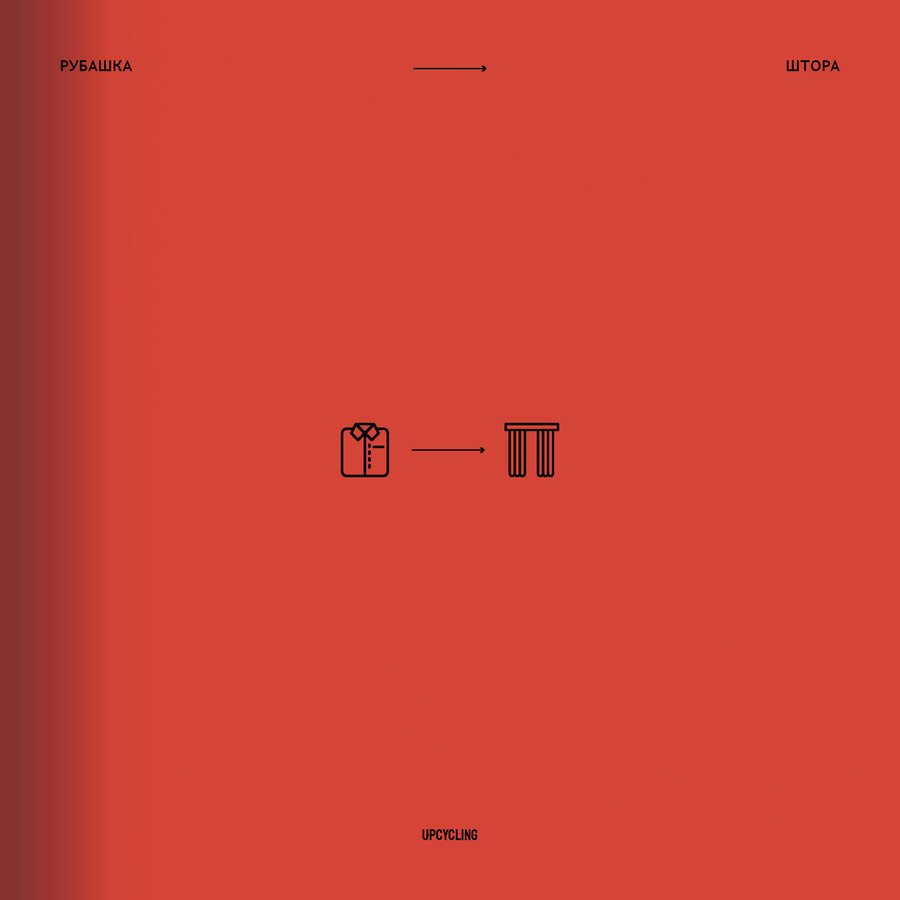
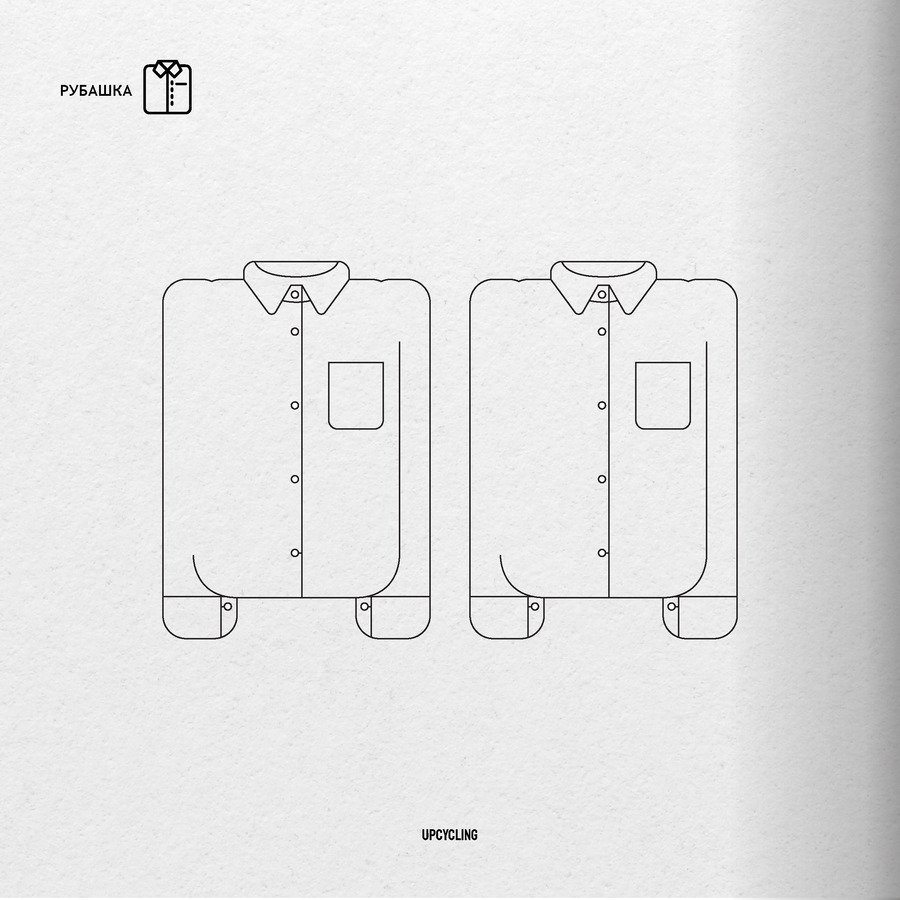
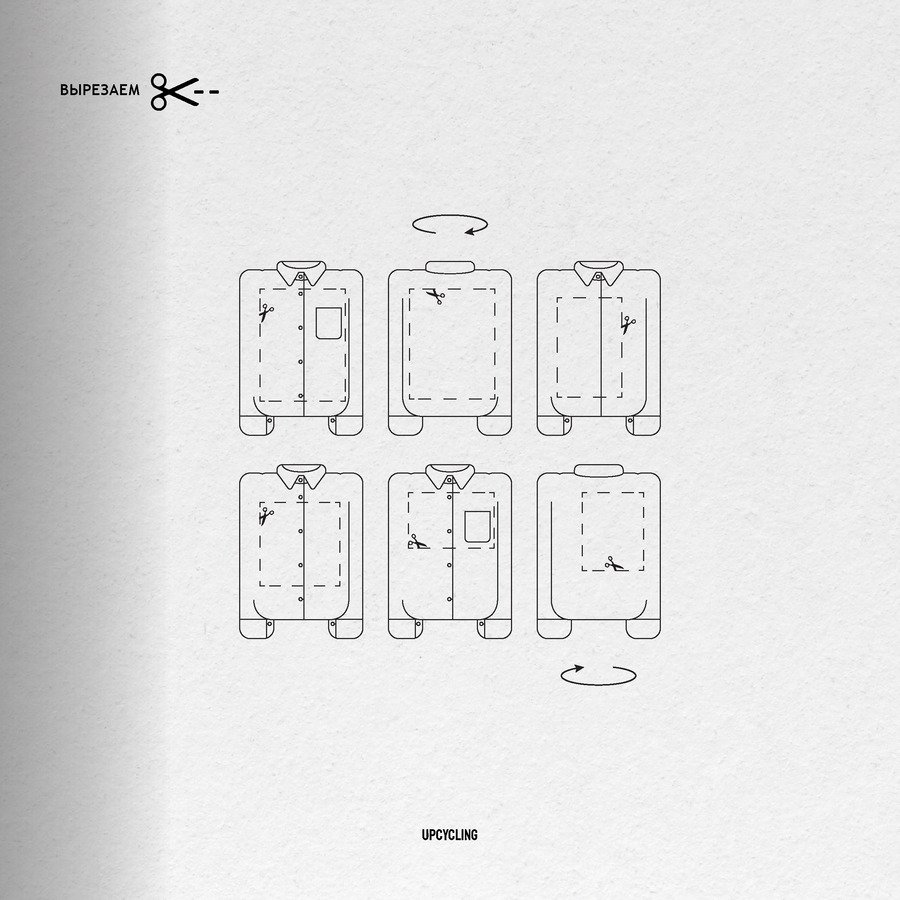
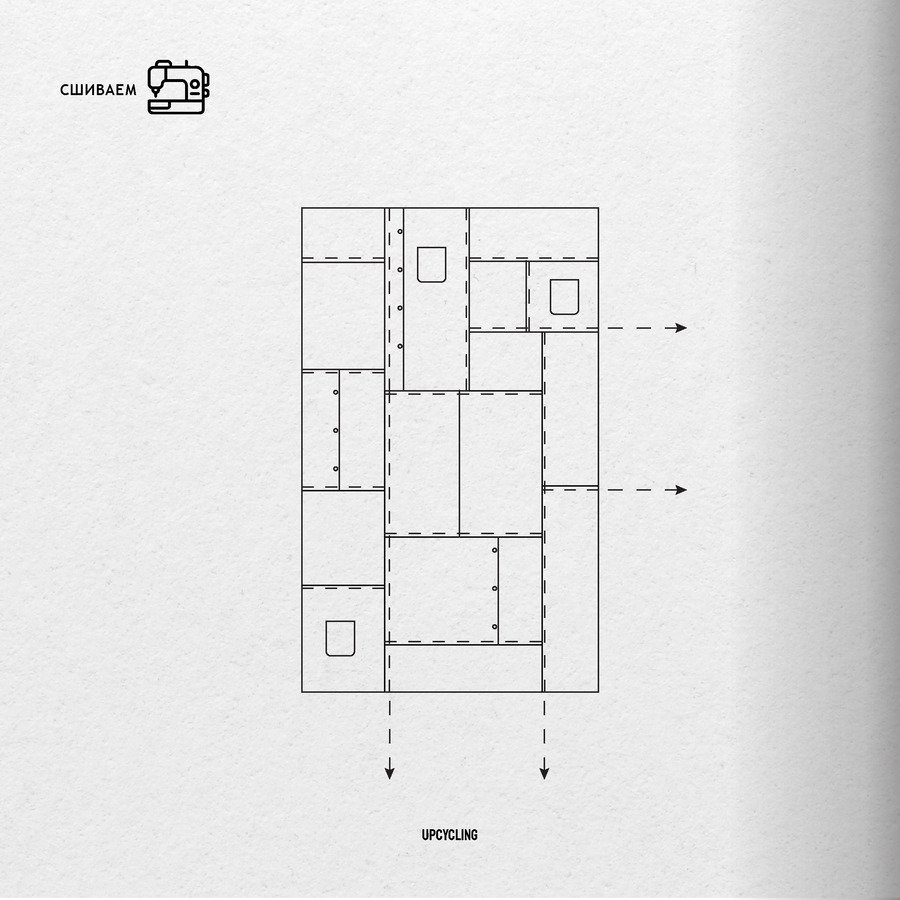
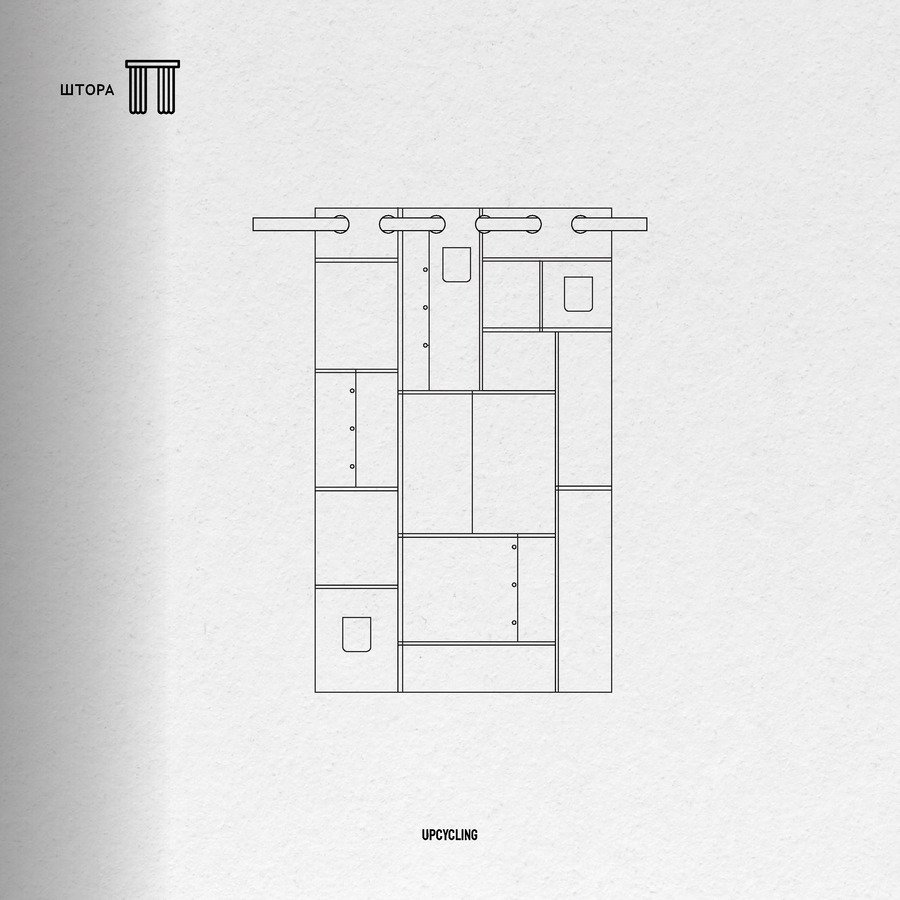
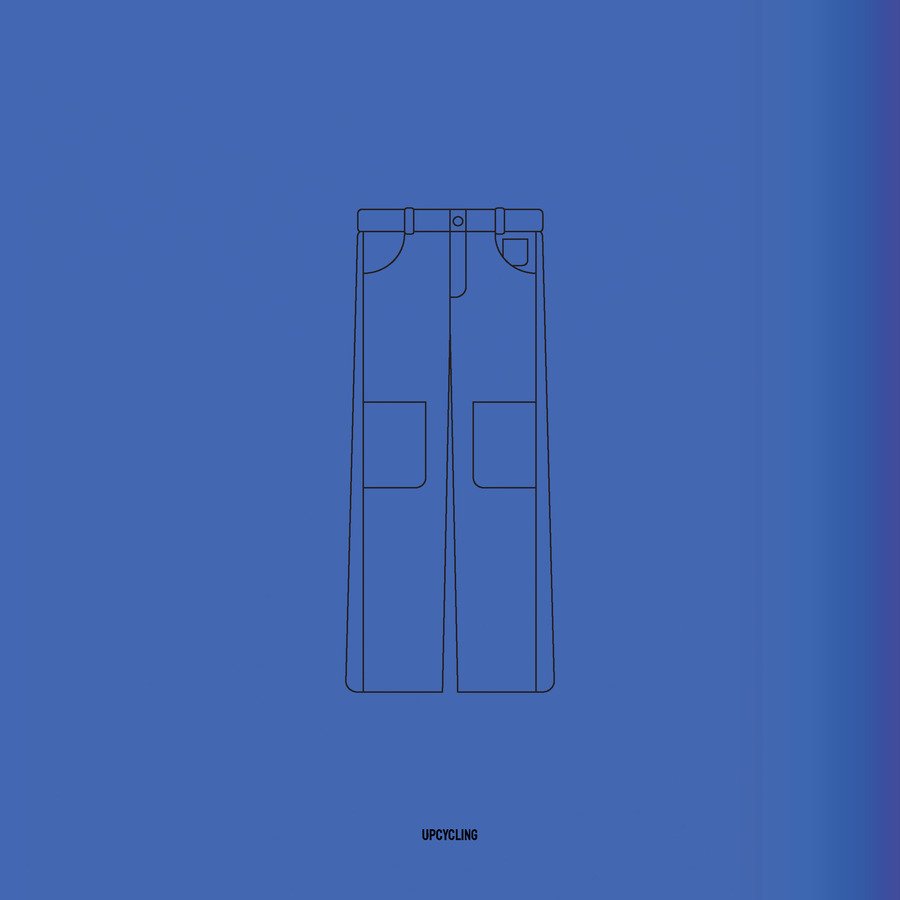
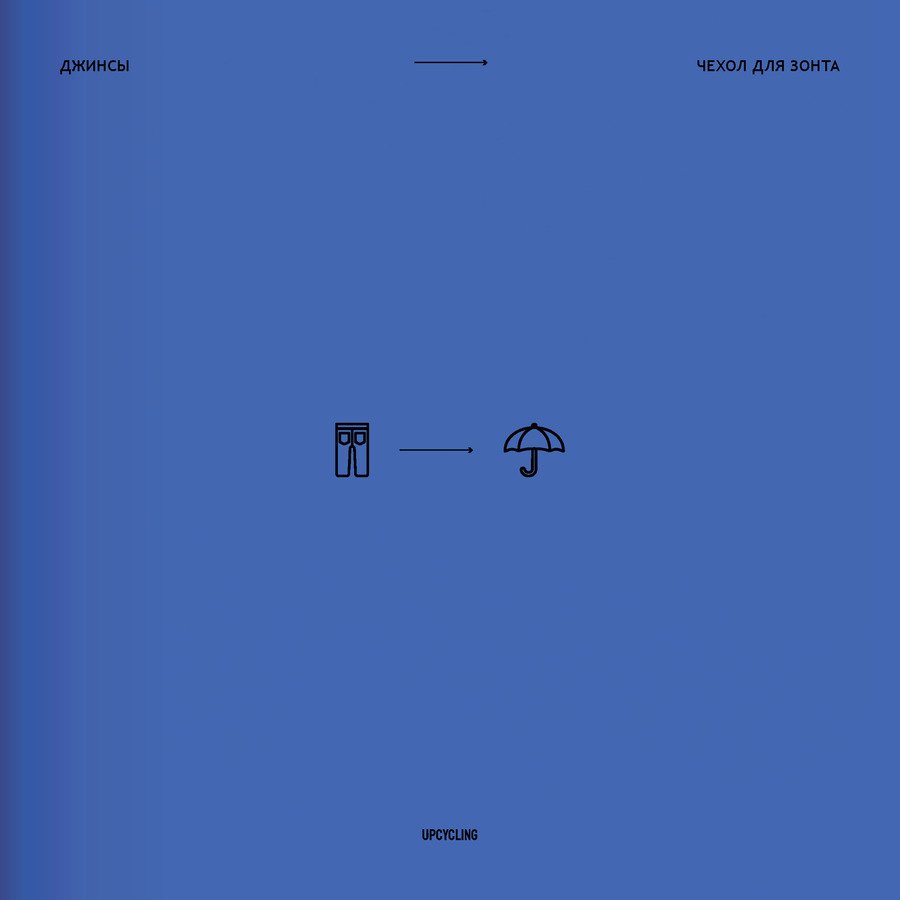
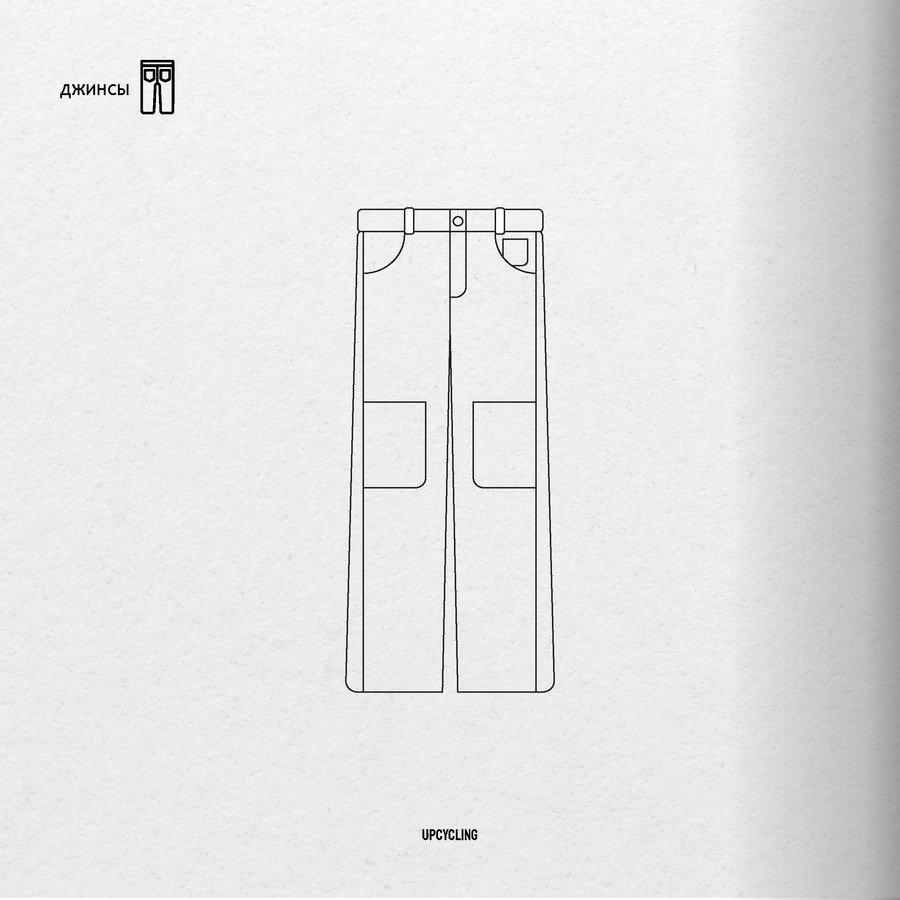
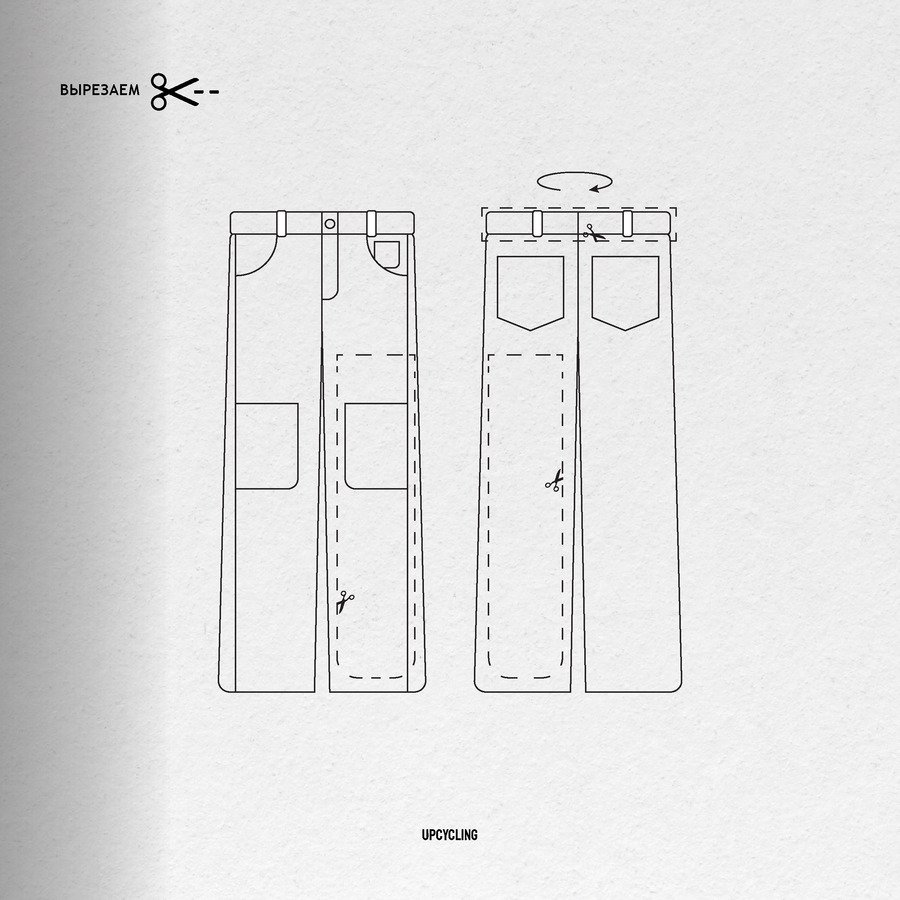
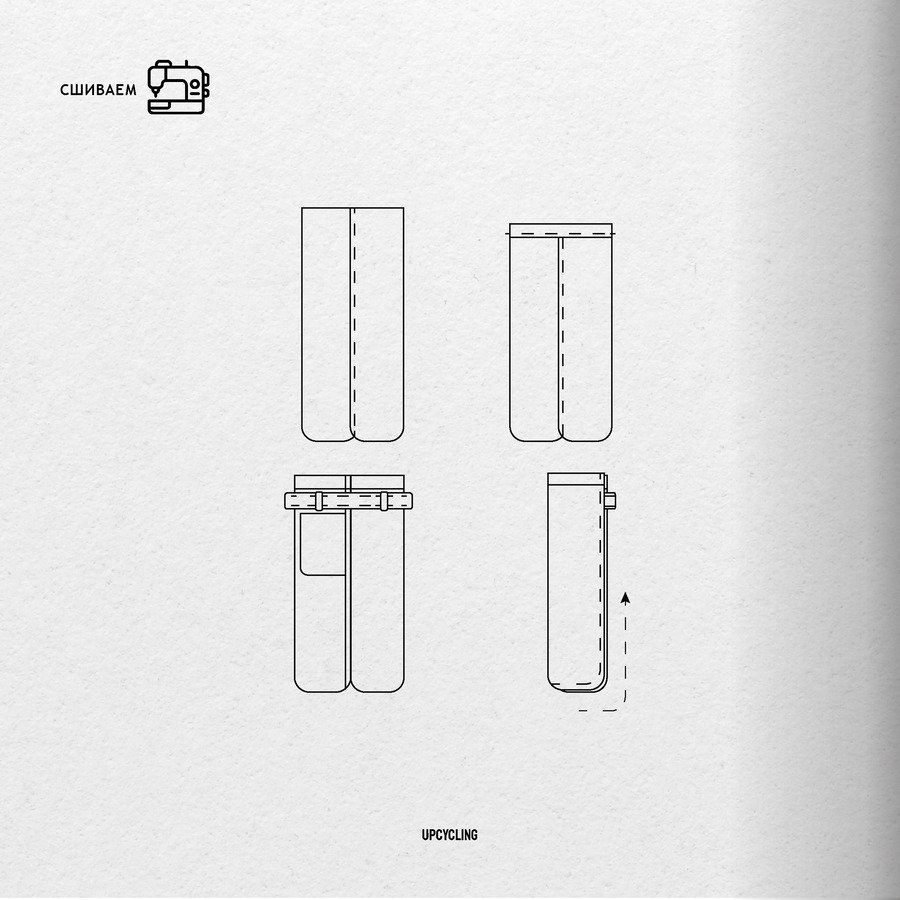
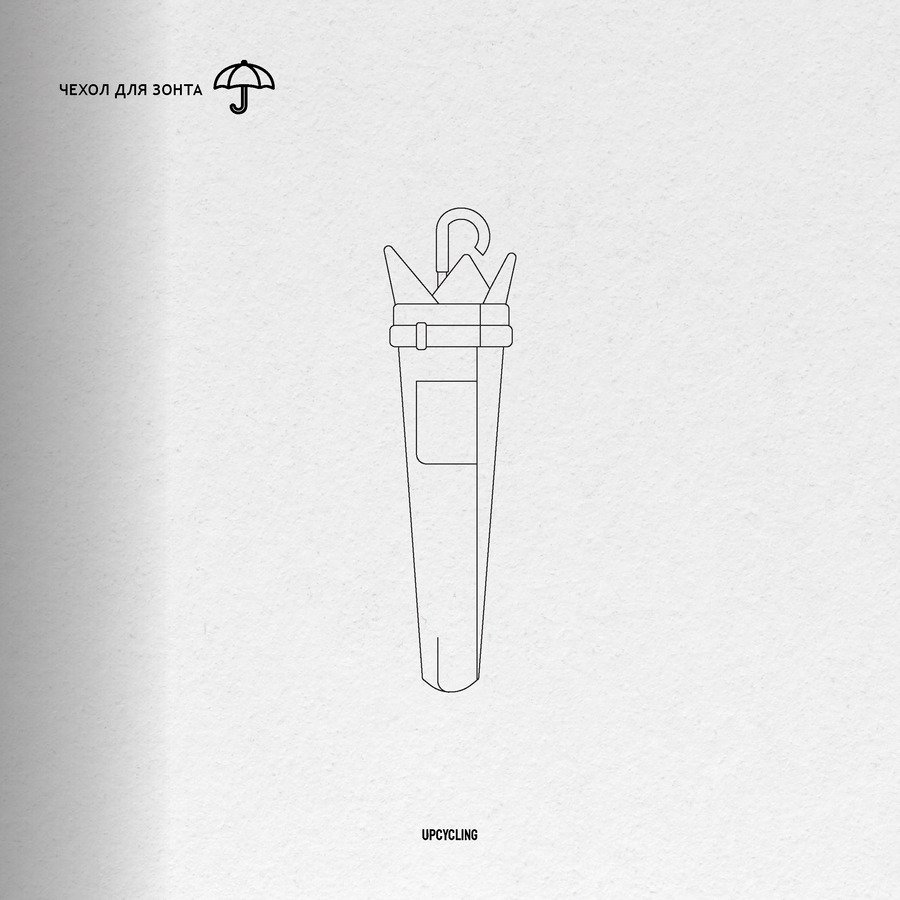
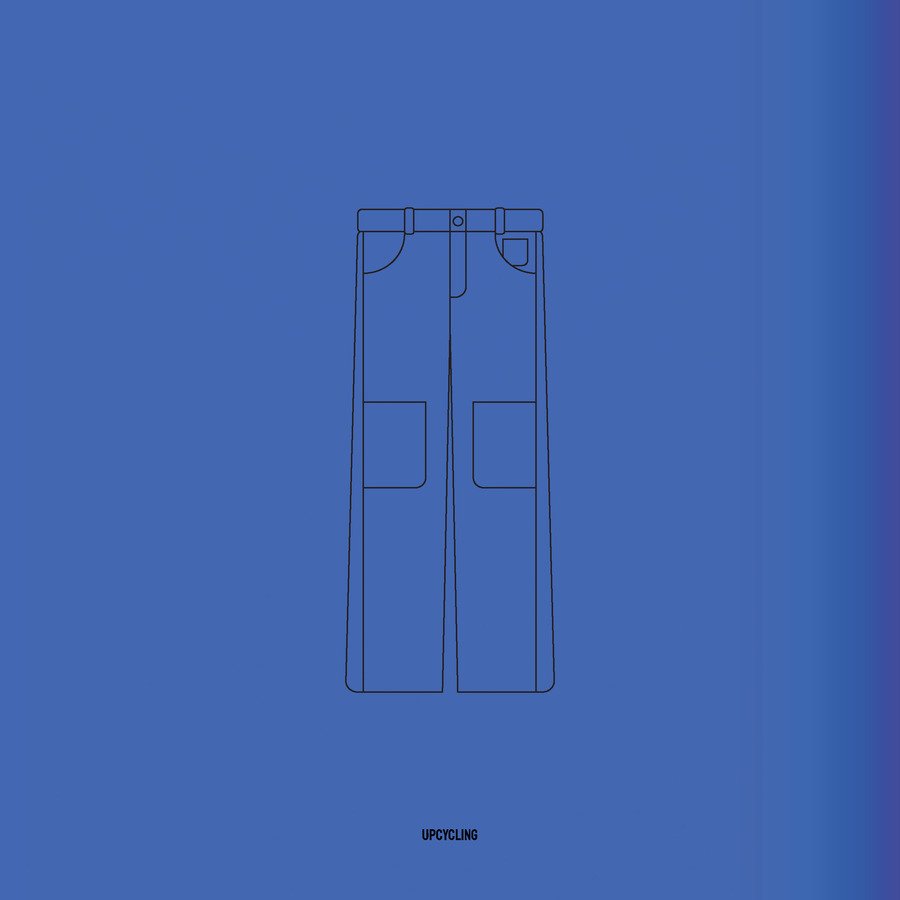
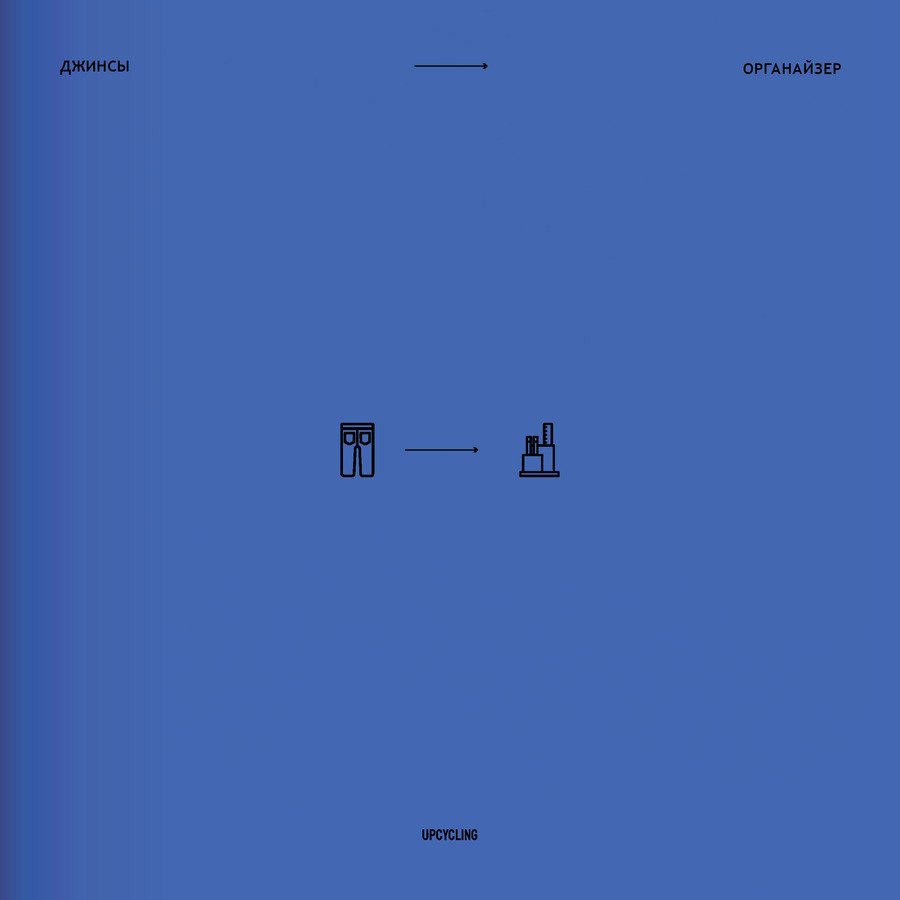
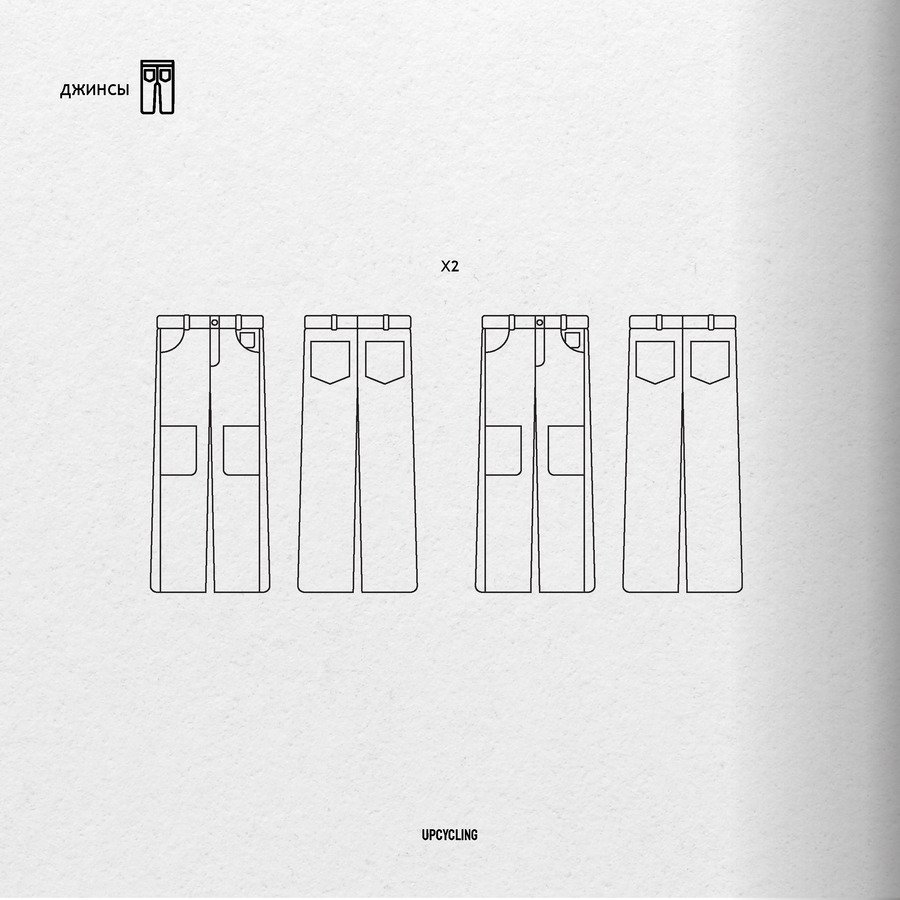
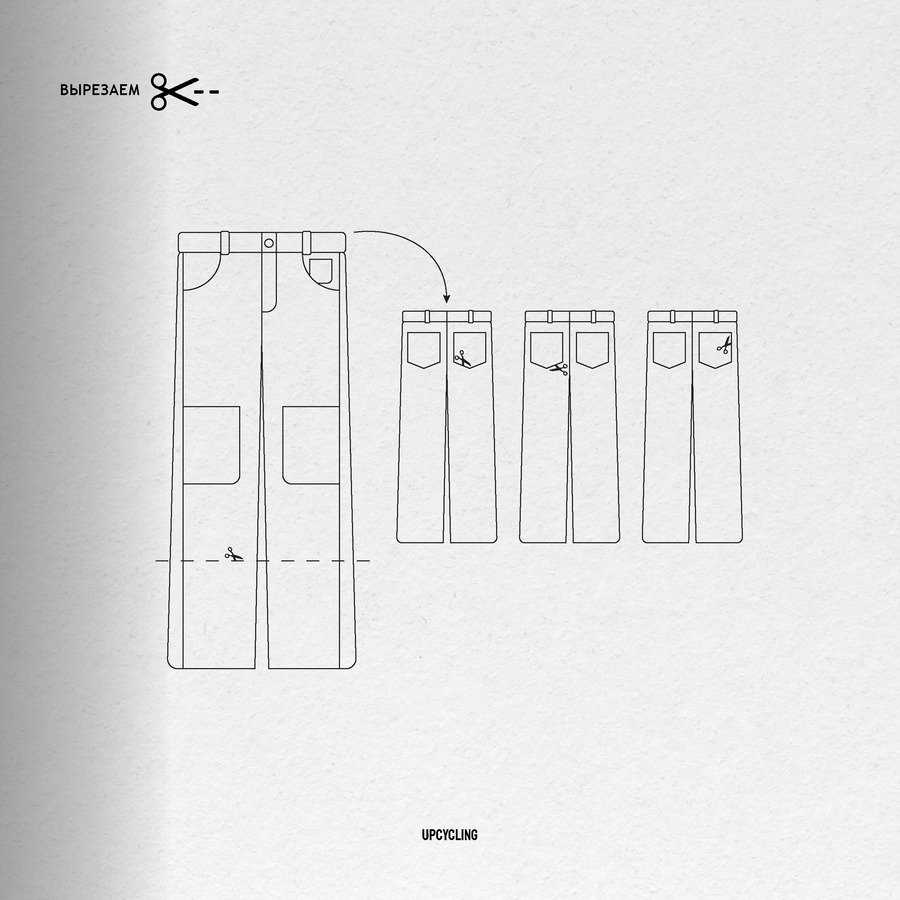
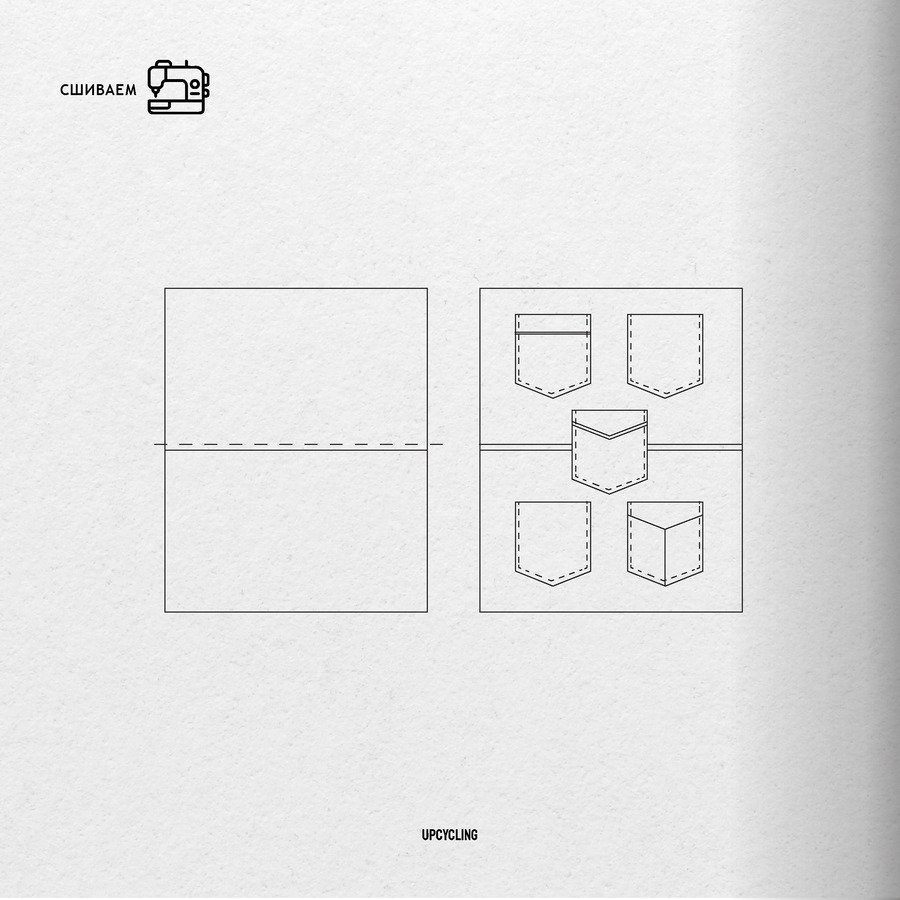
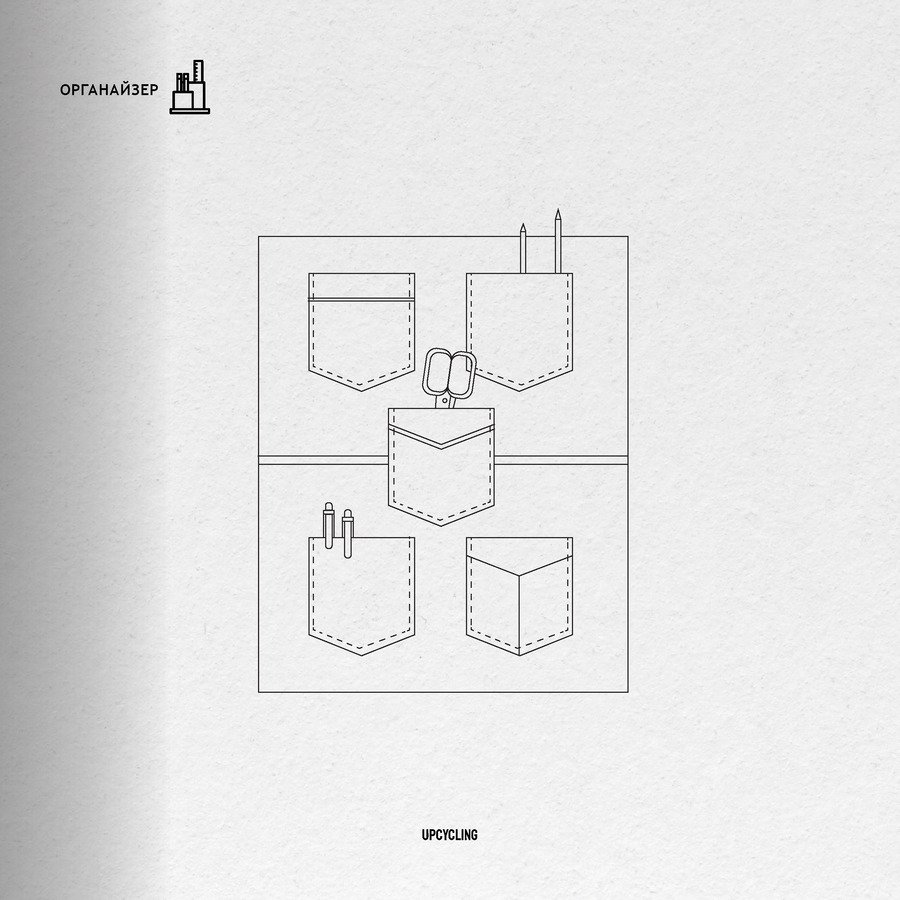
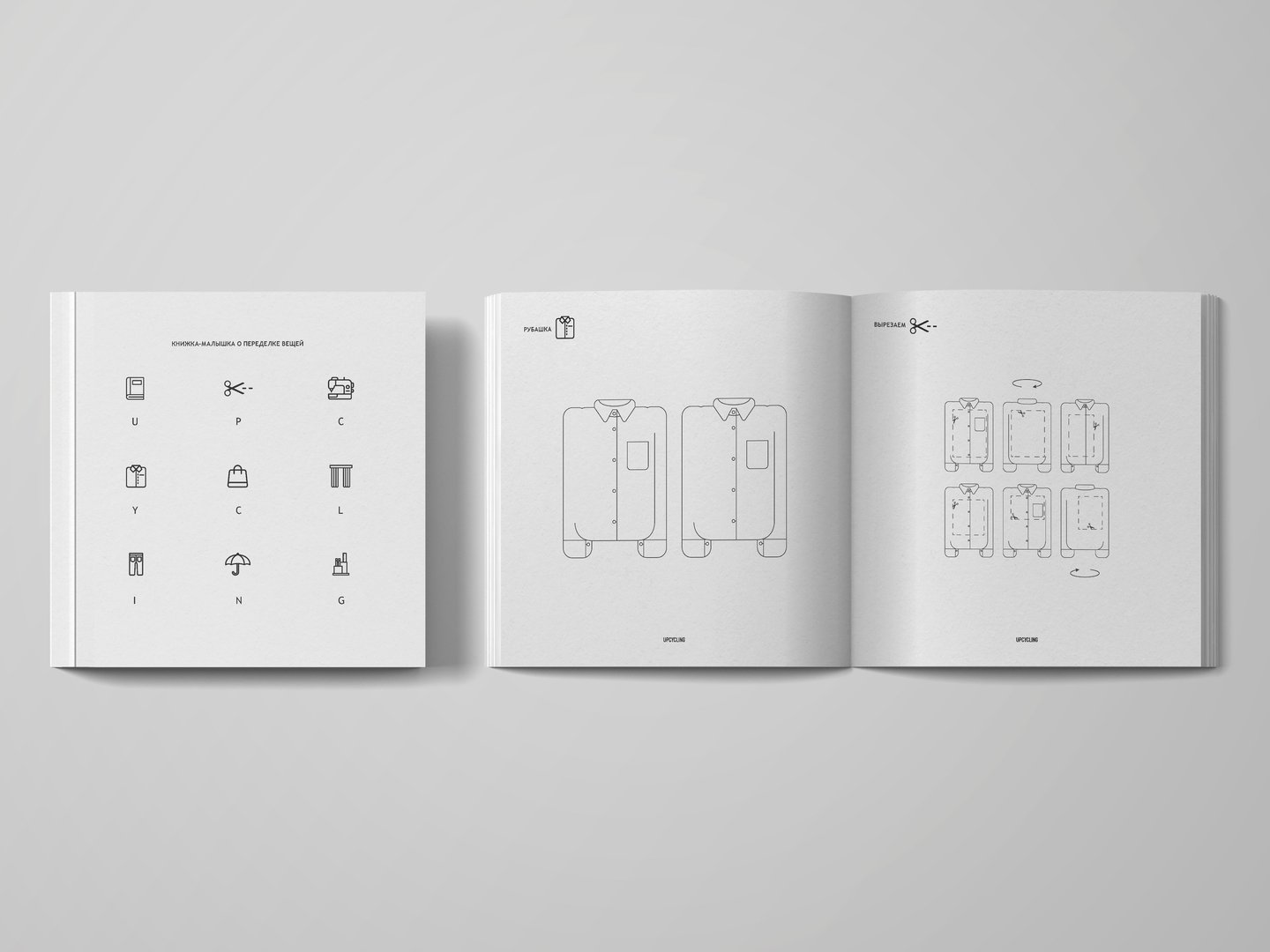
моя книжка содержит бытовые, но креативные способы по переделке одежды. своими простыми схемами я напоминаю о сложной проблеме
мирового перепроизводства и подталкиваю зрителя к созданию нового из старого.
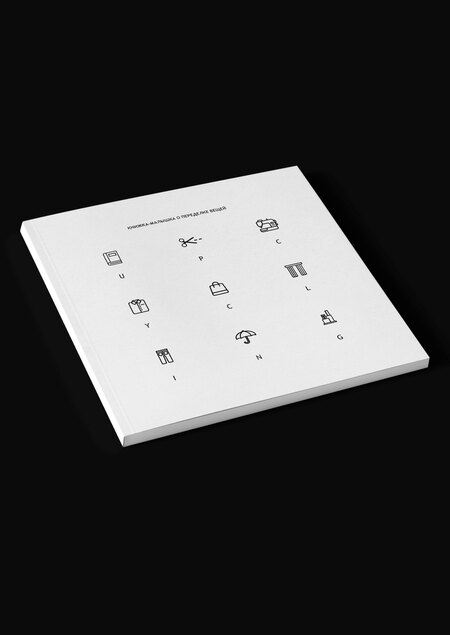
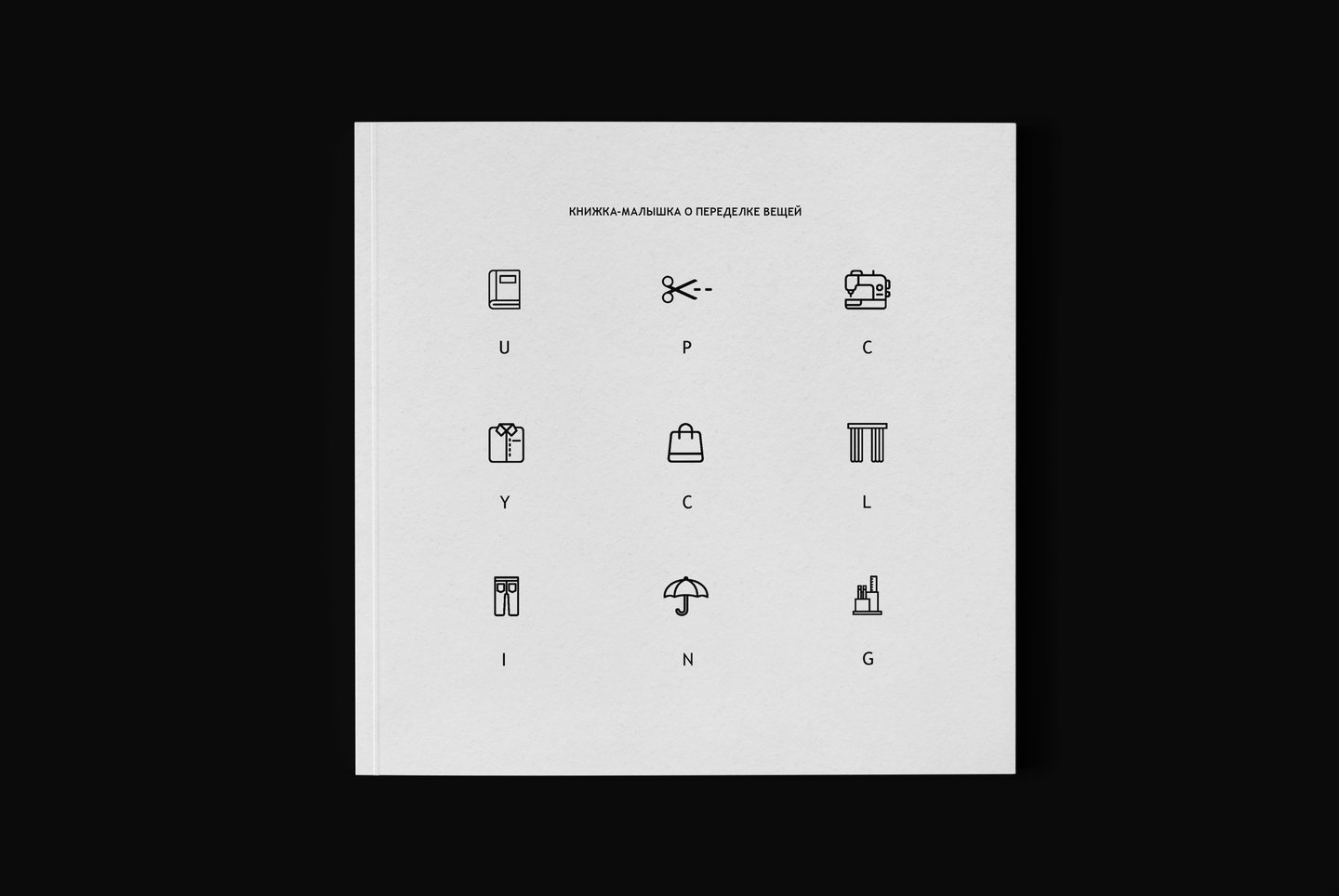
для еще большего упрощения и снижения градуса серьезности был выбран мини-формат: 10,5 на 10,5 сантиметров, а весь проект приобрел кодовое название «книжка-малышка».
Александра Туманина создала книжку-малышку о творческом подходе к переделке одежды. Проект представляет собой мини-формат размером 10,5 на 10,5 сантиметра с простыми схемами для апсайклинга.
Владимир Малючков создал инфографику, адаптированную для слепых людей, включая текст на Брайле и описание графиков. Проект включает тестирование с незрячим участником и анализ ошибок в альтернативных текстах для визуализаций.
Лена Кузиленкова создала серию инфографик для телеграм-канала «Т—Ж Салон красоты». Эти инфографики публикуются под тегом #инфографика_недели и основаны на материалах «Тинькофф Журнала».
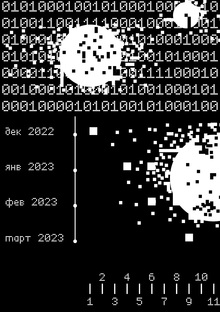
Анастасия Архипова создала брошюру на основе статьи Tech.co о утечках данных за 2022–2023 годы. Проект включает электронную версию и анализ рисков, связанных с цифровыми утечками персональной и конфиденциальной информации.
deziiign
Цифровая платформа, где талантливые креаторы находят клиентов, а бренды — свежие идеи. Загружайте проекты, получайте фидбек, участвуйте в конкурсах, получайте образование — или запускайте собственные опен-коллы и находите исполнителей для своих задач.
Мы используем файлы cookies для улучшения работы сайта и большего удобства его использования. Более подробную информац...
Показать больше
Press space bar to start a drag.
When dragging you can use the arrow keys to move the item around and escape to cancel.
Some screen readers may require you to be in focus mode or to use your pass through key
Press space bar to start a drag.
When dragging you can use the arrow keys to move the item around and escape to cancel.
Some screen readers may require you to be in focus mode or to use your pass through key
Press space bar to start a drag.
When dragging you can use the arrow keys to move the item around and escape to cancel.
Some screen readers may require you to be in focus mode or to use your pass through key
Press space bar to start a drag.
When dragging you can use the arrow keys to move the item around and escape to cancel.
Some screen readers may require you to be in focus mode or to use your pass through key
Press space bar to start a drag.
When dragging you can use the arrow keys to move the item around and escape to cancel.
Some screen readers may require you to be in focus mode or to use your pass through key
Press space bar to start a drag.
When dragging you can use the arrow keys to move the item around and escape to cancel.
Some screen readers may require you to be in focus mode or to use your pass through key
Press space bar to start a drag.
When dragging you can use the arrow keys to move the item around and escape to cancel.
Some screen readers may require you to be in focus mode or to use your pass through key
Press space bar to start a drag.
When dragging you can use the arrow keys to move the item around and escape to cancel.
Some screen readers may require you to be in focus mode or to use your pass through key
Press space bar to start a drag.
When dragging you can use the arrow keys to move the item around and escape to cancel.
Some screen readers may require you to be in focus mode or to use your pass through key
Press space bar to start a drag.
When dragging you can use the arrow keys to move the item around and escape to cancel.
Some screen readers may require you to be in focus mode or to use your pass through key
Press space bar to start a drag.
When dragging you can use the arrow keys to move the item around and escape to cancel.
Some screen readers may require you to be in focus mode or to use your pass through key
Press space bar to start a drag.
When dragging you can use the arrow keys to move the item around and escape to cancel.
Some screen readers may require you to be in focus mode or to use your pass through key
Press space bar to start a drag.
When dragging you can use the arrow keys to move the item around and escape to cancel.
Some screen readers may require you to be in focus mode or to use your pass through key
Press space bar to start a drag.
When dragging you can use the arrow keys to move the item around and escape to cancel.
Some screen readers may require you to be in focus mode or to use your pass through key